01Collect images
Upload photos, structure sets, and guide clients directly into the right gallery.
Exportlab keeps upload, selection, feedback, and final delivery in one workspace that feels premium for clients and calm for your team.
Uploads, sets, and client links stay organized from the first import to the final selection.
Favorites, comments, and approvals land on the right image instead of scattered messages.
Deliveries feel professional, stay traceable, and remain easy for clients to access.
From shoot day to handoff, everything stays in the same context.
Upload photos, structure sets, and guide clients directly into the right gallery.
Make favorites, feedback, and corrections visible without manually matching files or lists.
Share approved images through a clear delivery link and close the project cleanly.




Exportiere Fotos direkt aus Lightroom Classic in deine Exportlab-Galerie — per Plugin, ohne Browser-Umweg.
Use the features that carry your photo workflow from upload to delivery.
Create polished galleries for selection, presentation, and final handoff.
View Photo Galleries
Find people, scenes, and favorites faster, even across large image sets.
View photo features
Keep comments and approvals attached to the media instead of losing them in separate chats.
View feedback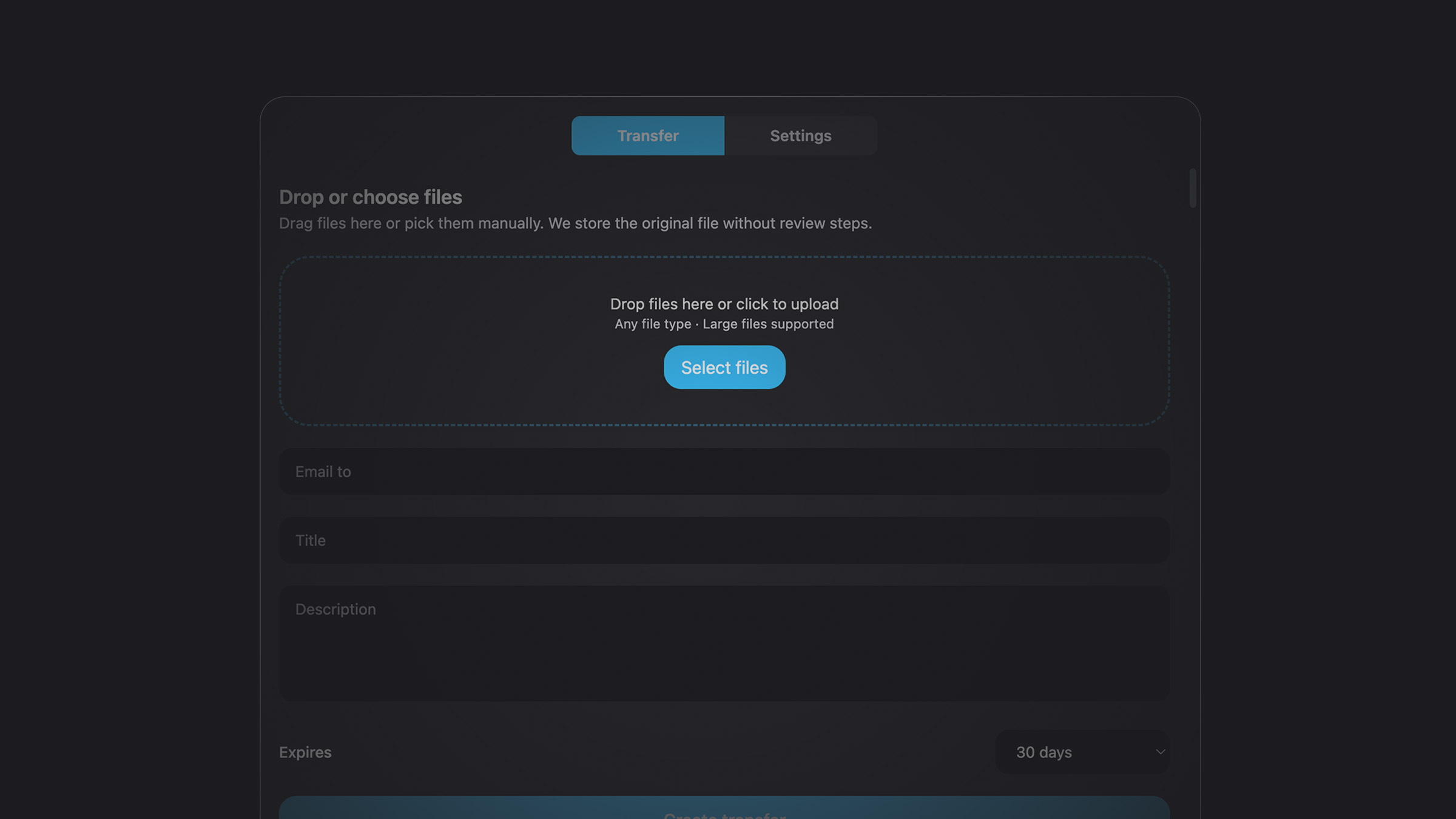
Share final files in a controlled, well-presented space that is ready for clients.
View Easy TransferWhether it is a single shoot or a team production, the workflow stays clear.
Hand over selections, feedback, and final sets in a structured client flow.
Handle many people, many files, and clear matching without manual cleanup.
Keep production, approvals, and delivery in one clean project context.
Yes. The trial runs 7 days, with two galleries and up to 50 MB per photo.
No. Galleries open through a link in the browser, optionally behind a four-digit PIN.
No. AI indexing is switched off on the trial and can be added from the first paid plan, one token per image.
From the Creator plan. Each person gets their own access code and sees only their own photos.
Yes, through the Lightroom plugin straight into the gallery.
Compare the plans or talk to us about your setup.