01Upload cuts
Publish new versions in a structured way and invite clients straight into review.
Exportlab makes video feedback traceable: clients comment at the right moment while your team stays in control of versions and delivery.
Comments point directly to the moment in the video instead of vague timecodes in chat.
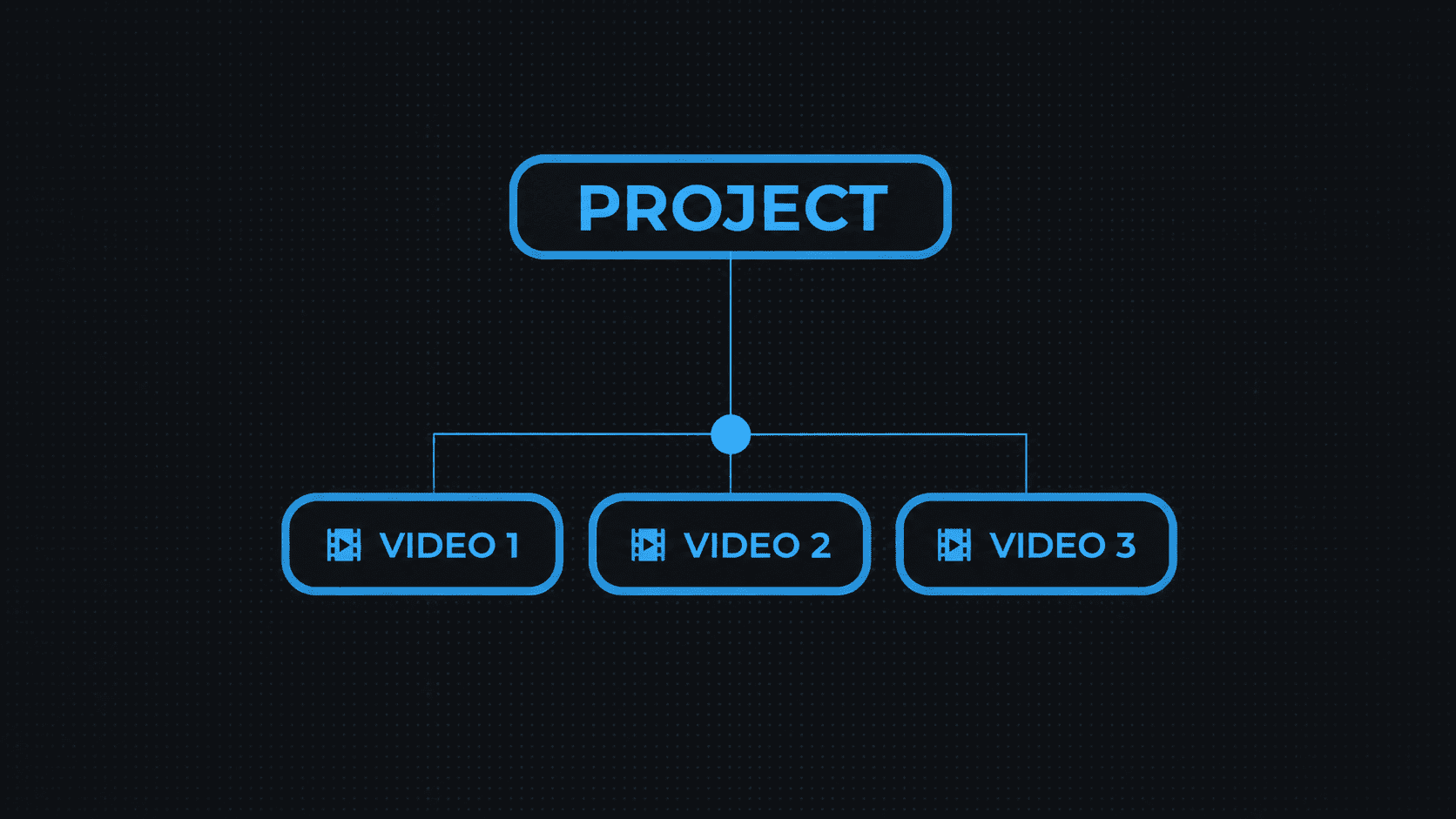
New cuts, previous states, and final approvals stay traceable inside one project.
Share large files, collect approvals, and deliver final videos professionally.
From first upload to final file, the conversation stays attached to the video.
Publish new versions in a structured way and invite clients straight into review.
Keep frame-specific comments, open points, and approvals in one view.
Share approved videos securely and document the project close clearly.
Brand Campaign v3
Frame-accurate
Pin comments to exact frames. Clients annotate directly — no vague emails, no missed timestamps.
From H.264 to ProRes 4444 — Exportlab detects your file and prepares it for review right away.
HLS Review Stream
Fast Playback · HD/4K · Browser
Playback
Apple Animation
qtrle · RGBA · After Effects
After Effects
ProRes 4444
MOV · Alpha · High Bitrate
Alpha MOV
MOV / QuickTime
ProRes · DaVinci · Premiere
Editing Export
MP4
H.264 · H.265 · HLS Review
Standard Video
WebM with Alpha
Transparent · VP9 · Overlays
Alpha Channel
Lade Videodateien und Cuts direkt aus dem Cutroom-Plugin in deine Exportlab-Galerie — ohne Datei-Export-Umwege.
Exportlab removes friction from feedback, versioning, and file handoff.
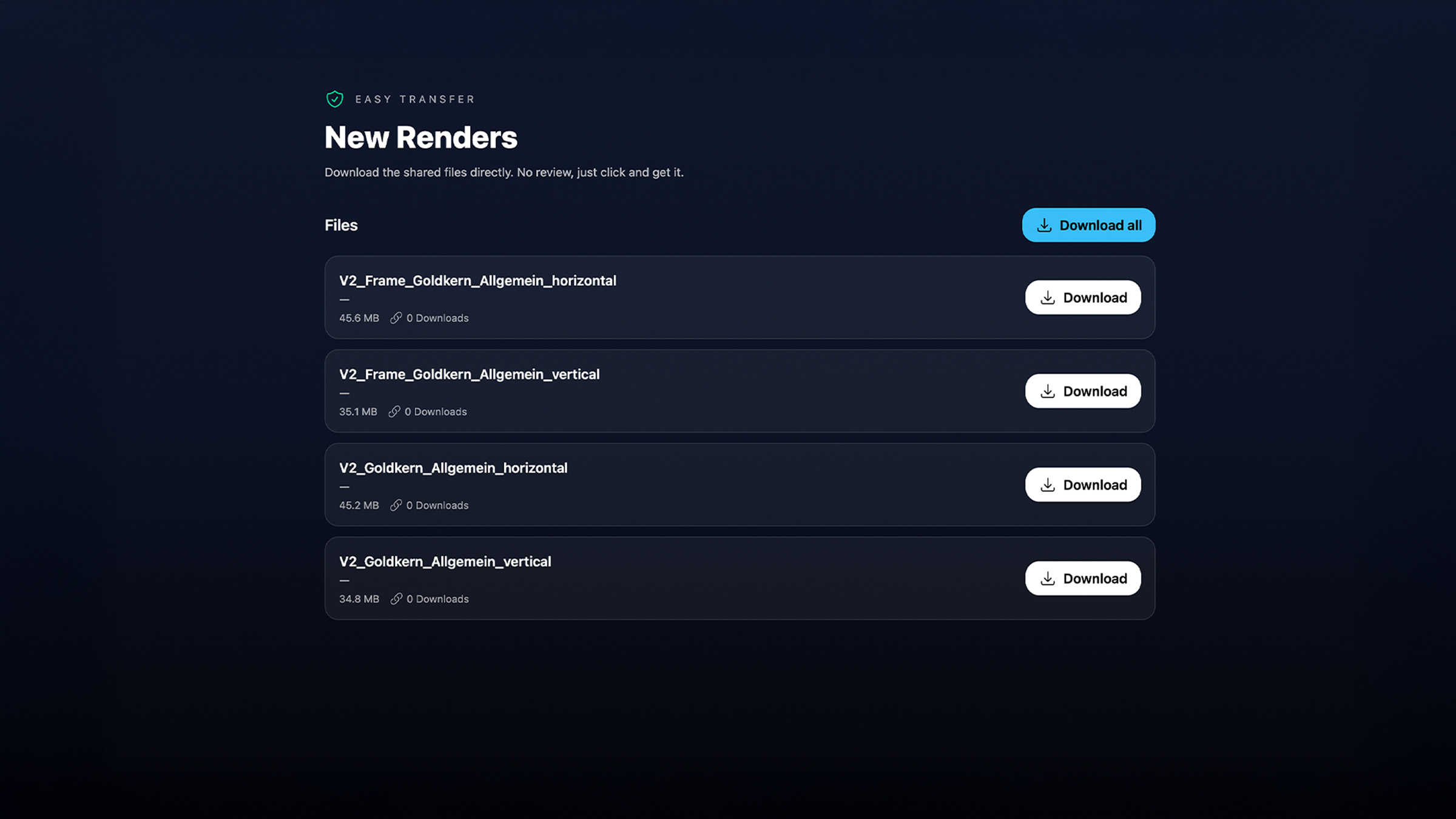
Collect, share, and deliver large video files without friction.
View Easy Transfer
Exportlab fits into existing production flows with editing and automation tools.
View integrationsEvery round stays understandable, even with several stakeholders involved.
Coordinate variants, formats, and approvals without unclear feedback.
Move footage, drafts, and final deliveries cleanly to clients.
Keep teams and clients in one review process instead of spreading links.
No. The review link opens in the browser, protected by a PIN. Their own login only exists in the Client Portal, from Creator.
MP4, MOV, AVI, MKV and WebM. ProRes in MXF, R3D and BRAW are not supported.
It depends on the plan: 500 MB on the trial, 2 GB on Rookie, 5 GB on Creator, 10 GB on Ultimate, 20 GB on Team.
Through the plugins for Premiere Pro and DaVinci Resolve, or as .edl in CMX3600 format.
No. You switch between versions, and the feedback stays with each one.
Find the right plan or talk to us about your video workflow.