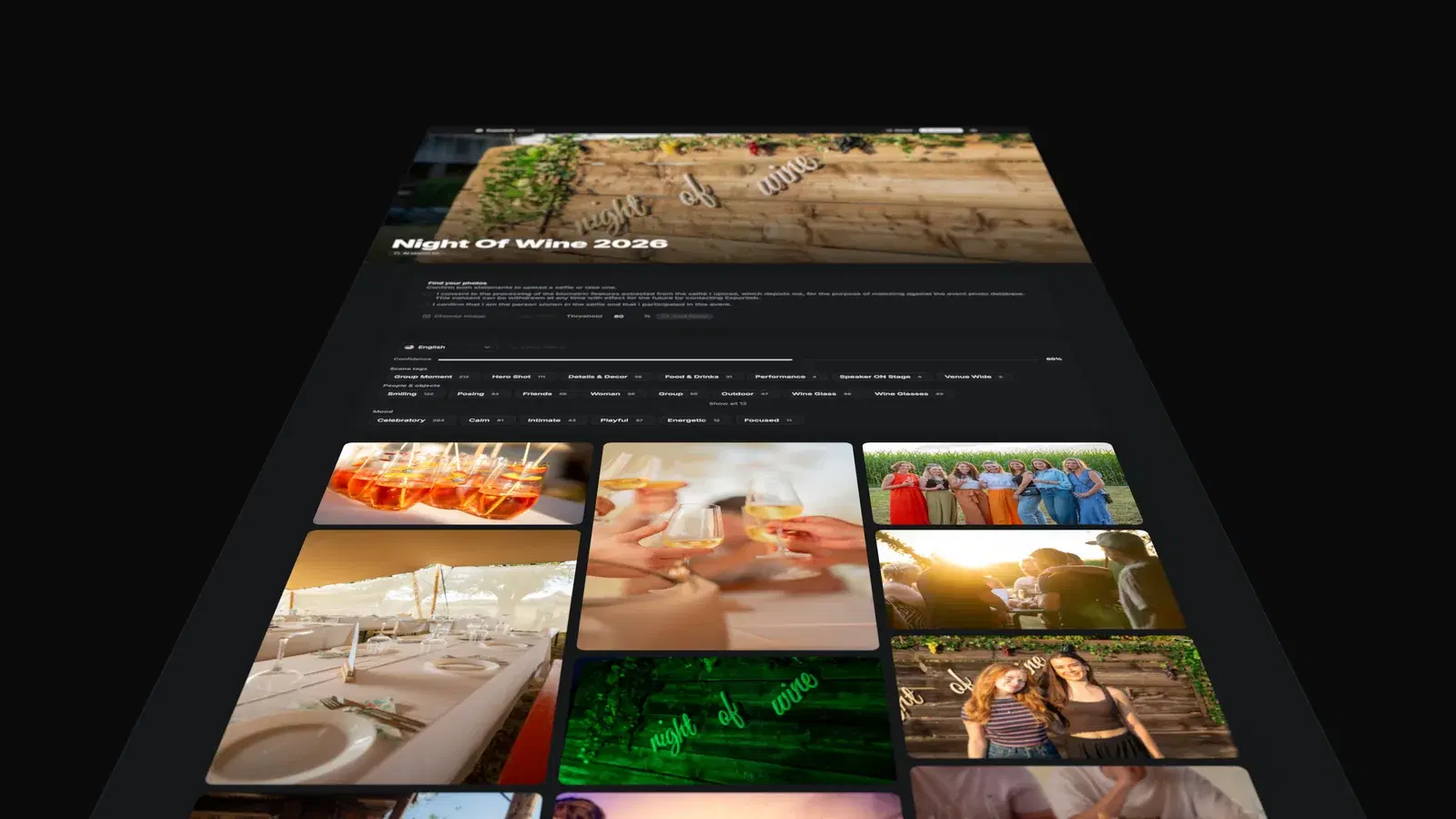
 Photo GalleryA client gallery with a viewport switcher for desktop, tablet, and mobile.View
See Exportlab.
No account, no sign-up.
These demos show what individual Exportlab workflows look like later for clients, guests, models, and teams.
Ten real surfaces · each opens in a new tabPhoto GalleryA client gallery with a viewport switcher for desktop, tablet, and mobile.View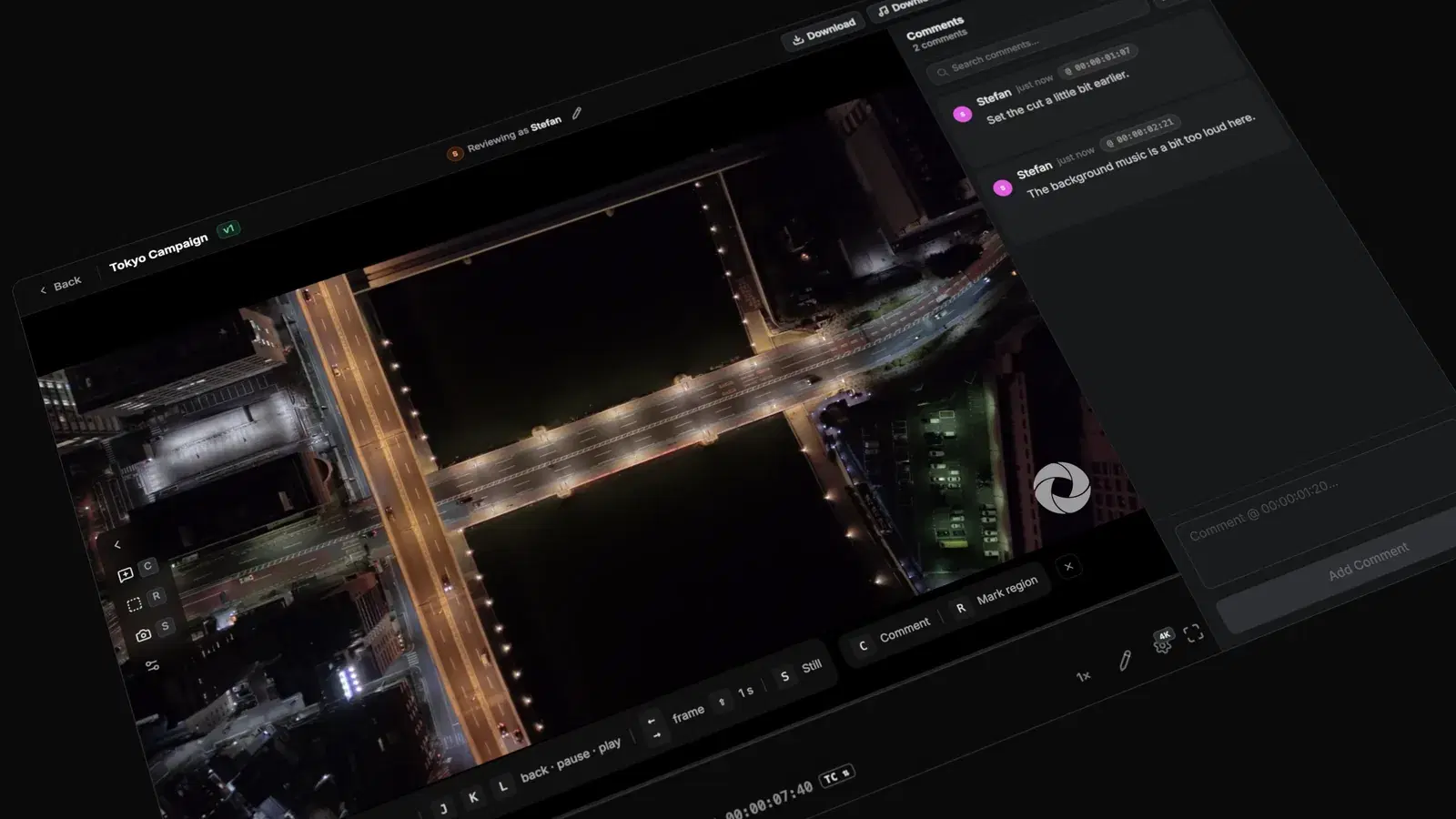 Video ReviewVideo approvals with comments, annotations, and a focused review interface.View
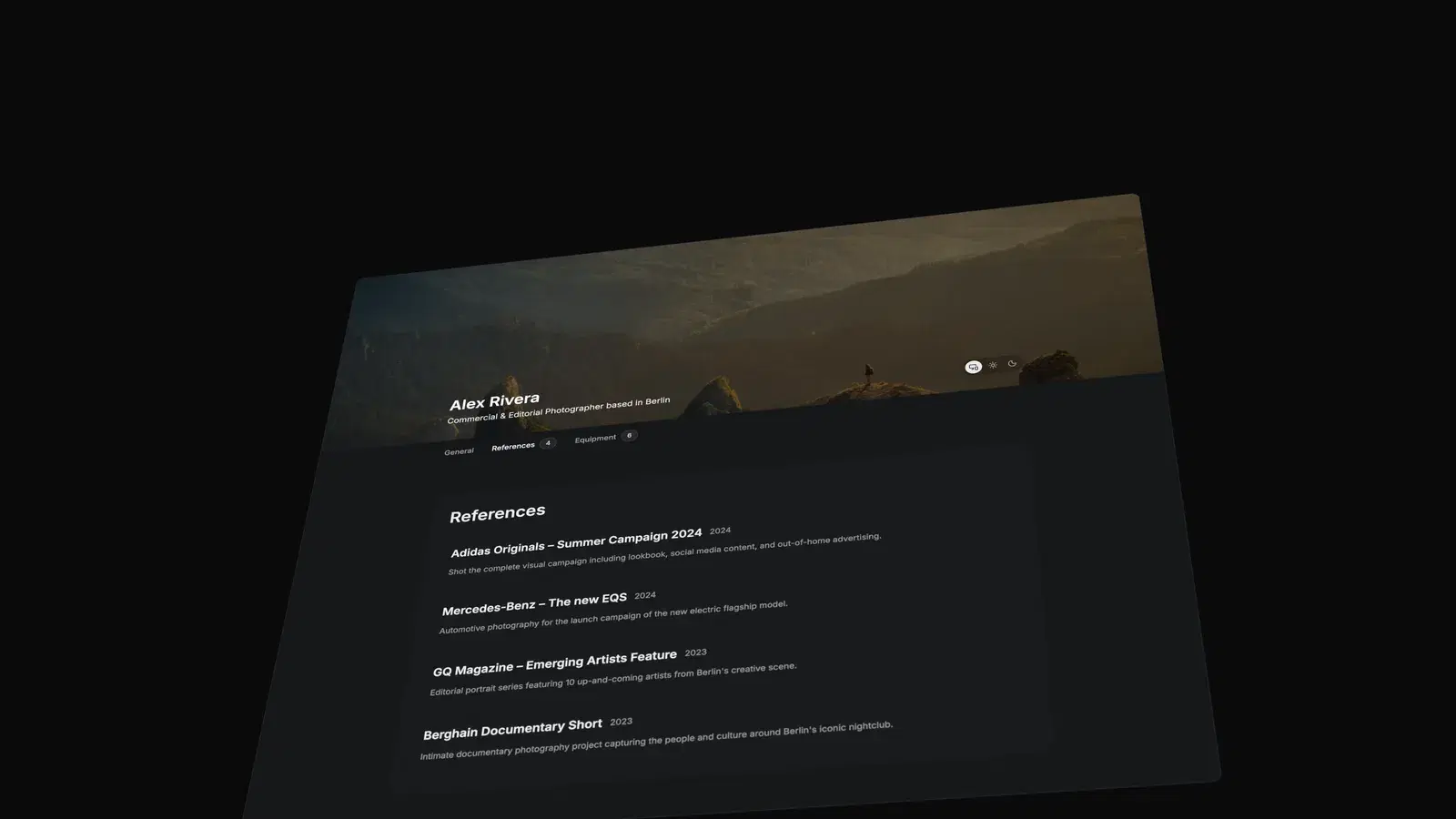 Public ProfileA public photographer portfolio page with a clean presentation layer.View
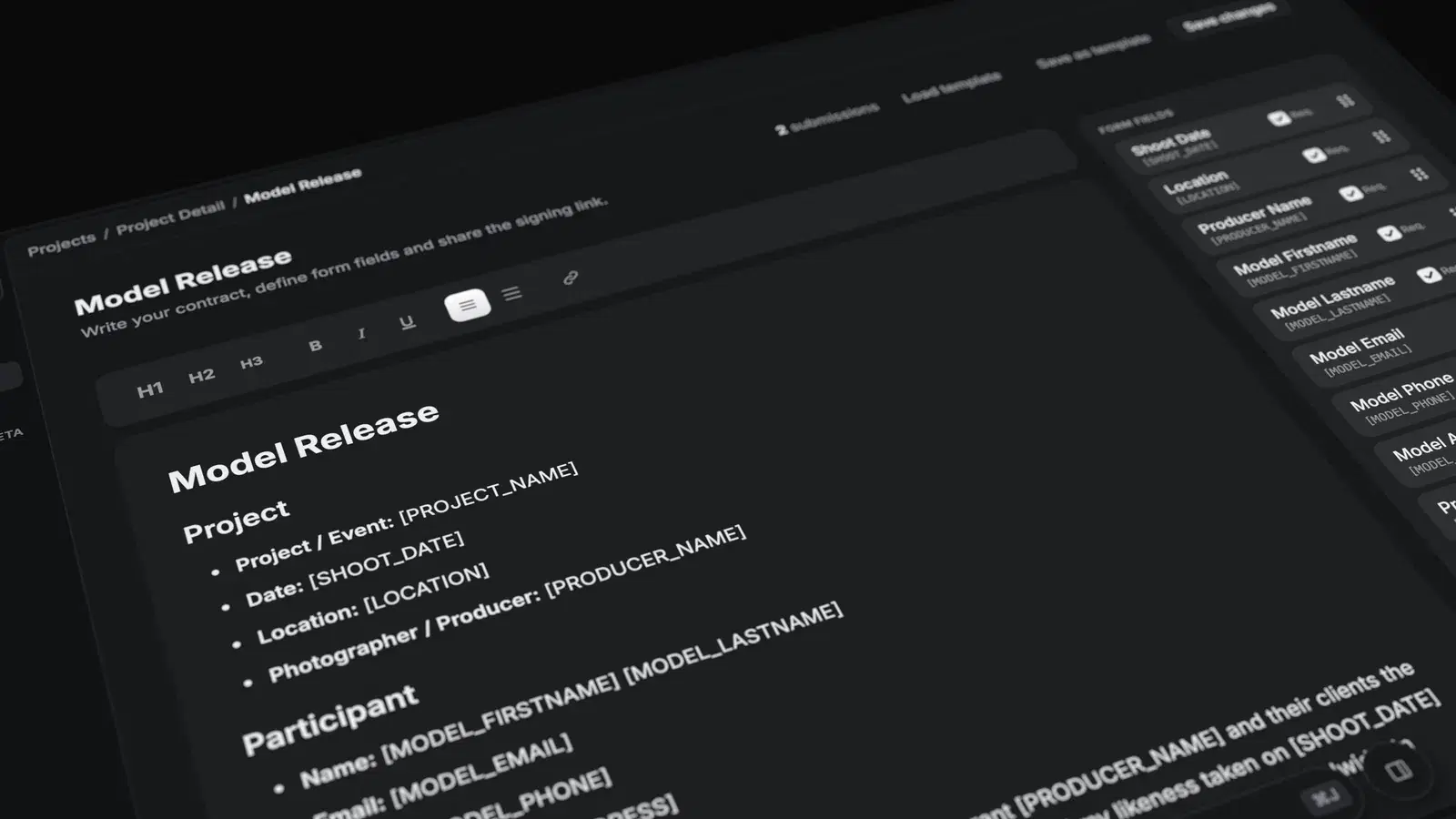 Model ReleaseA public form for digital model releases and consent capture.View
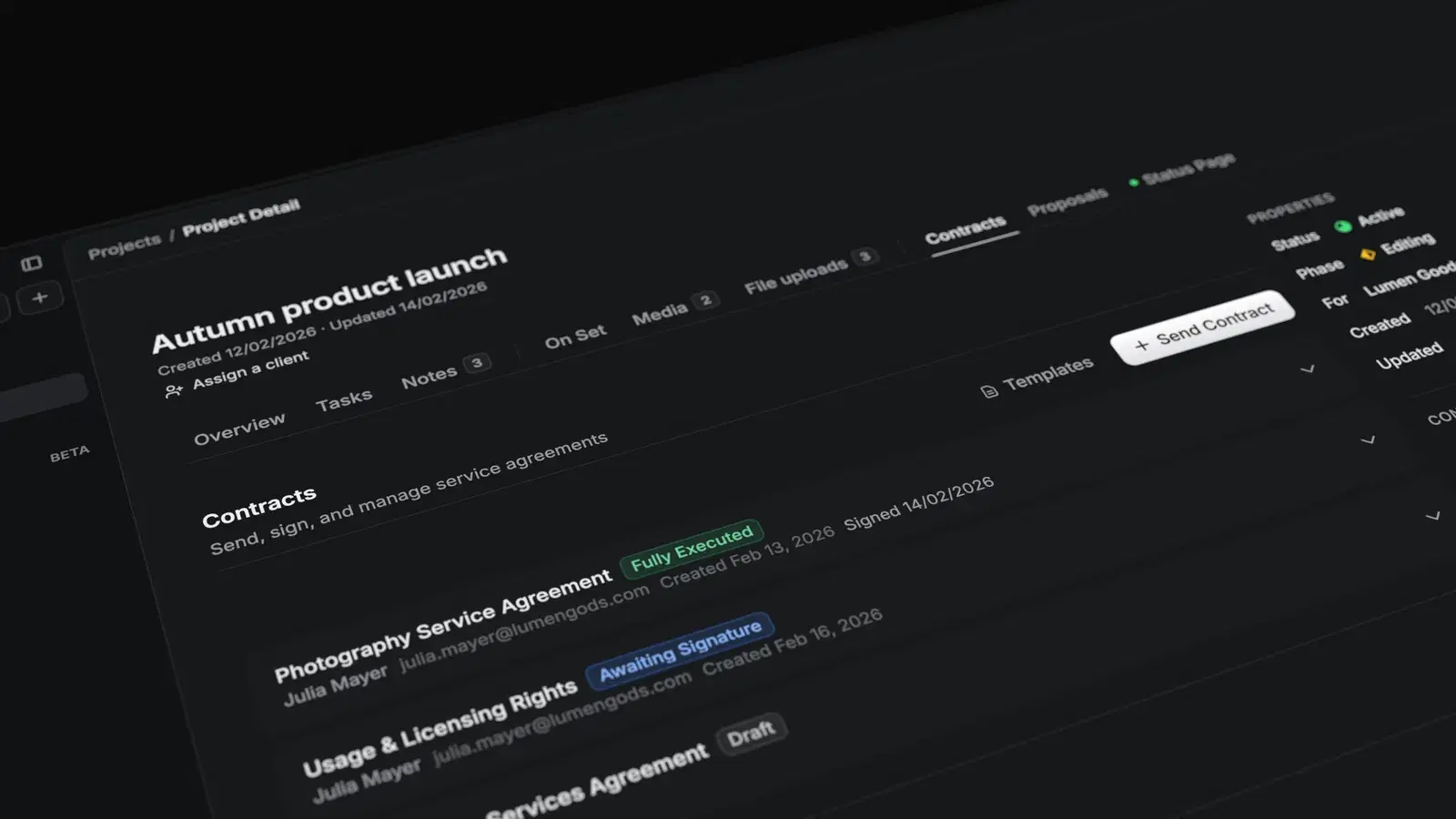 Contract SigningContract signing with a signature pad and simple client guidance.View
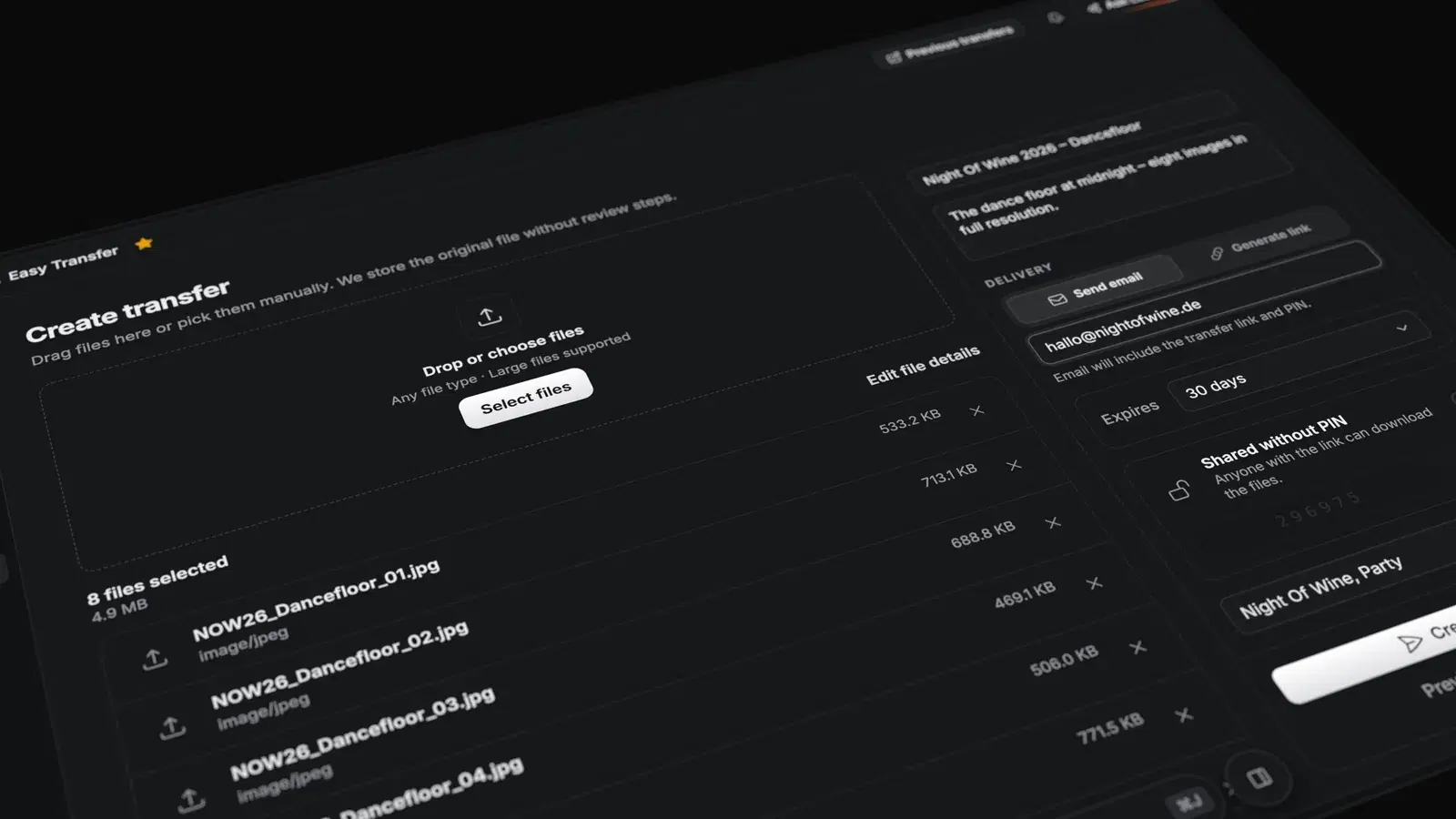 Easy TransferA file download page for final deliverables and secure handovers.View
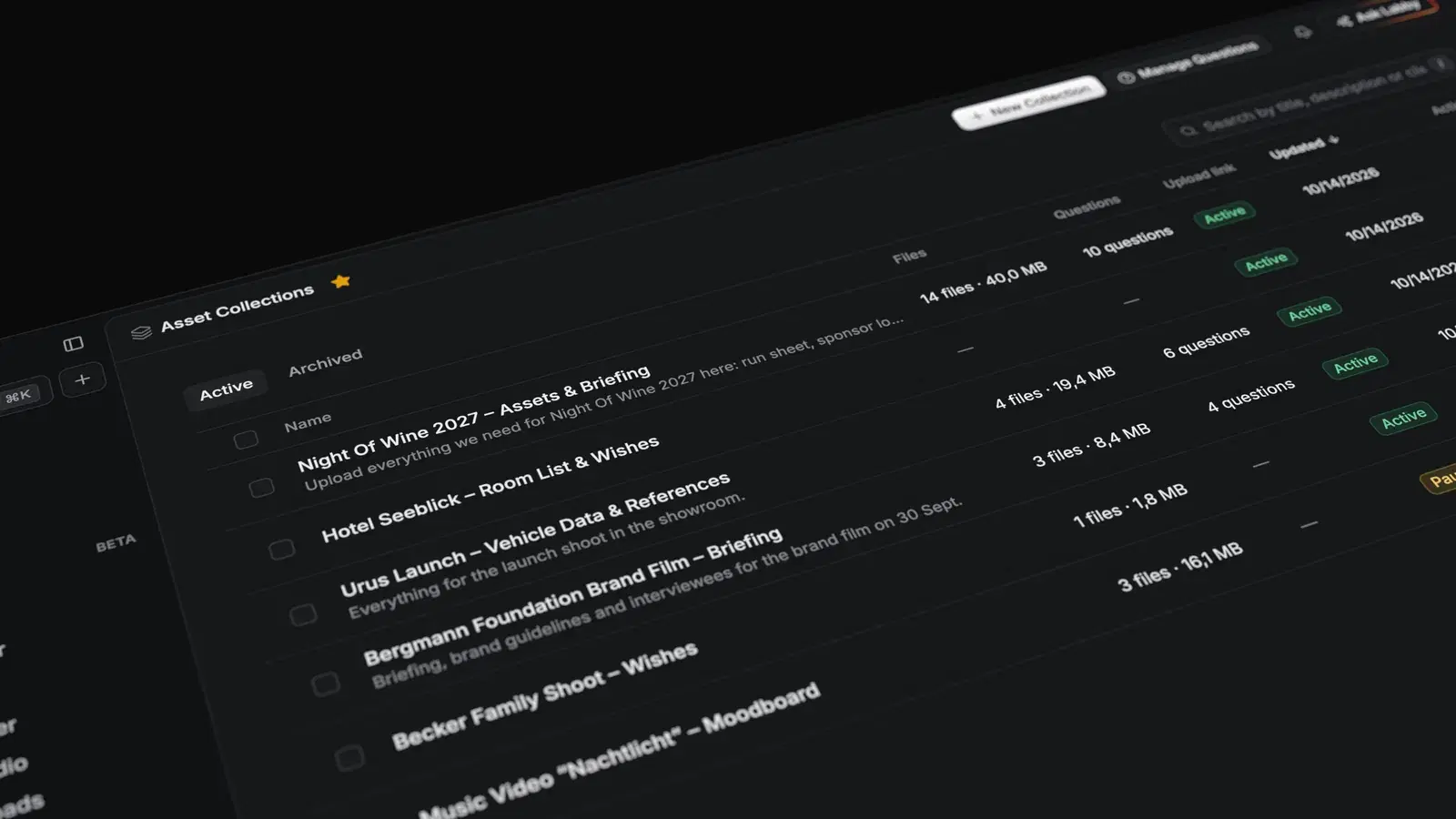 Asset CollectionRequest client assets and collect briefing answers before the work starts.View
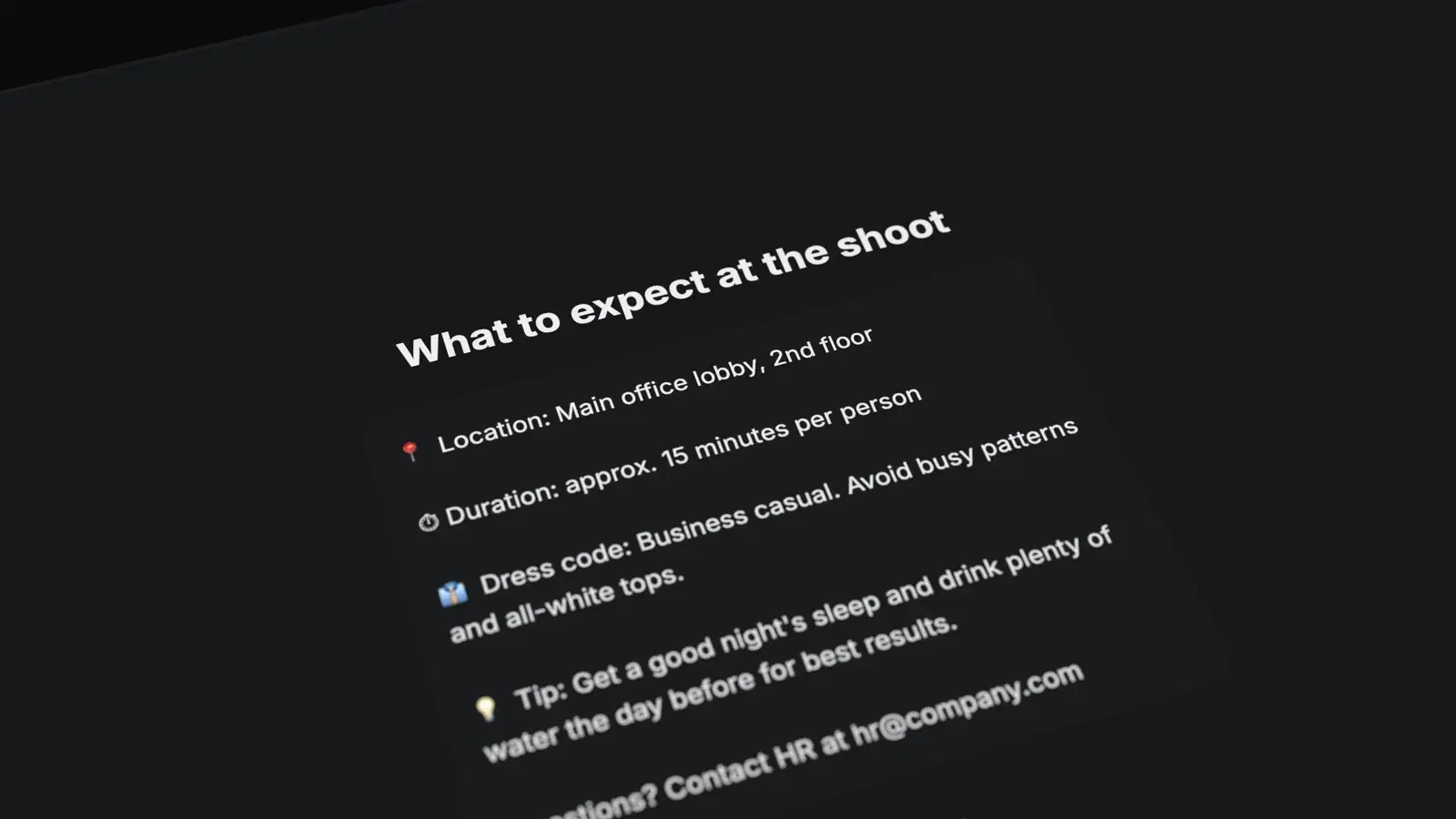 Group Shoot Check-inThe new check-in flow from info, tag, and package to form, selfie, and success.View
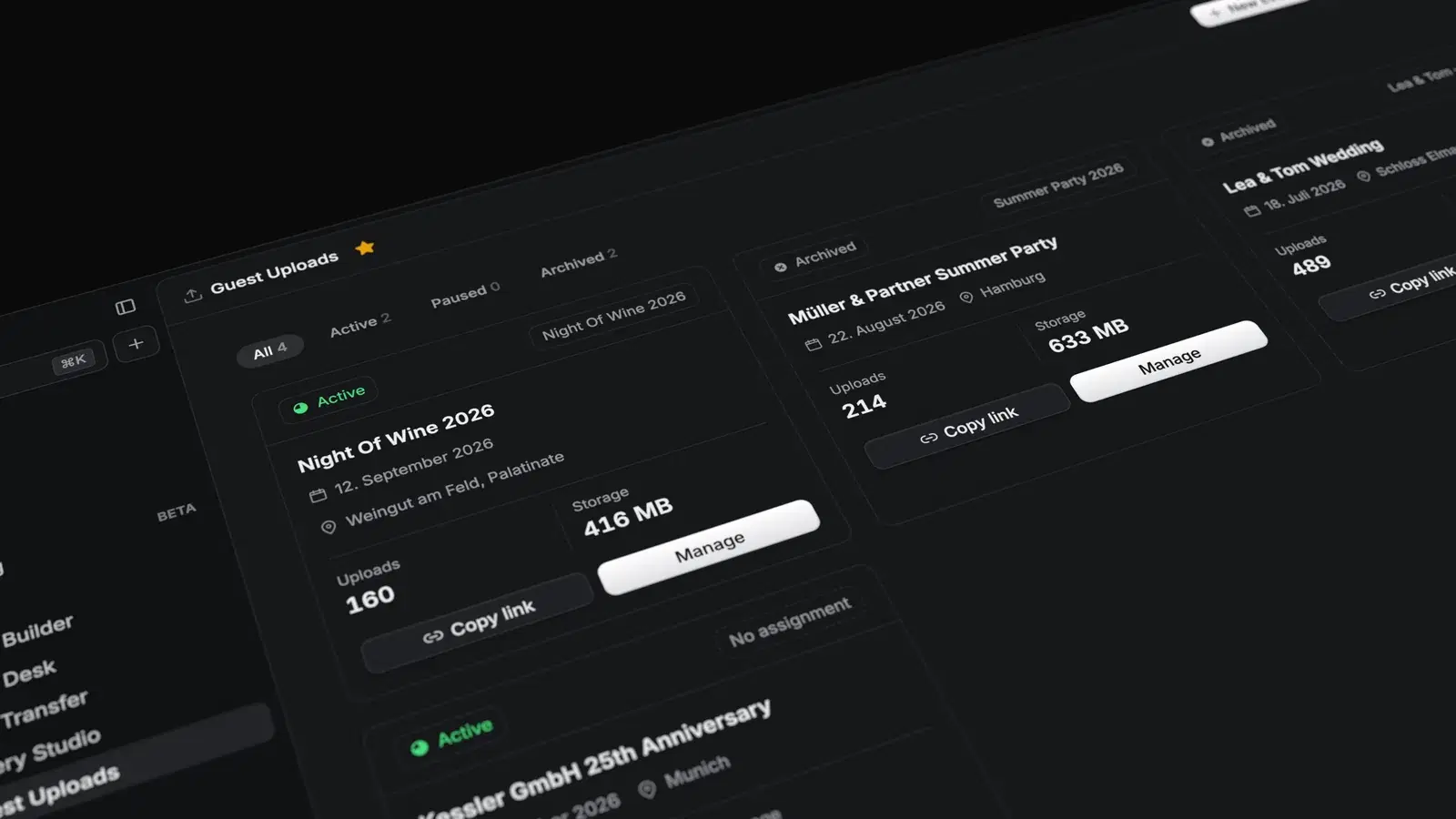 Guest UploadThe new upload flow with a dropzone and simulated upload progress.View
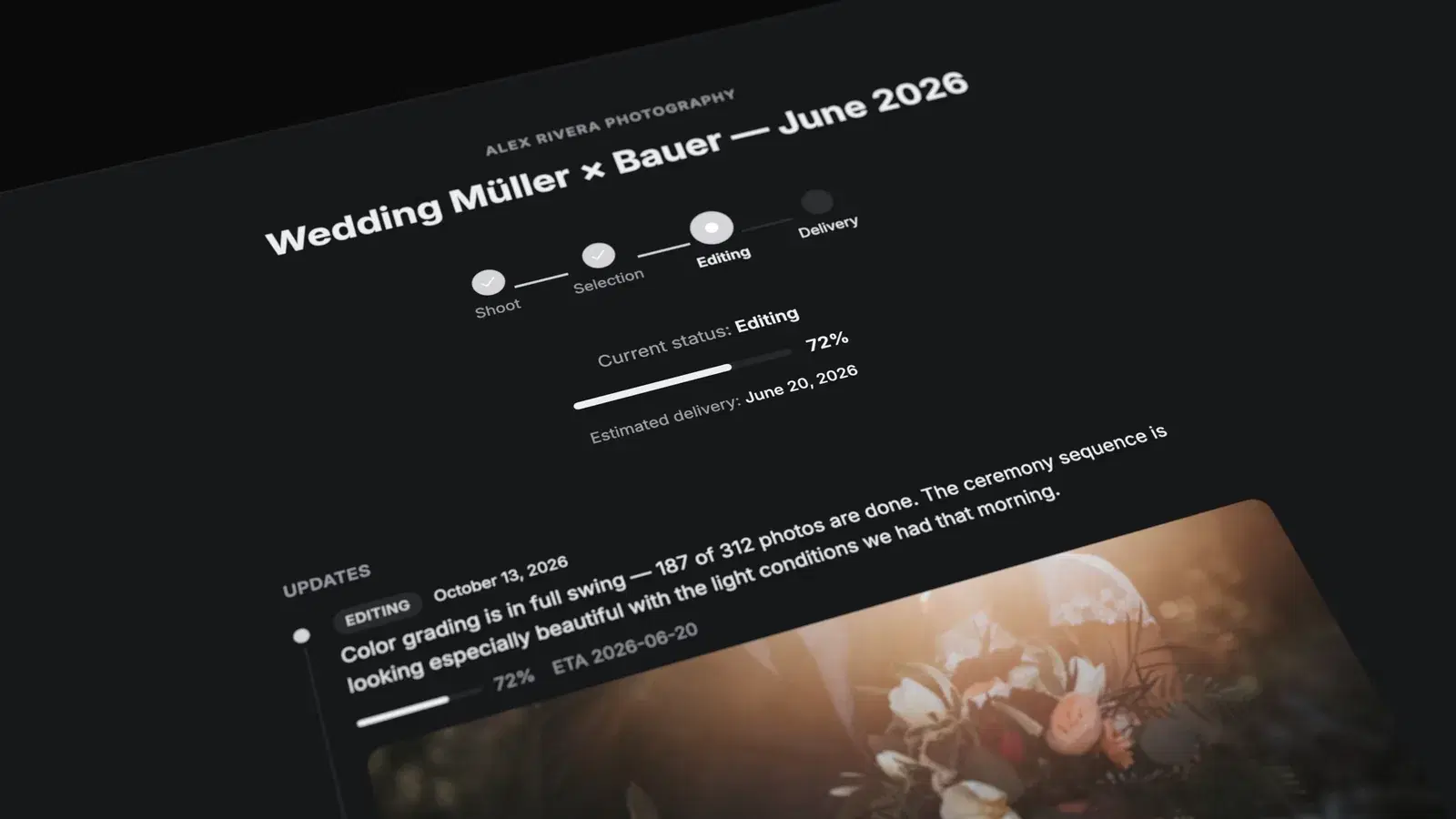 Project Status PageThe new status page with a timeline, updates feed, and deliverables.View
FAQ
Questions about the demos.
Do I need an account for the demos?
No. Every demo opens straight in the browser, with no sign-in.
Are these the real surfaces?
Yes. You see the same views your clients, guests and teams will use, filled with sample data.
Can I break anything in a demo?
No. The demos run on sample data and are reset regularly.
Is every feature included in every plan?
No. Some modules start at a particular plan — status pages and the Client Portal from Creator, team chats from Team. The pricing page shows what is included where.