01Collect assets
Clients deliver material through clear links instead of scattered attachments.
Exportlab gives web designers a clear space for client feedback, project material, and final handoff without jumping between folders, chats, and links.
Comments, requests, and approvals stay visible in the project instead of scattered across email.
Images, logos, copy, and references come together in one place.
Final files, links, and project states are structured and easy for clients to find.
Keep material, decisions, and status together across the whole website process.
Clients deliver material through clear links instead of scattered attachments.
Decisions, corrections, and open points become visible and actionable.
Hand over final assets and documentation cleanly, with status for everyone involved.
Important project material stays where decisions are made.
Collect feedback on screens, media, and content in one traceable place.
View feedback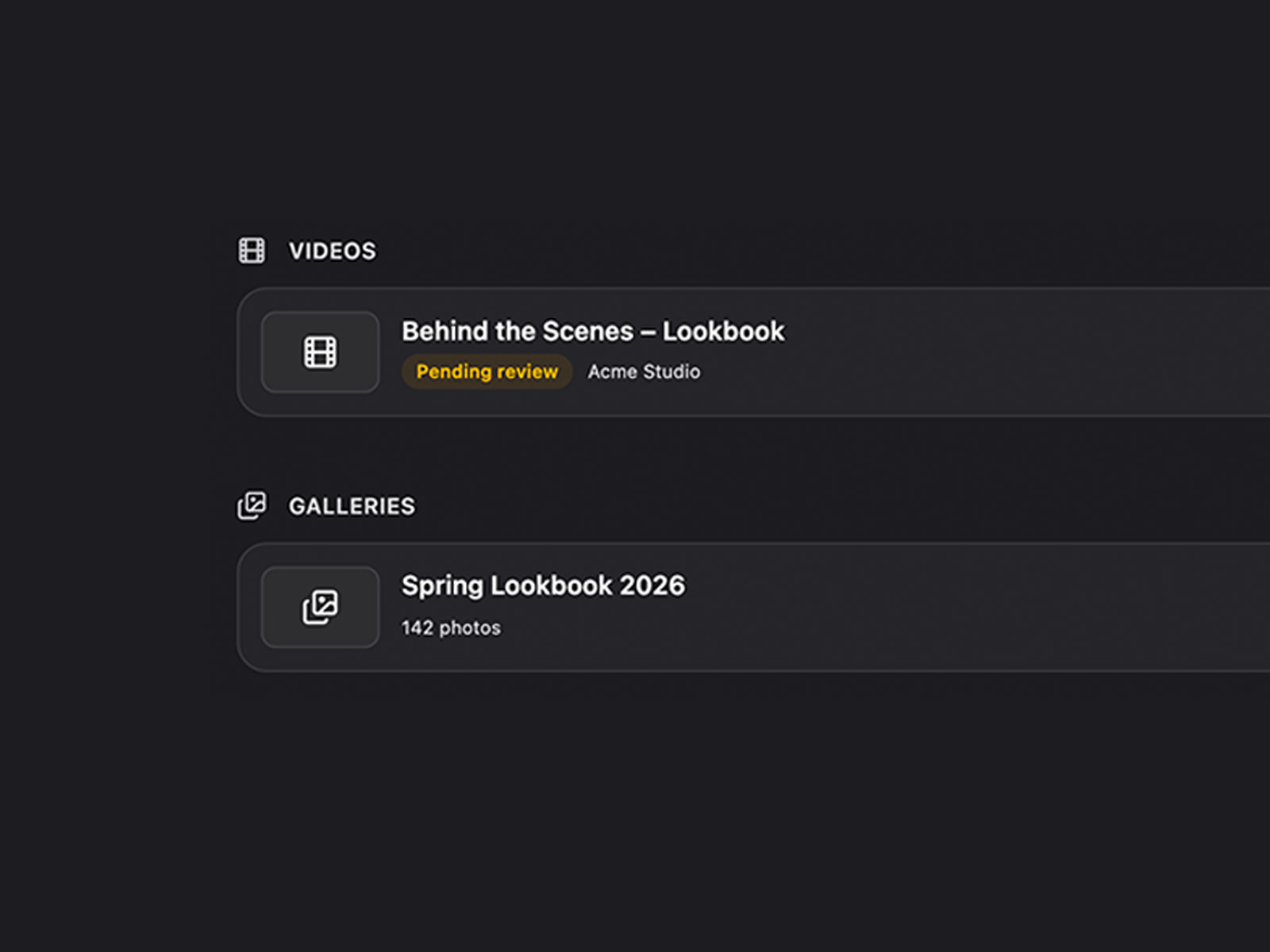
Clients submit images, logos, and files through structured upload links.
View Asset Collection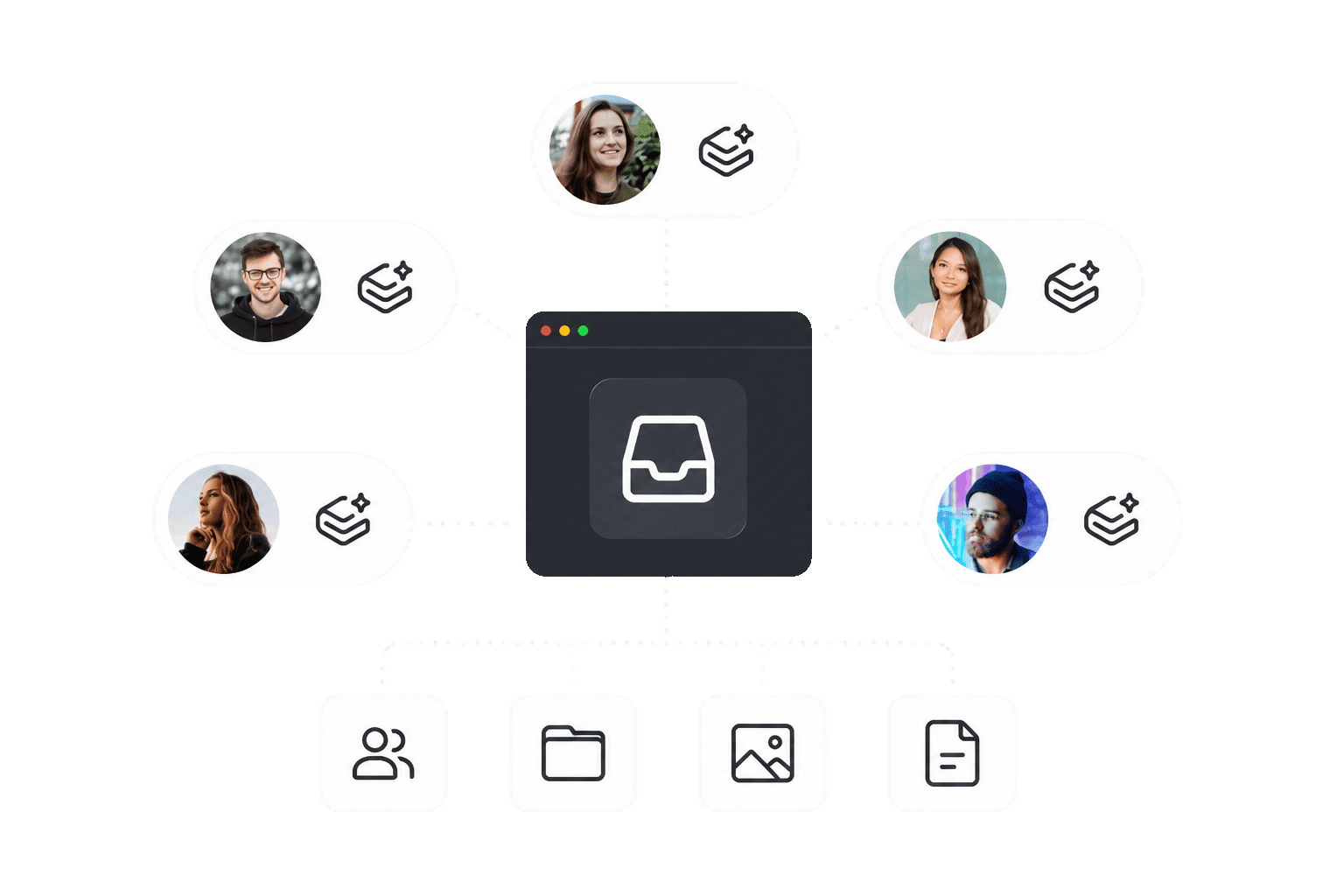
Present final assets, references, and links in a polished handoff space.
View Public Profile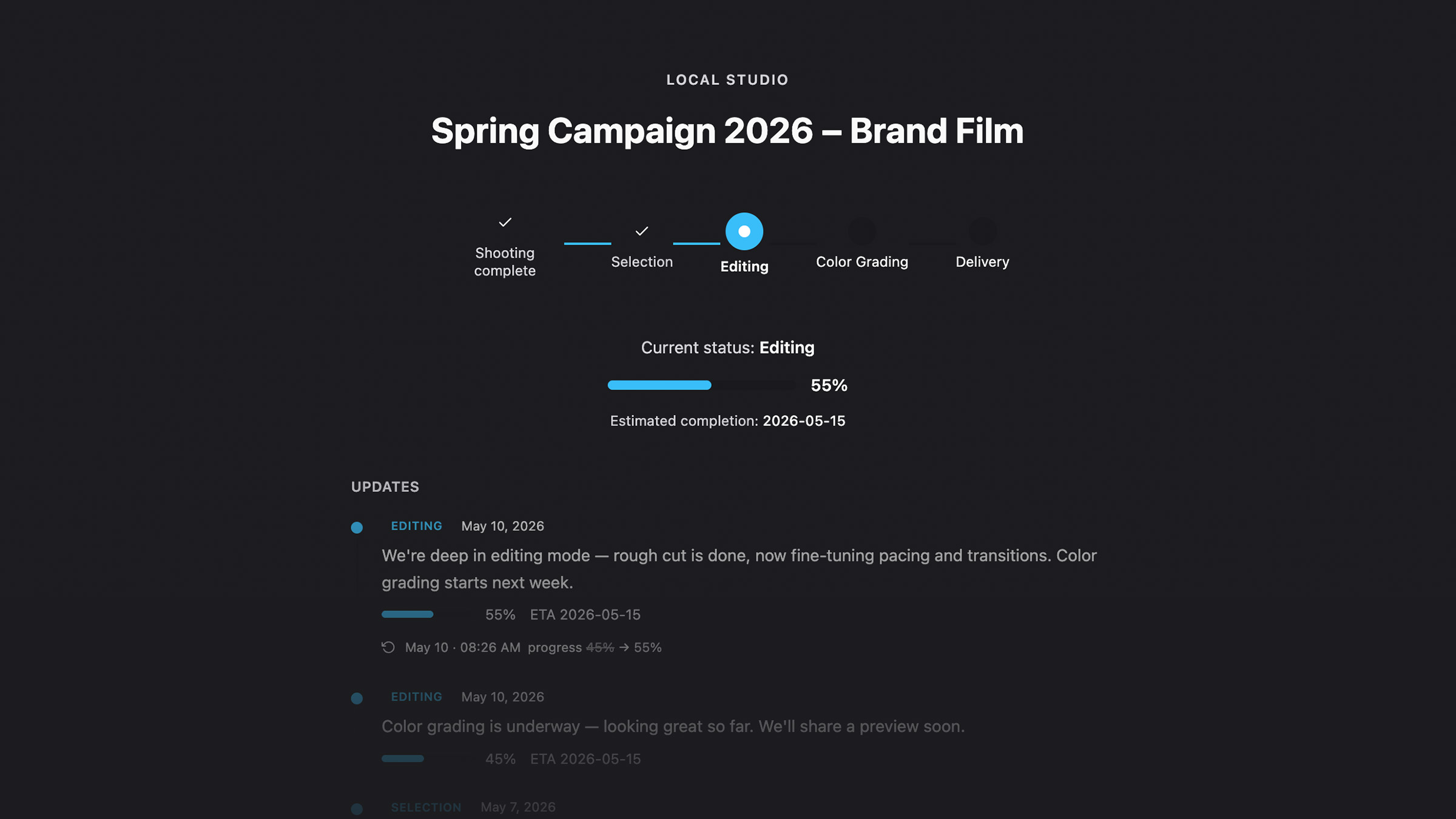
Exportlab keeps inputs, decisions, and deliverables together.
Coordinate content, assets, feedback, and approvals across multiple phases.
Structure visual direction, media, and final handoff clearly.
Deliver final files, access, and references in a clean professional flow.
For handover: collecting assets, getting drafts approved and delivering files, without mail attachments and cloud links.
Yes. An Asset Collection gives them one upload point, with no account.
Yes. Videos and screencasts run through video review with comments on the frame.
Only for the Client Portal, which is available from Creator. Galleries, transfers and reviews run through links.
Compare the plans or talk to us about your web design process.