New guest upload
nowIMG_2041.jpg is waiting for review.
5 new photos
Wedding Lena & Jonas.
Upload approved
The photo is now visible in the gallery.
New uploads
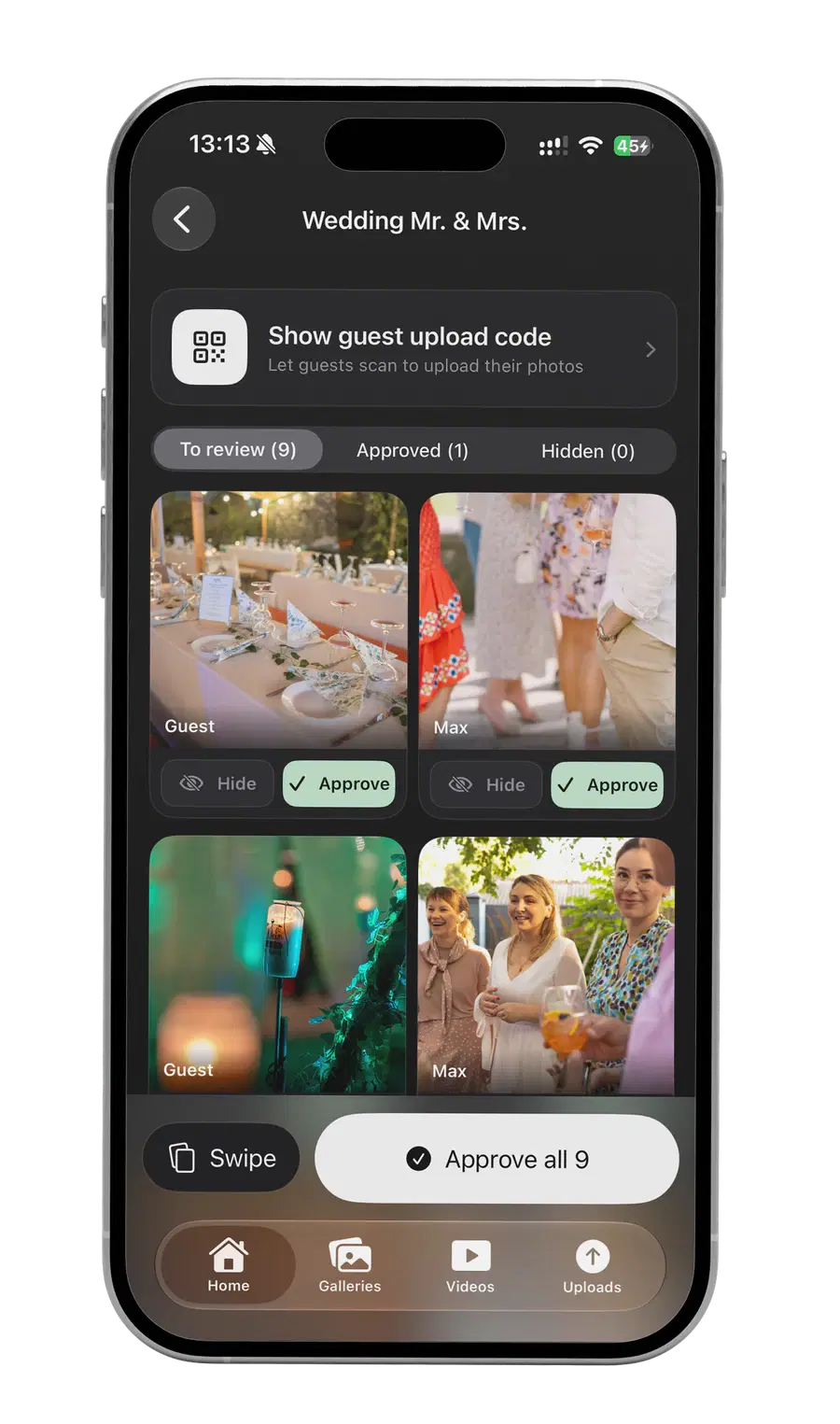
Review submitted photos before they appear in the gallery.
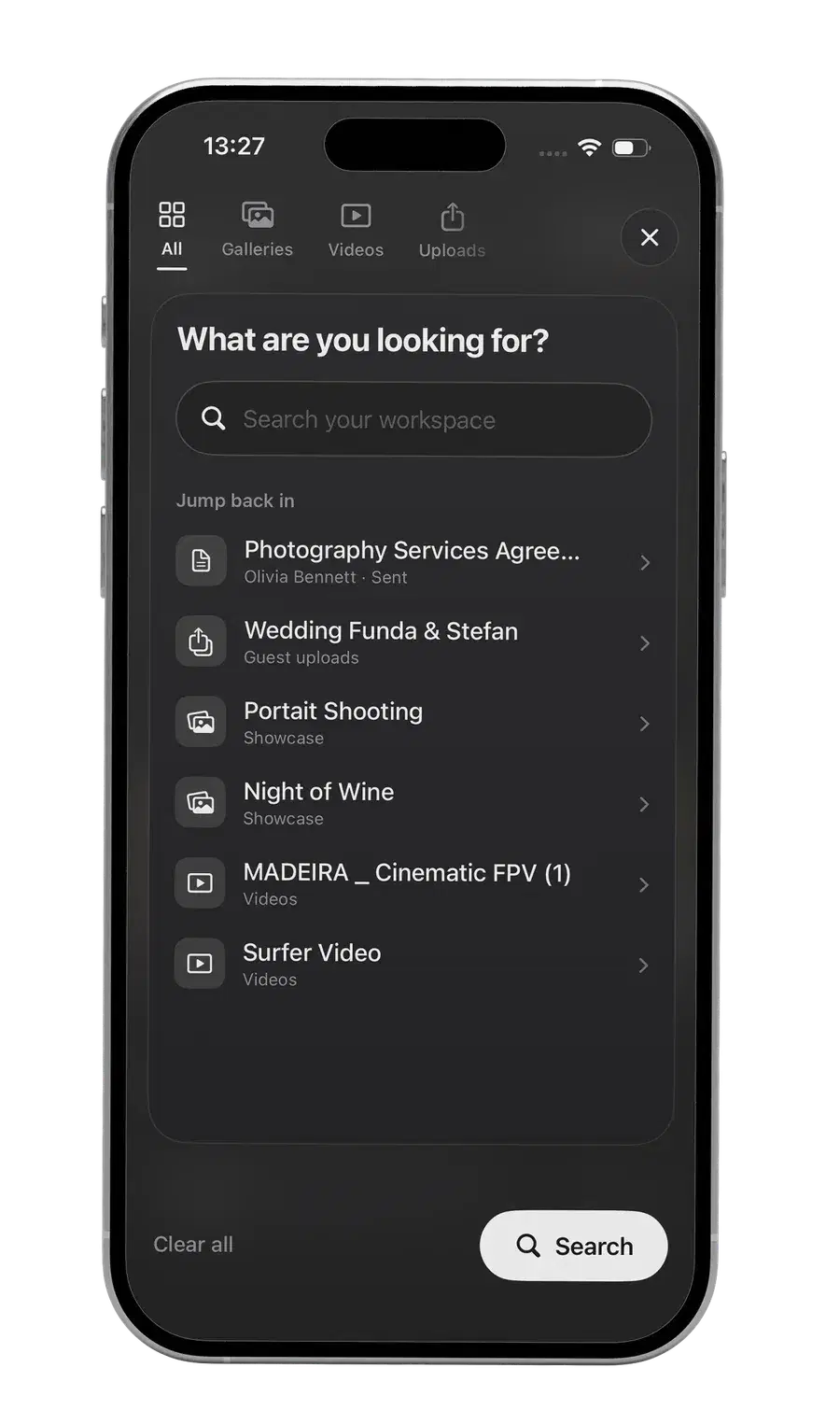
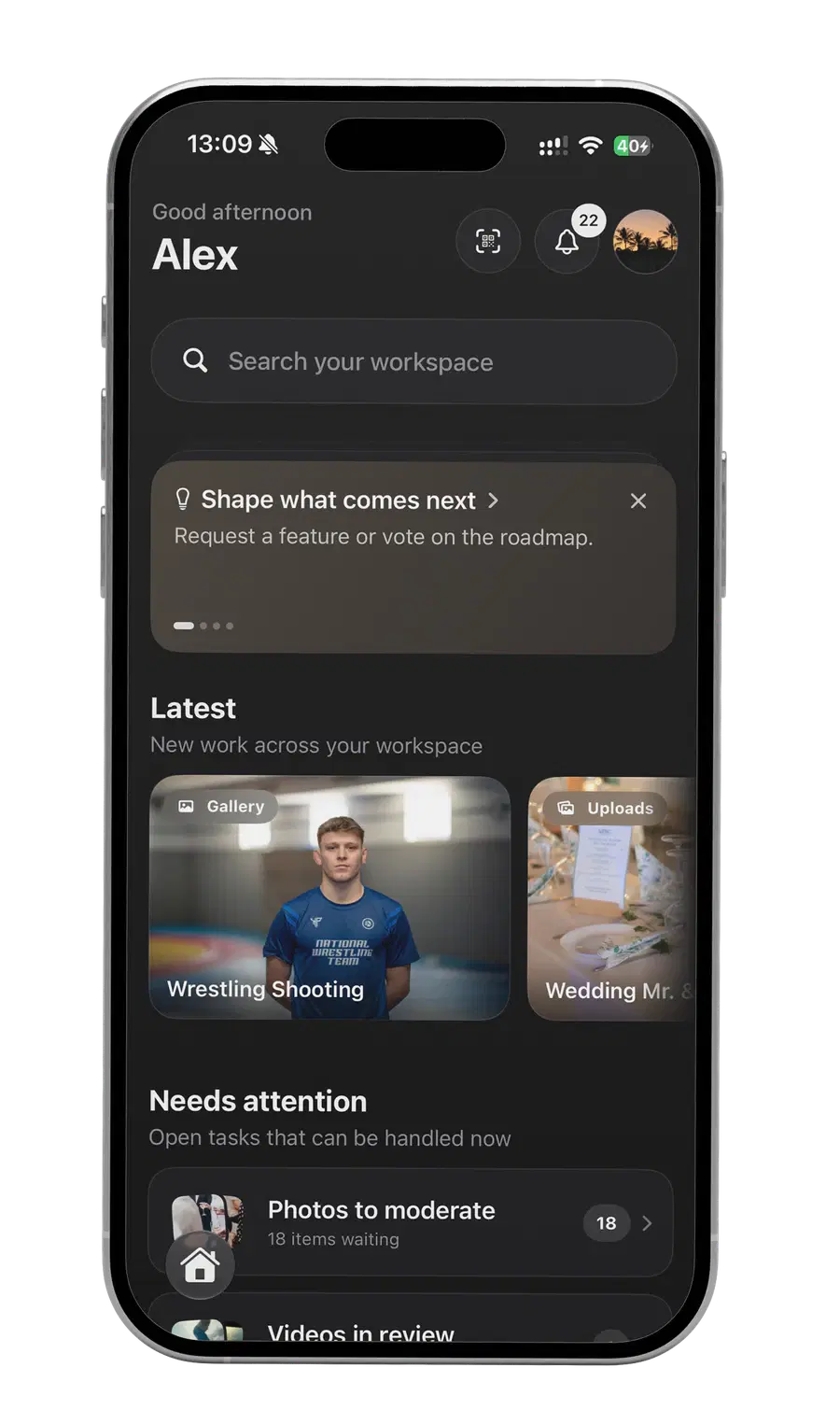
Review galleries, moderate guest uploads, answer video feedback and manage ongoing shoots right from your phone.
What is waiting for you is visible at a glance: uploads, reviews, new galleries and open signatures.
IMG_2041.jpg is waiting for review.
Wedding Lena & Jonas.
The photo is now visible in the gallery.
Review submitted photos before they appear in the gallery.
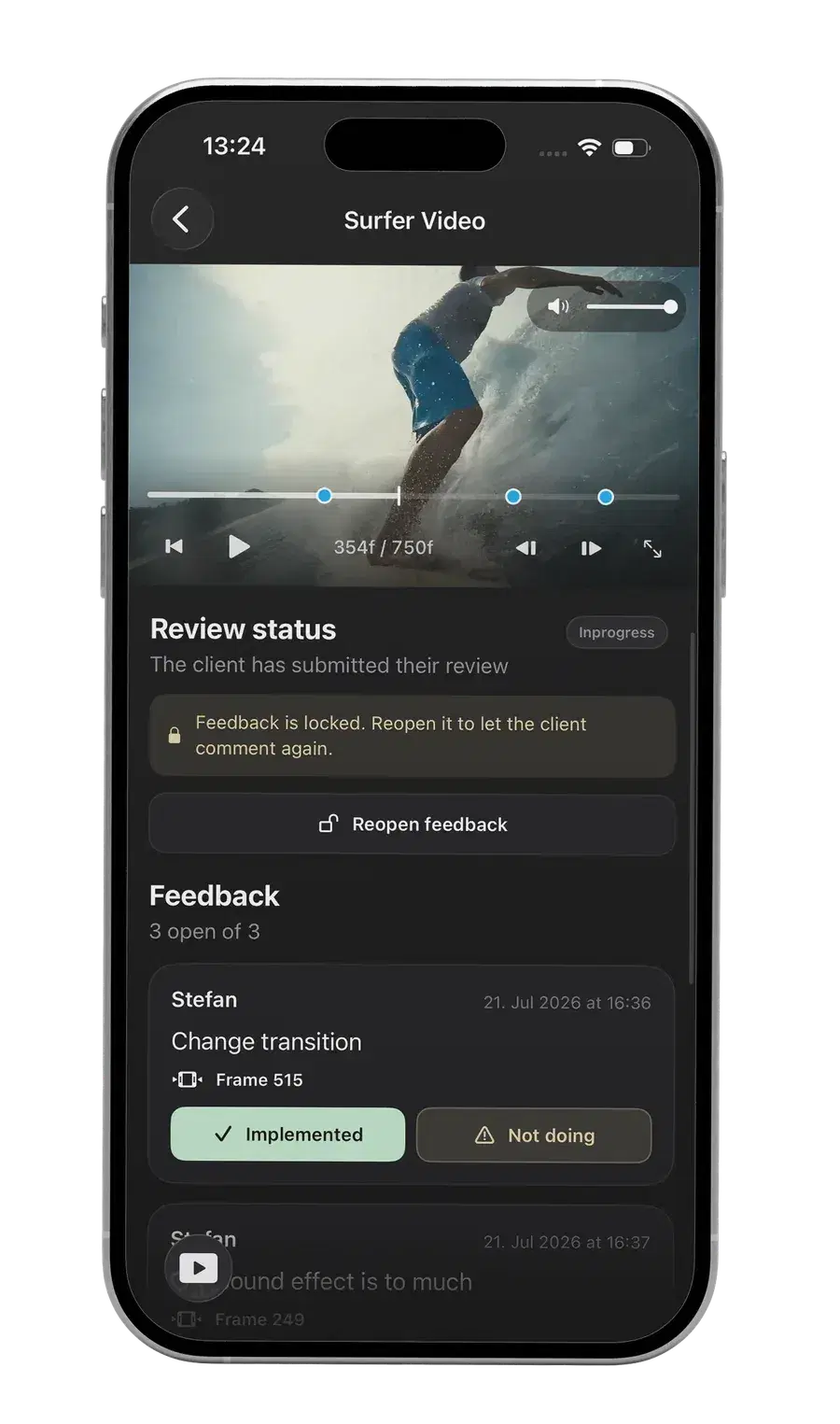
See which videos are waiting for feedback or approval.
Open new client galleries and save key selects right on your phone.
Track contract status without opening every single project.
From the first upload to the final approval. The Exportlab app keeps your projects moving, even when you're away from your desk.
View photos full screen and save selects to your phone.
Approve photos, hide them and share the upload link.
Read timecode comments, reply and update the status.
Nothing. It is free on the App Store and runs with your existing Exportlab account.
Not for the app itself. Which features you see depends on your plan.
No. Galleries, guest uploads and video feedback yes; status pages and creating invoices stay on the web.
Not at the moment. The app is for iPhone, alongside Exportlab Connect for macOS.