01Invite stakeholders
Bring vendors, teams, and clients into the project with clear roles and links.
Exportlab gives event teams one central place for uploads, vendor material, status updates, and final deliveries around live events.
Everyone knows what is needed before, during, and after the event.
Vendors, guests, and teams submit assets through clear upload and transfer paths.
Updates, approvals, and deliveries stay traceable for clients and partners.
From preparation to wrap-up, everything stays inside one project.
Bring vendors, teams, and clients into the project with clear roles and links.
Gather photos, videos, logos, and documents centrally and assign them clearly.
Share final media, status, and updates professionally after the event.
Exportlab keeps live input, wrap-up, and client communication together.
Collect contributions, participant material, and event photos through simple links or QR codes.
View Guest Upload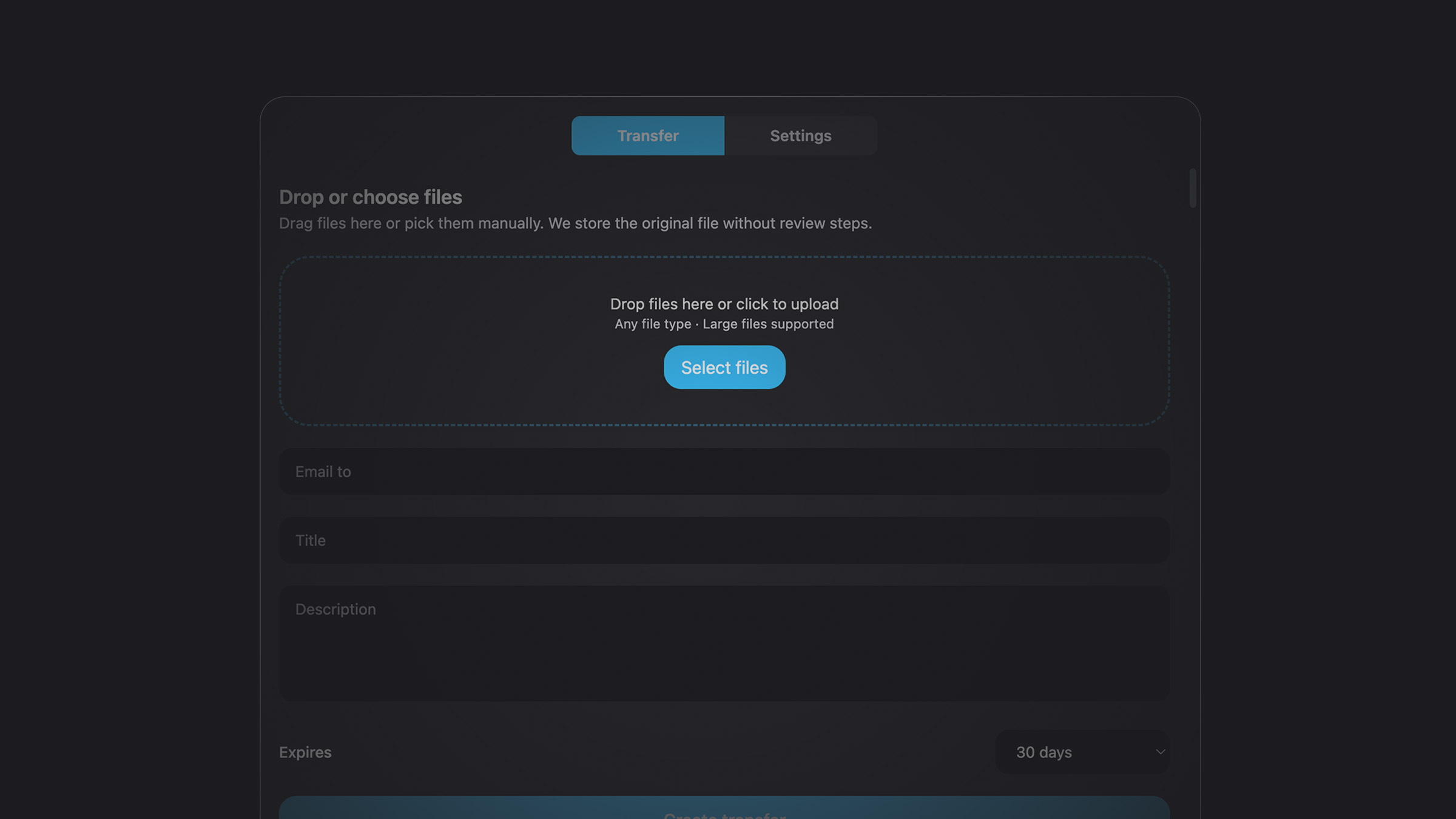
Share large files with vendors and clients without creating another tool loop.
View Easy Transfer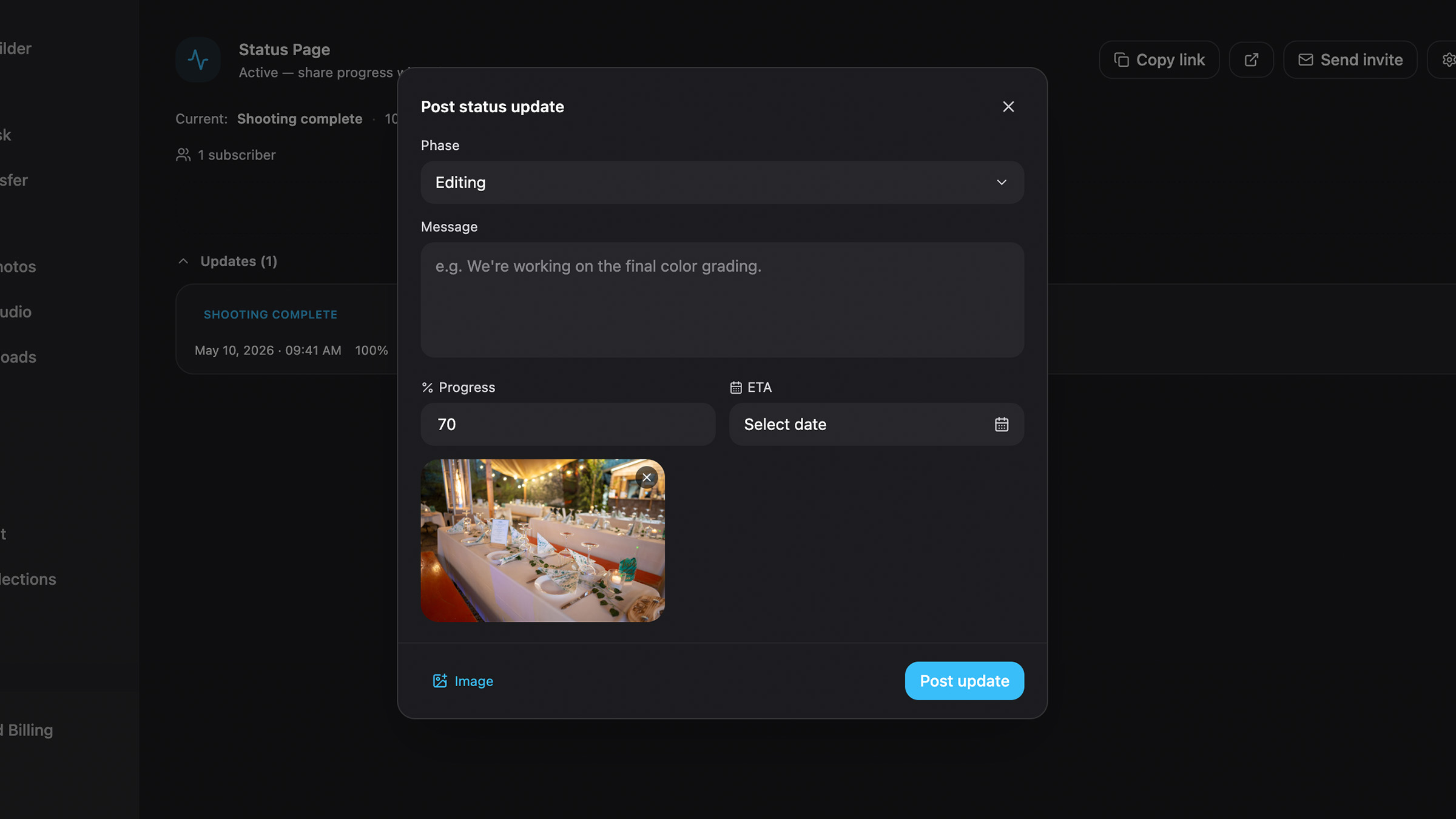
Keep clients and partners informed about open points, approvals, and next steps.
View Status Pages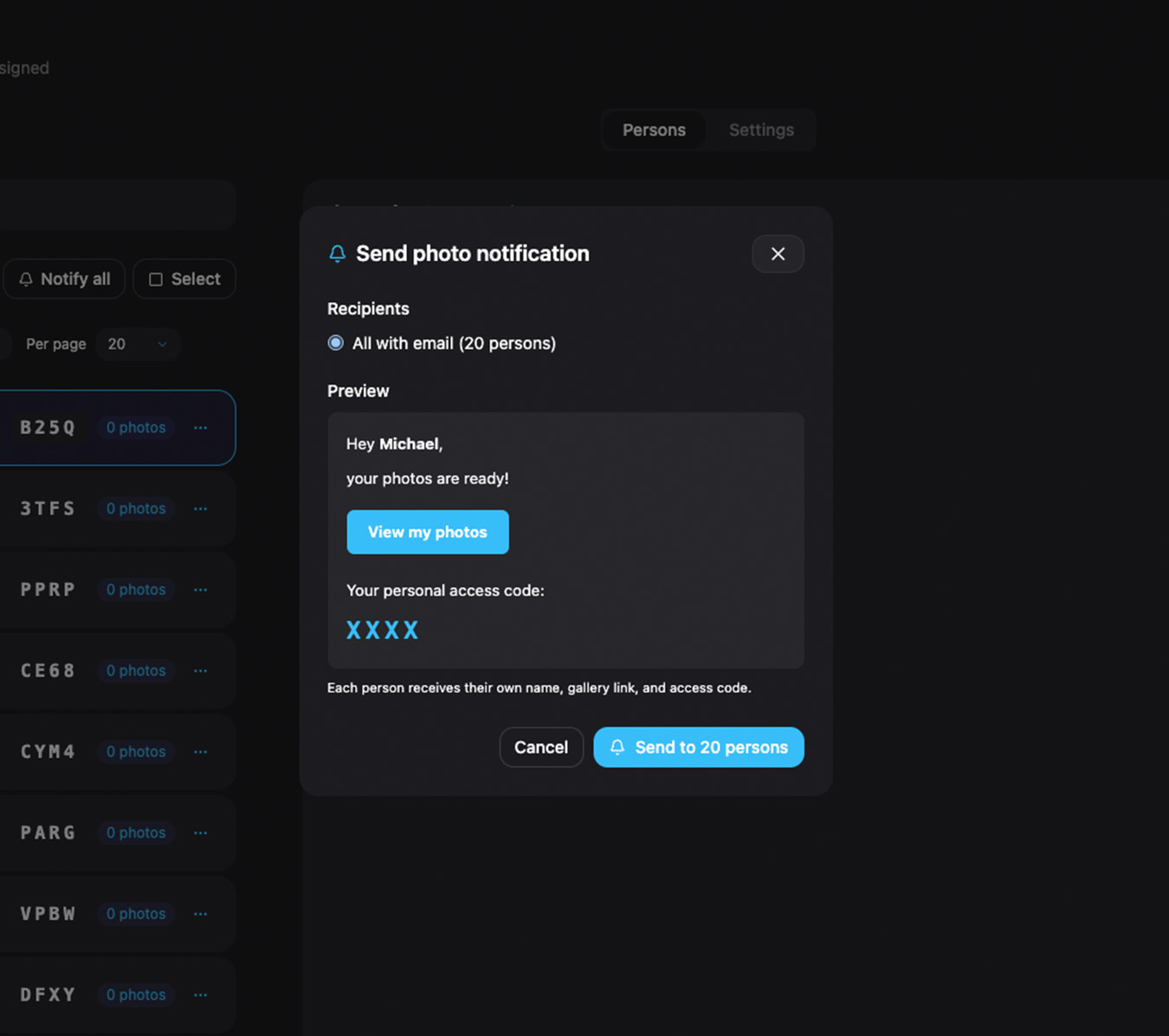
Organize teams, vendors, and deliveries in one shared project context.
View Project ManagementExportlab adds structure when material needs to move quickly.
Collect and deliver speaker photos, sponsor assets, and event media.
Bring guest contributions, vendor material, and final galleries together.
Keep teams, approvals, and files aligned on tight timelines.
Through an upload link with a QR code. Guests upload in the browser, with no app and no account.
Yes. Every upload lands in a moderation queue, and only approved photos become public. There is no automatic filter.
It depends on the event pass: 100 photos and 1 GB on S, 500 and 5 GB on M, 2,000 and 20 GB on L. On the trial, one event with 20 uploads.
Yes, as a slideshow with the QR code displayed alongside.
No. Guest Upload is deliberately limited to photos.
Compare the plans or talk to us about your event workflow.