
Collect favourites
Clients mark their favourites right in the gallery. You see immediately which images should go to selection, retouching or download.
Julia & Max's selection24 favourites
Hero image marked
Retouch noted for image 24
From client selection to group shoots — everything your photo workflow needs in one place.
No credit card · from $7.99 per month after your trialClients mark their favourites right in the gallery. You see immediately which images should go to selection, retouching or download.
Build curated galleries with download rules, visible sets and a link your clients understand straight away.
At download time clients simply pick the variant they need: small for social media, optimised for the web, or full resolution for archive and print.
That question now answers itself: guests scan a QR code, leave their email address, and get notified automatically the moment the gallery goes live.
At the entrance, the bar, or on the place cards.
A public page, no app and no account needed.
Everyone on the list is notified automatically.
Smart Discovery and face recognition help guests find their pictures straight away, by keyword or with a selfie.

Switch face recognition on while creating a gallery or later. Images are analysed securely in the background, retroactively too.
Guests find their pictures in seconds with a selfie.

Guests and clients find their favourite moments in seconds, simply by keyword.
From small private events to galleries with thousands of images: results appear in seconds.
Photograph many people and deliver each person only their own pictures. Check-in, access codes and photo assignment in one structured flow.
Participants arrive with the appointment in their calendar and a pass in their wallet. On site, you scan their code and see live who is there.
Participants automatically receive a calendar invite, wallet pass, and access code with their invitation. On site, QR codes are scanned and present, open, and no-show counts update live.
Calendar invite, Apple and Google Wallet pass, and the personal access code go out automatically with the invitation.
The scanner runs in the browser on any smartphone: scan, set the status, move on. Present, open, and no-shows are counted live.
If you photograph many people in one session, GroupShoot was built for you.
Employee portrait days for companies of any size.
Portrait stations at conferences and trade shows.
Class photos and individual portraits for students.
Team and individual photos for leagues and clubs.
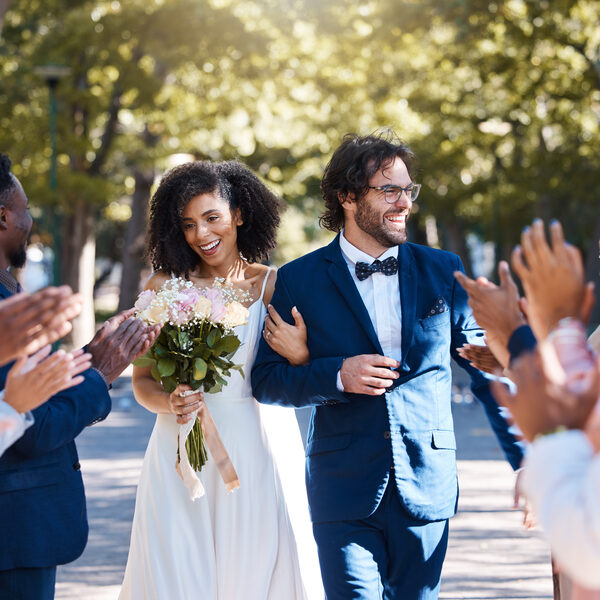
Galas, weddings, and large-scale celebrations.
Welcome photos for new employees on day one.
No. You try Exportlab free for 7 days and pick a plan afterwards.
Two on the trial, as many as you like on every paid plan. The size of a single file depends on the plan: 50 MB on the trial, 100 MB on Rookie, 200 MB on Creator, 500 MB on Ultimate and 1 GB on Team.
No. Galleries open in the browser. For group shoots each person enters their own four-character access code.
Yes. Every gallery can be protected with a four-digit PIN, and you decide per gallery which images may be downloaded and at which resolution.
AI indexing is a pay-per-use add-on: one token per image, and tokens never expire. It is not available on the free trial, and group shoots start with the Creator plan.