Blog
Stories, how-tos, and product news for photo and video teams.
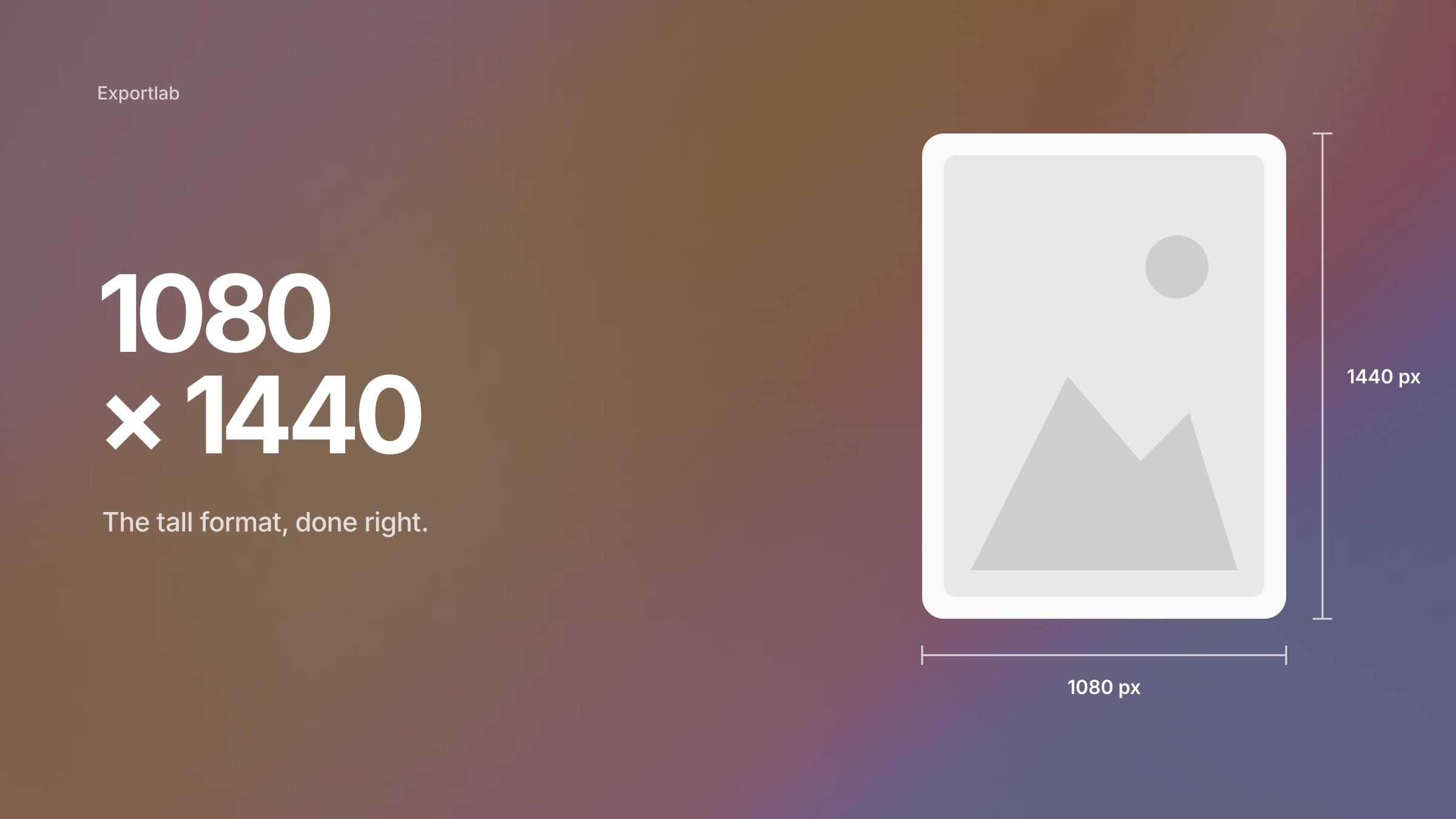
Lightroom Export Settings for Instagram (2026): Sizes, Quality and the 3:4 Format
The right Lightroom export settings for Instagram in 2026: 1080 × 1440 for 3:4, 1080 × 1350 for 4:5, sRGB, sensible JPEG quality and output sharpening — in one preset that fits every aspect ratio.
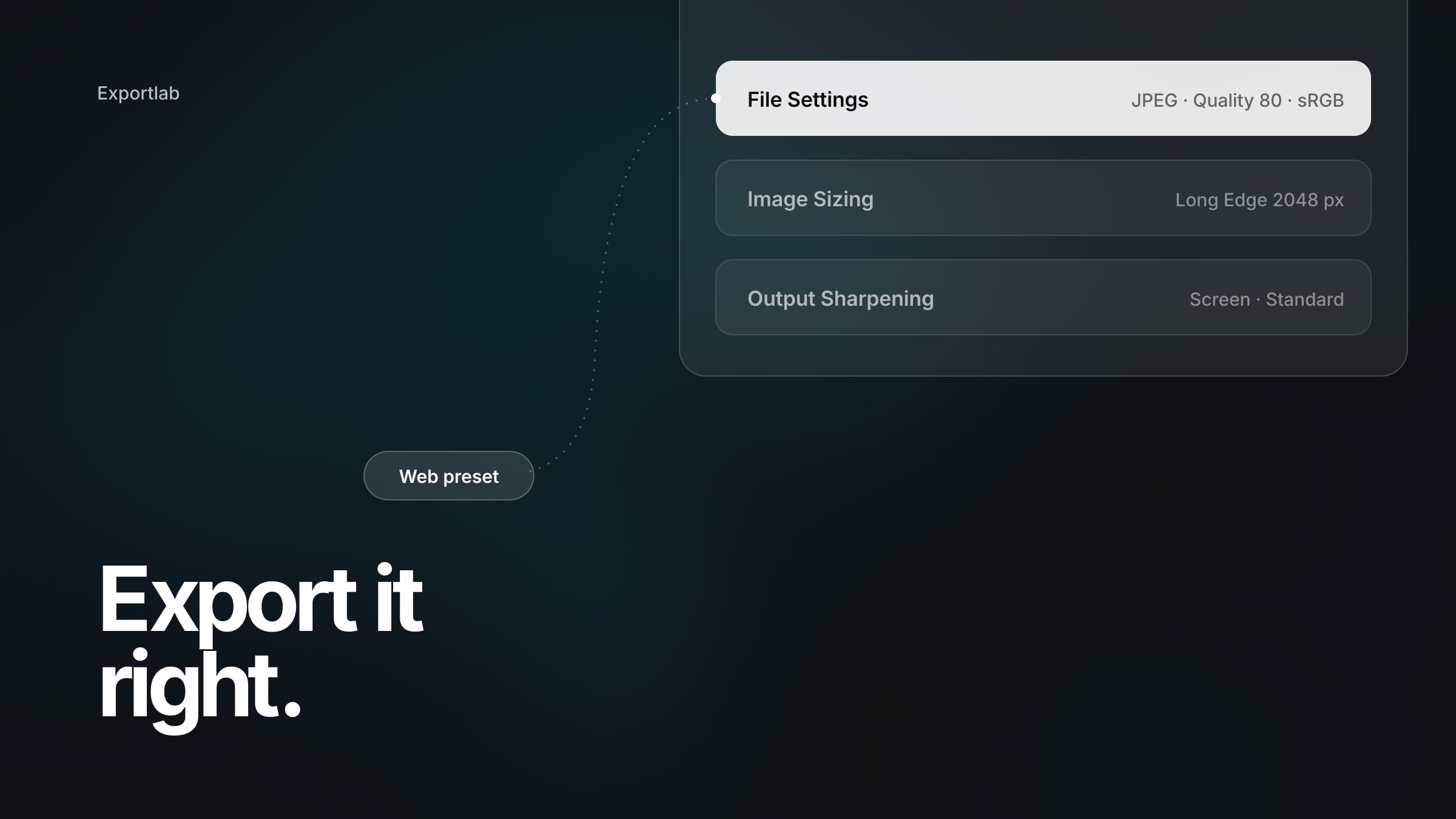
Best Lightroom Export Settings for Professional Photographers (Web, Instagram, Clients, Print)
The best Lightroom export settings depend on where the image goes. Four tested starting presets — web, Instagram, client delivery and print — and what every field in the export dialog actually does.
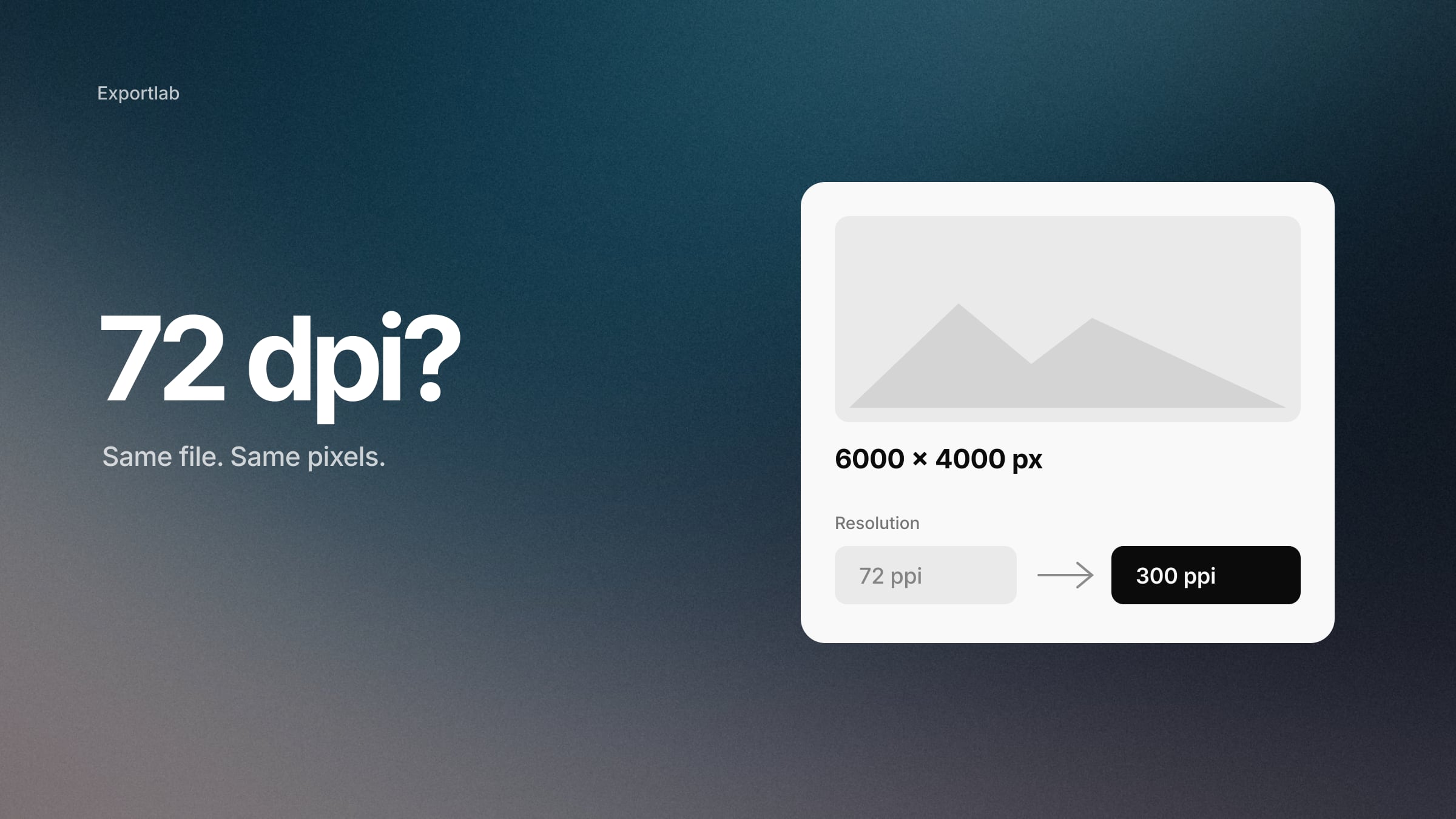
DPI vs PPI: Why 72 DPI Doesn't Mean What You Think It Means
DPI vs PPI explained for photographers: why 72 dpi is not a web standard, why 300 dpi is not a law, and how to work out how large you can actually print a photo.
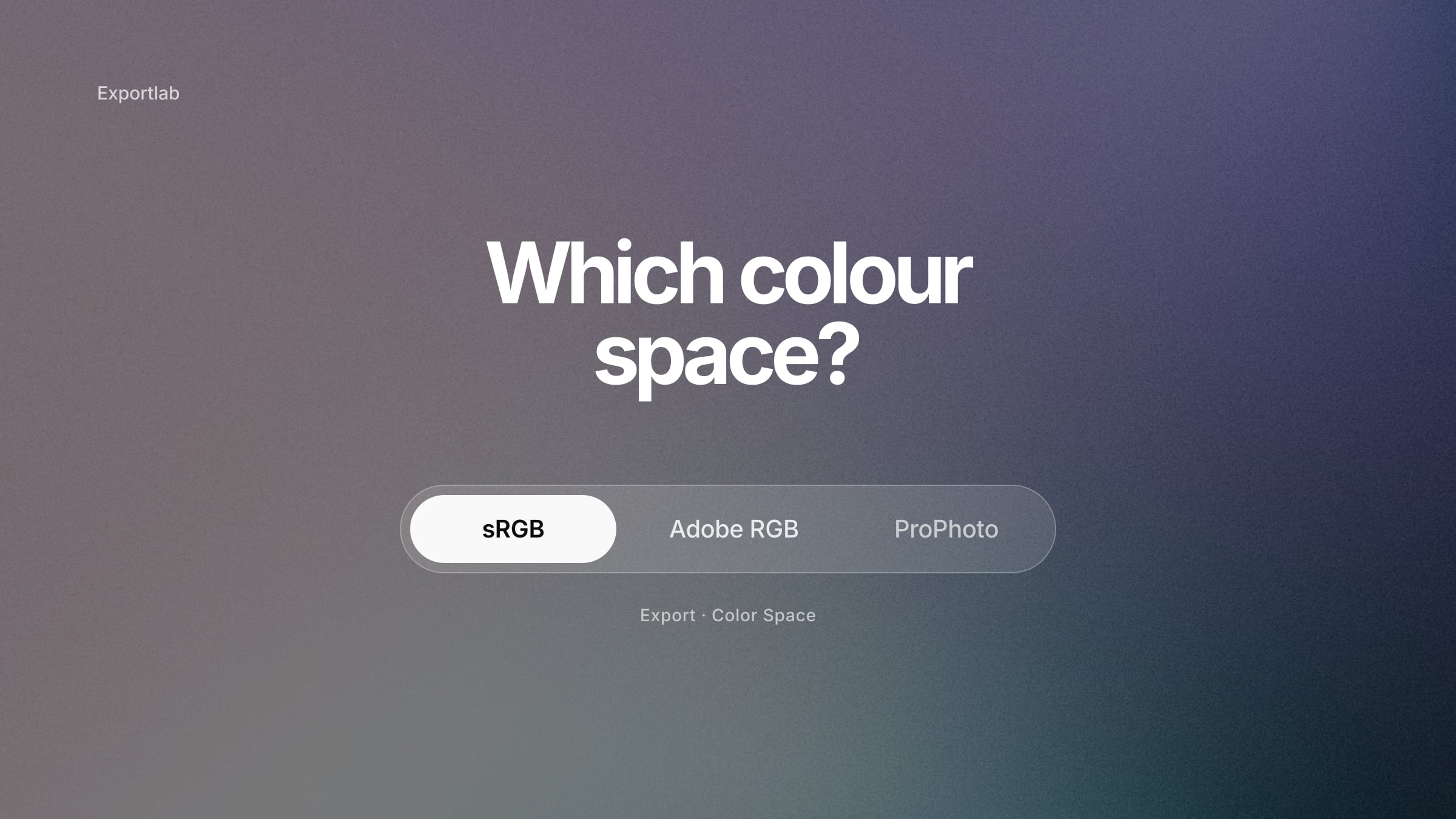
sRGB vs Adobe RGB vs ProPhoto RGB: What Should Photographers Actually Use?
sRGB vs Adobe RGB vs ProPhoto RGB, answered by destination: what to set in camera, what Lightroom uses while you edit, and which colour space to export for web, clients and print.
RAW vs JPEG: When Should a Professional Photographer Use Each?
RAW vs JPEG is not a question of professional versus amateur. Here is when each format is the right call — by deadline, buffer, transfer speed and how much editing the job needs.
PicDrop Review 2026: What Users Say, and Who It Actually Fits
An honest PicDrop review: what the few independent reviews say about proofing, support and pricing, where the tool is strong, and where photographers run into limits.