VERSION HISTORY
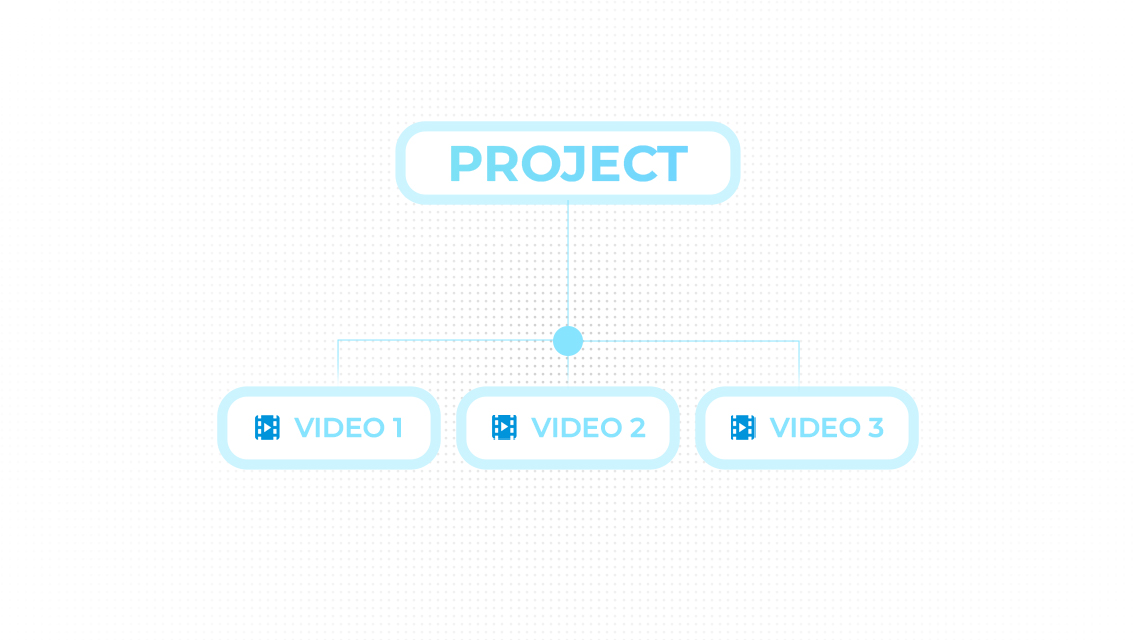
One project, multiple videos
Keep all videos for a project in one place — no duplicates, no confusion across deliveries.
Collect signatures and manage releases with every project in one place.
VERSION HISTORY
Keep all videos for a project in one place — no duplicates, no confusion across deliveries.
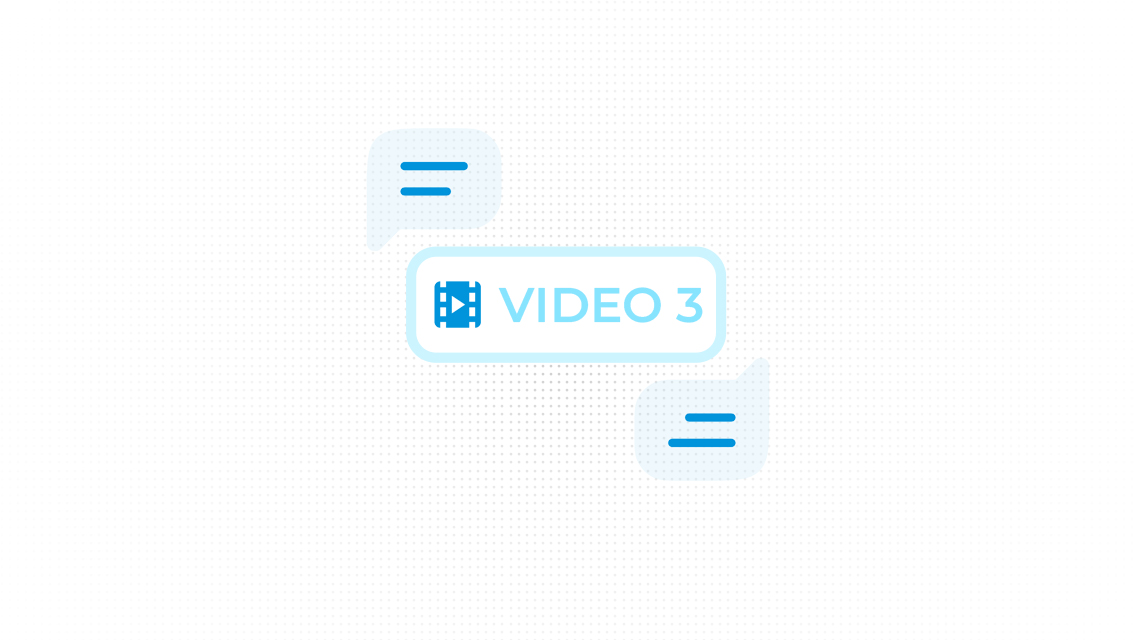
VERSIONED FEEDBACK
Every comment belongs to a specific video and version, so context never gets lost.
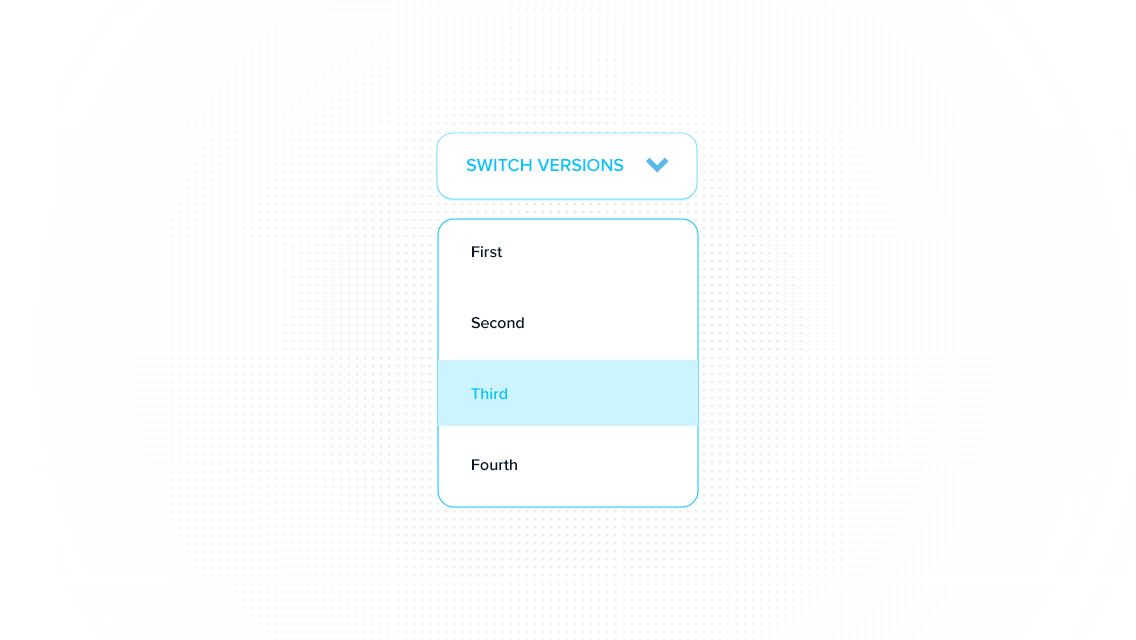
INSTANT SWITCHING
Both client and videographer can switch versions during review or editing — anytime.
Clients receive a Magic Link with PIN. No account required. Access is per project and shows video versions in the review view.
Clients get a workspace account and new projects land in their dashboard automatically. Better visibility into videos and versions — ideal for ongoing collaboration.