
Deliver Photos Straight from Capture One to Clients: The Fastest Path to a Gallery
Capture One is the tool of choice for many pros — for tethered shooting, for color work, for the look. But once the images are done, the clean workflow often ends abruptly: export to a folder, drag the folder into WeTransfer, email the link, hope the client downloads in time. The last mile — the handover to the client — is the least thought-through part.
This post shows how to export from Capture One so the quality holds, and how to skip the detour through transfer services by sending the images straight into a client gallery.
The export is where quality gets lost
Capture One works with your RAW files at full depth, but what reaches the client is always an export. This is exactly where it's decided whether the editing survives — because a RAW format carries more image information than a compressed JPEG can ever show. Three settings are critical:
- Resolution and size. Web view and print have different requirements. Deliver everything in one size and you deliver the wrong thing for one of the two cases.
- Color space. sRGB for on-screen viewing, Adobe RGB or wider for print handling — the wrong choice costs color fidelity. Why that matters is explained in detail under color management.
- Compression. A JPEG quality value that's too low saves file size and destroys exactly the details the client paid you for.
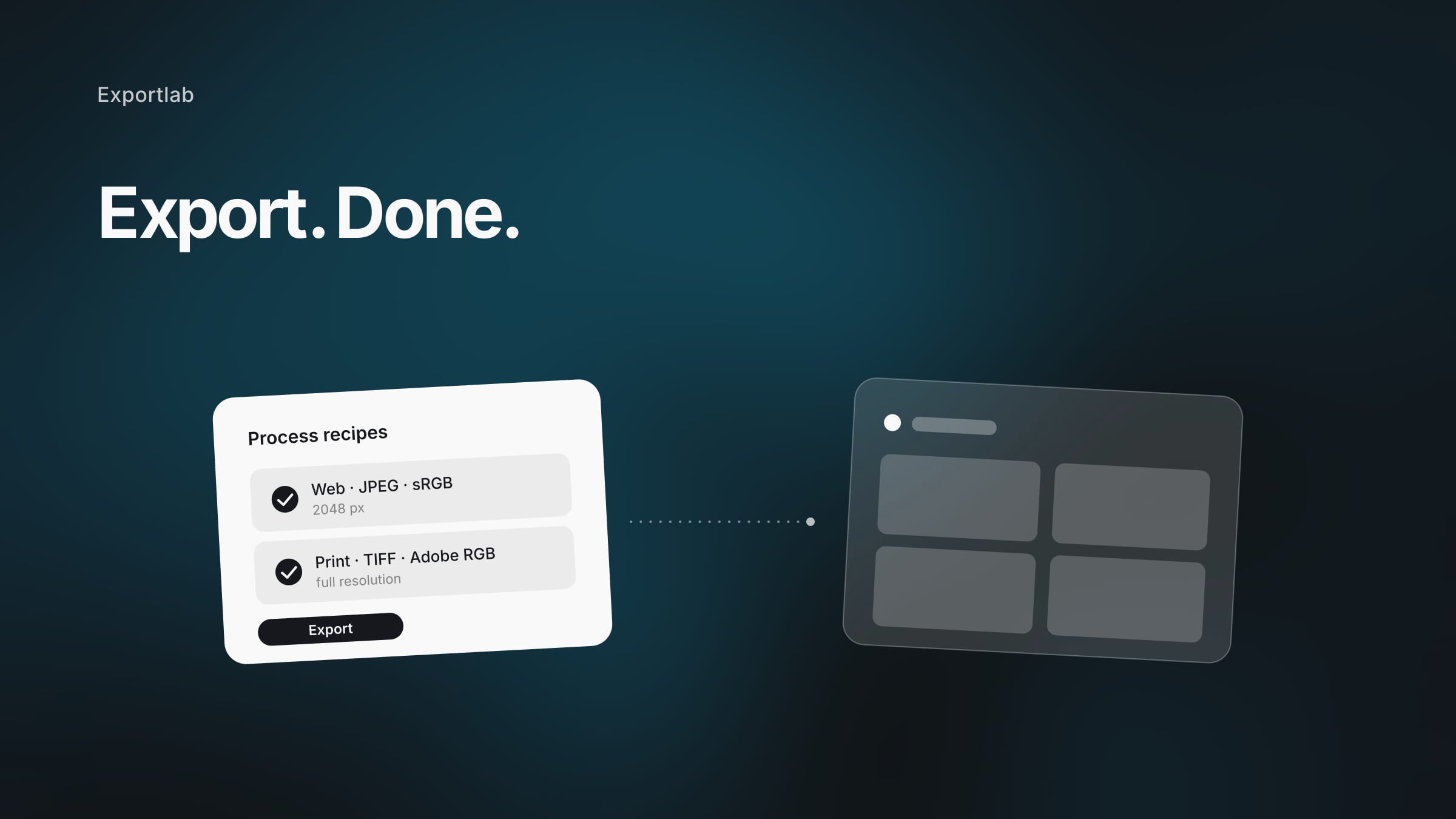
Capture One handles this via process recipes (Process Recipes): saved export presets you set up once and then apply with a click. One recipe for "web," one for "print" — both exportable at the same time.
Two process recipes you set up once
Instead of rethinking export settings for every job, two fixed recipes pay off:
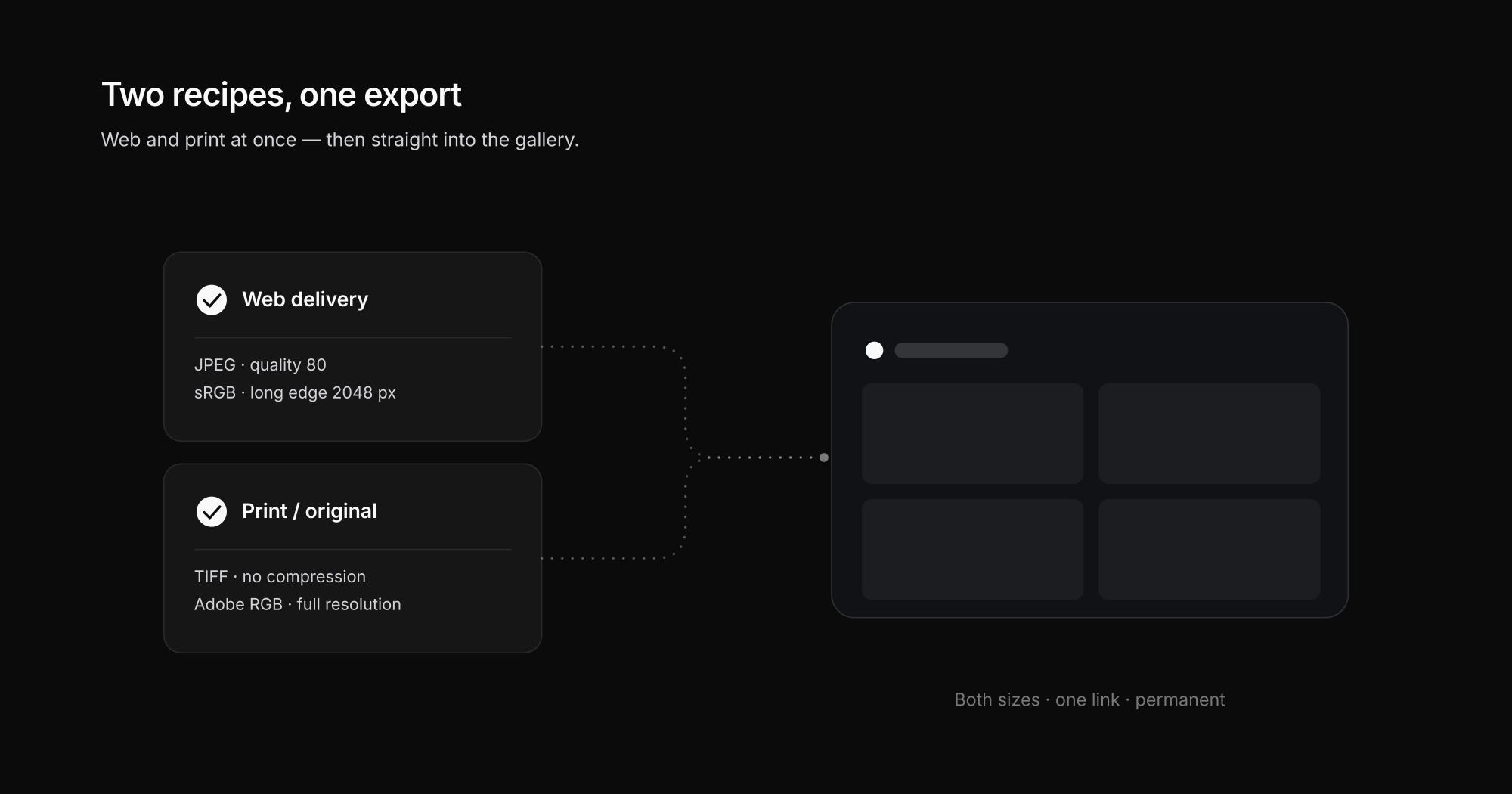
"Web delivery" recipe:
- Format JPEG, quality ~80
- Color space sRGB
- Long edge ~2048 px
- Optionally your watermark for the preview
"Print / original" recipe:
- Format JPEG quality 100 or TIFF
- Color space Adobe RGB
- Full resolution, no scaling
- No watermark
Both recipes can be checked in Capture One and exported in one pass. The client then gets both variants — web for viewing and sharing, print for the photographer or the lab.
From the export folder straight into the gallery
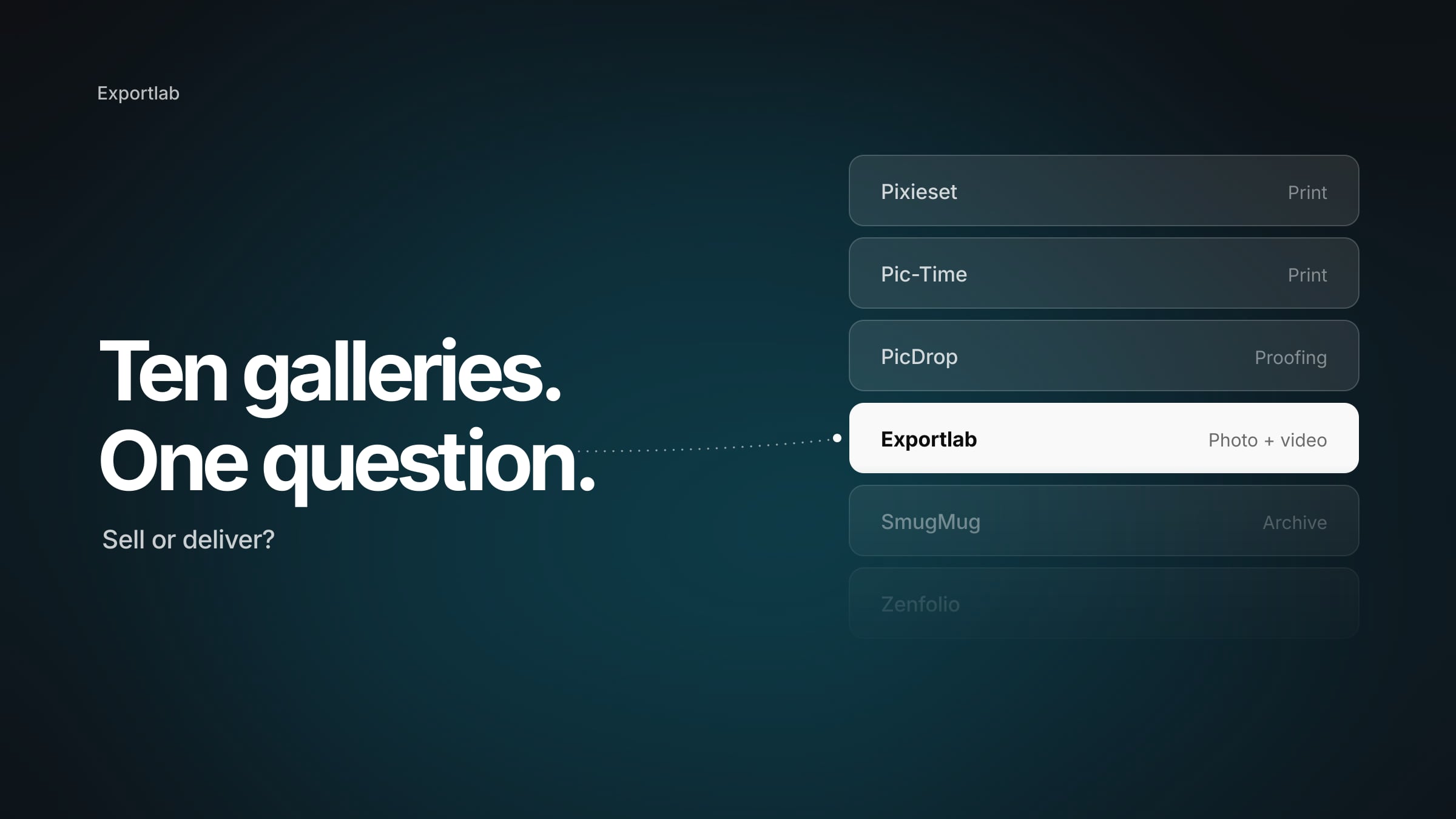
Now comes the part that makes the difference. The classic path ends in the export folder and goes from there through a transfer service. The better path loads the exported images straight into a client gallery — with your branding, no expiry date, no login for the client.
| Step | Export → WeTransfer | Export → client gallery |
|---|---|---|
| After the export | Drag folder into upload | Load images into gallery |
| For the client | Anonymous link, expires | Branded gallery, permanent |
| Selection & feedback | Not possible | Favorites & comments |
| Original & web separated | Two manual uploads | Both sizes in one gallery |
| After 30 days | Link dead, resend | Gallery stays reachable |
The difference isn't just convenience. A gallery turns the handover into part of your service — the client selects, comments, and downloads in the right size instead of unpacking a zip folder. What this comparison looks like in detail is in the post delivering photos to clients.
And for those already working with the other big pro tool: the flow is the same as with the Lightroom integration — only the source program has a different name.
The handover workflow in four steps
To turn the theory into a repeatable routine you run the same way on every job:
- Set up the recipes once. Save "web" and "print" as fixed process recipes — after that you never touch the export settings again.
- Check both recipes and export. One click produces both variants at once. No second pass, no manual conversion.
- Load into the gallery instead of the transfer service. The exported images go straight into the branded client gallery — the client gets a link, not a zip attachment.
- Share the link, the gallery stays. No expiry date, no "please resend" two weeks later. The gallery is reachable for as long as you want.
After editing, the whole process takes less than a minute of manual work — and replaces the juggling of folders, uploads, and expiry emails.
Common mistakes when exporting from Capture One
These three stumbling blocks come up again and again in practice:
- Delivering everything in one size. Sending only full resolution forces the client to download huge files for a quick look on their phone. Delivering web and print separately costs you nothing and looks considered.
- Ignoring color space. Images in Adobe RGB shown in a browser without color management look flat and desaturated. For the web view, sRGB belongs in the recipe — otherwise the client doesn't see the colors you set.
- Over-compressing. A JPEG value below 70 saves a few megabytes and costs visible detail. For the web variant, ~80 is a good compromise; for the print variant, no compression belongs there at all.
Who the direct path pays off for
- Studio and product photographers who work tethered in Capture One and have to deliver many variants cleanly in the end.
- Portrait and people photographers whose clients should make a selection — that works in the gallery, not in the zip.
- Anyone with recurring clients for whom a permanent, branded gallery link is worth more than a link that dies after a week.
Conclusion: the last mile deserves the same care as the look
You put a lot of work into color and detail in Capture One — it would be a shame to lose that on the last mile to a compressed email attachment or an expired link. Two clean process recipes plus a gallery as the destination keep the quality all the way to the client and make the handover professional. How Exportlab solves delivery is shown in the overview for photographers and the Easy Transfer page.