
The Best Online Galleries for Photographers 2026: 10 Platforms Compared
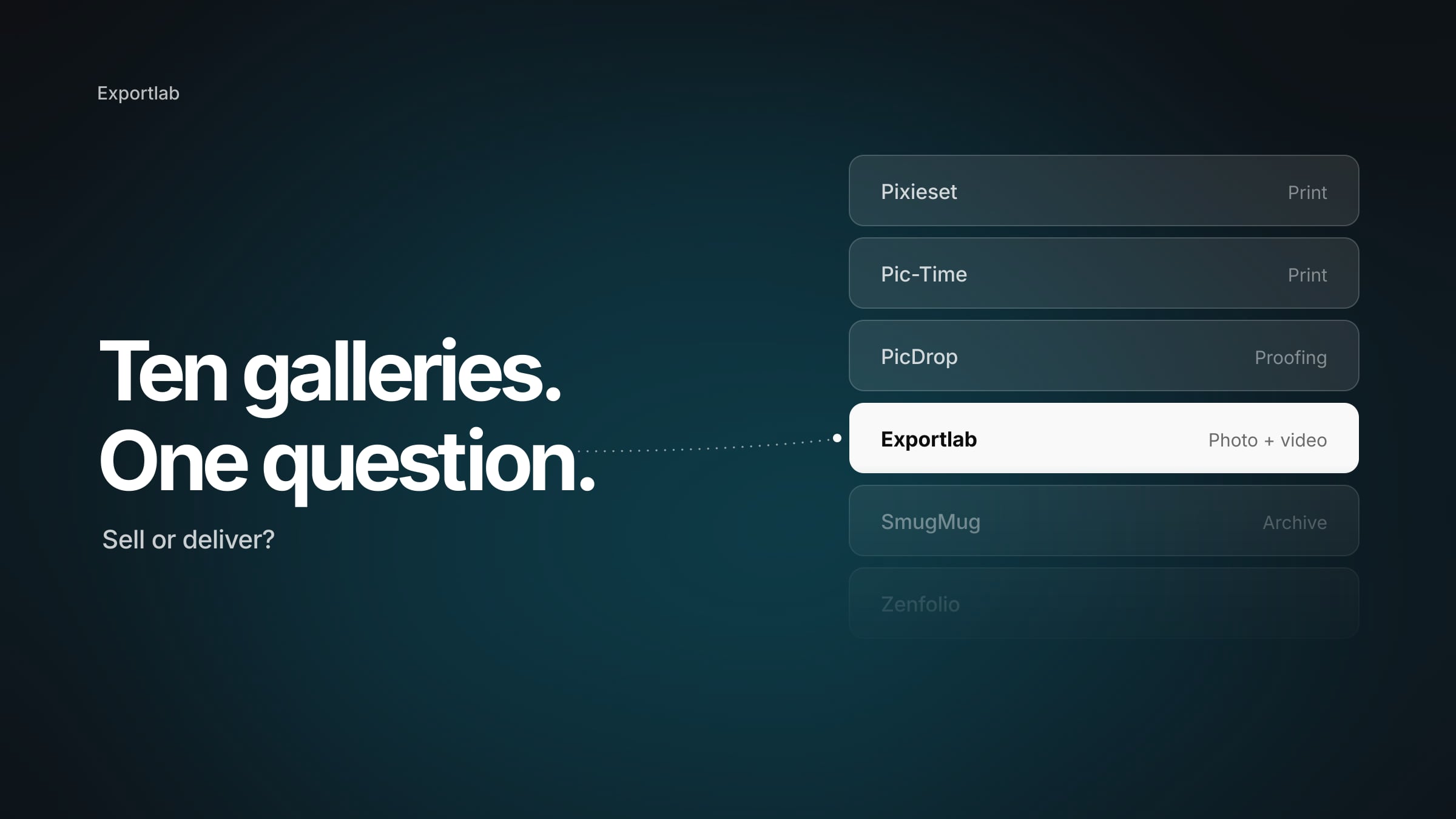
There is no single answer to which online gallery is best for photographers in 2026 — and any list that gives you one name is selling you something. A gallery built for print sales is useless to a videographer. A platform that swallows 500 GB of RAW files is overkill for three portrait sessions a month.
This comparison sorts ten platforms by what they actually do well, with pricing, storage, RAW support, print stores and commission in one table, so you don't have to open ten pricing pages. Where a platform doesn't fit, it says so. Including ours.
What actually decides the choice
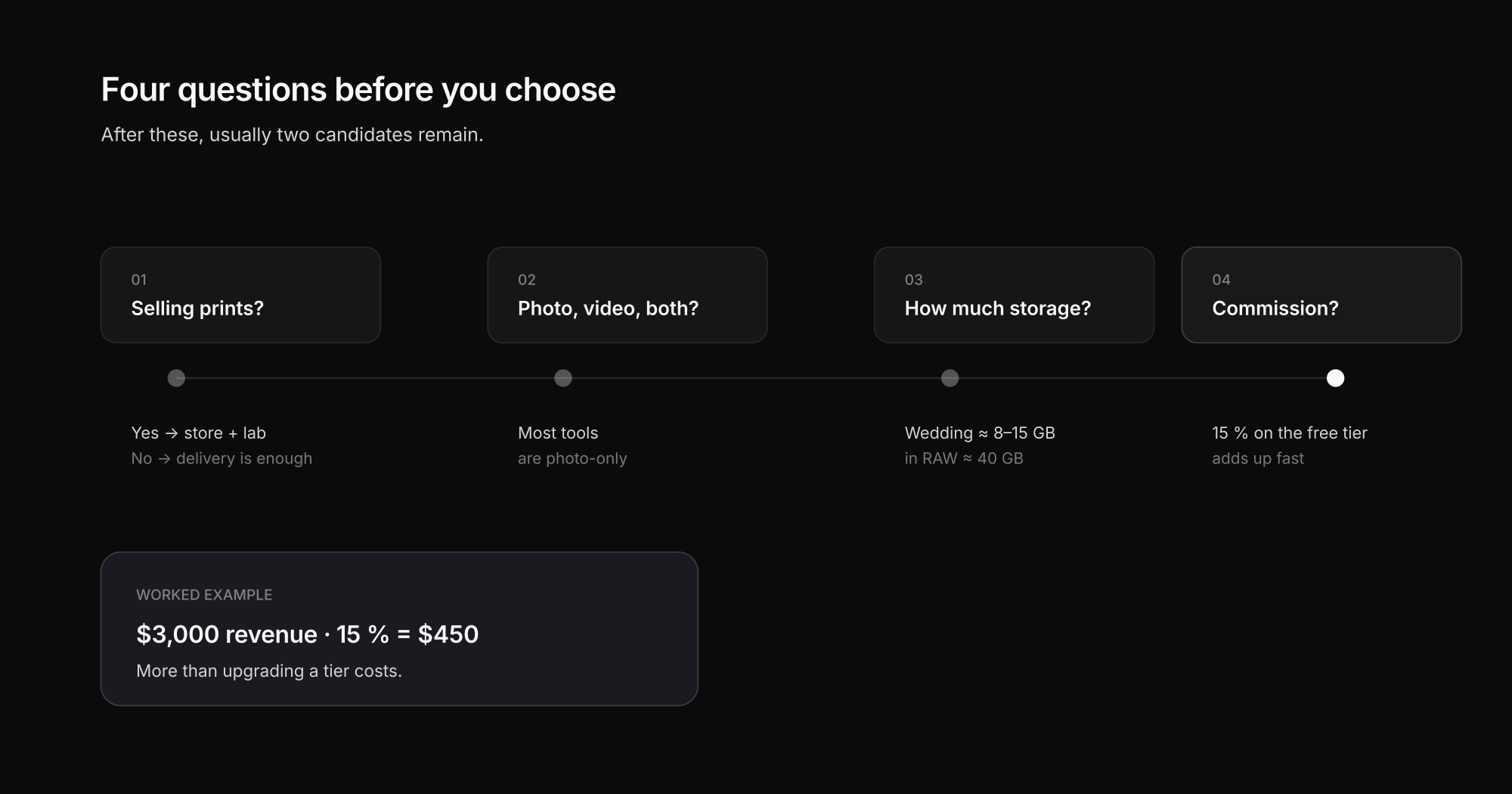
Before comparing tools, know what you're looking at. Four criteria settle almost everything in practice:
- Do you sell prints? If so, you need a gallery with an attached store and lab fulfilment. That is a different product category from plain delivery — and the most common reason photographers pick the wrong tool.
- Do you deliver photo, video, or both? Most gallery platforms are photo-only. Video is either absent or a bolted-on upload with no feedback layer.
- How much storage do you actually need? Rough maths: a wedding at 800 JPEGs runs 8–15 GB, in RAW closer to 40 GB. Leave old galleries open and you pay rent on an archive.
- Commission or flat fee? Several platforms take 15 % of sales on their cheapest tier. On $3,000 of print revenue a year that's $450 — far more than upgrading a tier.
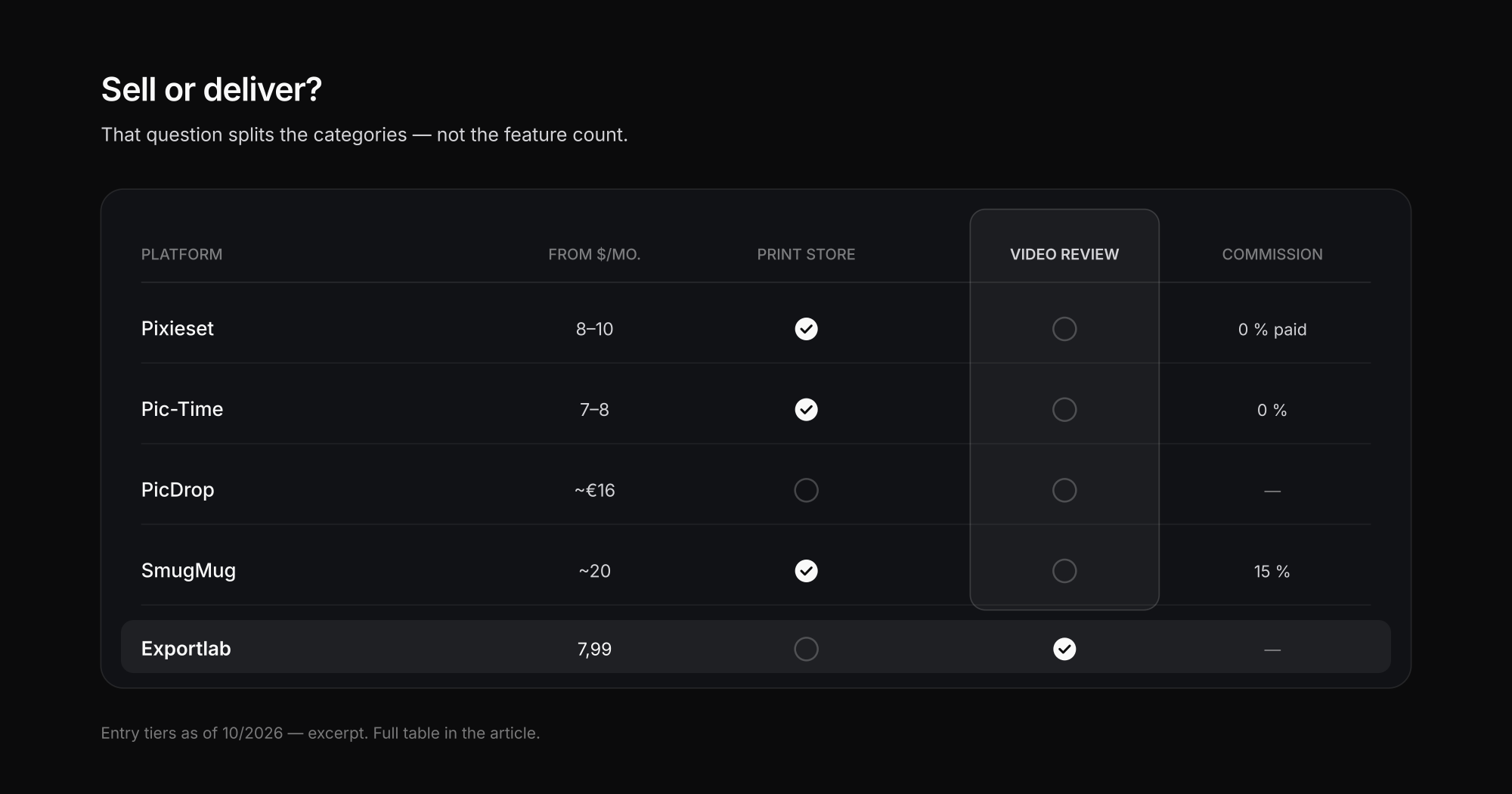
Online galleries for photographers compared (as of 10/2026)
| Platform | Entry/month | Storage | RAW | Video review | Print store | Commission |
|---|---|---|---|---|---|---|
| Pixieset | from ~$8–10 | 10 GB | yes | no | yes | 15 % on free tier, 0 % on paid |
| Pic-Time | from ~$7–8 | 10 GB | yes | no | yes (heavily automated) | 0 % on several tiers |
| PicDrop | from ~€16 | 500 GB | yes | limited | no | — |
| ShootProof | from ~$10 | by image count | yes | no | yes | 0 % |
| SmugMug | from ~$20 | unlimited | yes | no | yes | 15 % |
| CloudSpot | from ~$10 | by tier | yes | no | yes | 0 % |
| Picflow | from ~$12 | 100 GB | yes | yes (comments) | no | — |
| Zenfolio | from ~$13 | unlimited | yes | no | yes | 0 % |
| PhotoShelter | from ~$10 | by tier | yes | no | limited | — |
| Exportlab | Current plans | by tier | yes (format list) | yes (timeline feedback) | no | — |
The table deliberately does not answer "which is best". It answers the question that matters: *which one fits how I work.* The next sections resolve that.
The platforms in detail
Pixieset — the classic for photographers selling prints
Pixieset is the default for many photographers, and deservedly: clean interface, fast delivery, built-in store, booking tools. If you shoot portraits or weddings and sell prints, Pixieset is rarely the wrong call.
Not for you if: you deliver video (no real review layer), or you plan to stay on the free tier — 15 % of your sales goes away there.
Pic-Time — the strongest sales automation
Pic-Time is functionally close to Pixieset but wins on automated print marketing: discount campaigns, cart reminders and seasonal pushes run largely on their own. If you treat print revenue as a real income stream, this usually returns more.
Not for you if: you only want to deliver. The feature depth becomes overhead you pay for and never touch.
PicDrop — proofing speed, strong in German-speaking markets
PicDrop isn't a sales tool, it's a proofing tool: upload, client selects, pull the selection. That keeps it fast and lean, and the generous entry storage (500 GB) suits RAW-heavy workflows.
Not for you if: you want to sell prints — there is no store. We covered it in more depth in our PicDrop alternatives comparison, including pricing and the free plan.
ShootProof and CloudSpot — selling without commission
Both target photographers who want to sell without giving up a cut: 0 % commission, price lists, lab integration. ShootProof bills by image count rather than gigabytes, which can be cheaper for many small galleries and pricier for a few large ones.
Not for you if: your volume swings a lot — per-image billing is hard to plan around.
SmugMug and Zenfolio — unlimited storage with a portfolio
Both pair client galleries with a portfolio site and unlimited storage. For photographers who want archive and public presence in one tool, that's a genuine argument.
Not for you if: you need fast proofing. Both lean presentation over selection, and SmugMug takes 15 % commission.
Picflow — modern proofing with comments
Picflow is fast, responsive and lets clients comment directly on an image — closer to a review tool than a store. For creative and agency projects with approval rounds, that makes sense.
Not for you if: you need print sales.
Exportlab — when photo *and* video go to the same client
We're strong exactly where the list above has a hole: most gallery tools are photo-only products. Exportlab delivers photo galleries and video in one workspace, including video review with timeline-accurate feedback and EDL/marker export back into the edit. Plus a client portal (Creator and up), selection mode, Group Shoot for events with per-person access, guest uploads, and plugins for Lightroom, DaVinci Resolve and Premiere Pro.
Not for you if: your business runs on print sales. Exportlab has no print store and no lab fulfilment — if you sell prints through the gallery, Pixieset, Pic-Time or ShootProof serve you better. RAW support is also limited to a fixed format list, not anything you throw at it.
From $7.99/month, with a 7-day trial and no card required.
What to check on data protection
Client photos are personal data — faces unambiguously are. Whatever platform you choose, three things are worth settling before you sign:
- Data processing agreement (DPA): does the vendor offer one? Without a DPA, using it for client work in the EU is legally exposed. (Ours is public at data processing.)
- Server location and third-country transfer: where do the files live, and on what legal basis do data flows leave the region, if they do?
- Deletion windows: what happens to galleries after expiry, and how long do backups persist?
These are purchasing criteria, not paperwork — and they separate vendors more sharply than most feature lists. Legal advice for your specific situation belongs with a lawyer; this section names the questions, not the answers.
Which online gallery fits you?
The short version, sorted by how you work:
- Print sales are a real share of revenue → Pic-Time (automation) or Pixieset (all-rounder); ShootProof/CloudSpot for 0 % commission.
- You only deliver and want speed → PicDrop or Picflow.
- You deliver photo and video to the same clients → Exportlab.
- You want archive plus portfolio in one → SmugMug or Zenfolio.
- You work in approval rounds with agencies → Picflow or Exportlab (comments / timeline feedback).
FAQ
Which online gallery is best for photographers?
There isn't one that's best for everyone. For print sales, Pixieset and Pic-Time lead; for fast proofing, PicDrop and Picflow; for photo-and-video delivery, Exportlab; for unlimited archive, SmugMug and Zenfolio. What decides it is whether you want to *sell* or *deliver* — that splits the categories more than any single feature.
What does a client gallery cost?
Entry tiers in 2026 mostly land between $7 and $20 per month (as of 10/2026). Cheap isn't cheap, though: several platforms take 15 % commission on the lowest tier, and storage upgrades are the most common hidden cost.
Is there a free online gallery for photographers?
Several platforms offer free tiers, usually 3–10 GB with commission on sales. That covers first jobs; for professional delivery it runs out fast, because a single wedding fills the quota.
Do clients need an account to open a gallery?
With almost every platform, no — the client opens a link, optionally with a PIN or password. A login is only required where a persistent client portal spanning several projects is offered.
Which galleries support RAW files?
Most platforms accept RAW uploads, but rarely every format and never without limits. Always check two things: the list of supported formats (CR3, NEF, ARW and so on) and the maximum file size per upload — RAW workflows fail on that more often than on total storage.
Conclusion
The best online gallery for photographers in 2026 is the one that fits your business model, not the one with the longest feature list. Settle first whether you want to sell through the gallery or deliver through it, and whether video is part of the job. After that, usually only two or three candidates remain and the decision gets easy.
If photo and video go to the same clients in your work, you can try Exportlab free for 7 days without a card — or first look at how photo galleries and video review work together.