

PicDrop Pricing 2026: What the plans actually cost
PicDrop restructured its plans on 12 May 2026. If you signed up earlier you may still be on legacy terms; if you are comparing now, you see the new ones. This article breaks down the current pricing and explains two things that are technically stated but easy to miss: prices are listed net of VAT, and what happens to existing galleries when you downgrade.
The short verdict up front: PicDrop is not an expensive tool. Entry-level pricing sits in the normal range for photography software. The real question is whether the storage tiers match your volume — because that is where costs climb.
PicDrop plans at a glance
| Plan | Monthly | Annual | Storage | Galleries | Video conversion |
|---|---|---|---|---|---|
| Free | €0 | €0 | 1 GB | 3 | no playback |
| Pro | €14.99 | €8.39/mo | 500 GB | unlimited | 60 min/month |
| Advanced | €39.99 | €12.59/mo | 1 TB | unlimited | 120 min/month |
| Business | €99.99 | €75.59/mo | 3 TB | unlimited | 240 min/month |
| Enterprise | on request | on request | 5 TB | unlimited | unlimited |
As of August 2026, all prices net of VAT. PicDrop also bills in USD and GBP. Plans change — the binding numbers are always on the PicDrop pricing page.
Note the gap between monthly and annual billing: on the Advanced plan, the annual rate is roughly a third of the monthly one. If you are confident PicDrop fits, pay annually. If you are still evaluating, you pay a steep premium for that flexibility.
The net-pricing catch
PicDrop lists prices net of VAT. That is standard in B2B and entirely legitimate — but it distorts comparisons against providers that quote gross, and against US providers that quote pre-tax in USD.
Concretely: €14.99 net becomes €17.84 gross at 19 % VAT. The Business plan goes from €99.99 net to about €118.99 gross.
If you run a VAT-registered business, this is irrelevant — you reclaim it. It matters in two cases: you are a small business that cannot reclaim input tax, or you are comparing PicDrop against a provider whose page quotes gross. Then you are comparing two different numbers.
What happens when you downgrade or cancel
This is the point most often missed in a price comparison — and the one that costs the most when it bites.
If you move from a paid plan back to Free, or stop paying, the free limits apply again: 3 galleries, 1 GB. Anything above that stays in your account but is no longer accessible to third parties and can no longer be downloaded. PicDrop states this plainly in its FAQ: files and galleries above those limits can no longer be accessed by third parties.
In practice: gallery links you sent clients two years ago stop working after a downgrade. If you regularly point clients to archive links, or promised longer access, know this before you switch.
This is not unique to PicDrop — most gallery providers work the same way, since otherwise they would host unlimited storage for non-paying accounts. But it is a cost that appears on no pricing page: as long as you want old galleries to stay reachable, you keep paying.
Where storage gets expensive
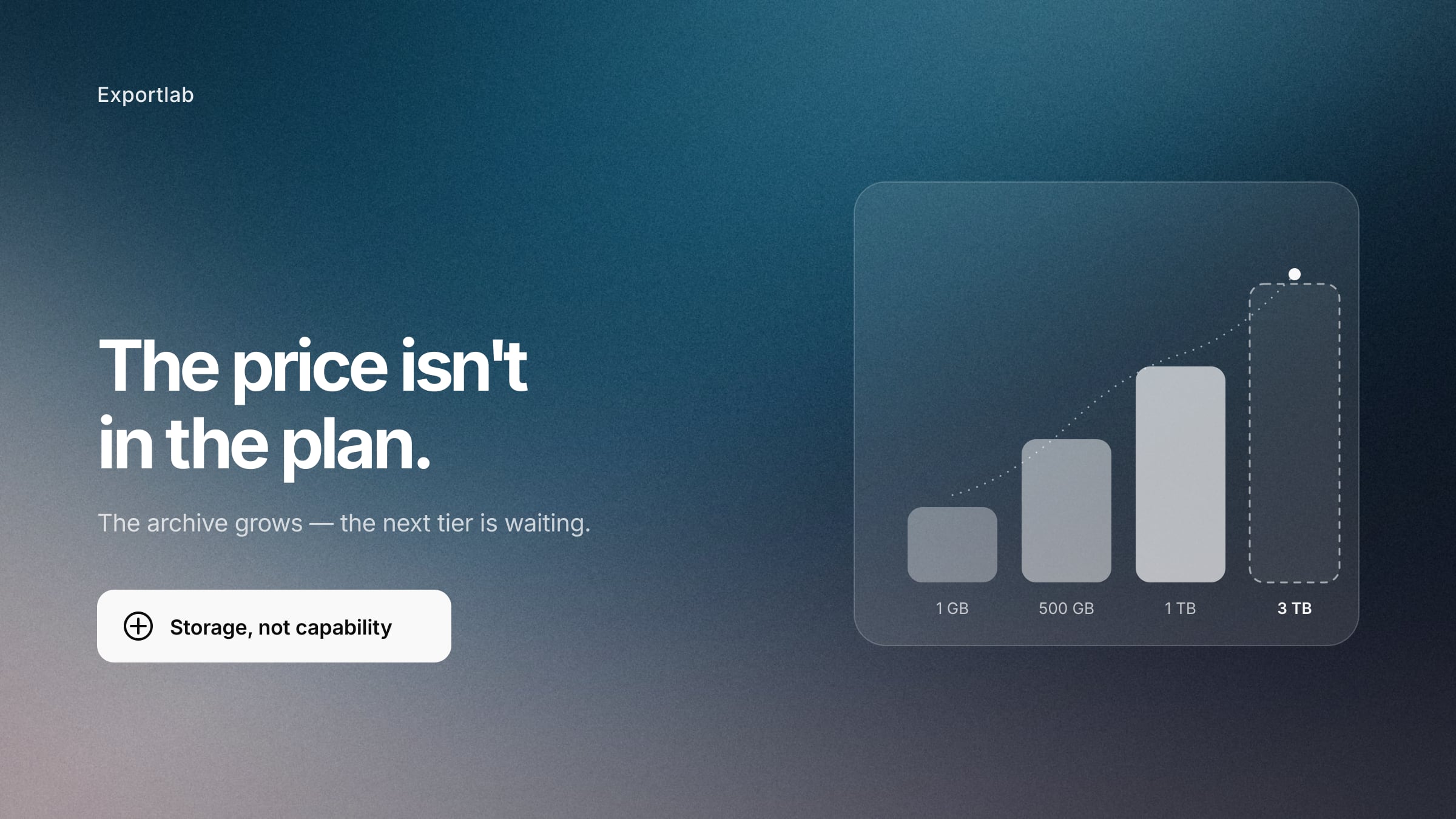
500 GB on Pro sounds generous. In practice it depends on how long you keep galleries open.
A wedding shoot with 800 full-resolution images runs to 8–12 GB quickly. A commercial shoot with RAW exchange runs well beyond that. If you shoot ten jobs a month and leave galleries online for a year, you hit the Pro ceiling in roughly four to five months — not because of active work, but because of the archive.
From there you have three options: buy extra storage (on Pro, 250 GB blocks at €7.99 net each per month), move up to Advanced, or delete old galleries consistently. The third is cheapest and takes the most discipline.
This is exactly where a different pricing model is worth a look. Some providers charge per gallery rather than per gigabyte, which is cheaper for a few large jobs. Others include unlimited image storage on paid plans, which moves the cost question away from volume entirely.
What the price does not include
Two things that matter to many photographers and are not part of the package:
A print store. PicDrop does not sell prints. If print sales are a revenue channel for you, you need a second provider or you handle fulfilment manually. Pic-Time, Pixieset and Scrappbook have this built in.
Video playback on the free plan. You can upload and download video files, but not play them. Streaming, quick preview and preview thumbnails start at Pro. If you deliver motion, the free plan gives you no usable video workflow.
Is PicDrop good value?
For a classic photo workflow: yes. The Pro plan covers galleries, selection, comments and downloads solidly, and the annual rate is competitive.
It gets tighter in three situations. First, when your archive grows and you keep galleries open indefinitely — then you are paying for storage, not capability. Second, when video is a fixed part of your offer: conversion minutes are capped, and real video review with timecode feedback and versions is a different thing from gallery playback. Third, when you work for recurring business clients and send new links for every project.
In those cases the question is not whether PicDrop is too expensive, but whether you need a second tool alongside it. Two subscriptions for one workflow almost always cost more than one that covers the whole chain.
That is the angle Exportlab takes: selection on the image, feedback on the medium, video review with timecode, client uploads and a client portal for recurring projects in one workspace. There is no print store — if you live off print sales, Pic-Time or Scrappbook serve you better. For a wider view of the field, see our comparison of PicDrop alternatives.
FAQ: PicDrop pricing
How much does PicDrop cost per month?
The Pro plan is €14.99 net monthly, or €8.39 net per month billed annually. Above that sit Advanced (€39.99 net) and Business (€99.99 net). The free plan is permanent but capped at 1 GB and 3 galleries.
Are PicDrop prices net or gross?
Net, meaning excluding VAT. At 19 %, €14.99 net becomes about €17.84 gross. For VAT-registered businesses this makes no difference; for anyone who cannot reclaim input tax, it does.
How much storage does the free PicDrop plan include?
1 GB across a maximum of 3 galleries. That is enough to evaluate the tool, but rarely enough for live client work — a single wedding gallery blows past it.
What happens to my galleries if I cancel?
Galleries and files above the free limit remain in your account but are no longer accessible or downloadable for third parties. Old client links stop working. Check for active galleries before you cancel.
Can I buy additional storage on PicDrop?
Yes. On the Pro plan, storage extends in 250 GB blocks at €7.99 net extra per month each. Past a certain point, moving up a tier is cheaper than stacking add-ons.
Does PicDrop offer an annual discount?
Yes, and it is substantial. Pro drops from €14.99 to €8.39 net per month, Advanced from €39.99 to €12.59 net. If you are sure the tool fits, pay annually.
Does the free plan support video?
Only partly. Video files can be uploaded and downloaded but not played. Streaming, quick preview and preview thumbnails are Pro and Business features.
Conclusion
PicDrop is unremarkable on price — as long as your storage needs stay contained and you only deliver photos. The two factors that shift the real cost are not in the plan table: the growing archive that pushes you up tiers, and the fact that old galleries stay reachable only as long as you keep paying.
So before comparing plans, run a different calculation: how many tools does one complete job take, from upload through selection and feedback to final delivery? If the answer is more than one, the cheapest gallery plan is not what decides the cost. The total is.