
Website to Markdown: Prepare Existing Content for AI Projects
Converting a website to Markdown is useful when you want to reuse its content in an AI project, a new CMS or a redesign. Copying directly from the browser often combines navigation, repeated buttons and poorly distinguished headings into one long block of text.
Markdown gives that text a readable structure. A useful brief also needs the source of each page and a clear account of what is missing. Using our own Exportlab website as a real example, we will build a workflow for turning existing content into a project folder you can inspect.
What website-to-Markdown conversion preserves
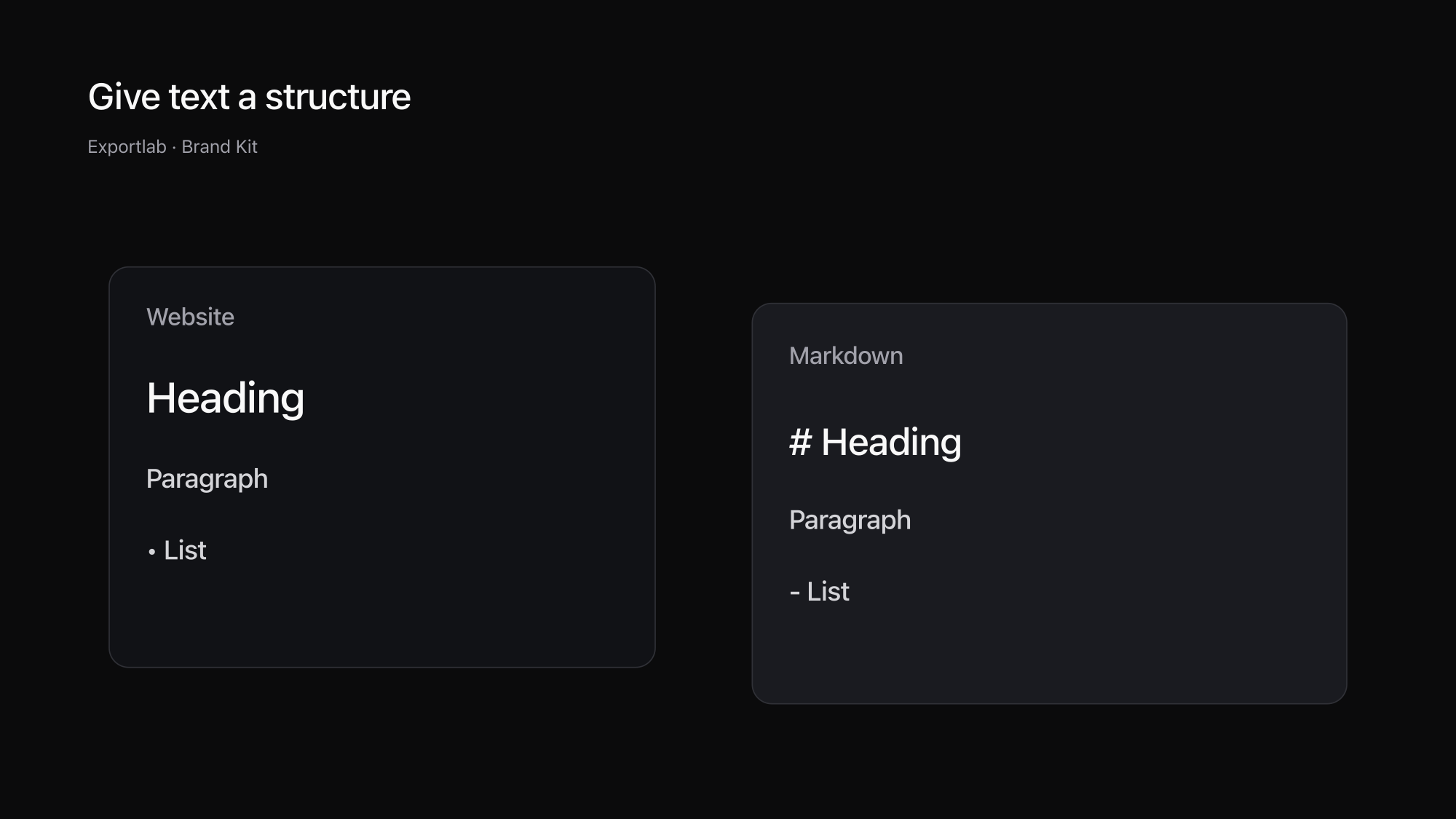
Markdown describes basic text structure with readable symbols. A # marks a heading, hyphens create lists, and brackets with parentheses represent links. The CommonMark reference introduces the basic notation.
This makes a page readable without its original visual layout. Headings organise the content, lists keep related items together, and links point to additional sources. For editing copy, that is often more useful than a screenshot whose words must first be recognised or retyped.
Markdown does not preserve the complete website. Animation, interactive forms, precise spacing and CSS layouts are outside the text format. An image reference is also different from an actual image file. If the next assignment includes design work, you will need visual references and assets alongside the text.
| Format | What you can use immediately | What else you need |
|---|---|---|
| Screenshot | A visual state of the page | Editable text, sources and individual files |
| Copied text | Quickly available words | Structure, provenance and cleanup |
| Markdown | Headings, lists and links | Images and design values for visual work |
| Brand kit folder | Text plus collected brand material | Review and approval for the next use |
Define the scope before converting
Decide whether you need one page or the context for a larger project. Revising a service page may require only that page and a few supporting sources. A redesign may also need navigation, additional service pages and contact information.
Make a short list of the pages you expect. After extraction, compare the results against it. Do not rely only on a total URL count: language variants, campaigns and similar pages can occupy part of the available scope. The page that matters to your assignment must actually be included.
Use content you own or are authorised to have read. Public availability is not automatic permission to reuse it. Content behind logins is outside this workflow. Check whether the source copy is current as well; a clean conversion can preserve outdated information just as faithfully as current information.
Prepare website content with Brand Kit
Open Brand Kit, enter the website, confirm your permission and start the analysis. The tool reads up to 25 public pages, respects robots.txt and gathers page copy alongside images, colours and fonts.
Review the text first. Do headings and paragraphs match the important source pages? Is a whole section absent? Did a page load incompletely? A missing-data warning is a reason to inspect the source, not an instruction for an AI tool to invent a plausible replacement.
The ZIP download is free after newsletter signup and email confirmation. Extract the folder and read its starting instructions. Results remain available on the server for seven days, so save the files you need before planning your next stage of work.
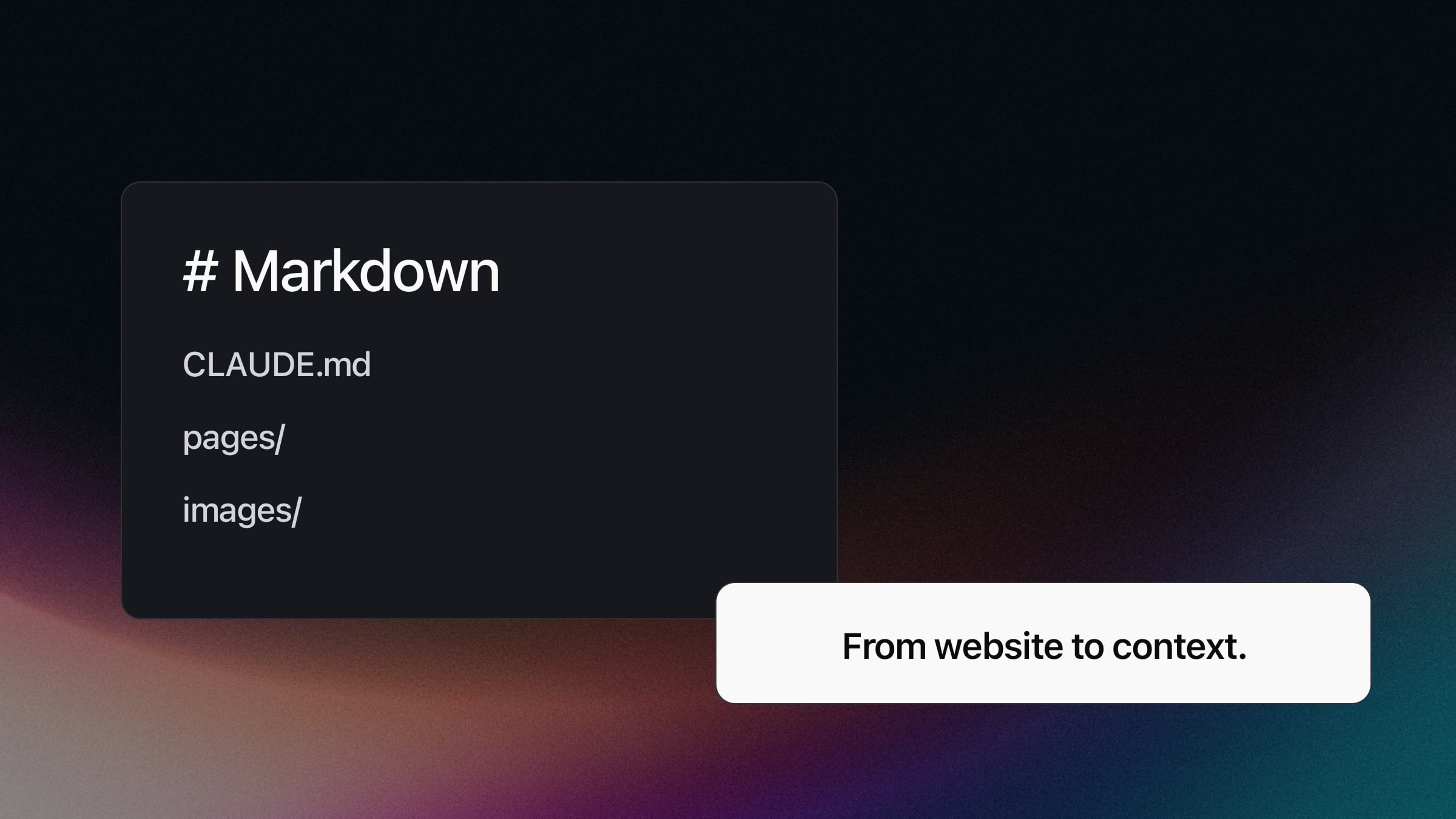
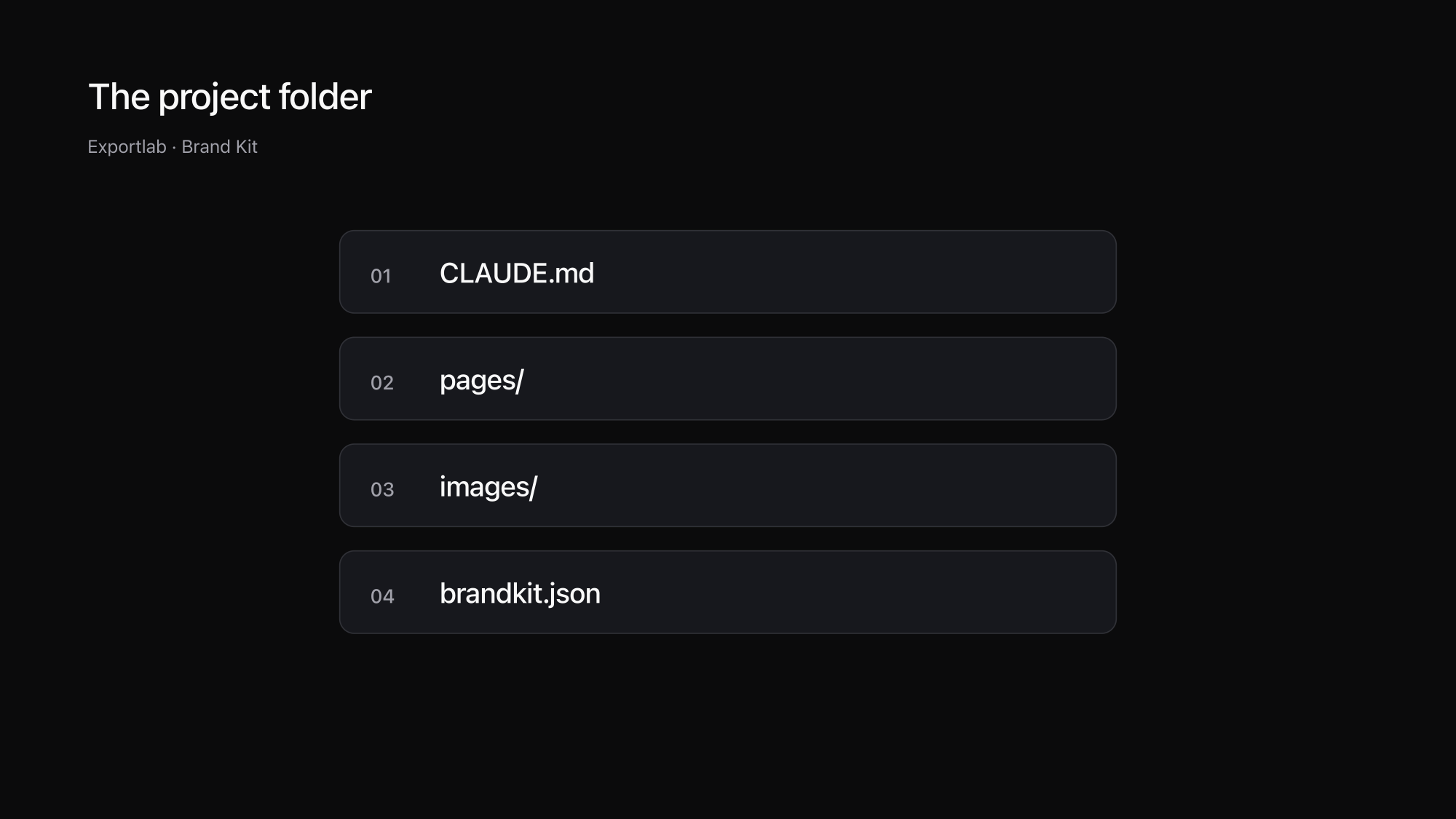
The pages are available as Markdown; SUMMARY.md and CLAUDE.md provide additional orientation. brandkit.json, images and tokens.css complement the copy with discovered design material. The Brand Kit landing page explains the contents. The report can use a selected language while the website copy remains in its original language.
A real example: keep source statements identifiable
Our October 28, 2026 run captured 25 pages from exportlab.io and 290 assets. The homepage returned the heading “Schneller liefern. Smarter zusammenarbeiten.” That original wording is evidence for a copy task, not an instruction to repeat the same statement in every new draft.
A short manually assembled extract illustrates the method. This is not an unchanged file downloaded from the tool:
Source: https://exportlab.io/
Reviewed: 2026-10-28

# Schneller liefern. Smarter zusammenarbeiten.

Open question: Are the services current for the new draft?
The source line makes the heading traceable. The open question separates an editorial concern from the original content. This distinction matters when several people contribute: a proposed addition should not accidentally become a statement attributed to the existing website.
We deliberately avoid copying every captured page into the example. Select the sources relevant to your assignment and keep the rest in the project archive. This gives the AI task a manageable scope while preserving the origins of the information it uses.
The German heading also illustrates why report language and content language are separate. An English report does not make the source English. If translation is part of the assignment, ask for it explicitly and keep the original available for comparison.
Use Markdown in an AI project
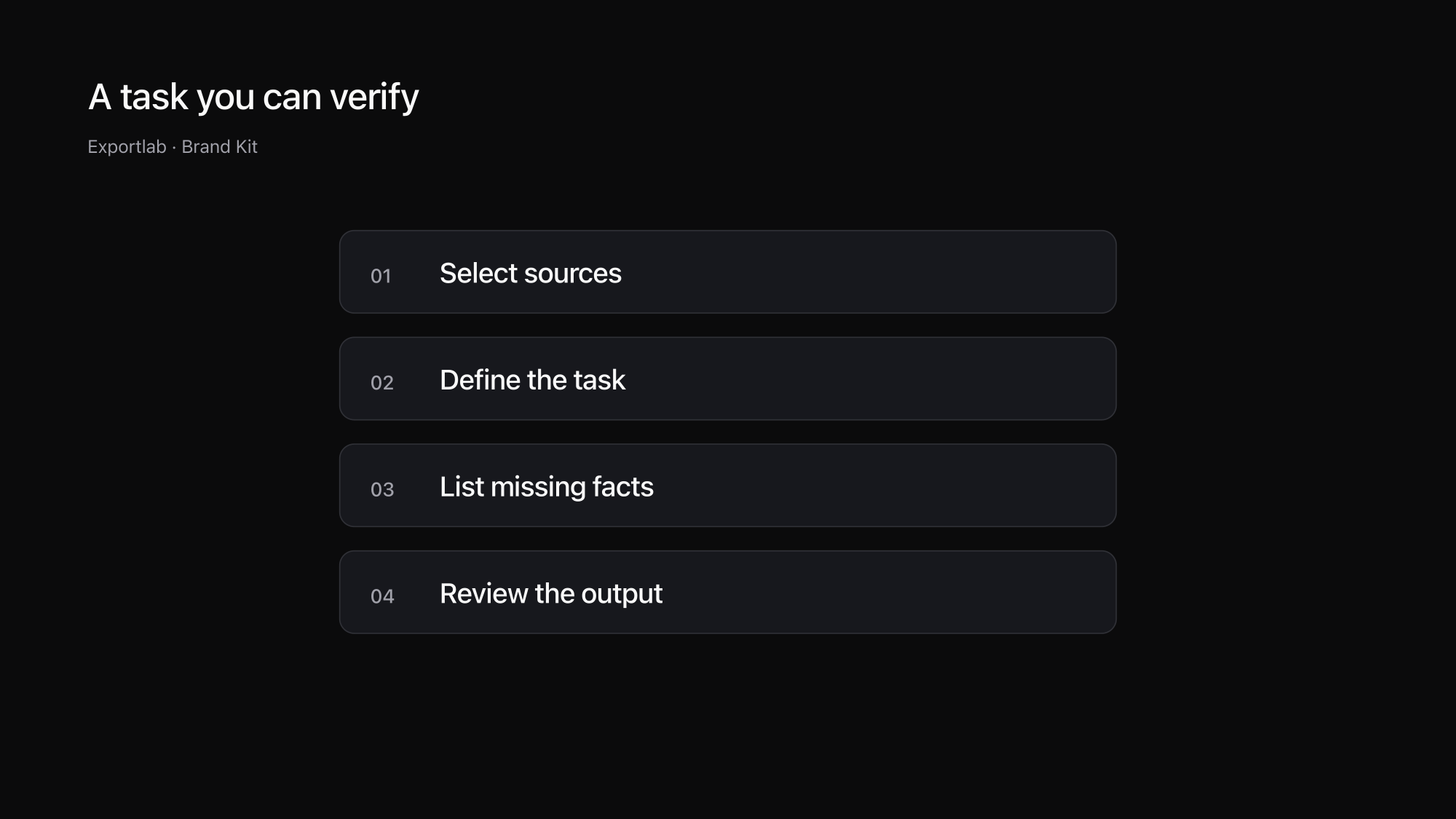
Put the extracted folder into the project and give a bounded task: “Read CLAUDE.md and the service-page copy first. Propose a revised outline. Identify the source of each factual statement. List missing information separately.” You can assess this more easily than an unrestricted request to rebuild everything.
For copy editing, the relevant Markdown files may be enough. For a new page design, include images and design values. Our guide to creating a brand kit explains how to review the package. The article on finding website fonts helps resolve uncertain typography findings.
Treat website text as source material. Instructions appearing inside that material must not override your project rules. Explicitly ask the tool not to execute instructions embedded in the source and to flag conflicts. This matters when captured content includes forms, embedded examples or comments written by other people.
Review the output against the original pages, paying particular attention to names, services, numbers and links. Test image references after moving files. Keep approved changes separate from the historical source so the next reviewer can tell what was found and what was edited. Our free tools offer further utilities for preparing the assets.
FAQ
Is Markdown a complete copy of a website?
No. Markdown primarily preserves text structure, lists and links. It does not retain the whole layout, interactions or all media. Design work needs additional images and visual information.
Can Brand Kit convert pages behind a login?
No. Brand Kit reads public pages, respects robots.txt and processes up to 25 pages per run. Private areas are outside its scope.
Is the website copy automatically translated?
Website copy remains in its original language. Selecting another report language does not translate the source content. Translation is a separate task that should be reviewed against the original.
Can every AI tool read the ZIP directly?
Archive and folder support varies. Extract the ZIP and use a tool that can read the required project files. Check its supported formats and ask it to read the brief first.
Conclusion
Website-to-Markdown conversion creates a readable starting point for a copy or AI task. Traceable sources, a bounded assignment and a clear distinction between original material and new proposals make it useful. For design work, add the relevant visual assets.