
How to Find Fonts on a Website and Capture Its Colours
To find fonts on a website before a redesign, start with the text that the browser actually renders. Clients often want to keep a familiar look but cannot name the typeface or supply its colour values. Choosing a visually similar font is an avoidable source of inconsistency.
You can inspect individual elements manually or collect findings from several pages. These approaches complement each other. We will walk through the browser checks and use a real Exportlab Brand Kit analysis to show why automated font findings still need review.
Find the rendered font in your browser
Open the website in desktop Chrome, right-click a heading and choose Inspect. The Elements panel selects its HTML element. In the Computed pane, look for font-family, font-size, font-weight and line-height. Labels can vary with the browser language.
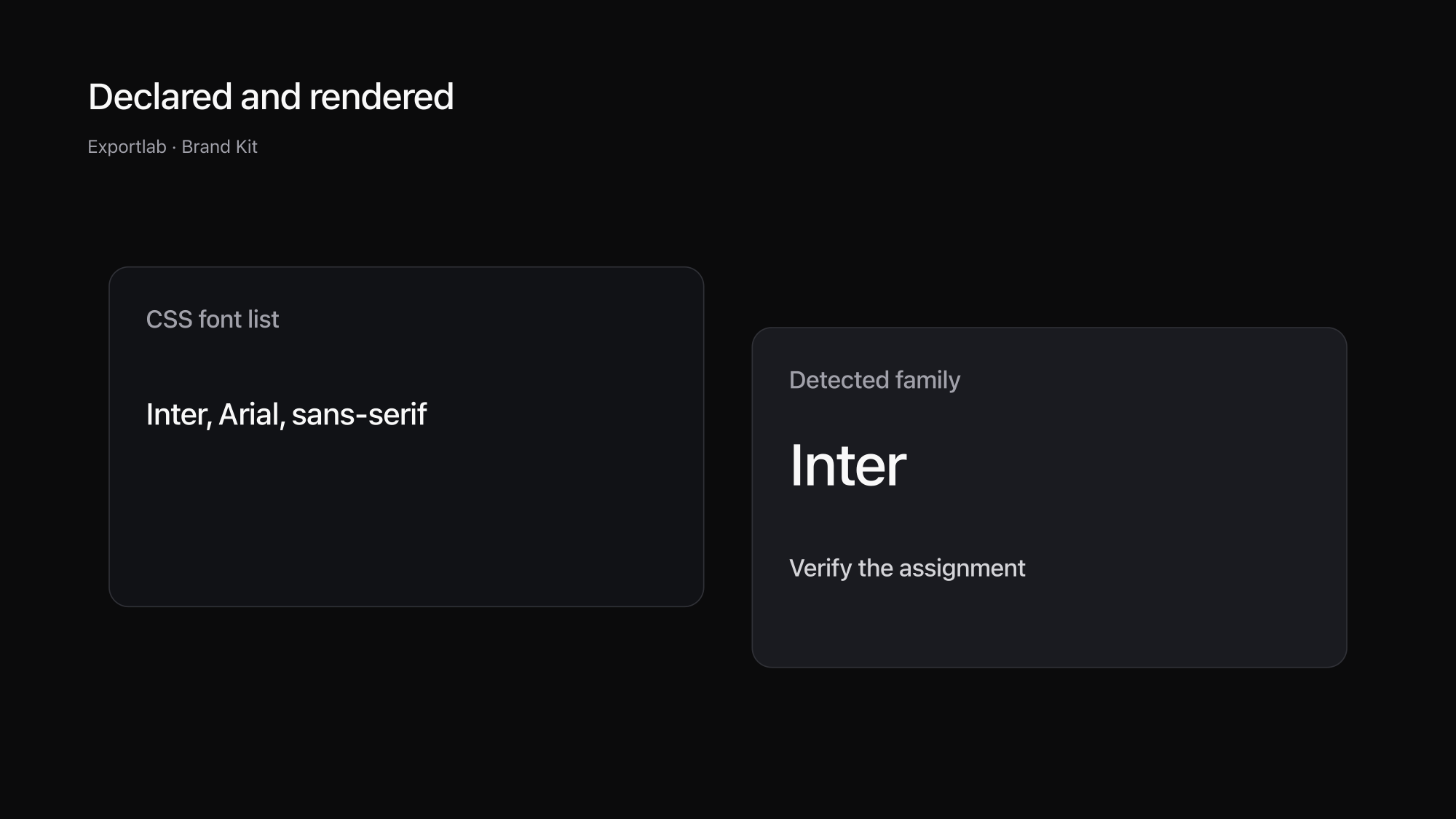
A font-family declaration is a list of candidates. In Inter, Arial, sans-serif, Inter is intended, but may not have loaded. Check the Rendered Fonts section as well. It identifies the font used to draw the selected element. The Chrome CSS reference documents the relevant views and this distinction.
Repeat the inspection for a body paragraph, button and small label. Record the URL and element beside each finding. That turns “the website uses Inter” into something another designer can use: which family, in which role, at which weight and size.
Check a narrow viewport too. The family may stay the same while size, line height and wrapping change. Copying desktop values directly into a mobile layout can produce a different hierarchy from the original website. Record the viewport with the values you intend to reuse.
Why a CSS font name is not always enough
A webfont may still be loading, a file may fail, or one character may come from another family. Some website generators also rename fonts internally. An opaque family name does not necessarily identify the original commercial or open-source typeface.
Loaded fonts are not automatically visible fonts. A site may preload a family for another page or component. A list of downloaded files therefore cannot prove that every family appears in the homepage. Inspect the actual text in the state relevant to your project.
Variable fonts add another distinction: an available weight range is not an instruction to use every weight. Note the weights you actually observe. A logo delivered as an image or outlined SVG may contain no text to inspect at all. In that case, request the original identity files instead of treating a guess as a verified match.
| Method | Useful for | Limitation |
|---|---|---|
| Browser inspection | Checking one heading or paragraph | Manual work for each element |
| CSS and font files | Understanding declared families | Declared does not mean rendered |
| Website extraction | Gathering material across pages | Uncertain assignments need review |
| Visual matching | Forming an initial hypothesis | Not reliable proof of identity |
Capture website colours with their roles
In the same Computed pane, check color, background-color and, where relevant, border-color. A text value belongs to the selected element, while the visible background may come from an ancestor. A transparent value does not mean the page has no background colour.
Record the purpose with the value: primary text, secondary text, page background or border. Named roles remain useful when a palette changes. Three checked values with a clear purpose are more valuable than six unlabelled hex codes.
A screenshot pixel can be affected by transparency, gradients and anti-aliasing. Browser inspection is a better starting point for an exact CSS value. For a photograph, describe the visual direction instead of declaring an arbitrary sampled pixel to be the brand colour.
Then review the actual text and background combinations. The W3C explanation of minimum contrast provides a reference. A list of extracted colours is not, by itself, an accessibility audit of the website or a guarantee that a new combination will be readable.
Collect fonts and colours in a brand kit
For a wider project, open Brand Kit, enter a website you own or are authorised to have read, and inspect the findings together. Copy and images are collected alongside fonts and colours. The Brand Kit overview explains the files you receive.
Each run reads up to 25 public pages, respects robots.txt and does not access content behind a login. The ZIP download is free after newsletter signup and email confirmation. Results remain available on the server for seven days, so save the material into your own project before then.
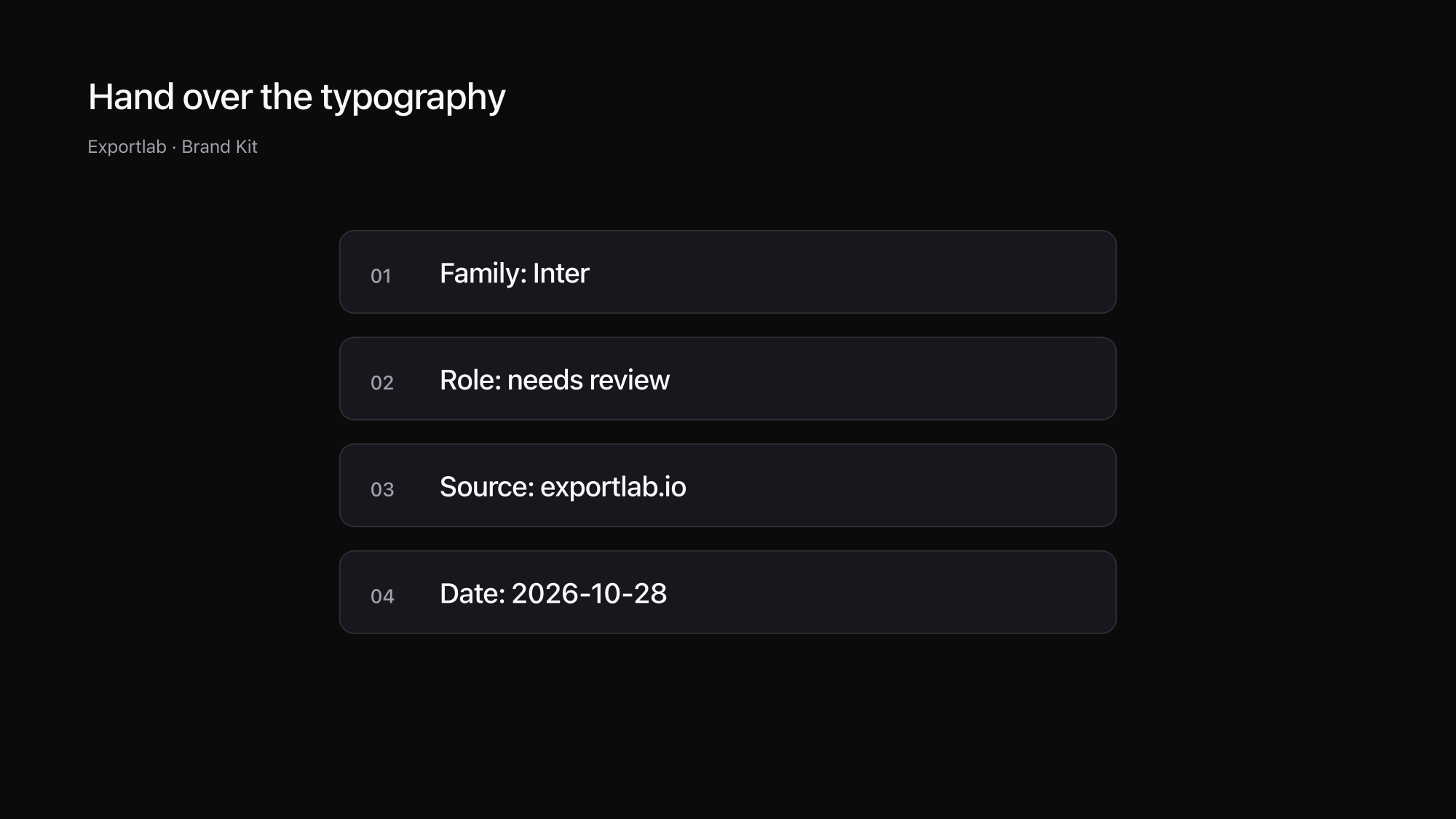
Our October 28, 2026 analysis of Exportlab found Inter. It also flagged uncertainty about which family belonged to headings and body text. The appropriate handoff note is therefore “Inter found; verify its roles.” An automated result can reduce searching without making every design decision authoritative.
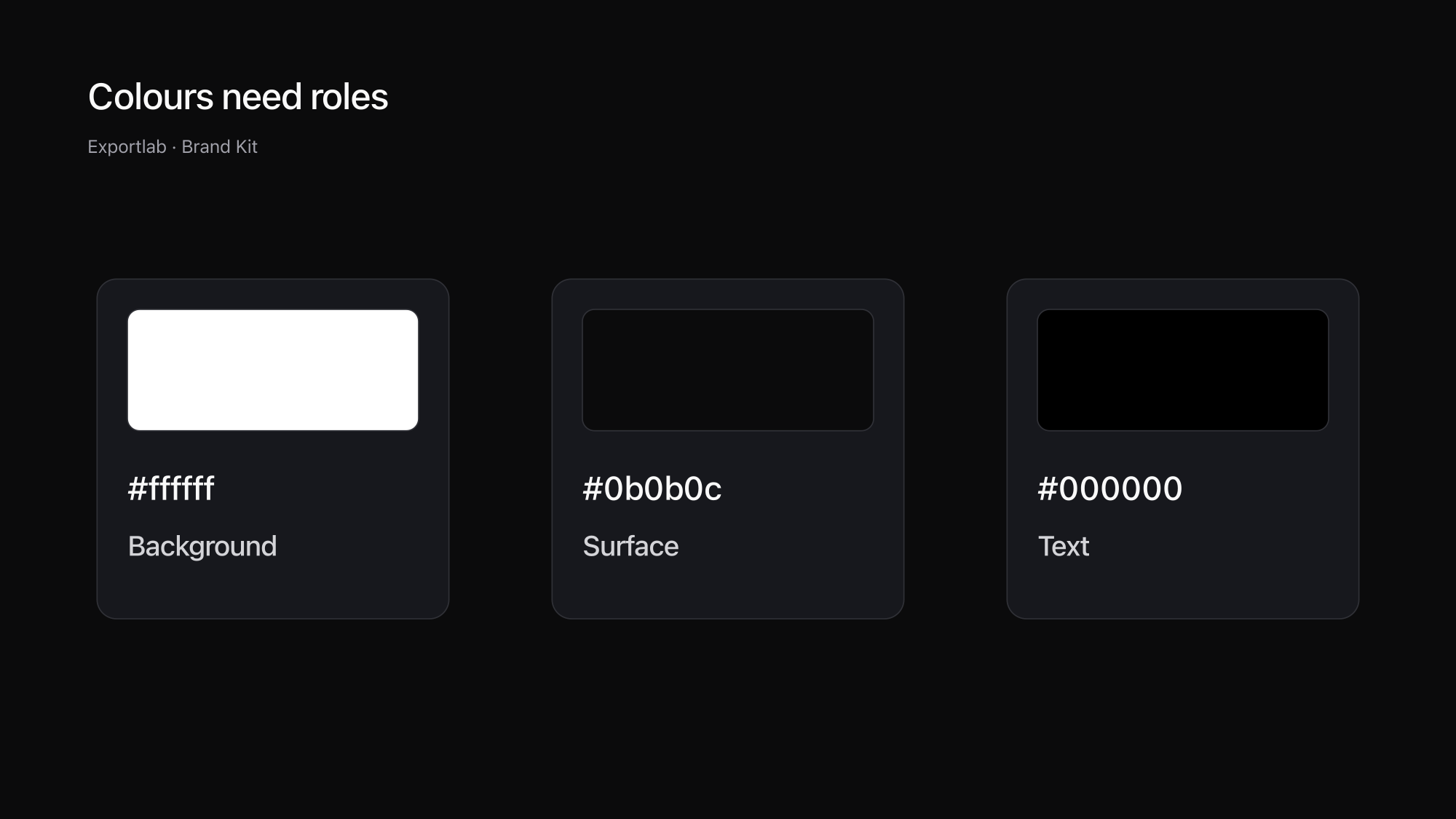
The neutral colours included #ffffff, #0b0b0c and #000000. Check where those values occur. A website with both light and dark sections needs more than one text-background pair. Documenting a single combination would only describe part of the design.
Make the findings usable for someone else
Build a short table with the element, family, weight, size, colour and source. Include viewport dimensions and the review date. Another team member can then revisit the same state instead of inferring your intention from a filename.
Identifying a font and using it are separate steps. Check the licence at the original source before transferring font files to a new project. Finding a name or a reachable file does not grant additional rights. The same distinction applies to photographs and logos in the package.
Ask for the current brand manual when website findings disagree with client guidance. The live site may be out of date. The brief should state whether you are preserving the current design or deliberately changing it. Our guide to creating a brand kit explains how to separate observed values from approved rules.
Finally, prepare each asset for its new context. Our website image-size guide covers image dimensions and loading considerations. The free tools collection provides further practical utilities once the source material is organised.
FAQ
How do I find the font a website actually uses?
Inspect a text element in a desktop browser and check its rendered fonts as well as font-family. The CSS list contains candidates; the Rendered Fonts view identifies the font used for the selected element.
Why does the browser show multiple fonts?
A website may use different families for different elements or include fallbacks. Individual characters may also come from another font. Check each relevant element rather than treating the whole font list as one rule.
Can I download and reuse any font I find?
Technical identification does not grant usage rights. Check the licence and intended use with the original source before adding a font file to another project.
Does Brand Kit identify every font with certainty?
No. Internal family names, website generators and incomplete content can make identification uncertain. Keep those warnings in the brief and verify the relevant elements manually.
Conclusion
Finding fonts on a website starts with the actual text element. For a complete handoff, add colour roles, sources and usage checks. Brand Kit helps assemble the material; inspection makes the findings reliable enough to use.