
From website to brand kit in 55 seconds
Actual exportlab.io recording: analysis, ZIP download and extracted brief. Silent, with on-screen explanations. Waiting times are shortened.
Read the video transcript
Open your own website, or one you are authorised to extract, in Brand Kit. Review the colours, font families, images and page copy. The recording reopens a completed analysis with 25 pages and 287 files. To download the free ZIP, subscribe to the newsletter and confirm your email address. Then download and extract the ZIP. The actual project folder includes CLAUDE.md, brandkit.json, images and page copy. Ask your AI tool to read CLAUDE.md first, and check facts and sources before reusing the material.
How to Create a Brand Kit from Your Existing Website
To create a brand kit, collect the reusable parts of your brand in a form another person can actually work with. During a website redesign, much of that material already exists online. Yet projects often begin with screenshots, copied paragraphs and uncertainty about which logo is current.
This guide turns that scattered material into a practical starting point. Our real example is an analysis of exportlab.io on October 28, 2026: 25 pages and 290 assets were captured. Those findings are material to review, rather than an automatically approved brand manual.
What should a brand kit include?
A useful kit answers four questions: what does the brand look like, how does it write, which files can the team use, and what is still missing? It does not need hundreds of pages. Clear names and information relevant to the next task matter more than volume.
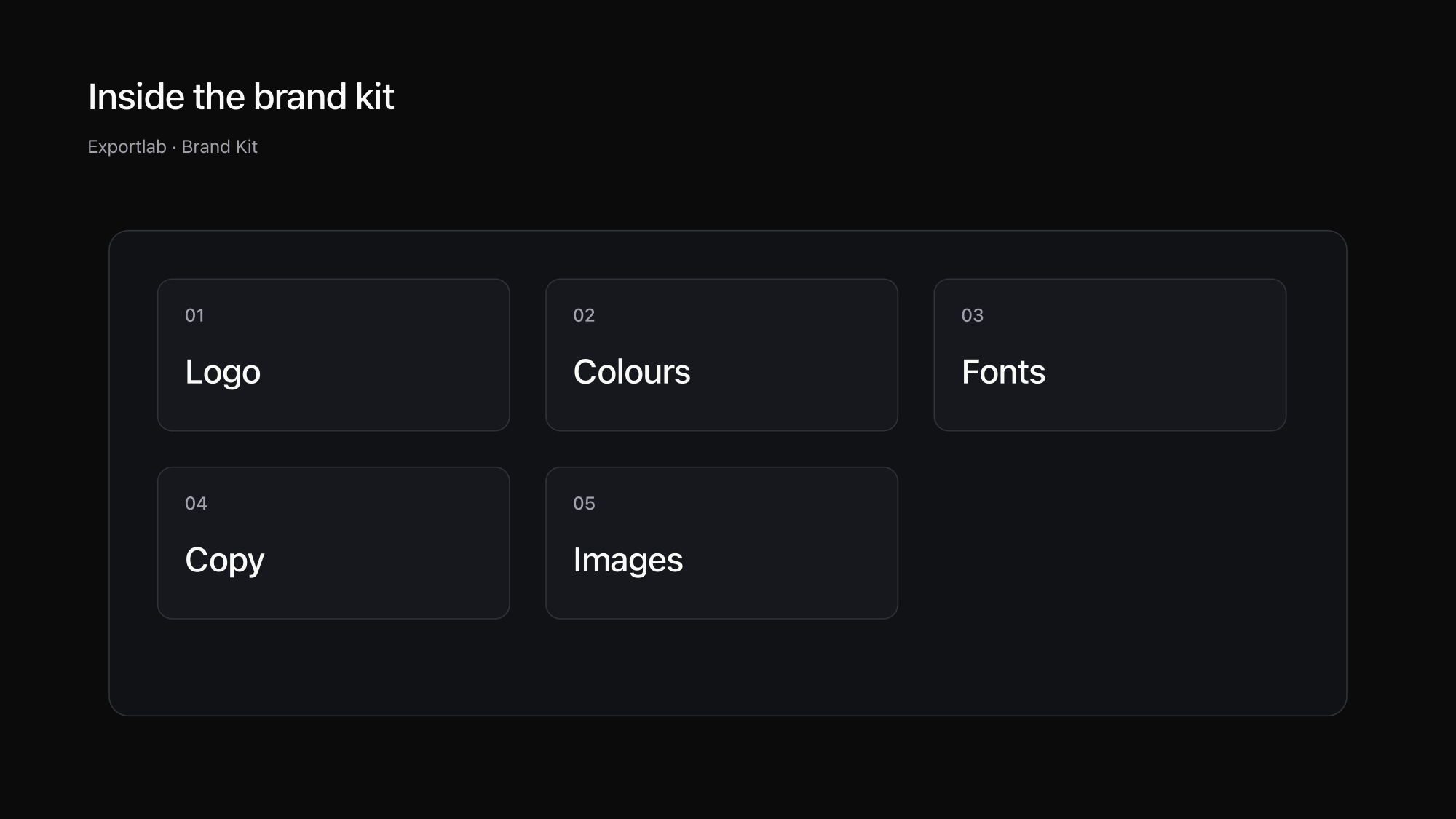
Start with a logo, colour values, font families and representative imagery. For a website project, add the existing page copy, headings and source URLs. A picture without an origin or a colour without a role leaves unnecessary room for interpretation. Record whether you observed a value on backgrounds, text or borders.
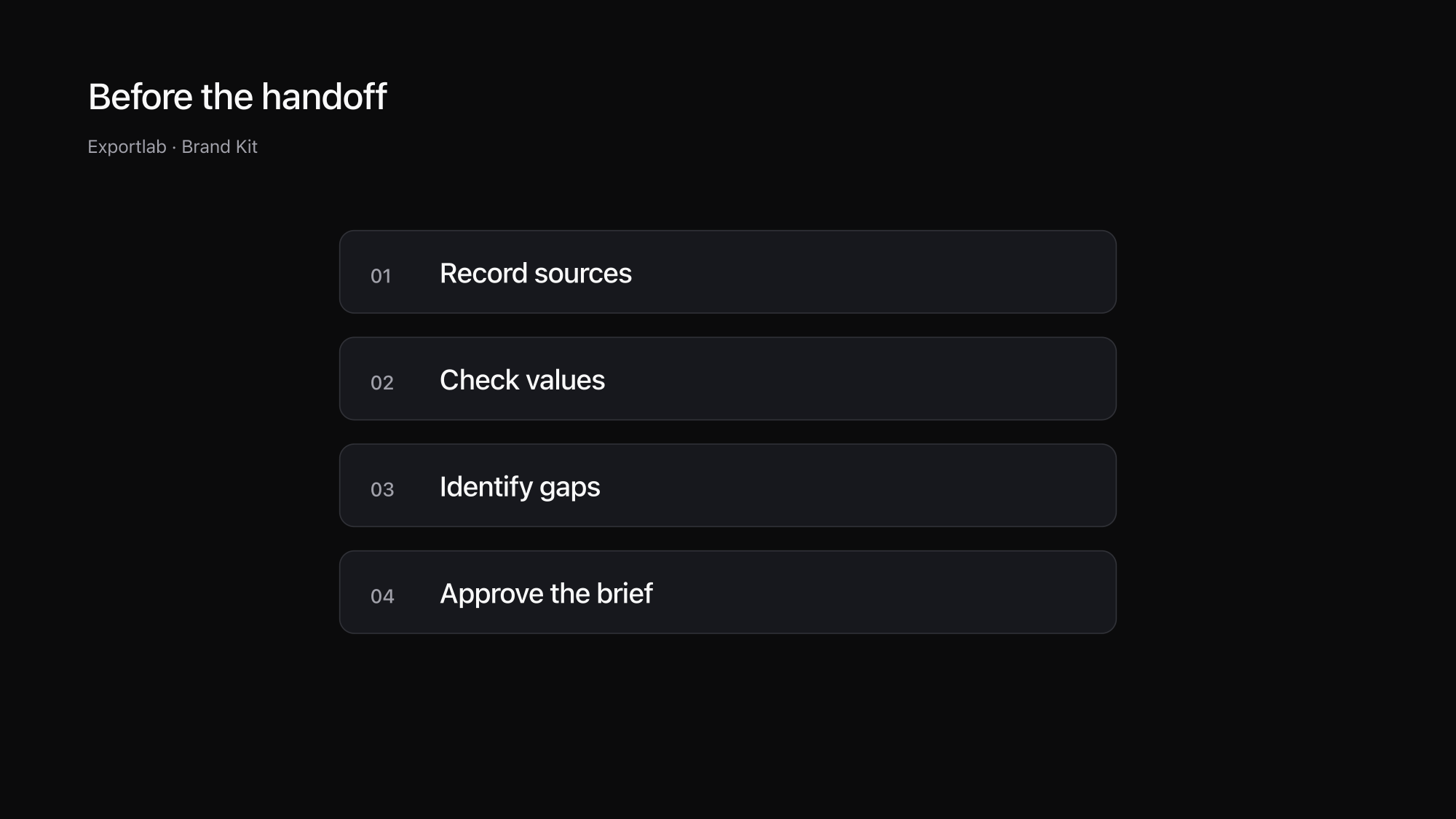
| Component | Useful information | Check before handoff |
|---|---|---|
| Logo | Original file and intended version | Current, clear and approved? |
| Colours | Value and observed role | Brand colour or a single illustration? |
| Fonts | Family, weight and source | Actually used and appropriately licensed? |
| Images | File, source and description | Relevant, current and cleared for use? |
| Copy | Page, heading and original wording | Still accurate and complete? |
Extracting a website versus writing brand guidelines
A website is a source for a brand kit, but it may not contain the entire identity. An old campaign colour might still appear on one page. A light logo version used in presentations might be absent. The client's original design project may hold the only reliable record of its type system.
Extraction helps gather and organise what is available. Deciding which elements should govern future work remains a brand decision. Keep discovered material, confirmed rules and open questions distinct. Otherwise a frequently used colour can quietly become an unintended design requirement.
A screenshot is a useful visual reminder, but it does not supply editable copy, individual image files or reliable font assignments. Keep visual inspiration alongside the kit when it helps explain the intended direction. Our guide to creating a mood board covers how to choose and discuss those references.
Create a brand kit from your website
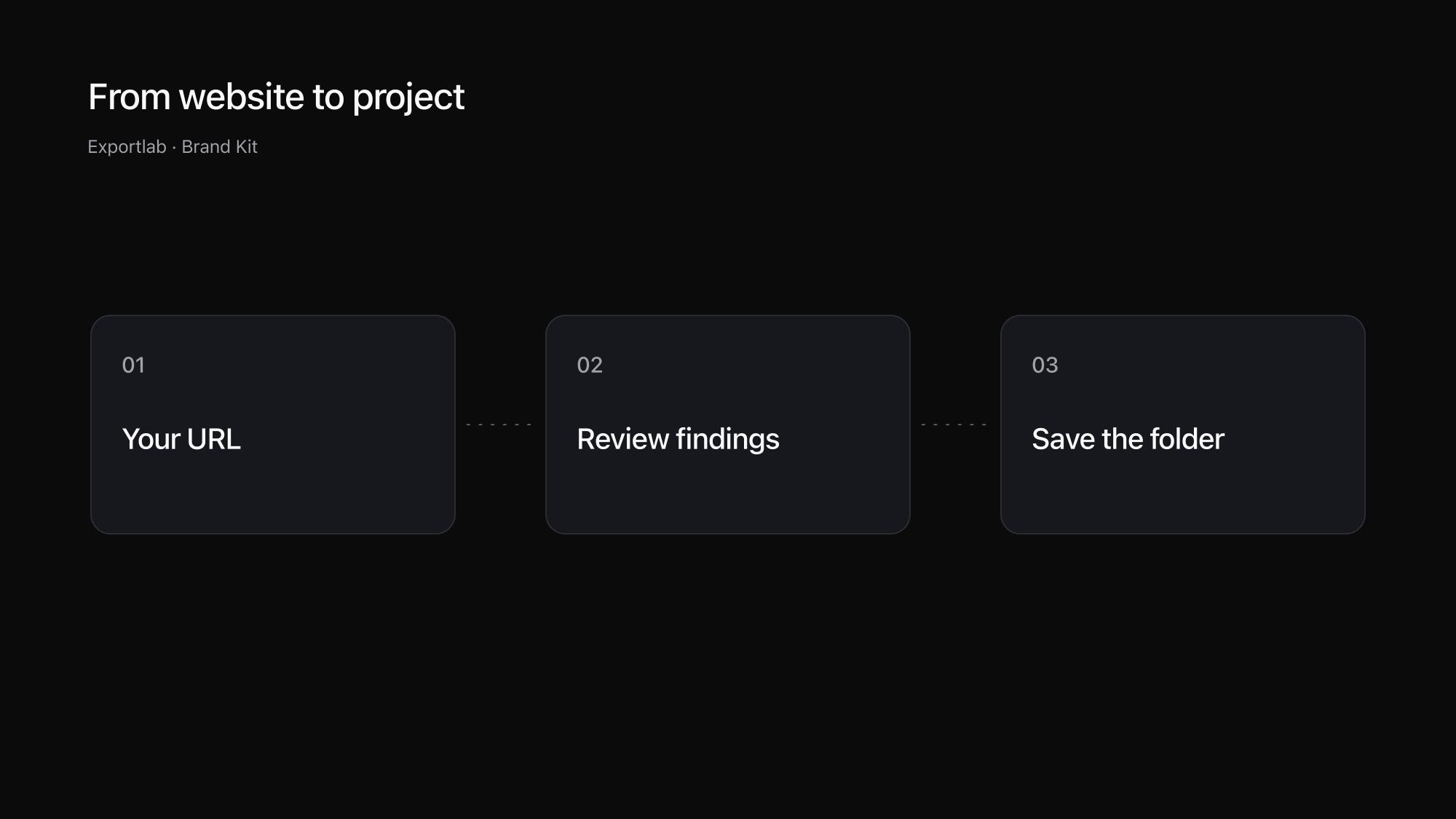
Open Brand Kit by Exportlab and enter your own website. For a client website, make sure you have permission to have it read. The tool processes up to 25 public pages and respects robots.txt. Content behind a login is outside its scope.
When the analysis finishes, review copy, images, colours and fonts. Begin with the homepage and two important content pages. Are headings complete? Is the imagery relevant? Are any results flagged as uncertain? A small initial check helps you identify which parts need closer inspection before you commit to using the package.
The ZIP is free to download after subscribing to the newsletter and confirming your email address. You do not need an Exportlab account or payment details. Extract the downloaded archive into your project and keep your own copy. The server keeps the result available for seven days; a copy already saved on your computer is separate from that retention period.
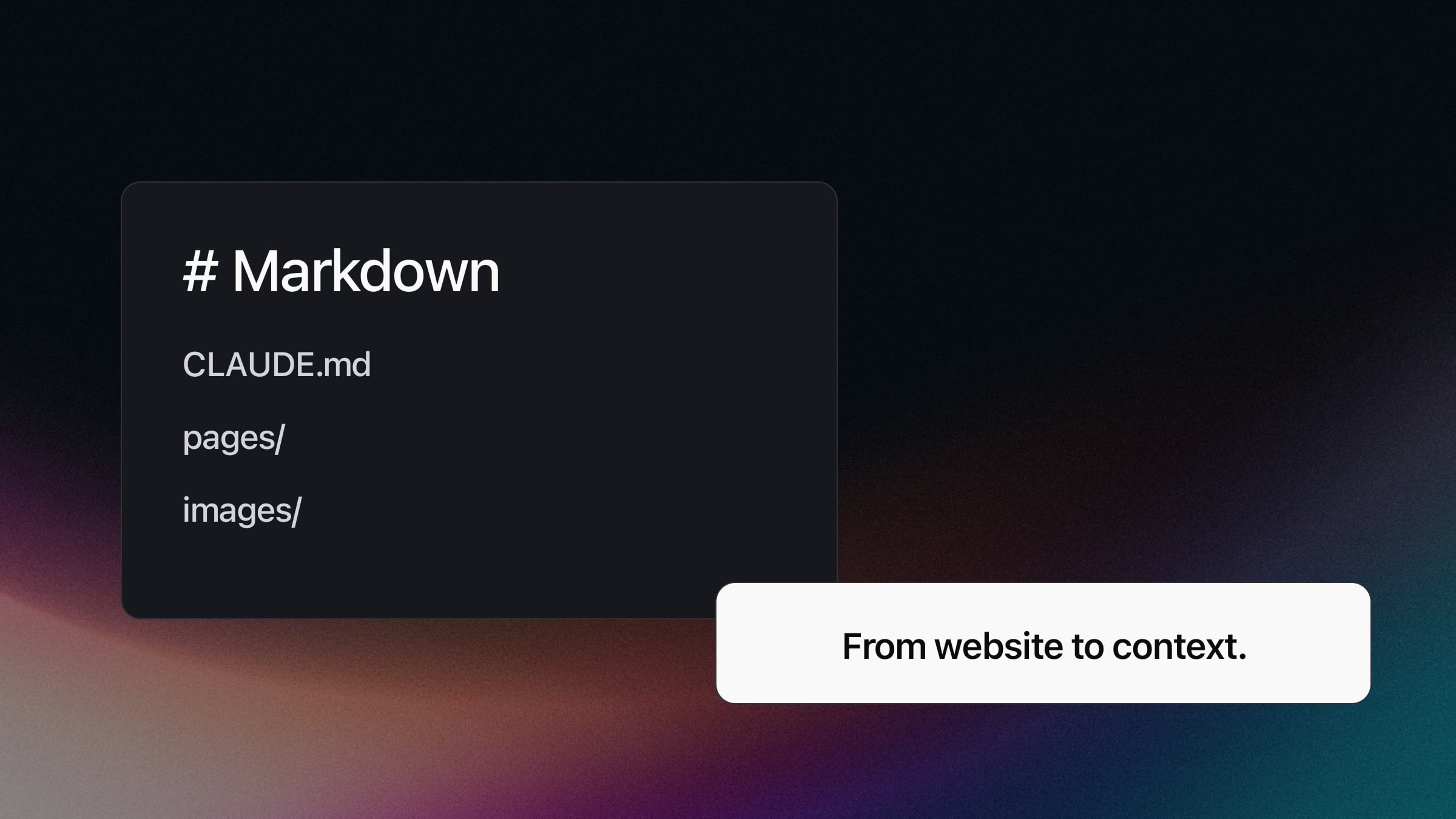
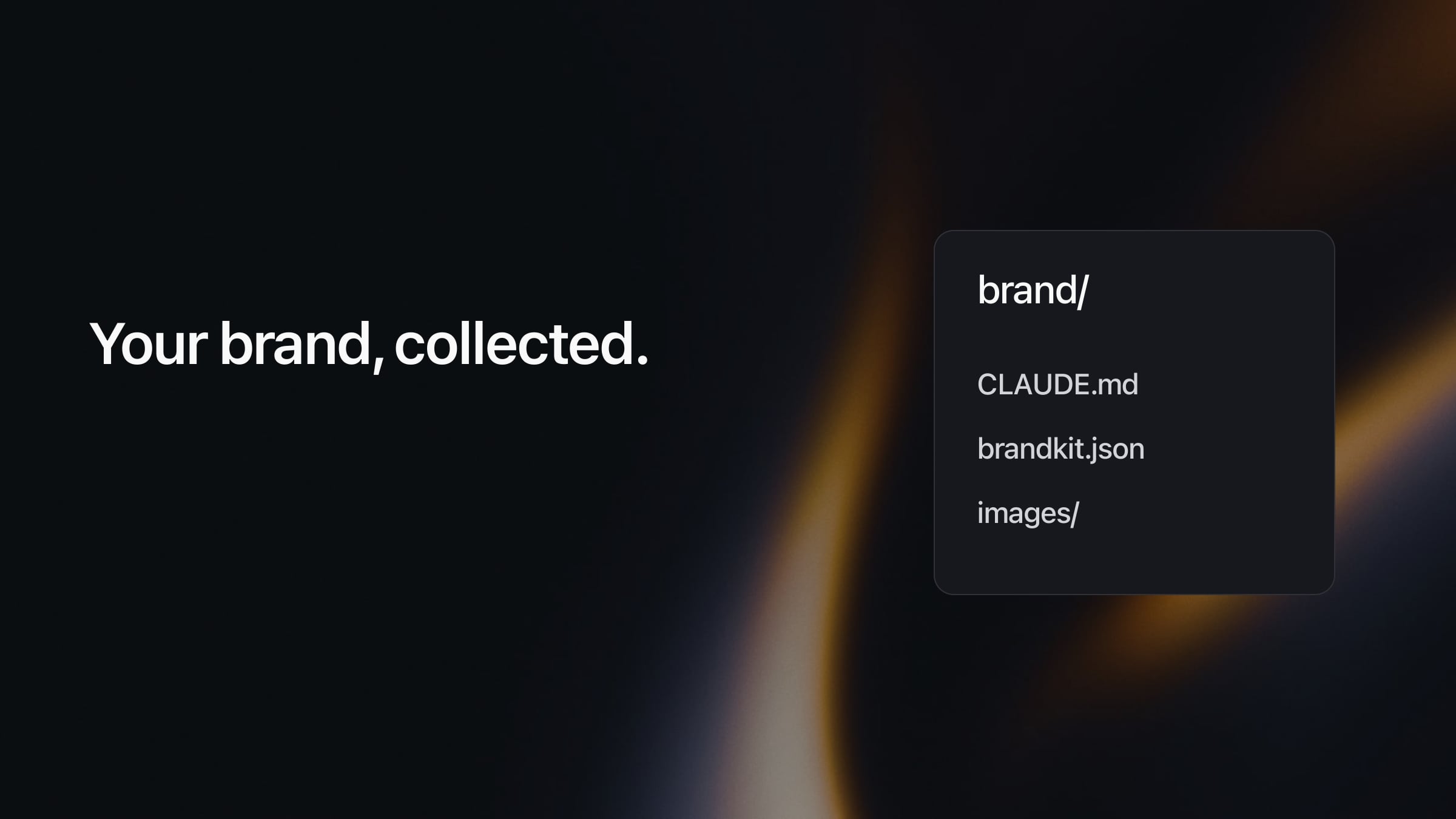
Different files support different tasks. CLAUDE.md introduces the material to an AI tool, brandkit.json contains structured findings, SUMMARY.md groups the source content, and tokens.css provides measured design values. Page copy is also supplied as Markdown. Read the starting instructions before pasting unrelated files into a chat.
A real example: checking the Exportlab findings
The analysis found values including #ffffff, #0b0b0c and #000000, reflecting light surfaces, dark surfaces and text on our website. That does not mean every future project must use only these three values. The Brand Kit example intentionally shows an extract rather than claiming to be the complete visual identity.
Inter appeared in the font results, but the run also warned that its assignment to headings and body text was uncertain. That warning belongs in the handoff. Before turning the finding into a type rule, inspect representative elements in the browser and confirm what they actually render.
Similarly, 290 assets does not mean 290 approved brand photographs. Results can include variants, thumbnails and material from different pages. Select what the assignment needs, then check resolution and cropping. Our guide to the best image size for a website helps with preparing those files for their next use.
Turn the folder into an AI brief
Put the extracted folder in the project and describe the task precisely: “Read the brief first. Use the supplied copy and images as sources. List missing information before drafting the new homepage.” This separates the material you have, the work you want, and the way uncertainty should be handled.
A brief does not guarantee accurate AI output. Compare the draft against its sources, especially services, prices, contact details and opening hours. Missing business facts remain questions for the client. A convincing replacement paragraph is not evidence that the information is correct.
For text placed on coloured surfaces, consult the W3C explanation of minimum contrast. Extracting two colours does not establish that they form an accessible text and background pair. Review the actual combinations used in the new design.
Request unavailable material separately. Asset Collections can help collect supported image files and additional client briefings. Check supported file types: an entire Brand Kit ZIP cannot be uploaded there as a single asset. Keeping these two tasks separate also makes it easier to identify which information came from the website and which was supplied later.
FAQ
How is a brand kit different from brand guidelines?
A brand kit collects reusable elements such as logos, colours and fonts. Brand guidelines also explain how those elements should be used. An automatically extracted collection needs review before it becomes a set of approved design rules.
Can I create a brand kit for free?
Yes. Exportlab Brand Kit reads public website content for free. Downloading the ZIP requires a newsletter subscription and email confirmation. A paid Exportlab plan is not required.
Can I reuse material from any website?
Extraction does not transfer usage rights. Use your own website or one you are authorised to have analysed. Separately verify whether the copy, imagery, logos and fonts are cleared for your intended use.
What should I do with missing information?
Keep missing or uncertain findings as open questions in the brief. Verify and complete them with the client. Do not ask an AI tool to invent business facts simply to fill an empty field.
Conclusion
Create a brand kit in two stages: collect existing material in a structured form, then confirm the rules for the next project. Your website supplies useful context. Review is what turns it into a dependable working brief.