

PicDrop Free: What the free plan covers and where it ends
PicDrop has a permanently free plan. No trial window, no credit card, no automatic conversion after 14 days. That is worth noting, because many gallery providers now offer only time-limited trials.
The question is what you can actually do with it. Short answer: learn the workflow — yes. Run client work on it — in most cases, no.
What the free plan includes
| Free plan | |
|---|---|
| Storage | 1 GB |
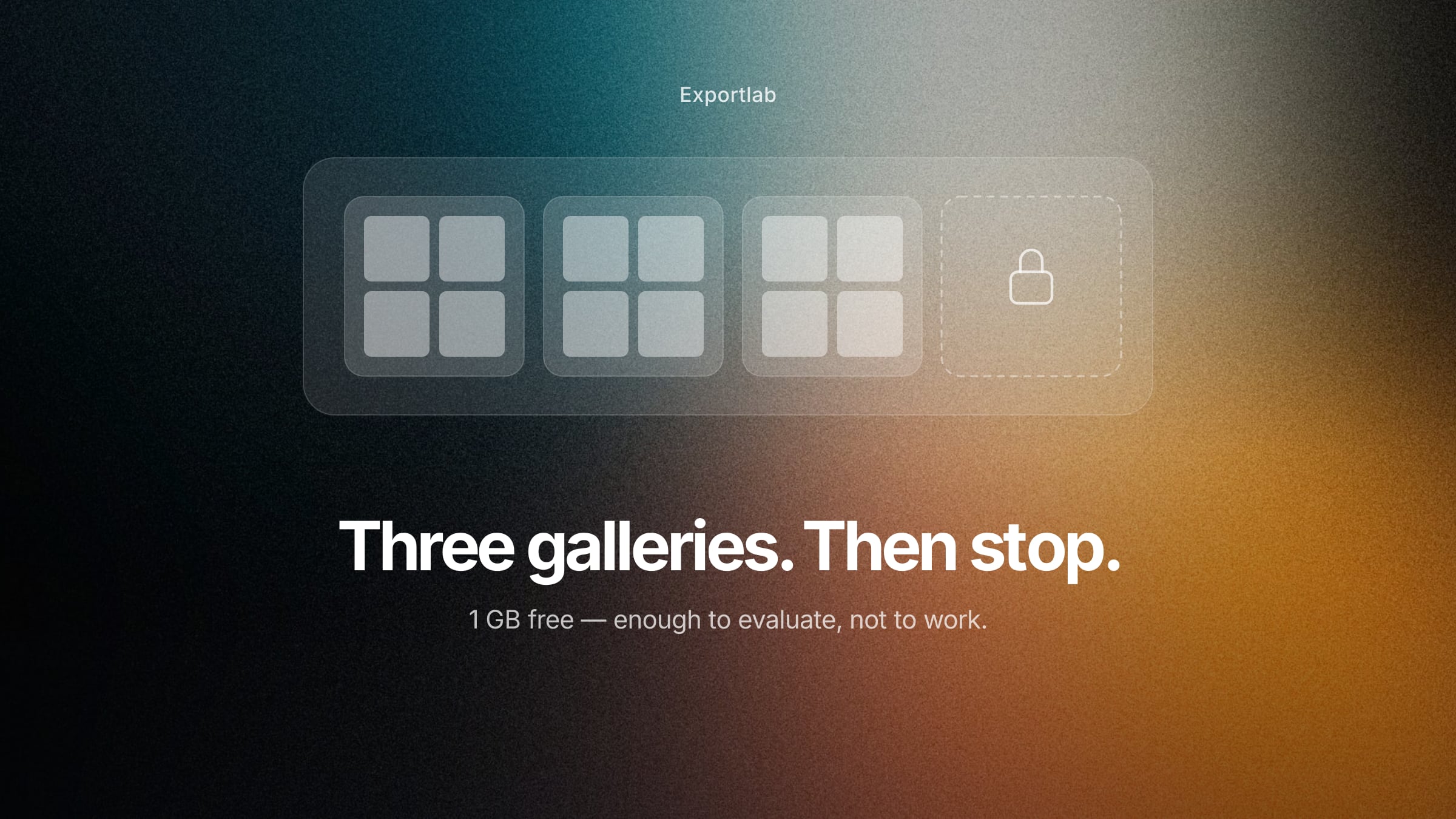
| Galleries | 3 maximum |
| Selection & comments | yes |
| RAW upload | yes |
| Video upload/download | yes |
| Video streaming & preview | no |
| Duration | unlimited |
As of August 2026. Current details are on the PicDrop pricing page.
Functionally the free plan is not crippled where it would hurt: selection, comments and RAW upload are all included. What is limited is volume — and, for video, playback.
Why 1 GB runs out fast
1 GB is an abstract number. Let's make it concrete.
A full-resolution JPEG from a full-frame camera runs about 8–15 MB depending on subject and compression. That gives you roughly 70 to 120 images in free storage — total, across all galleries.
So a single portrait session with 40 selected images fits. A wedding with 600 images exceeds the limit many times over. A commercial shoot where you exchange RAWs with a retoucher fills up after a handful of files — RAWs run 25–60 MB each depending on the camera.
On top of that sits the 3-gallery cap. Even with aggressive compression, you can only keep three client projects open at once. Serving a fourth client means deleting the first gallery.
The thing to know before you rely on it
The free plan has one property that only becomes relevant once you have paid before: if you drop from a paid plan back to Free, the free limits apply again. Anything above them stays in your account but is no longer accessible to third parties and can no longer be downloaded.
Concretely: if you use Pro for a year and then move back to Free, the gallery links your clients hold stop working. The data is not deleted, but clients can no longer reach it.
This is standard across the industry — no provider can host unlimited storage for non-paying accounts. But it is why "free" means something different for gallery tools than for software you install once: the reachability of your deliveries depends on an active subscription.
Free alternatives compared
If the PicDrop free plan is not enough, the free tiers of other providers are worth a look. The pattern is similar everywhere; the numbers differ.
| Provider | Free availability | Free storage | Notable |
|---|---|---|---|
| PicDrop | permanent | 1 GB, 3 galleries | RAW upload included |
| Pixieset | permanent | 3 GB, unlimited galleries | store with 15 % commission |
| Pic-Time | permanent | limited | store-focused |
| Scrappbook | permanent | limited | German provider, DPA available |
| Pixellu Galleries | trial only | — | billed per gallery |
| Exportlab | 7-day trial, no permanent free plan | — | Guest Pass for guest uploads only |
As of August 2026. Check with the provider before deciding — free tiers change more often than paid ones.
To be straight about our own position: Exportlab has no permanently free plan. There is a seven-day trial without a credit card, plus the Guest Pass, which covers guest uploads only. If you need a genuinely permanent free solution, Pixieset or PicDrop serve you better — in an article about free options, that is a more useful answer than pointing at our own trial.
Pixieset stands out with 3 GB and unlimited galleries: more volume and no gallery cap. The catch sits elsewhere — on the free tier Pixieset takes a 15 % commission on store sales, and there is no RAW upload.
When paying starts to make sense
The maths is unglamorous but useful: PicDrop Pro costs €8.39 net per month on the annual plan. That is roughly two cups of coffee.
If you run even one job a month through a gallery — one where you would otherwise zip files, upload them, send links and reassemble selection lists from emails — you recover that amount in time alone. The question is rarely whether a paid plan is too expensive. The question is whether you use the tool often enough for it to register at all.
For beginners, part-timers and anyone with a handful of jobs a year, the free plan genuinely can be enough — provided you delete galleries consistently after delivery.
What free plans fundamentally cannot do
A point that goes beyond PicDrop: free tiers everywhere are built for evaluating, not for working. That is not a criticism, it is the business model. Anyone insisting on a free solution pays somewhere else — in time, in how the handover looks to the client, or in ads inside the gallery.
So the more productive question is not "what is free?" but "what does my current process cost me in time?" If you spend half an hour per job chasing selections, feedback and final files, ten jobs a month is a full working day.
And once your workflow grows past the gallery itself — video review, client uploads, recurring business clients — the plan tier stops being the deciding factor anyway. What matters then is how many tools you run side by side. More on that in our overview of PicDrop alternatives and the detailed breakdown of PicDrop pricing.
FAQ: PicDrop free
Is PicDrop really free forever?
Yes. The free plan runs indefinitely, with no credit card and no automatic conversion. It is capped at 1 GB of storage and 3 galleries.
How many images fit in 1 GB?
Roughly 70 to 120 JPEGs from a full-frame camera, depending on resolution and compression. Far fewer for RAW files, where a single file runs 25–60 MB.
Can I use video on the free plan?
Only partly. Video files can be uploaded and downloaded but not played. Streaming, quick preview and preview thumbnails are Pro and Business features.
What happens if I exceed the limit?
Galleries and files above the free limits are no longer accessible or downloadable for third parties. This mostly affects downgrades from a paid plan: old client links stop working afterwards.
Which free PicDrop alternative offers the most storage?
Among the well-known gallery providers, Pixieset offers the largest free allowance at 3 GB with unlimited galleries. In exchange, the free tier carries a 15 % commission on store sales and does not support RAW upload.
Does Exportlab have a free plan?
Not a permanent one. There is a seven-day trial without a credit card, plus the Guest Pass, which enables guest uploads only. For permanently free delivery, PicDrop or Pixieset are the better fit.
Is the free plan enough for a wedding?
No. A wedding gallery with several hundred images runs to 5–10 GB and exceeds the 1 GB limit by a wide margin. For weddings there is effectively no way around a paid plan.
Conclusion
The free PicDrop plan is honestly built: unlimited in time, barely restricted in function, and with RAW upload it is more generous than some competitors. What limits it is volume — 1 GB and 3 galleries are an evaluation frame, not a working basis.
Use it for exactly that: run one real small job all the way through, then decide. If the workflow suits you, the step up to the annual Pro plan is small. If you notice something missing along the way — video review, client uploads, a home for recurring projects — then the plan tier is not the issue. The choice of tool is.