
Collect Event Photos with a QR Code: Every Picture from the Company Party in One Place
The summer party is over, the mood was great — and the best photos of it are now sitting on forty different phones. The official photographer covered the stage, but the moments between the tables, the team selfie at the grill, the spontaneous dance: the guests have those. Two weeks later, marketing asks for material for the newsletter, and the retroactive collecting via Teams chat begins.
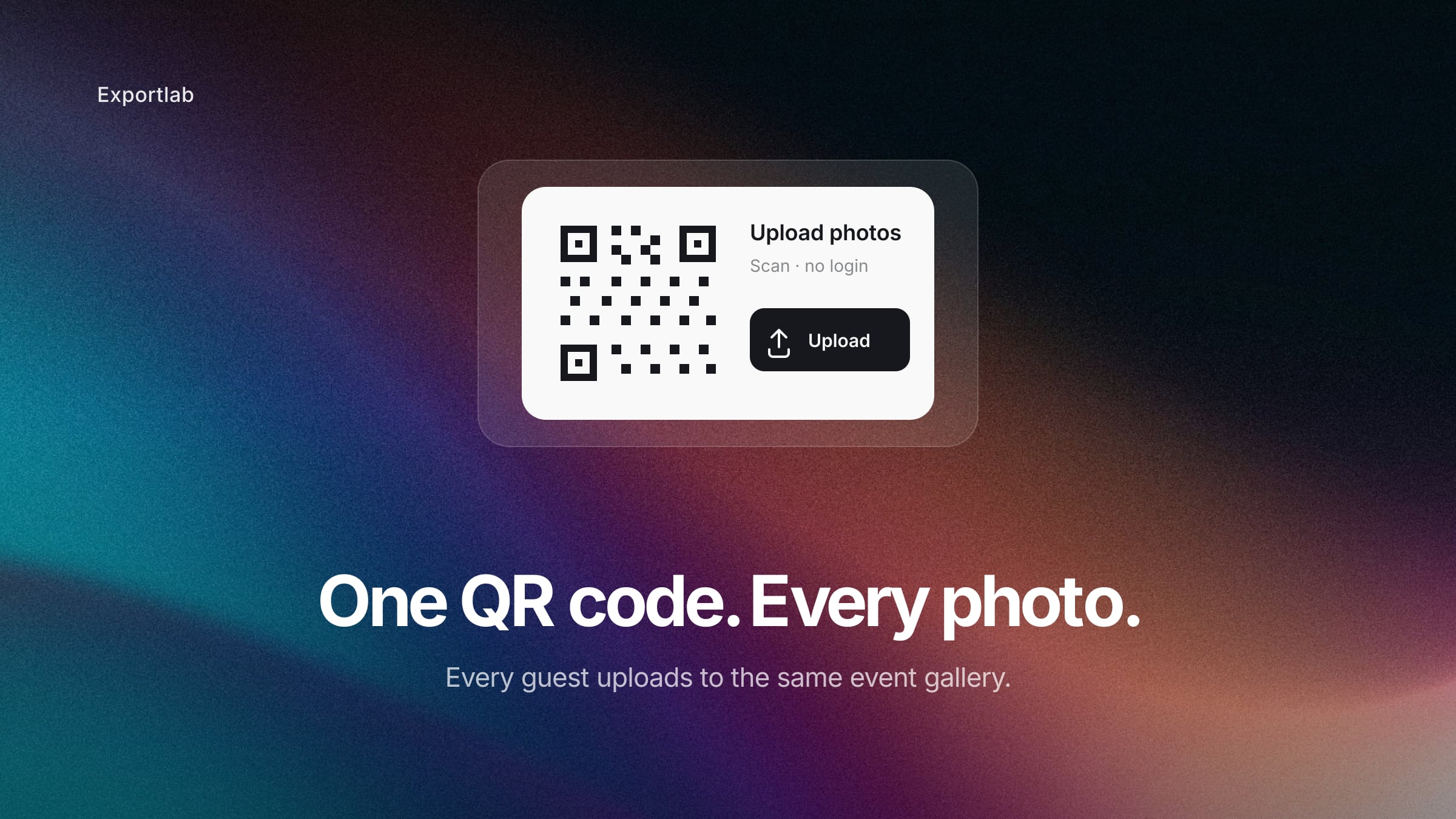
There is a much simpler way: one QR code at the event, one gallery behind it — and every photo lands where the company needs it.
What companies actually need the event photos for
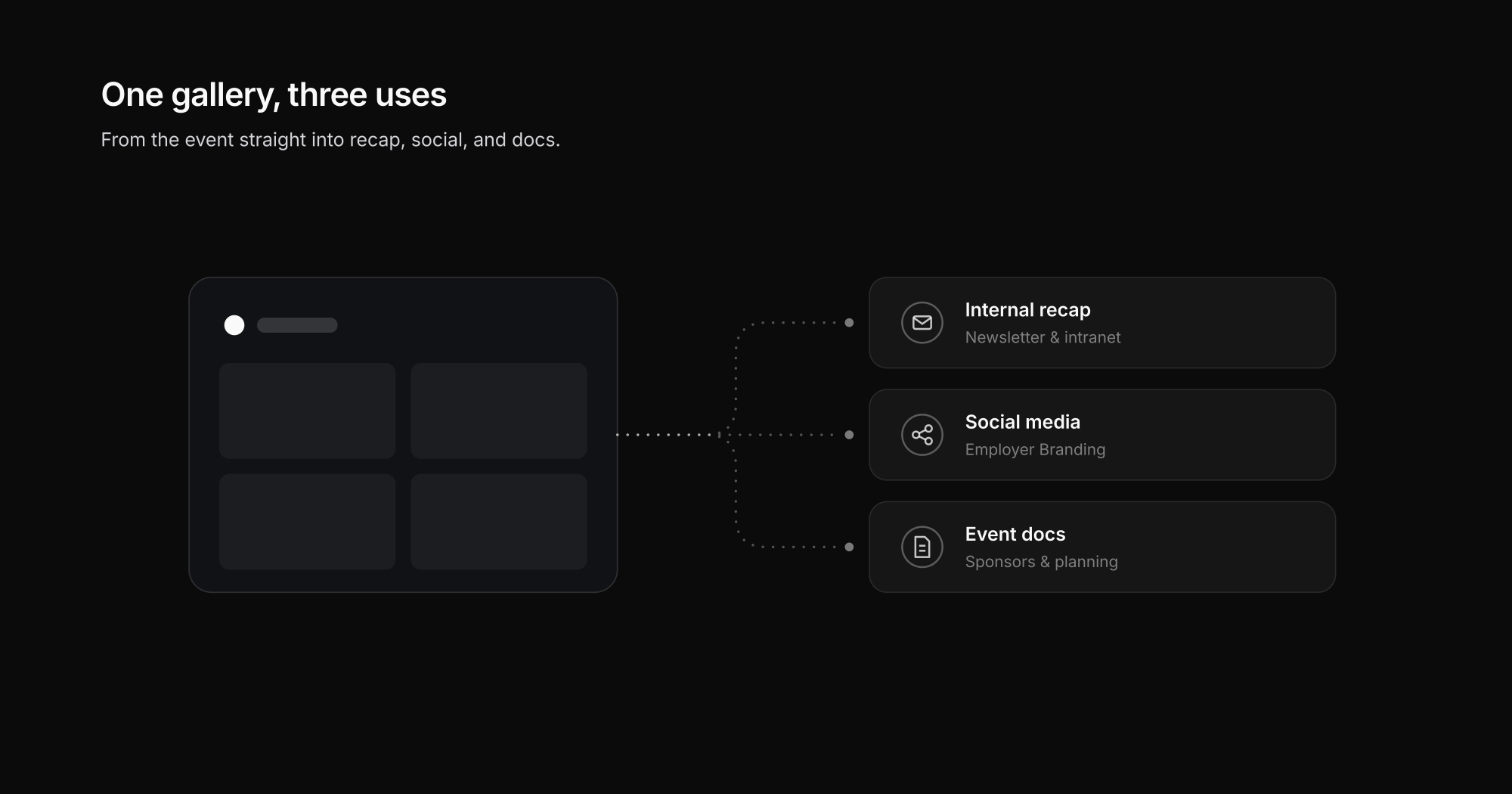
Unlike private parties, corporate event photos aren't an end in themselves. Three uses come up practically every time:
Internal recap
Newsletter, intranet, the leadership thank-you post: a recap lives on real, unstaged moments — exactly the ones sitting on your colleagues' phones. Rule of thumb: a recap hits hardest in the first 48 hours after the event — and that's precisely when the gallery is already full, because the photos were collected during the event instead of weeks later.
Social media content
Employer branding works better with authentic images than with stock photos. A moderated selection from the guest gallery delivers material for weeks — featuring people who actually work there. Instead of a single "that was our summer party" post, you can plan a small series: team moments, behind-the-scenes, quotes with pictures.
Event documentation
For sponsors, for the budget conversation, or for next year's planning: a complete photo collection in one place beats a hundred scattered chat attachments.
How collecting photos via QR code works
The flow is deliberately simple, because nobody at an event has patience for technology:
- Place the QR code — on table stands, at the entrance, on the big screen between program items.
- Guests scan and upload — in the browser, no app, no login. Pick photos, upload, done.
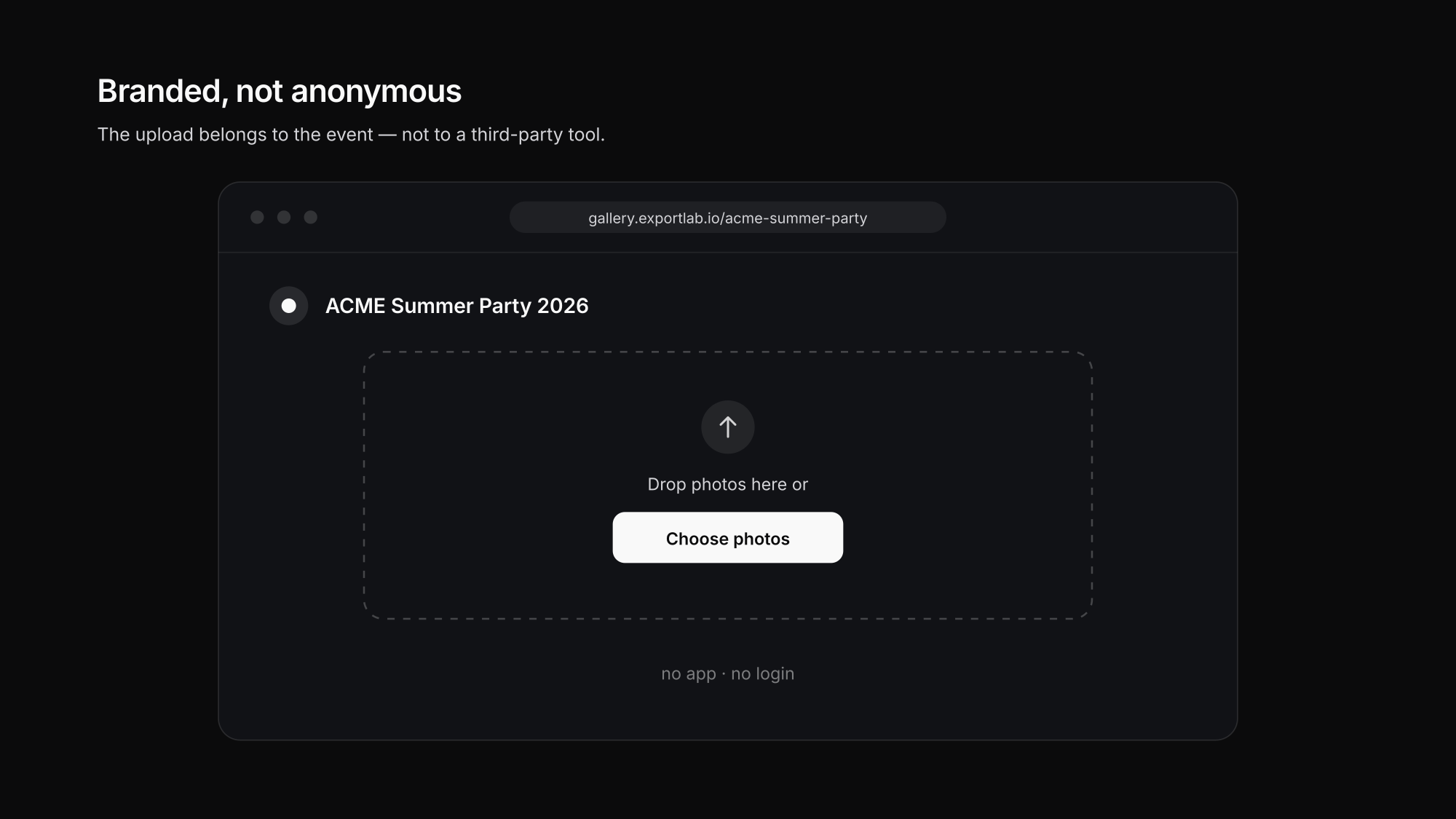
- Everything lands in one gallery — branded with the company's logo and colors, not in an anonymous file folder.
That's all it takes from the guests' perspective. The interesting questions come up on the company side — and that's where a corporate event differs sharply from a private party.
Moderation, branding, GDPR: what's different at corporate events
Moderation is mandatory, not optional. What ends up in the internal recap is a matter of taste — what goes on LinkedIn is public image. So the rule is: uploads only appear after approval. A moderator reviews submissions and decides what becomes visible in the gallery and slideshow.
Branding carries the campaign. An upload link in the company's look ("Summer Party 2026", logo, colors) feels like part of the event — a bare cloud link feels like an IT instruction. That difference decides participation.
GDPR belongs on the table stand — and in the planning. Photos show identifiable people, so processing them needs a legal basis and the pictured people need transparent information (personal data under GDPR, explained). In practice that means: a short, plain-language note next to every QR code explaining what the images will be used for — plus an announcement at the start of the event. With employees, voluntariness matters on top: nobody has to be in the pictures, and anyone who wants a photo of themselves removed gets that without friction — in the gallery it's one click, not a ticket to IT. Add EU servers and a deletion plan for after the event. Details on how Exportlab handles this are on the security page.
After the event, the gallery isn't a final resting place but a starting point:
How to get guests to actually participate
The QR code alone doesn't fill a gallery — participation depends on how present the campaign is at the event. What works in practice:
- One announcement from the stage. A 20-second line from the host ("Scan the code on your tables — the best pictures will run on the big screen later") brings more uploads than any poster.
- Put the QR code on the big screen between program items. Whoever has their phone in hand scans now — not later.
- Call out a small challenge. "Best team photo of the night" gives people a reason to shoot in the first place — and delivers exactly the authentic images marketing otherwise hunts for.
- Communicate the time window. "Uploads open until Sunday" also collects the pictures that only get sorted off the phone the day after.
Checklist for your next corporate event
- [ ] Test the QR code with two or three colleagues before the event (different phones)
- [ ] Prepare table stands plus one slide for the big screen
- [ ] Define the upload window and, if needed, a per-guest limit
- [ ] Name one person as moderator (reviews during and after the event)
- [ ] Put a short usage note next to the QR code (GDPR)
- [ ] Plan a follow-up window: keep the link open for one or two weeks — many people upload the day after
The same principle works for private occasions too: for weddings, we've described the flow in collect wedding photos with a QR code.
Frequently asked questions about collecting event photos
Do guests need an app?
No. The QR code leads to a browser page where guests upload directly — no app install, no registration. It works on any smartphone.
How do we prevent inappropriate images from going public?
Through moderation: submitted photos only appear once they're approved. The moderator can hide or delete images before anyone else sees them.
Can we style the upload page in our company's look?
Yes. Logo, colors, and the event name belong on the upload page — the campaign then feels like part of the event, not like an external tool. That's exactly what Guest Upload is built for.
How long does the link stay active?
As long as you want. A follow-up window of one to two weeks after the event makes sense so late photos still arrive — after that, uploads can be closed while the gallery remains.
Conclusion: your guests have the best event photos
Collecting photos via chat after the company party gets you a fraction — unsorted. A QR code at the event with a moderated, branded gallery behind it picks the images up where they're taken and makes them immediately usable: for the recap, social media, and documentation. See how this looks with Exportlab on the Guest Upload page — tailored to event organizers.