

Dropbox vs PicDrop: When cloud storage stops working for photo delivery
A lot of photographers deliver through Dropbox. Not out of conviction, but because it was already there: the folder existed, the link takes ten seconds, and the client gets the files somehow.
That works. The question is for how long — and what it costs you along the way.
This comparison looks at both honestly, including the cases where Dropbox remains the more sensible choice.
Two tools, two purposes
Dropbox is a file sync service. It is built to keep files current across devices and to share folders. Photographers using it to deliver client images is repurposing — an obvious repurposing, but repurposing nonetheless.
PicDrop is a proofing tool for photographers. It is built for exactly one flow: show images, let the client select and comment, send the selection back to the photographer.
| Dropbox | PicDrop | |
|---|---|---|
| Core function | file sync | photo proofing |
| Client view | file list / folder | designed gallery |
| Client-side selection | no | yes, on the image |
| Comments on the image | no | yes |
| Own branding | very limited | yes |
| Client needs an account | sometimes | no |
| RAW upload | yes | yes |
| Storage (entry) | 2 TB from ~€11.99/month | 500 GB from €14.99 net |
| Use beyond photography | yes, universal | no |
As of August 2026. Terms change — check Dropbox and PicDrop directly.
What Dropbox genuinely does well
Let's start with the points that tend to get lost in comparison articles — usually because gallery providers write them.
Price per gigabyte is unbeatable. 2 TB for around €12 a month is more storage than most gallery tools offer in their mid tiers. If your main problem is volume, Dropbox is cheaper, plainly.
It is not only a photo tool. Contracts, accounting, project files, backups — Dropbox carries your whole business. A gallery tool solves one slice. If you already pay for Dropbox for everything else, photo delivery effectively comes free.
Sync is a real feature. Local folder, automatic sync, access anywhere. For working with a retoucher on the same folder, that is often more practical than any upload dialog.
Versioning and recovery. Deleted files can be restored over a generous window. As a safety net, that is more than many gallery tools provide.
Where Dropbox fails at client delivery
The weaknesses do not show up while transferring files. They show up in what happens afterwards.
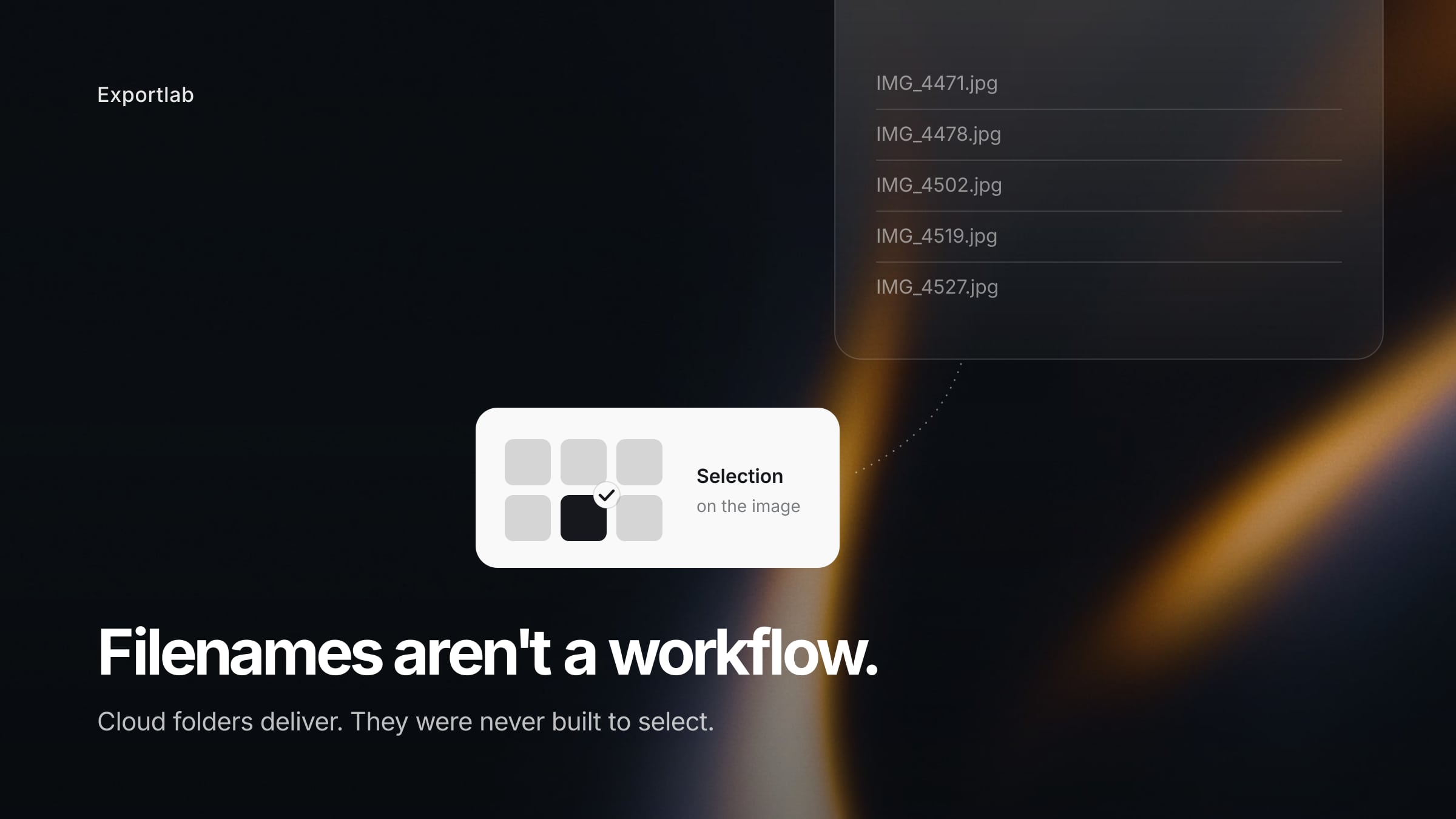
Selection is manual. The client needs to pick 30 out of 400 images. In Dropbox that means writing filenames into an email. IMG4471, IMG4478, IMG_4502... You transfer that list back into your catalogue by hand. Every typo sends you to the wrong image. This is exactly where the half hour per job goes — the one that adds up to a full working day across ten jobs.
Feedback loses its anchor. "On the third image, please fix the background" — which third image? Sorted by name, by date, in their view or yours? Comments without an image reference generate follow-up questions.
The presentation is a file system. The client opens the link and sees a folder listing with camera filenames. Nothing about it is wrong, but it is not a moment either. For weddings and portraits, where the first viewing is part of the service, you leave something on the table.
No download control. Whoever has the link downloads everything — including the unfiltered raw set that was only meant for selection. There is no clean line between "for review" and "approved and final".
Sometimes the client needs an account. Not always, but often enough. And then comes the email: "I can't get in."
Where PicDrop makes the difference
PicDrop inverts precisely the points where Dropbox struggles as a delivery tool.
Selection happens on the image: the client clicks favourites, you export the selection. No filename lists, no transcription errors. Comments attach to the specific image rather than living in a separate text channel. The gallery can be styled — colour, cover image, welcome message. And downloads are controllable: you decide what goes out at which resolution.
The client needs no account. They open a link and understand what to do without explanation. That sounds trivial, but it is the difference between "the client does it" and "the client calls you".
When switching is worth it — and when it isn't
Stay on Dropbox if you mostly hand over finished files with no selection round, work with retouchers or teams in the same folder, already run your whole business on Dropbox, or shoot few jobs a year.
Move to a gallery tool if your clients regularly select images, you need feedback on individual images, the client experience is part of your offer, or you want control over which files actually leave your hands.
Use both if you keep Dropbox as archive and working storage and run client communication through a gallery. That is the most common setup in practice — and perfectly sound, as long as it is clear what lives where.
The problem neither one solves
Both tools cover a slice, and both leave the same remainder.
When your client needs to send *you* material — briefs, logos, reference images, guest photos from the event — you need another route again. When you deliver video, you need a third tool with timecode feedback and version states. And when you are in year three with the same business client, you have either 30 gallery links or 30 Dropbox folders, both buried in old email.
Dropbox solves storage. PicDrop solves selection. What neither solves is the bracket around them: one place where a recurring client finds their projects again, uploads material, approves video and receives final files.
That is what Exportlab is built for: selection on the image, feedback on the medium, timecode video review, client uploads and a client portal for recurring projects in one workspace. If your needs end at "let clients pick images", PicDrop is leaner. Once video, inbound material and retainer clients enter the picture, the number of tools becomes the real cost. More in our overview of PicDrop alternatives and our guide to delivering photos to clients.
FAQ: Dropbox vs PicDrop
Can I just deliver client photos through Dropbox?
Yes, technically without issue. The link works, the files arrive. Limits appear only when the client needs to select or comment — Dropbox is not built for that.
Which is cheaper, Dropbox or PicDrop?
Per gigabyte, Dropbox wins clearly: around 2 TB for about €12 a month versus 500 GB on PicDrop Pro at €14.99 net. But that comparison only holds if storage is your sole criterion. PicDrop does not sell storage; it sells a workflow.
Do my clients need a Dropbox account?
For simple download links, usually not. As soon as folder access, uploads or shared folders are involved, it quickly becomes necessary — and that is exactly where the support emails start.
Can clients select images in Dropbox?
Not in any workable way. They can note filenames or copy files into another folder, but there is no favourites function on the image itself. That is the core difference to a proofing tool.
Is Dropbox GDPR-compliant for client photos?
Dropbox offers a data processing agreement, though processing partly happens outside the EU. For clients in clinics, law firms or the public sector, settle this in advance — with a German provider like PicDrop the point is usually simpler.
Can I use both in parallel?
Yes, and many photographers do exactly that: Dropbox as archive and backup, a gallery for client communication. All it needs is a clear rule about what lives where, or you end up searching both systems.
Is switching worth it for a handful of jobs a year?
Probably not. With few jobs and no elaborate selection rounds, the time saved is too small. It gets interesting once you regularly reassemble selection lists out of email threads.
Conclusion
Dropbox is a very good cloud storage service and a mediocre delivery tool. Both at once, without contradiction.
As long as you hand over finished files, the folder link is perfectly fine. As soon as clients need to select, comment and approve, you are working against the tool — and paying in time what you save on the subscription.
So the decision is not between two products. It is about your process: are you handing over files, or facilitating a workflow? For the former, Dropbox is enough. For the latter, you need a tool built for it.