
Free Video Editing Software 2026: The Best Tools Compared
"Free video editing software" is one of the most honest searches there is: you want to edit, but you don't want to sign up for a subscription first. The good news — in 2026 there are free tools that would have cost hundreds of dollars a few years ago. The bad news: "free" rarely means "no strings attached." Sometimes it's a watermark, sometimes an export limit, sometimes a learning curve that overwhelms beginners.
This comparison sorts the tools by what you actually want to do: quick shorts for Instagram, a clean YouTube edit, or a professional client film. And at the end we get to the question most comparisons skip: how does the finished film actually reach your client?
What "free" really depends on
Before you install anything, check four things — the free tools differ here far more than in the number of effects they offer:
- Watermarks. Some free tools burn their logo into the frame until you pay. For client work, that's a dealbreaker.
- Export limits. Resolution capped at 720p, or only a few exports per day — it's often buried in the fine print.
- Learning curve. A powerful program is useless if it takes three weeks to export a single cut.
- Platform. Does it run on your machine? Some tools are web-only editors; others demand a strong graphics card.
DaVinci Resolve – the most powerful free option
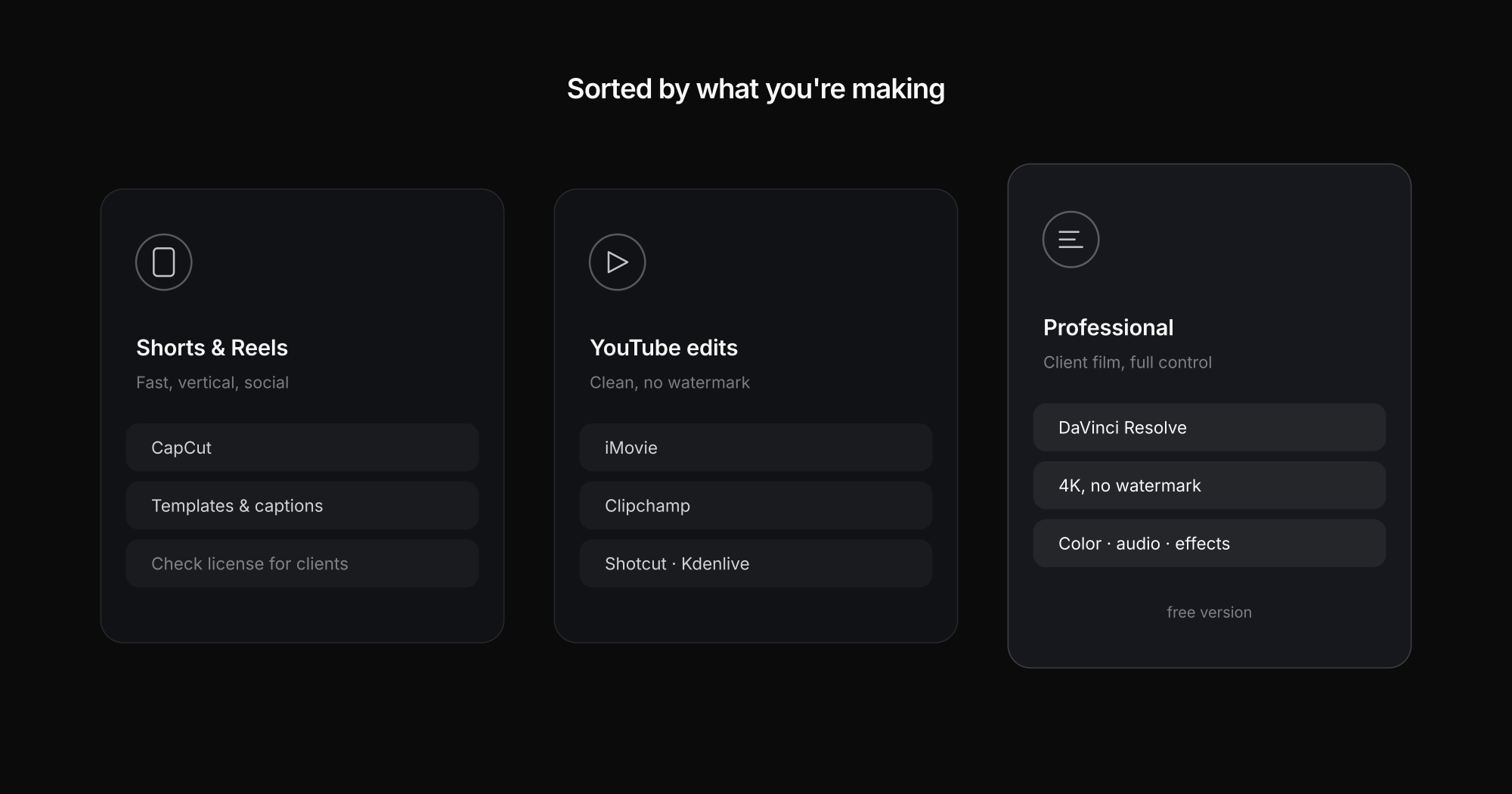
If any tool deserves the title "best free video editor," it's DaVinci Resolve. The free version isn't a stripped-down teaser — it's a full professional program that runs on real film and commercial productions. Editing, color grading, audio, and effects all live in one interface, with no watermark and no export limit up to 4K.
The price is the learning curve: Resolve is deep, and the first few hours feel unfamiliar. It also wants a reasonably modern graphics card. But if you're serious about learning to edit and want to pay nothing, this is by far the best overall package.
Best for: ambitious beginners, YouTubers, and aspiring videographers who want a professional tool.
CapCut – fast, but read the asterisk
CapCut is the favorite for shorts and reels: templates, automatic captions, trending sounds, and AI-assisted editing that turns raw footage into a finished short in minutes. For "how to edit shorts" or "edit reels," it's hard to beat.
The catch is in the fine print: some effects and exports are locked behind CapCut Pro, and free commercial use isn't always legally clear-cut. Great for personal clips and fast social content — but for paid client work, read the license terms carefully.
Best for: social media content, shorts, reels, TikTok — when speed matters more than full control.
Shotcut & Kdenlive – the open-source alternatives
If you want true freeware with no account and no upsell, the open-source editors are your answer. Shotcut runs on Windows, Mac, and Linux, supports nearly every format, and has no watermark. Kdenlive is a favorite among Linux users, offering multi-track editing with a surprising feature set.
Both look less polished than commercial tools and can be a little less stable. In return, they're completely free, forever, with no hidden limits.
Best for: anyone who means "free video editing software" literally — no subscription, no account, no watermarks.
iMovie & Clipchamp – already installed
You may already have two of these. iMovie ships with every Mac and iPhone and is the easiest entry point there is — limited, but ideal for a first cut. Clipchamp is Microsoft's web and Windows editor, built into Windows, with usable templates and recording features.
Both are deliberately simple. The moment you need more tracks, finer color control, or clean 4K exports, you'll hit the ceiling — but as a starting point they're more than enough.
Best for: absolute beginners who want to start right now without installing anything.
AI in video editing: what actually helps in 2026
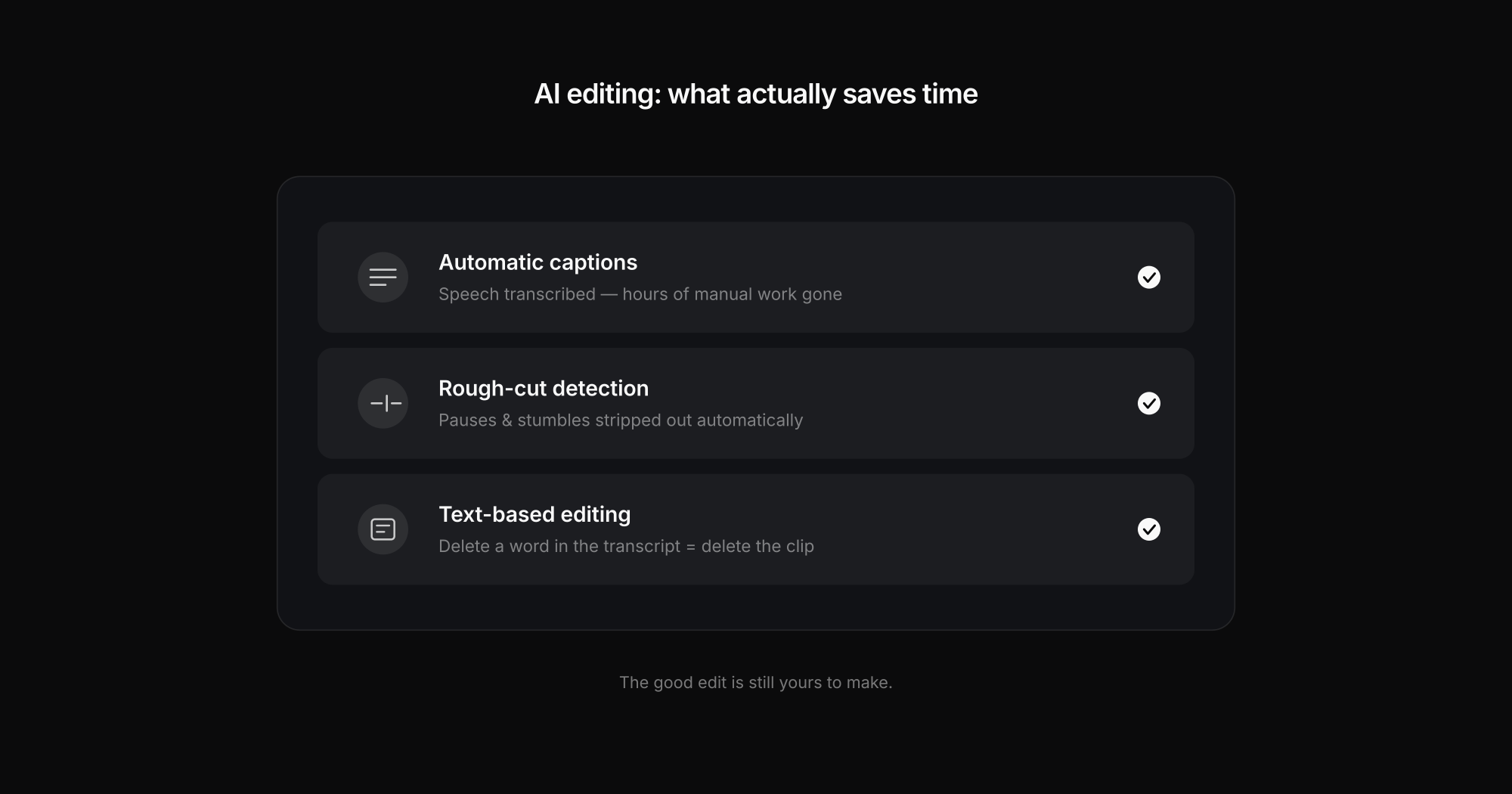
Few topics are as hyped in 2026 as AI editing. Looking at it soberly, three features genuinely save time rather than being gimmicks:
- Automatic captions. Almost every modern tool transcribes speech reliably now — hours of manual work gone.
- Cut detection and rough cuts. AI strips out pauses, stumbles, and dead moments automatically and hands you a rough first cut.
- Text-based editing. For interview and talking-head footage, you can edit the video through its transcript — delete a word, delete the clip.
What AI doesn't (yet) replace: a feel for rhythm, music, and storytelling. It speeds up the grunt work; the good edit is still yours to make.
And then? Getting from export to client
This is where almost every comparison stops — and where the real work begins for videographers. The edit is done, the file is huge, and now the client needs to see it, comment on it, and approve it. Emailing a 4K export doesn't work, and endless feedback chains like "at minute 2:15, please…" wear everyone down.
That's exactly what Exportlab is built for: you upload the cut, the client gets a link with no login, watches the video in the browser, and comments frame-accurately right on the image. Every new version stays cleanly versioned, old feedback documented. If you edit in Premiere or DaVinci, pull the comments straight into your timeline via the Premiere integration or DaVinci integration. That way your free edit doesn't end in file chaos, but in a clean approval.
In short: which tool for whom?
- DaVinci Resolve – when you want to edit seriously and professionally without paying.
- CapCut – for shorts, reels, and fast social content (check the license for client work).
- Shotcut / Kdenlive – true freeware with no account, cross-platform.
- iMovie / Clipchamp – the easiest entry point, often already installed.
Start with the tool that fits your next project — not the most powerful one. And the moment real clients are involved, sort out a clean path for delivery and feedback early.