
Live Photo Slideshow on the Projector: Guest Photos on the Screen in Real Time
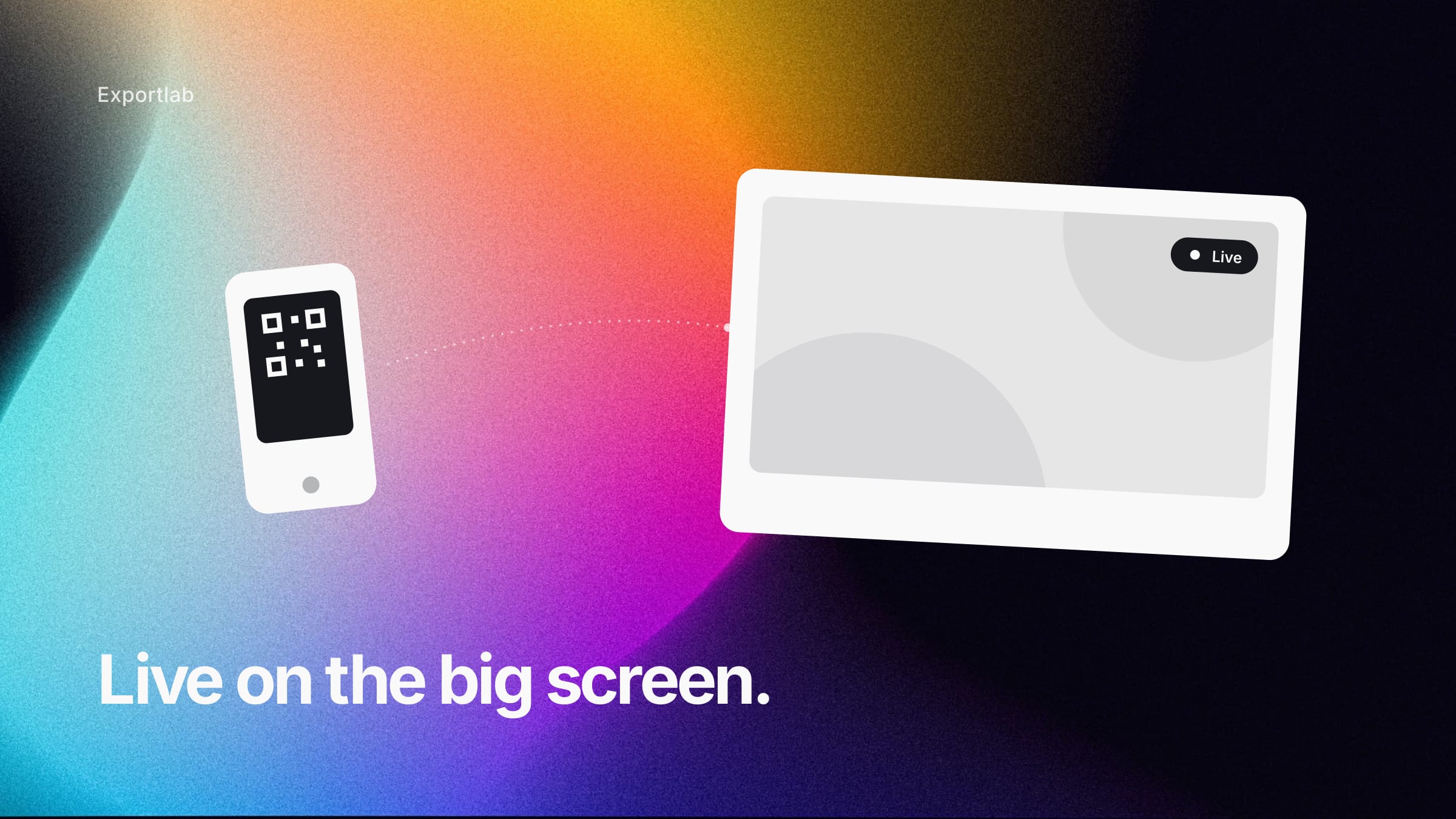
It's the moment a photo appears on the screen and half the room laughs, because everyone recognizes the scene from ten minutes ago. A live photo slideshow turns your guests' phone cameras into the entertainment of the evening: everyone uploads their pictures via QR code, and seconds later they run on the projector. No photographer has to work the rows, no app gets installed — and by the end, every photo is collected in one place.
This post shows how a live slideshow works, where it shines, and what to watch when setting it up so only the right pictures end up on the screen.
How a live slideshow carries an evening
The principle is easiest to grasp by playing the evening through once:
7:30 PM — the QR code is up. A small stand on every table, a larger poster at the entrance. Whoever arrives scans once and has the upload page open — in the browser, no app, no login.
8:15 PM — the first pictures run. The starter is served, the first selfies are taken. They appear on the screen, and suddenly everyone looks over. From here the slideshow runs itself: if you want to be on the screen, you have to take pictures.
10:00 PM — the photo wall is the talk of the room. The images take turns — a group shot here, a table detail there, a spontaneous moment on the dance floor. The slideshow is no longer decoration but part of the program.
The next day — everything is collected. What ran on the screen sits complete in one gallery. No collecting via chat, no "send me your photos" — the pictures are already there.
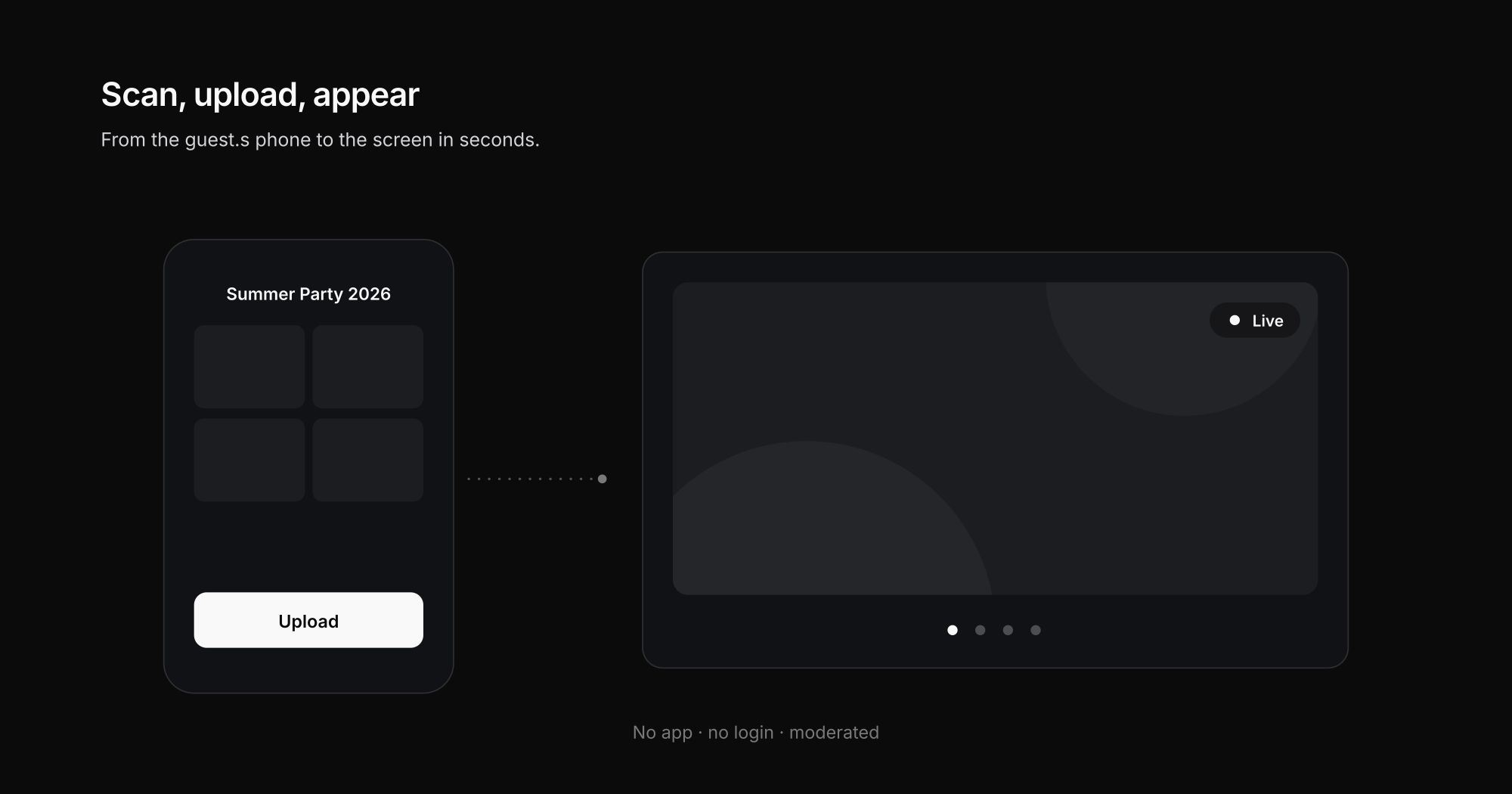
The appeal is that the slideshow does two things at once: it entertains *during* the event and collects *for* afterwards. A traditional photographer delivers the second but not the first.
Where the live photo wall works especially well
Unlike pure post-event collecting, the live slideshow feeds on the mood in the room. It fits anywhere people come together and a screen or projector is running:
- Club anniversaries and jubilees — the members know each other, the pictures land immediately.
- Company summer and holiday parties — the screen loosens the mood and delivers intranet material on the side.
- Beer tents, fairs, parties — high turnover, many phones, the slideshow runs as a continuous program.
- Hospitality and clubs — a fixed QR code on the table, the photo wall as a recurring element.
The common denominator: there's an audience that recognizes itself on the screen. That's exactly the "we saw that!" effect that drives participation.
Moderation: so only the right thing reaches the screen
A public screen is the point where things can go wrong — which is why moderation here isn't optional but mandatory. Two levels make sense:
- Pre-approval for sensitive events. Every image only appears once a moderator has waved it through. That costs a few seconds of delay but is the safe choice for corporate events or public gatherings.
- Fast removal on the fly. For casual occasions the slideshow runs directly, but a moderator keeps a hand on the switch and pulls individual pictures with one click.
Technically, the live slideshow is a form of digital signage — the content just arrives in real time from the guests instead of from a planned playlist system. And this user-generated content is exactly why a moderation layer belongs to it: you hand over control of the camera, not of the screen.
How Exportlab handles approval and branding of the upload page is on the Guest Upload page.
How to set up the slideshow for your event
- Create the event and generate the QR code. One link, one code — you print it on stands and posters.
- Connect the projector or screen to the slideshow view. A browser window in full screen on the display device, that's all it takes.
- Choose the moderation mode. Pre-approval or live with removal — depending on the occasion.
- Place the QR code visibly. Tables, entrance, on the screen between program items.
- After the event: save the gallery. The collected images remain as a gallery and can be shared or downloaded.
If you want to run event collecting more broadly at a corporate event (recap, social media, documentation), the companion post collect event photos is worth a look — the live slideshow is the stage variant of the same principle.
Frequently asked questions about the live photo slideshow
Do guests need an app?
No. The QR code leads to a browser page where guests upload immediately — no install, no registration. It works on any smartphone.
How fast do pictures appear on the screen?
In live mode, within a few seconds of the upload. With pre-approval active, the short moderation time is added — in practice usually just seconds too.
What if someone uploads an inappropriate picture?
That's what moderation is for: either nothing appears without approval, or the moderator removes a picture from the screen instantly. Control over the display always stays with you.
Can I style the screen in my event's look?
Yes. Title, logo, and colors belong on the slideshow and the upload page — the photo wall then feels like part of the event, not like an external tool.
Conclusion: the photo wall that entertains and collects
A live photo slideshow is more than a decoration idea: it turns the phones in the room into a shared experience on the screen — and afterwards delivers the complete photo collection to your door. With moderation, you keep control over what everyone sees. How Exportlab implements this is shown on the Guest Upload page and the solution for event organizers.