

Manage video feedback and uploads without leaving Premiere Pro
Editing a video is one thing. Managing the feedback loop around it is another. Checking the review link in a browser, reading timestamped comments, switching back to the timeline, finding the right position, and then going back to mark the comment resolved — the context-switching adds up.
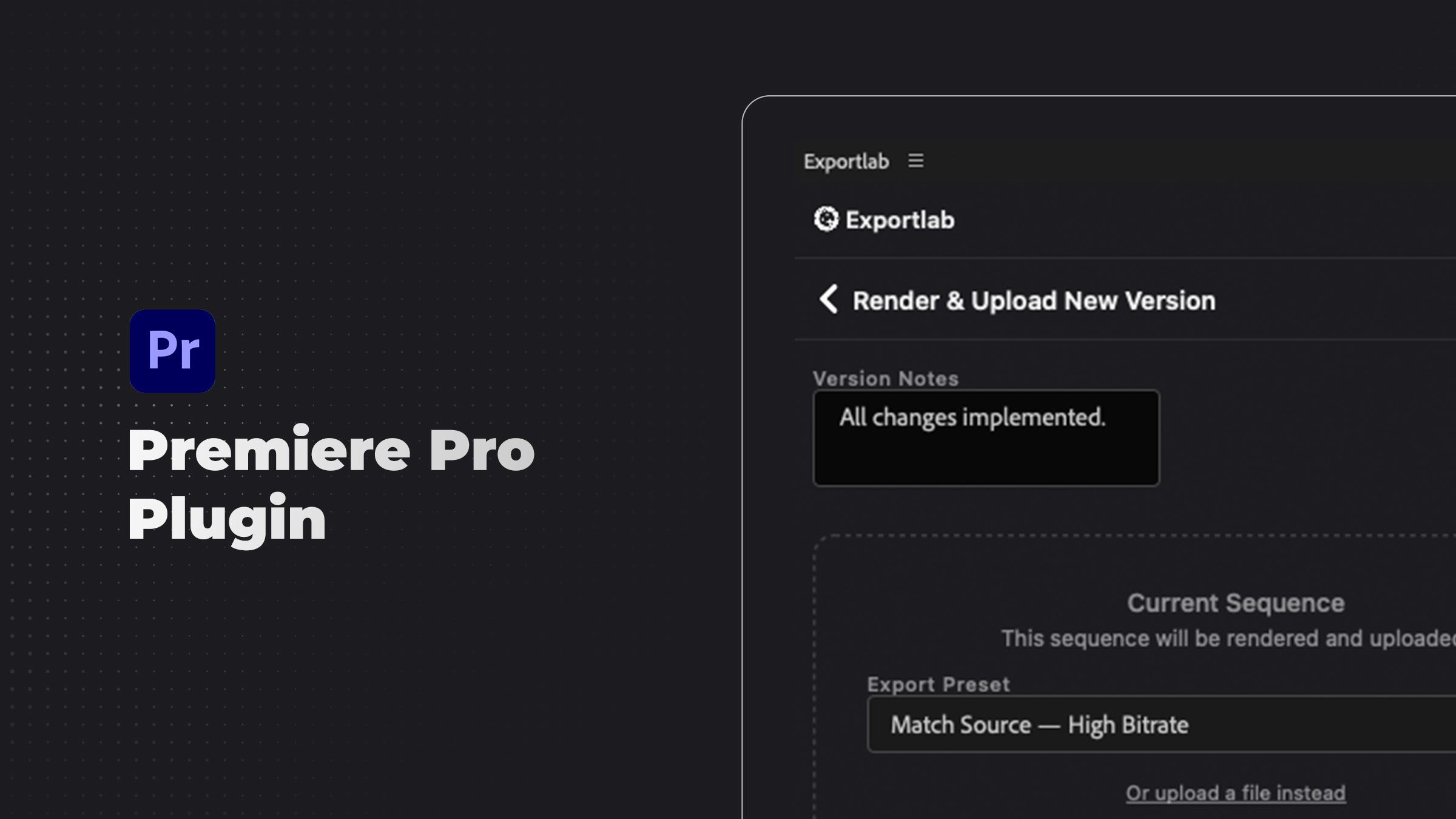
The Exportlab Premiere Pro plugin brings the feedback loop into Premiere Pro itself. Client comments from Exportlab's video review tool appear in a panel inside Premiere. You can import them as sequence markers, work through each one directly on the timeline, upload new versions, and mark feedback as resolved — without leaving the editor.
---
What the plugin does
View client feedback inside Premiere Pro
Your Exportlab video projects appear in a panel within Premiere Pro. Each piece of client feedback is listed with the reviewer's name, their comment, and the timestamp where the note was left.
Import feedback as sequence markers
With one action, all client comments become sequence markers on your timeline. This gives you a visual map of every piece of feedback directly on the cut — no manual placement, no scrolling through a list in a browser.
Work through revisions efficiently
Click any marker or feedback item to jump to that position in the timeline. As you address each note, mark it as resolved in the panel. When everything is addressed, the list is clear and the revision round is done.
Upload new versions directly
When you have addressed the feedback and are ready to share a new cut, render and upload from the plugin. The new version appears in Exportlab immediately, and the client can review it with the same timestamped comment tool.
Download original files
If you need to pull original source files into your Premiere project, the plugin supports downloading directly from Exportlab into your working directory.
---
Who this is for
The Premiere Pro plugin is built for video editors and post-production teams who use Exportlab for client review. It is especially useful when:
- You have multiple revision rounds on a project and want to track what has been addressed
- Your client leaves detailed timestamped feedback that requires precise timeline navigation
- You want to keep your editing environment consolidated and minimize time spent in browser tools
- Your studio handles multiple active projects and needs a clear per-project view of open feedback
---
Current availability
The Exportlab Premiere Pro plugin is not yet available on Adobe Exchange. We are working toward a public release there, and we will announce when it is available. If you cut in Resolve, the DaVinci Resolve plugin is already available to download.
If you would like to be notified when the plugin is released, get in touch with us and we will let you know as soon as it is ready.
---
Get started
The Exportlab Premiere Pro plugin removes the browser from the revision workflow. Feedback, markers, and uploads belong inside the editor — and that is where we are putting them.