
Selling Photography Packages at Group Shoots: Check-in, Package Choice, and Payment in One Day
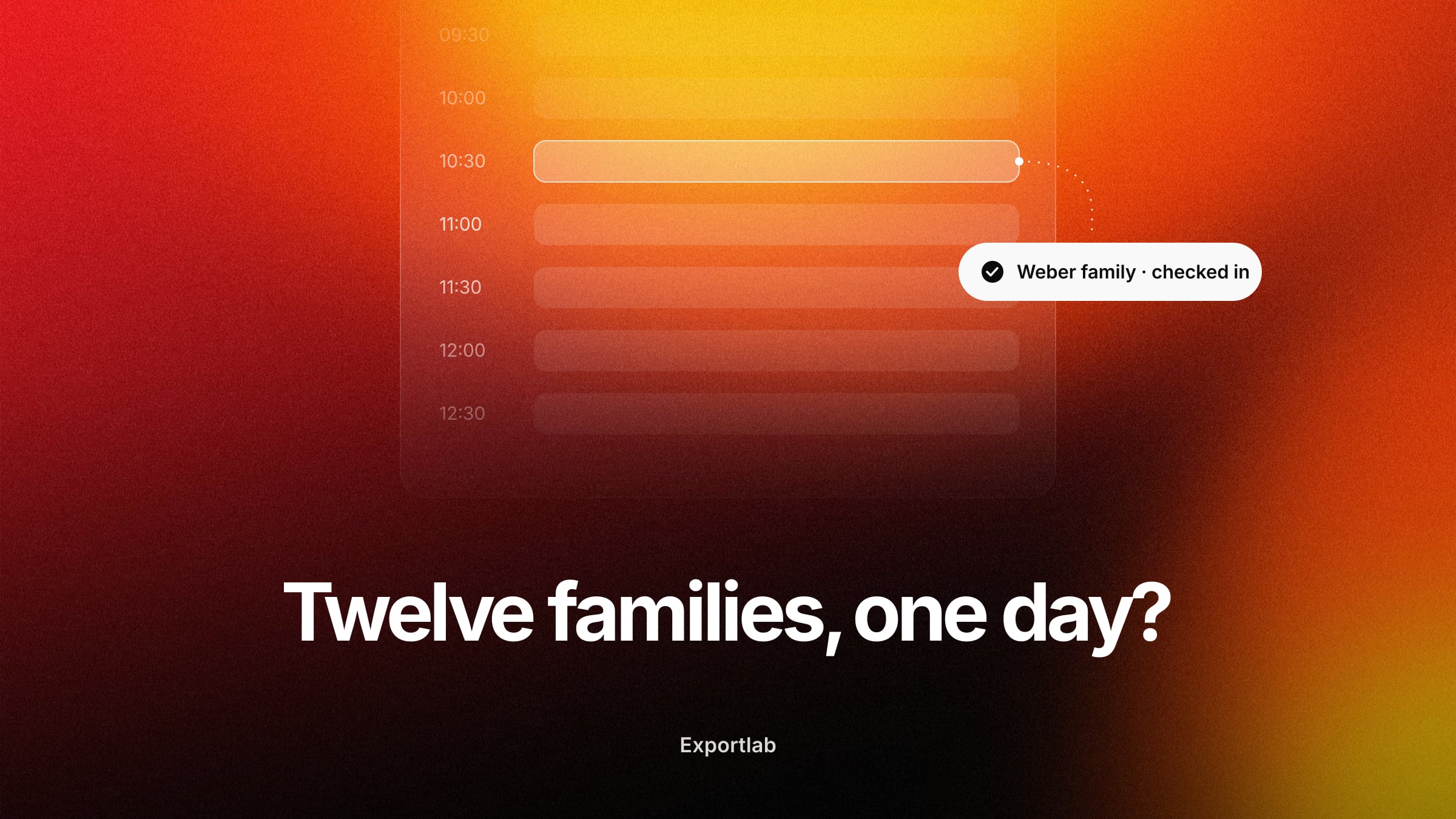
There's a kind of photo job that quickly descends into logistical chaos: many people in a single day. An application-photo day with 40 slots. A school class. A company team that needs new headshots. Here you're not photographing one client but dozens – and afterward each one wants their own images, many want to buy a package, and you have to keep track of who was who and who ordered what.
This is exactly the case where selling photography packages right at check-in pays off. This post shows who it's for, how the flow works – and why the decisive trick isn't the packages themselves, but that selection, payment, and assignment all come together in one day.
Who package sales at the shoot are for – and who they're not
Up front, so this post doesn't waste your time: selling packages at check-in is not a cure-all for every photographer. It's built for group shoots – situations where you photograph many individual people in one session:
- Application-photo and headshot days – dozens of individual slots back to back.
- School and club photography – whole classes or teams.
- Company and team shoots – staff portraits for an entire department.
- Mini sessions – many short slots in one day, often seasonal.
If instead you're photographing a wedding, an event, or a single campaign, this isn't for you. An event photographer ultimately delivers one set of images to one client – there are no dozens of individuals checking in and each buying their own package. For those jobs, the classic offer with a contract and an invoice remains the right way. The rest of this post is for the first group.
The problem at a group shoot: many people, lots of assignment
Anyone who's run an application-photo day or a team shoot knows where the real work is – and it's not the shooting. It's everything around it:
- Who was the third person after the lunch break again?
- Who wanted the big package, who only the two digital images?
- How does each person get *their* images – and only theirs, not those of the other 39?
- And who's actually paid already?
Without a system this ends up in a spreadsheet, handwritten notes, and a stack of follow-up emails. The more people, the more assignment work – and the bigger the chance someone gets the wrong images or a payment slips through.
How selling at check-in works
The trick is to pull data collection, package choice, and payment to the very start – to check-in, before any photo is taken. Here's the flow with Exportlab's Group Shoots:
- You create the group shoot and share a public check-in link – participants register without an account.
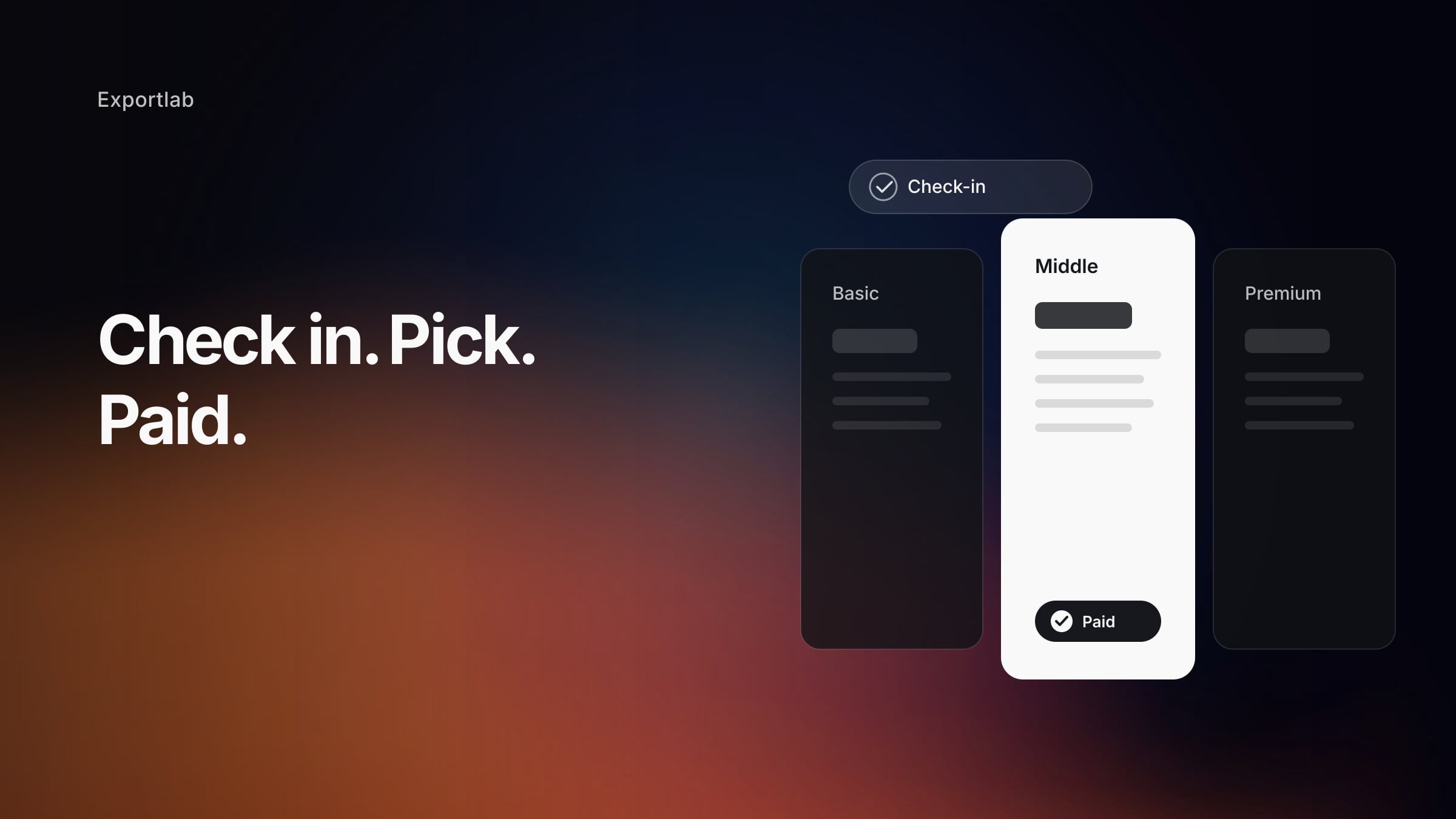
- At check-in, each person picks their package and pays online. The choice is stored directly on that person's record – no separate form, no transfer list, no manual matching.
- You shoot, while it's already settled in the background who booked and paid for which package.
- Each person gets a personal access code (four digits) and sees only their own images through it – not those of the other participants.
- Delivery runs automatically: once the photos are ready, each participant gets a notification with a direct link to their gallery.
Why "only their own images" is the crux
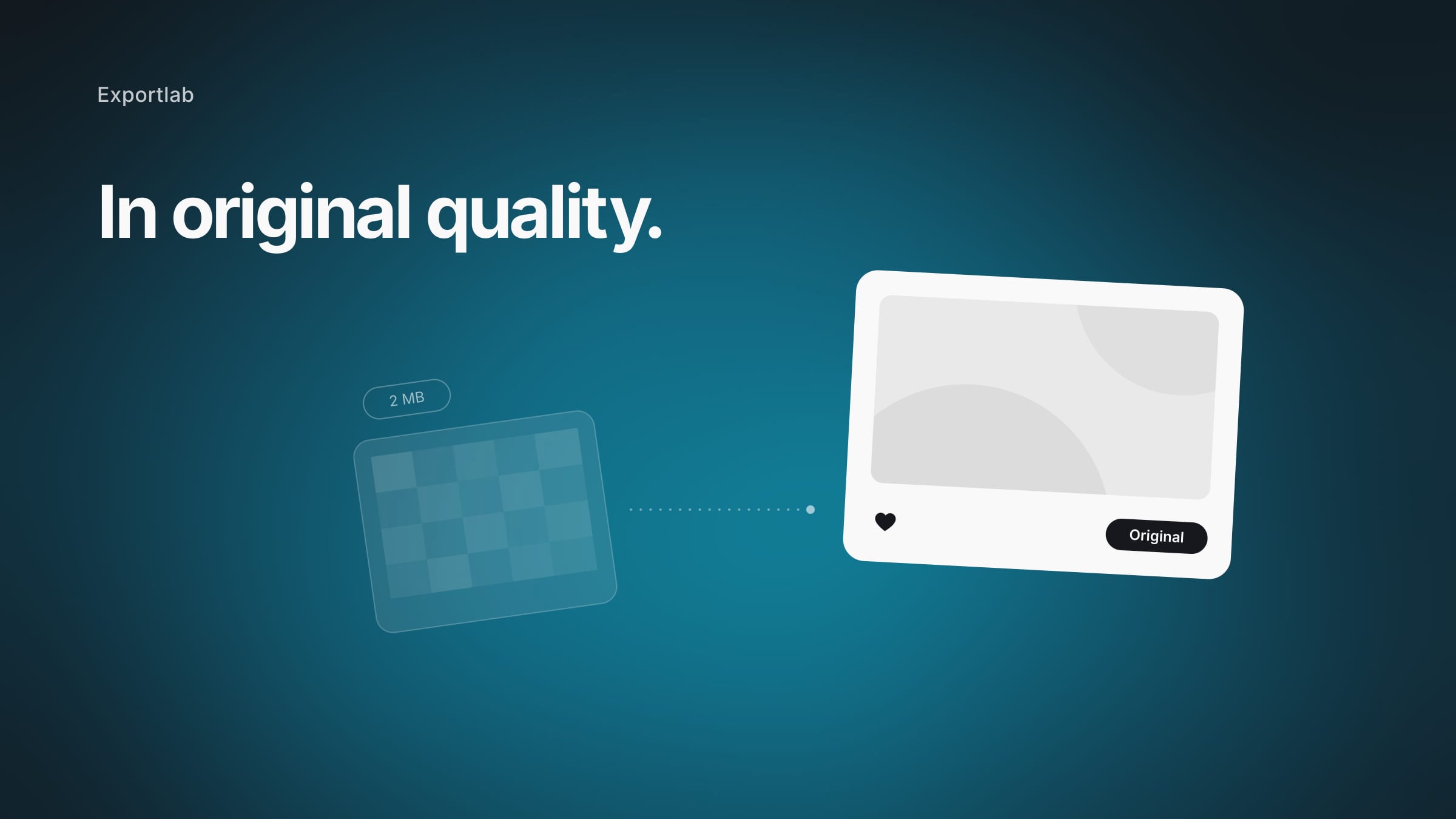
For a single client, delivery is trivial – they get their gallery. For 40 people in one day, that's exactly what becomes the problem: no one should see the others' images, and yet everyone should get theirs without much effort.
That's why each person gets their own access code, and matching "which face belongs to which person" is handled by face recognition in the background. A pile of 800 images automatically becomes each participant's small gallery – without you sorting by person manually. That's the difference between "I send 40 individually assembled folders" and "everyone picks up their own images."
Building packages that sell for group shoots
Once the flow is in place, package design decides the revenue. For group shoots, three clear tiers have proven best:
- Basic – a few digital images, cheap entry point. Lowers the barrier to booking at all.
- Middle – your target package with the best value, the one most should pick.
- Premium – all images, extras like prints or different backgrounds.
Because everyone at the group shoot sees the same three options, you steer what gets booked most through the design. Describe the benefit rather than just numbers ("all approved photos in web and print resolution") and keep it to three packages – more overwhelms a quick decision at check-in.
How the payment works
Online payment sounds like a complicated payment setup, but it isn't. Exportlab uses Stripe Connect for it: the participant pays online at check-in, you're paid out via your connected Stripe account, and onboarding, verification, processing, and payouts all run through Stripe. Once set up, the money flows right at booking.
FAQ: Selling photography packages at a group shoot
Which photographers benefit from package sales at check-in?
Anyone who photographs many individual people in one day: application-photo days, school and club photography, company and team shoots, mini sessions. It's not suited to single jobs like a wedding or an event – there you deliver one set of images to one client, not to dozens of individuals.
How do participants buy their package?
Through a public check-in link you share. Each person registers without an account, picks their package, and pays online – before any photo is taken. The choice is stored directly on that person's record.
How does everyone get only their own images?
Each person receives a personal four-digit access code and sees only their own photos through it. Matching is handled by face recognition, so you don't have to sort by person manually.
How do I let participants pay online?
Through Stripe Connect in the check-in flow: the participant pays online when checking in, and you're paid out via your connected Stripe account. Once set up, the processing runs automatically.
How many packages should I offer?
Three is the proven standard – basic, middle, premium. Especially for the quick decision at check-in, a longer list overwhelms. Optionally, you can offer add-ons.
Conclusion
Selling photography packages at check-in isn't a trick for every photographer, but the solution for one specific case: many people in one day. Application-photo day, school class, company team – wherever you'd otherwise fight spreadsheets, follow-up emails, and manual assignment. When check-in, package choice, payment, and the delivery of "only their own images" all come together in one place, the logistical nightmare becomes a flow that almost runs itself – and you know before the first shutter who's coming and what was booked.