

Client Gallery: How to Deliver Photos So Clients Actually Act on Them
A client gallery is where a shoot stops being your work and becomes the client's. That handover is the moment most photography businesses leak time: the link goes out, and then come the emails asking which file was which, whether the full-resolution version exists, and where the link went.
A shared cloud folder technically delivers the files. What it does not do is carry the next step — the selection, the feedback, the approval. This article covers what a client gallery has to do beyond hosting, and how to tell the difference when choosing one.
Hosting files is the easy part
Dropbox, Google Drive and WeTransfer all move photos from A to B. Where they stop is everything that happens after the client opens the link.
| Shared folder / transfer | Client gallery | |
|---|---|---|
| Client sees | a file list | the images, as images |
| Selecting favourites | renaming or listing filenames | marking in the gallery |
| Feedback | a separate email thread | a comment on the specific photo |
| Download control | all or nothing | per size, per set, per permission |
| Link lifetime | often expires or gets lost | permanent, tied to the job |
| Looks like | your cloud provider | your business |
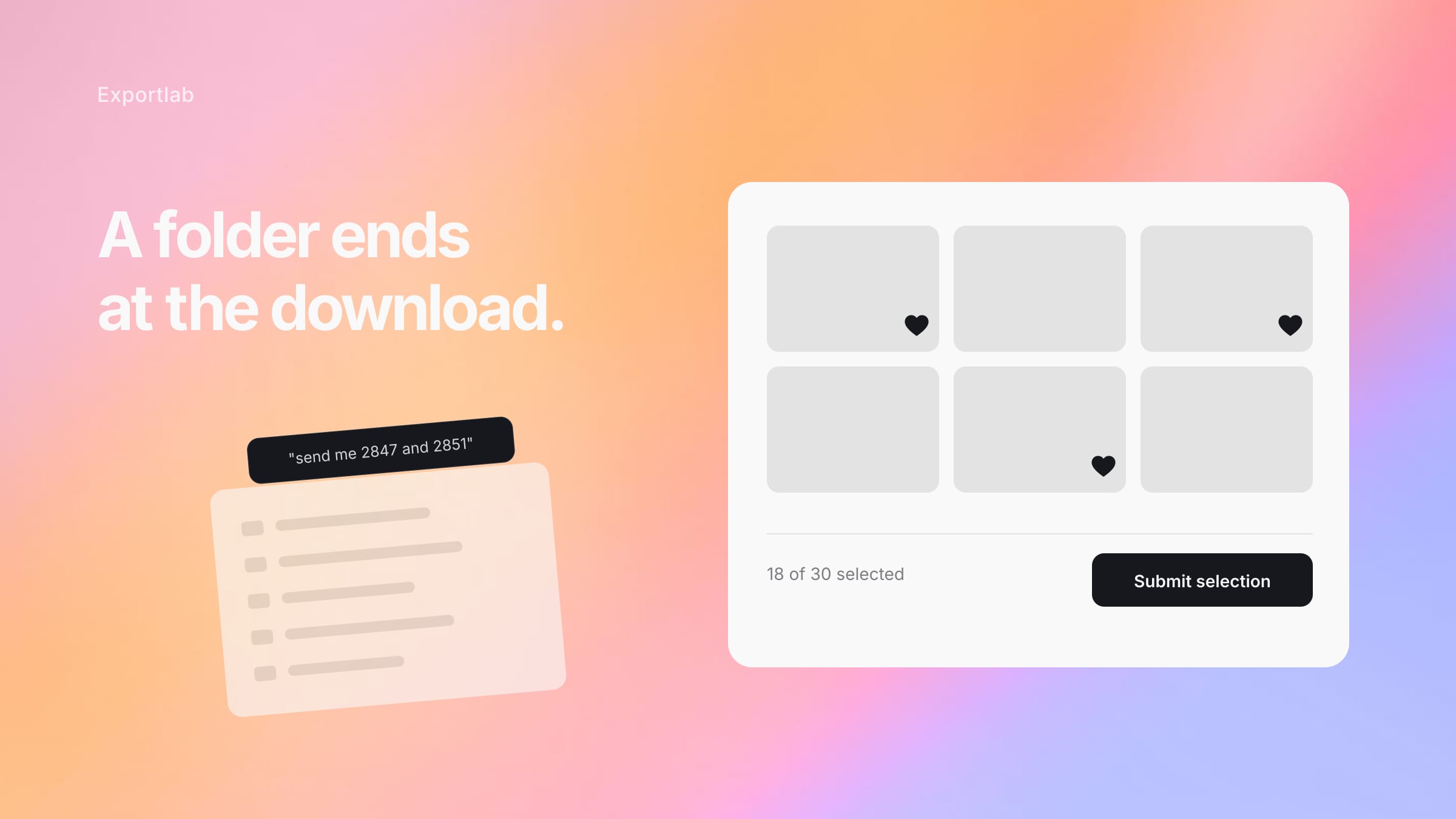
The practical difference shows up in the reply. With a folder, the response is "can you send 2847, 2851 and the one with the blue background?" With a gallery, the response is a list the client assembled themselves, and nobody transcribed a filename.
What a client gallery has to do
Let the client choose without your help
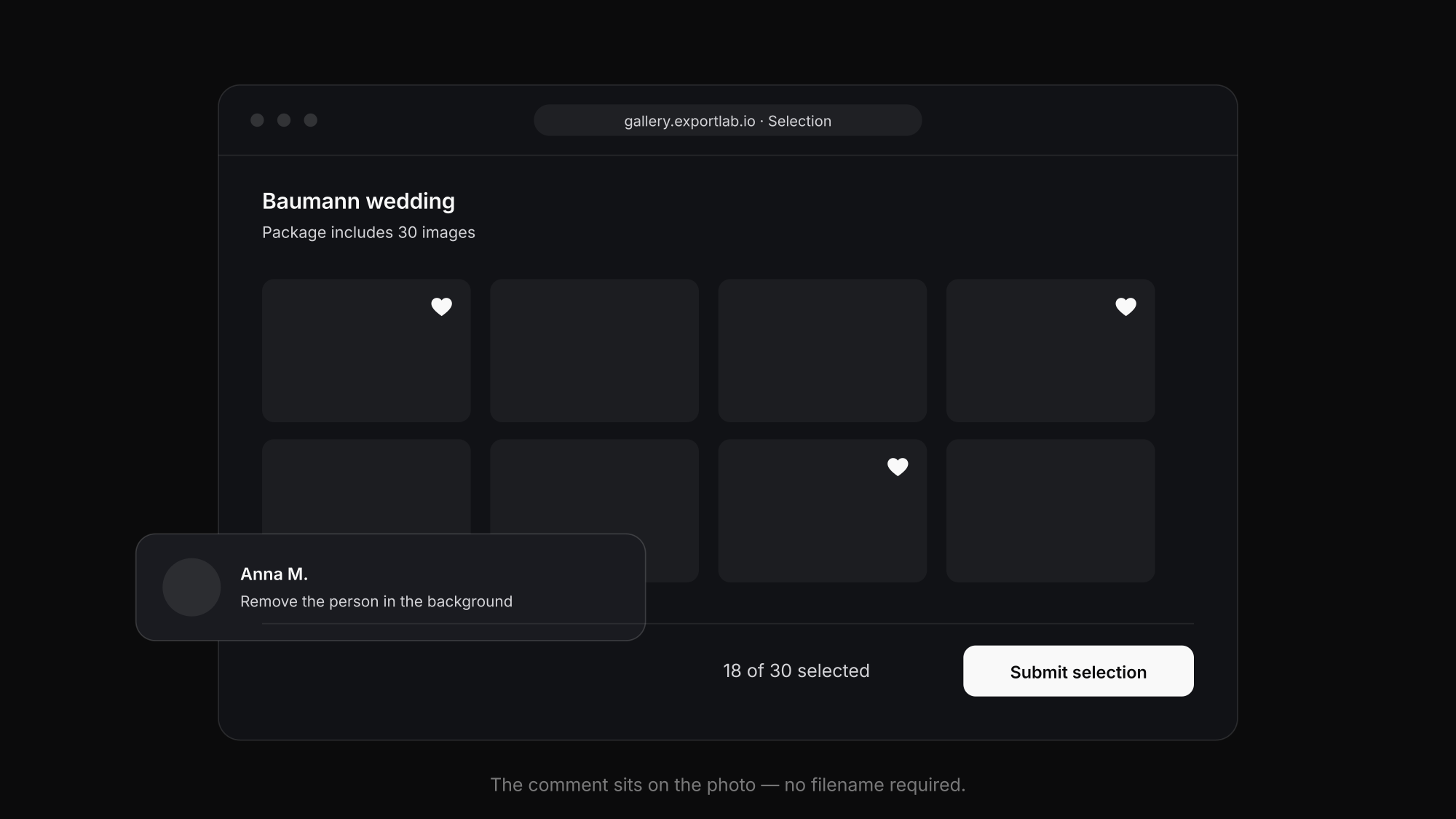
Selection is the step most often handled over WhatsApp, and it is where the most time disappears. A gallery that lets the client mark favourites — with a limit when the package includes one, so a "pick 30" job comes back with 30 and not 140 — removes an entire round of back-and-forth. Once the selection is submitted, the set is defined, and both sides can see what was agreed.
The same applies to feedback. A comment attached to the specific image ("remove the person in the background") is unambiguous. The same sentence in an email needs a filename next to it, and that is where mistakes enter.
Control what leaves the gallery
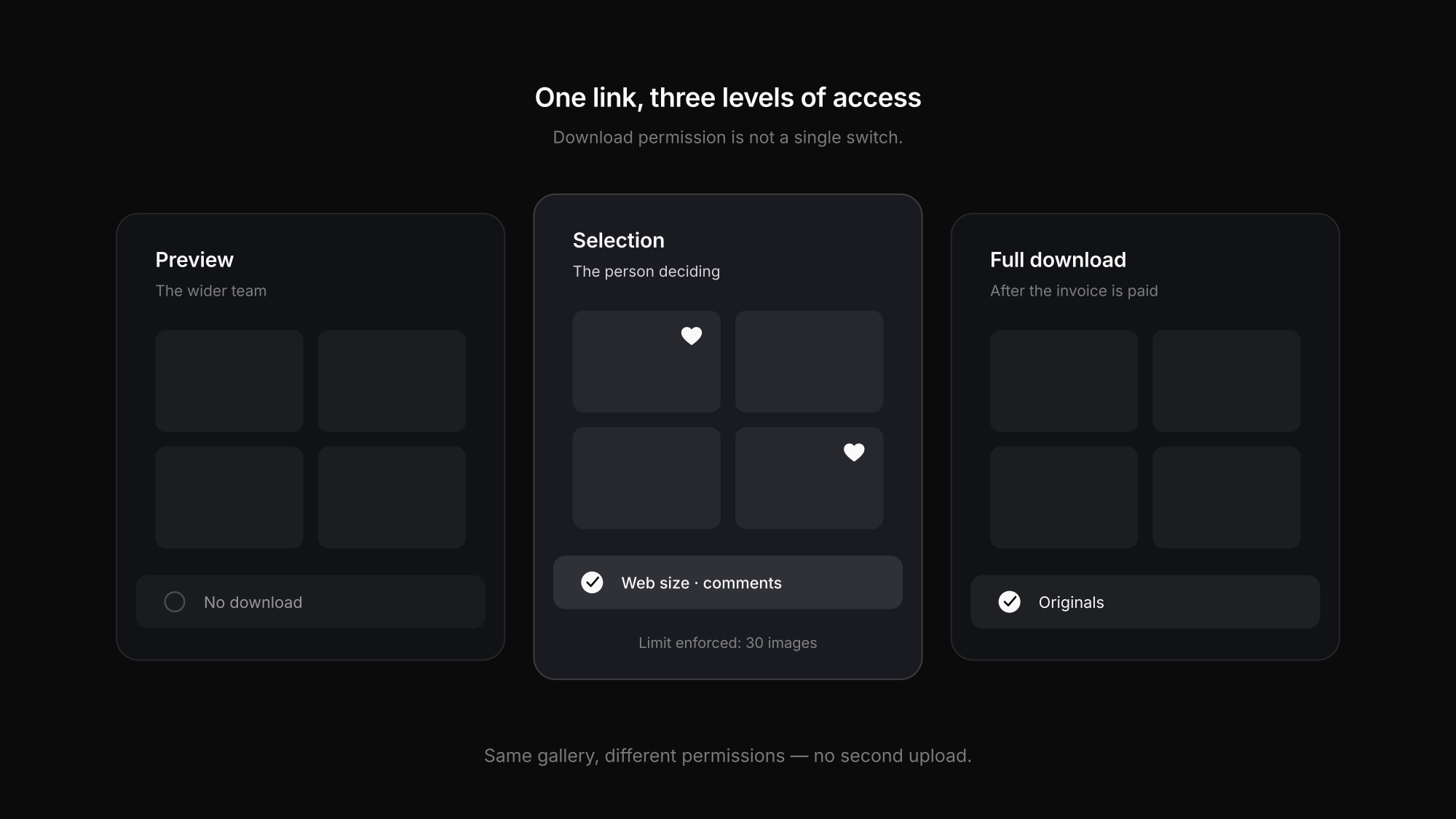
Download permission is not a single switch. In practice you want web-sized files available immediately and originals released once the invoice is paid, or previews for a wider group and full access for the one person who is entitled to it. A gallery that only offers "download on" and "download off" forces you to manage that by uploading two versions.
Be protectable
Not every job is public. A PIN or password matters for corporate work, unreleased campaigns, and any shoot where people appear who did not consent to being on an open link. Where the files sit is a separate question — for German and EU clients, EU-hosted storage is regularly a requirement rather than a nice-to-have.
Look like your business, not like a tool
The gallery is often the last thing a client sees from you, and the thing they forward internally. Cover image, layout, your name rather than a vendor's — it is the cheapest branding surface you have, and it travels to everyone the client shares it with.
Stay reachable
Transfer services expire. A link that dies after seven days generates a request to re-send it in month four, and that request always arrives when you are shooting. A gallery tied to the client and the job stays where it was.
Choosing one: the questions that matter
Does selection have a limit?
If the package covers 30 images, the gallery should enforce 30. Otherwise the selection becomes a negotiation after the fact.
Can comments attach to a single photo?
Feedback that lives on the image needs no filename. Feedback in an email thread always does.
Is download permission granular?
Web size now, originals after payment, previews for the wider team. One global switch means uploading twice.
Where is the data hosted?
For EU clients this is a procurement question, not a technical detail. Ask before it comes up in a contract.
Does the client need an account?
Every signup step loses people. The client should open a link and be in the gallery.
What happens after twelve months?
Storage cost, link lifetime and what happens when a plan lapses. Ask before the archive matters, not after.
Where video changes the requirements
If you deliver video as well, the gallery needs to handle it as video rather than as a file to download. That means streaming rather than a 4 GB download, and — more importantly — feedback tied to a timecode.
"At 2:15 the cut is too early" in an email costs a round trip every time, because the editor has to find the moment and guess which cut was meant. A comment placed on the frame does not. That is covered in more depth in the post on video feedback from clients, and the tool landscape in video review tools compared.
How this works in Exportlab
In Exportlab the gallery sits inside the job rather than alongside it — client, project, contract, delivery and invoice are the same record.
- Selection with an optional limit, so the package and the selection match
- Comments on individual images, not in a parallel email thread
- Download control by size and by permission, rather than one switch
- PIN protection where the shoot requires it
- Gallery design — cover, hero style, grid layout and theme, so it looks like your business
- EU hosting, which for German and European clients is frequently the deciding question
Because the gallery belongs to the job, the steps after it are already connected: the approved selection is what gets delivered, the proposal that started the job and the invoice that closes it hang off the same client, and the client can follow progress on a status page instead of emailing to ask where things stand.
If you are moving from a folder-based workflow, the comparison in delivering photos to clients walks through the options; for the selection step specifically, client photo selection goes deeper.
FAQ: Client galleries
What is a client gallery?
A private web page where a client views the photos from their shoot, marks the ones they want, comments where something needs changing, and downloads what they are entitled to. Unlike a shared folder, it carries the steps after delivery rather than only the files.
Do clients need an account to open one?
They should not. A client gallery normally opens from a link, optionally protected by a PIN. Requiring a signup costs you responses, particularly when the gallery gets forwarded to someone inside the client's company.
How long should a client gallery stay online?
Longer than you expect to need it. Requests to re-send a link cluster in months three to twelve, well after a typical transfer service has expired. Check what your provider does when a plan lapses, because that is when archives quietly disappear.
Can I stop clients downloading originals before paying?
With granular download control, yes — web-sized files available immediately, originals released once the invoice is settled. A gallery with a single on/off switch cannot do this without uploading two versions.
Is a client gallery GDPR-compliant?
That depends on the provider and where the data is hosted, not on the format itself. For clients in the EU, EU-based hosting and a data processing agreement are regularly required. Ask about both before a corporate client's procurement team does.
Conclusion
A client gallery earns its place at the step after delivery. Hosting files is solved by any cloud service; what separates a real gallery is whether the client can select, comment and download within their permissions — without you transcribing filenames out of an email.
The second consideration is where the gallery sits. When it belongs to the job rather than floating next to it, the selection feeds the delivery and the delivery feeds the invoice. How that looks in practice is covered in delivering photos to clients, and for the selection step itself, client photo selection.