

Writing a Photography Quote That Gets Accepted
Writing a photography quote sounds like a formality — until the third one in a row goes unanswered. Usually the price is not the problem. The problem is that the client has to open a PDF, understand it, discuss it with someone, and then compose an email saying yes. Every one of those steps loses you work.
This article covers how to structure a quote for photo and video jobs, how optional items raise the value of a booking instead of inviting a discount conversation, and why the way a client says yes matters more than the wording of your cover note.
What belongs in the quote
A quote answers three questions: what do I get, what does it cost, and what happens next. Everything else is decoration.
- Scope of work — what actually happens: shoot duration, number of edited images, shoot days, rounds of edit
- Line items with prices — quantity, unit price and tax rate per line, not one undifferentiated total
- Usage rights — purpose, duration, territory and exclusivity, as their own item
- Dates — shoot date, delivery window, any milestones in between
- Validity date — how long the quote stands
- What is not included — travel, additional revision rounds, secondary use
That last point is the one most often left out, and it causes the most friction later. A quote that leaves open whether another round of edits is included generates exactly that argument — but only once the work is already underway.
Usage rights belong in the quote, not just on the invoice
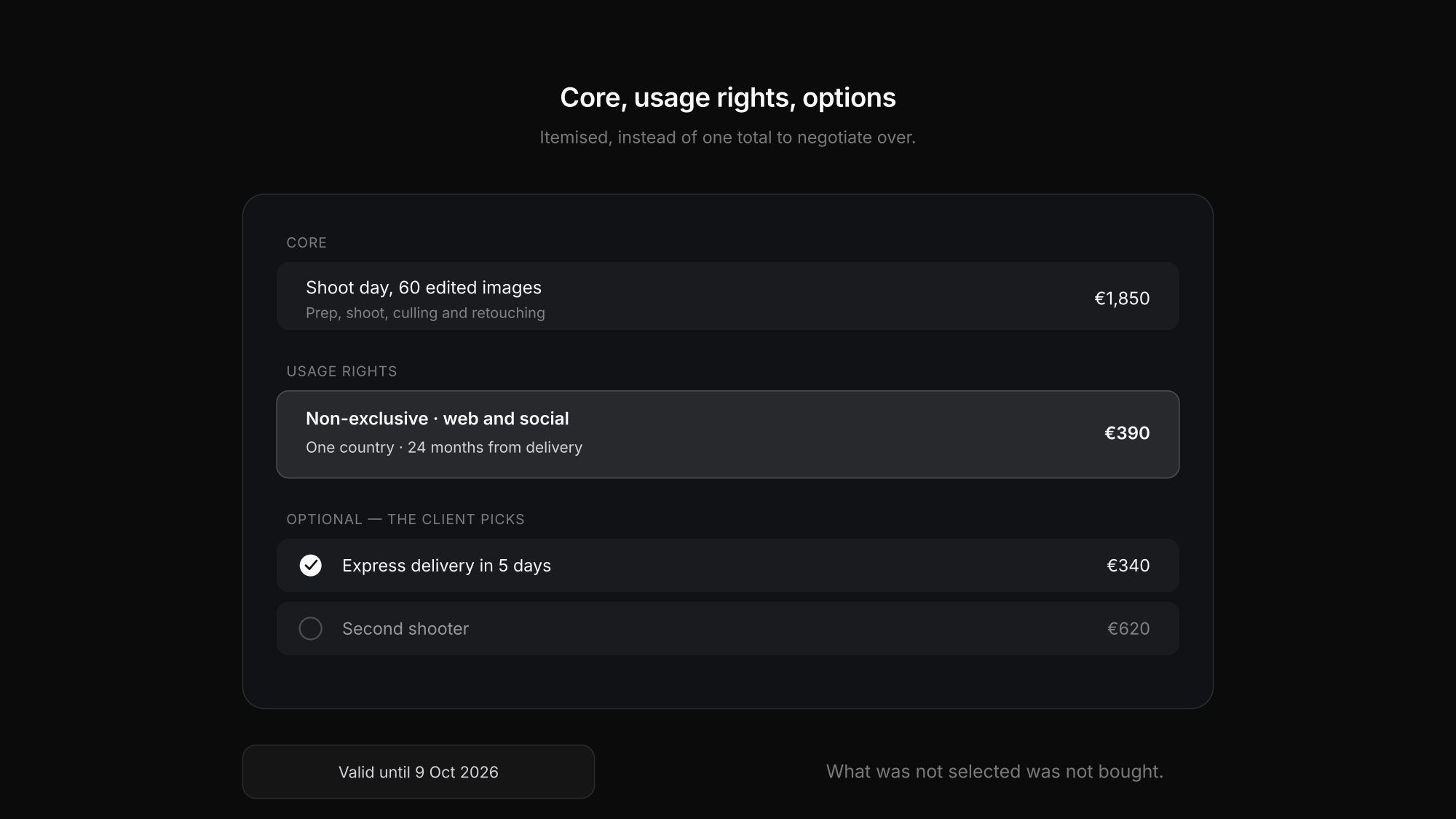
What you transfer is a licence, and its scope is a component of the price rather than a detail. A shoot for an internal newsletter does not cost the same as the same images used in a national campaign.
So the scope goes in the quote: *"Non-exclusive licence, client website and social media, one country, 24 months from delivery."* With that written down, a later reuse becomes an add-on with a price instead of an argument with no basis. What the same item looks like on the invoice is covered in the post on the photography invoice.
Optional items: the lever most people skip
The classic quote is a single total. The client can accept or decline it — and if it feels high, they ask for a discount.
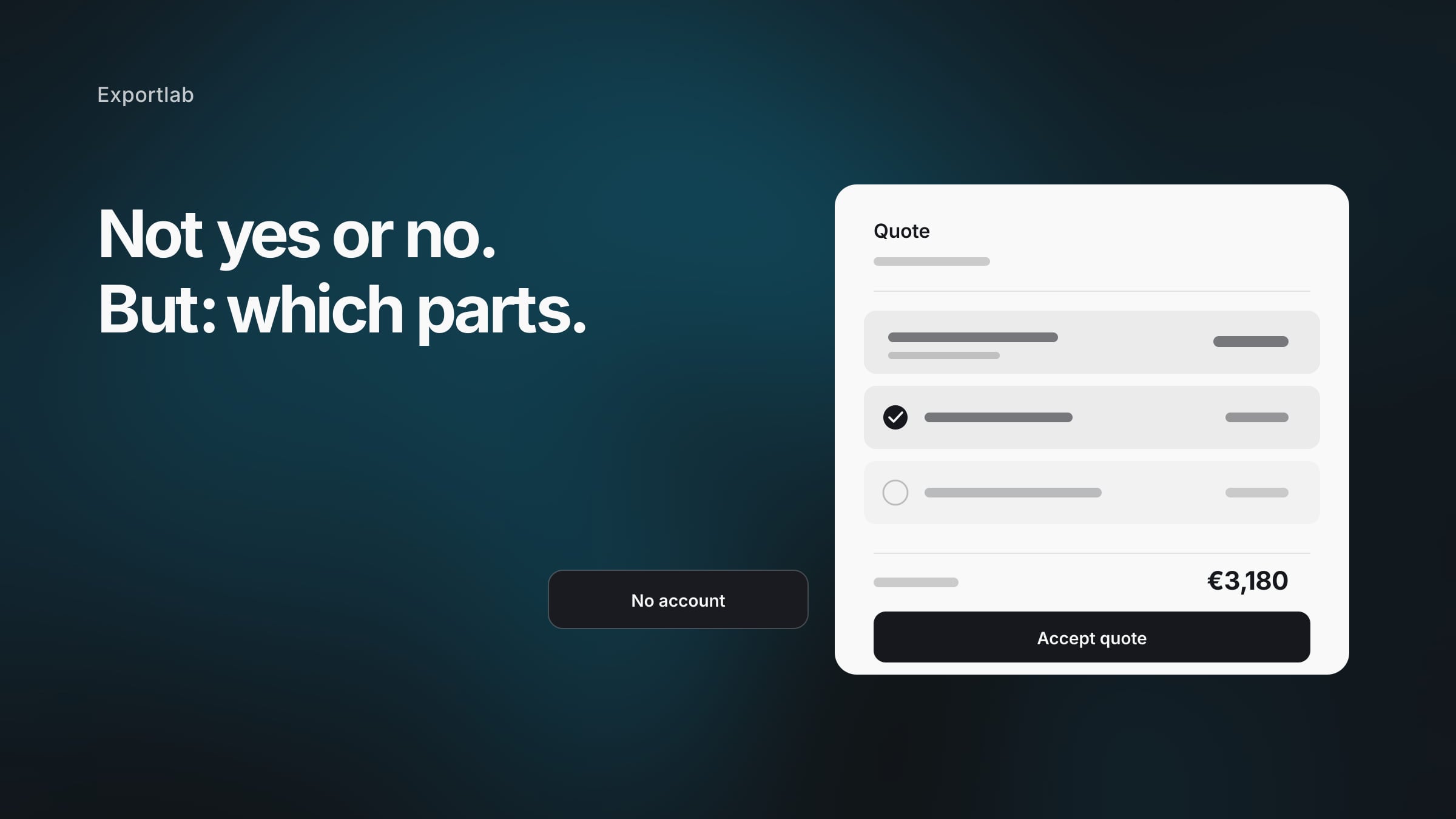
A structure with optional items works considerably better: a core offer, plus extras the client selects themselves. That changes the question from "yes or no" to "which parts".
| Item | Type | Effect |
|---|---|---|
| Shoot day, 60 edited images | Core | The base the decision is made on |
| Second shooter | Optional | Adds value when the event is large |
| Express delivery in 5 days | Optional | Gets picked when the deadline is tight |
| Extended usage rights, worldwide | Optional | Captures the case that otherwise becomes a dispute |
| Additional revision round | Optional | Makes scope explicit rather than assumed |
A client who adds express delivery has not negotiated the price down — they have raised the value of the booking. And a client who leaves the extended usage rights unselected has documented that they did not buy them.
The validity date is hygiene, not pressure
A quote without an expiry stands indefinitely. Three months later the client asks whether "it still applies" — and by then your rates have changed, your calendar is full, and the date you were holding is gone.
A validity date solves that without awkward chasing: the quote expires on its own. Two to four weeks is realistic for most work. For seasonal bookings — weddings, year-end productions — shorter is fair, because the date itself is the scarce resource.
Why email acceptance is the weakest link
Say your quote lands well. What happens next is this: the client downloads the PDF, forwards it internally, collects a response, and writes you an email confirming — ideally specifying which of the options they want.
This is exactly where quotes go quiet. Not through rejection, but because "I'll get back to you" is a task that slides down a to-do list.
That is why proposals in Exportlab are a link rather than an attachment:
- Write the quote — items with quantity, price and per-line tax rate, with anything optional marked as such.
- Set a validity date — after which the quote expires by itself.
- Publish it — the content freezes and the client link is created.
- Send it — by email to a named recipient, or share the link yourself.
- The client decides in the browser — picks the optional items, sees the updated total, and accepts or declines. No account needed.
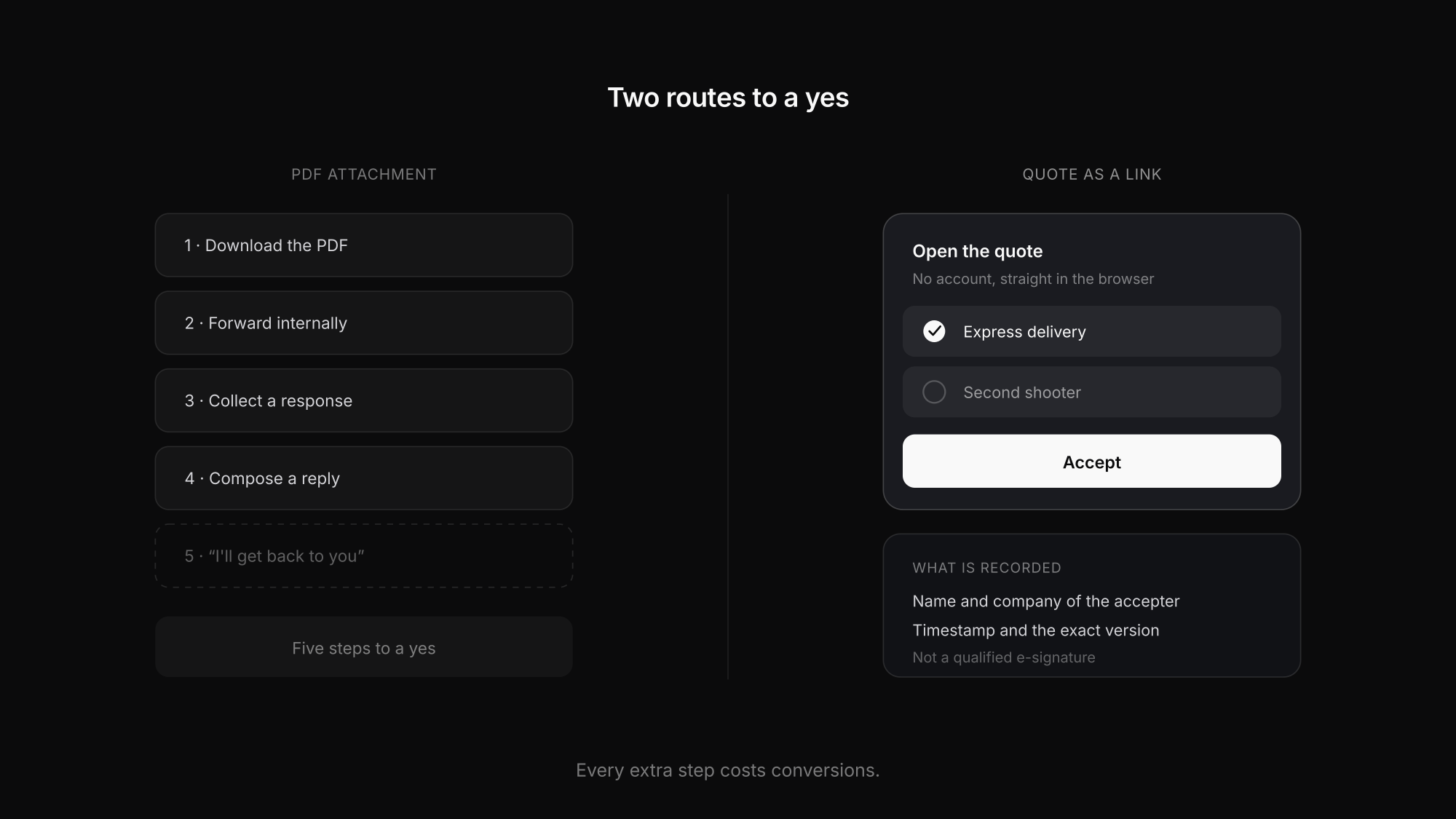
Acceptance records the name and company of the person accepting, along with the exact version they agreed to. A published quote is frozen: changing it starts a new revision that supersedes the old one, so the version that was accepted stays traceable.
One important distinction: this acceptance is not a qualified or advanced electronic signature under eIDAS. What is recorded is a typed name and a timestamp — enough to document agreement, but not a substitute for a signature where a specific form is legally required. For agreements that need signing, Exportlab has contracts with a signature step; which level is required in a given case is a legal question.
Once a quote is accepted, an invoice can be created from it, carrying the line items across so nothing is retyped.
Quoting mistakes that cost bookings
A flat total with no breakdown
A single number invites negotiation on the whole thing. Line items make visible what the money is for.
Usage rights not named
Without purpose, duration and territory, what the client may do is undefined — and a later reuse cannot be priced.
No validity date
A quote without an expiry stands indefinitely. Months later your rates no longer apply.
Exclusions left out
What is not included belongs in the quote. Otherwise it gets discussed once the work is underway.
Acceptance only by email
Every extra step costs conversions. "I'll get back to you" is the most common way a booking quietly dies.
Retyping everything after the yes
Copying items from the quote into the invoice introduces discrepancies nobody intended.
FAQ: Photography quotes
What should a photography quote include?
The scope of work, line items with prices and tax rates, usage rights with purpose, duration and territory, the relevant dates, a validity date, and a clear statement of what is not included.
How long should a quote stay valid?
Two to four weeks suits most work. For seasonal bookings such as weddings a shorter window is reasonable, because the date itself is what is scarce and you cannot hold it open indefinitely.
Is an accepted quote a contract?
An accepted quote can form a contract — agreements are generally created by offer and acceptance, without needing a signature. Whether that is the case for you, and what form might be required, depends on the specifics and your jurisdiction. Where a signature is required or simply wanted, use a contract rather than an acceptance alone.
What is the difference between a quote and an estimate?
The terms are used loosely, but an estimate usually signals an approximate figure, while a quote names the specific work and prices you are prepared to commit to. Say plainly which one you mean, because clients read the difference.
How do I improve my acceptance rate?
Two levers do most of the work: optional items the client can add themselves rather than a single total, and an acceptance that takes one click instead of requiring a composed reply.
Conclusion
A photography quote that gets accepted comes down to three things: itemised pricing instead of a lump sum, usage rights as their own line, and optional extras that turn "yes or no" into "which parts".
The fourth is the path to yes. A quote as a link, which the client opens without an account, adjusts, and accepts in the browser, loses fewer bookings on the way than a PDF that has to be answered by email. Proposals shows how that works — and if you are still setting your rates, photography pricing covers the calculation behind the numbers.