
Video Feedback from Clients: The End of "At Minute 2:15, Please…"
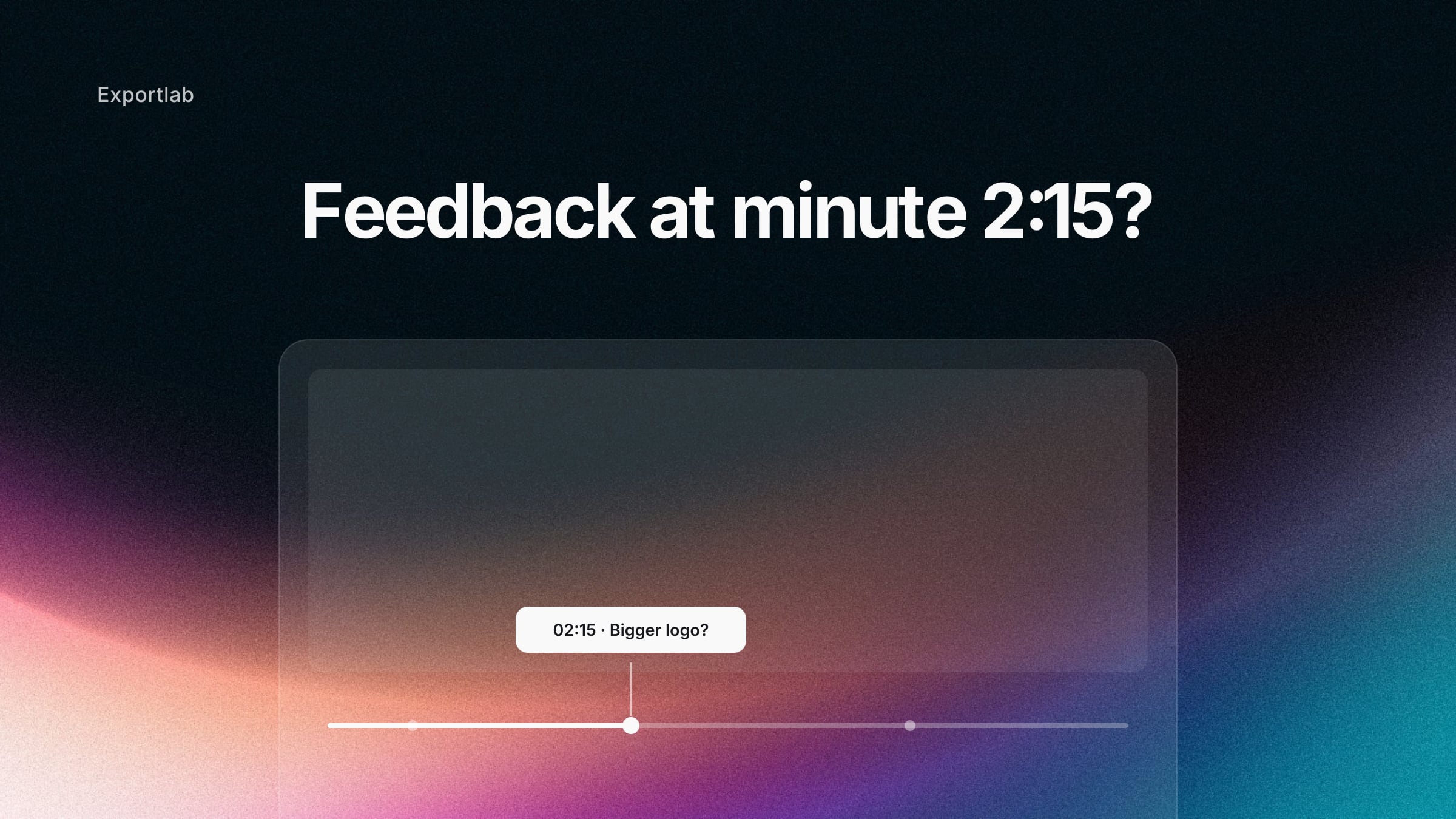
The edit is done, the export has finished, the link goes out. Two days later the client replies — by email: *"At minute 2:15, please make the logo bigger. And somewhere near the beginning, where the blue thing fades in, the transition feels off."* Welcome to the revision loop no videographer needs.
The problem isn't the client. The problem is the channel: video feedback over email describes moving images with words — and that's exactly where it breaks.
Why video feedback over email always breaks
Three things happen in practically every email feedback round:
- Timestamps go stale with every new cut. "Minute 2:15" is only true for the version the client just watched. The moment you trim two seconds at the top, every timestamp in that email points at nothing — and you're hunting for what was meant.
- Feedback scatters across channels. Half arrives by email, an addendum via WhatsApp, the rest on a call. When you sit down to work, there is no single list to work against.
- Descriptions are not frames. "The blue thing at the beginning" could be the title card, the gradient in the intro, or the sky in scene two. Every clarifying question costs a day.
- Every channel switch costs focus. Read the email, open the player, find the spot, back to the email — research on task switching shows exactly this back-and-forth measurably costs time and increases error rates. With twenty notes per cut, that adds up.
The more rounds, the more expensive it gets — not just in time, but in trust. The client starts to feel that what they mean doesn't arrive.
Frame-accurate: comments that stick to the picture
The fix is a review player where the client clicks straight into the video. The comment then isn't attached to an approximate minute but to the exact frame:
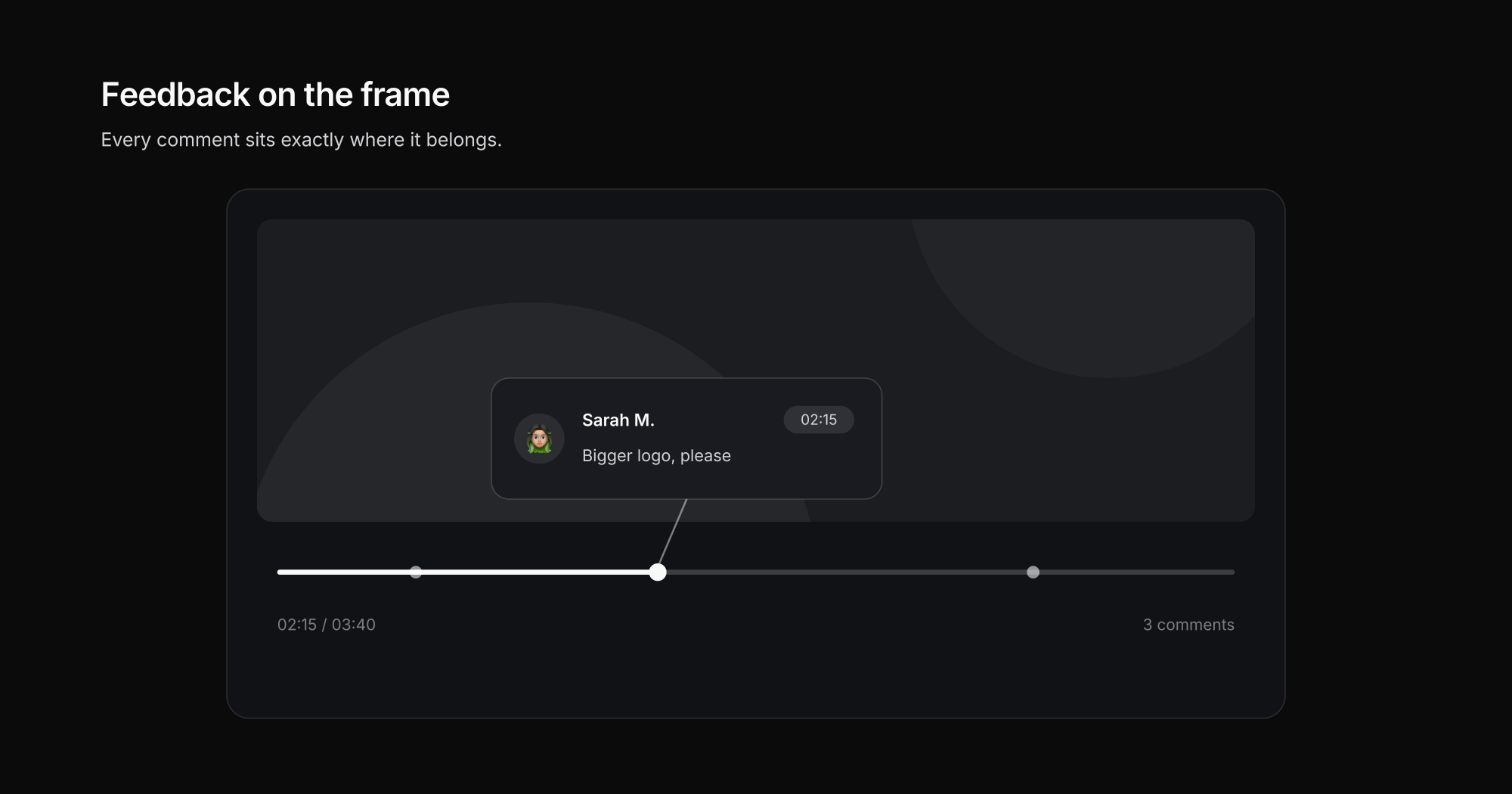
The difference to "timestamps in an email" is bigger than it sounds:
- Every comment sits on the frame the client means — no searching, no guessing.
- Replies run as a thread on the comment, not as a new email with new context.
- You tick off what's done — the client sees the status without asking.
At Exportlab, that's exactly what frame-accurate feedback is built for: the client gets a link, clicks into the timeline, and writes. No account, no software, on any device.
What "frame-accurate" actually means
A video at 25 frames per second shows 25 distinct images between "second 12" and "second 13" (frame rate explained). At 50 or 60 fps — standard for sports, slow motion, and many social formats — that number doubles again. Second-accurate feedback is therefore often just barely off: the client means the one frame where the eye is closed, the cut jumps, or the logo fades in a tick too early.
For practice this means: a review player has to anchor comments on the frame, not on the rounded second. Otherwise the hunting just shifts from "which minute?" to "which moment within this second?" — a real difference when you're chasing a color shift in a transition or a continuity error.
How a review round works in practice
- Send a review link, not a file. You upload the cut and share a link. The client needs no login and no player — a browser is enough.
- The client comments inside the video. Click the spot, write the note, done. Every point lands frame-accurately in one list.
- You work through the list. Comment by comment, with a done status. Nothing gets lost, nothing gets discussed twice.
- Upload the next version — comments stay attached. Version 2 doesn't start from zero: old feedback stays documented on version 1, new feedback lands on the new cut.
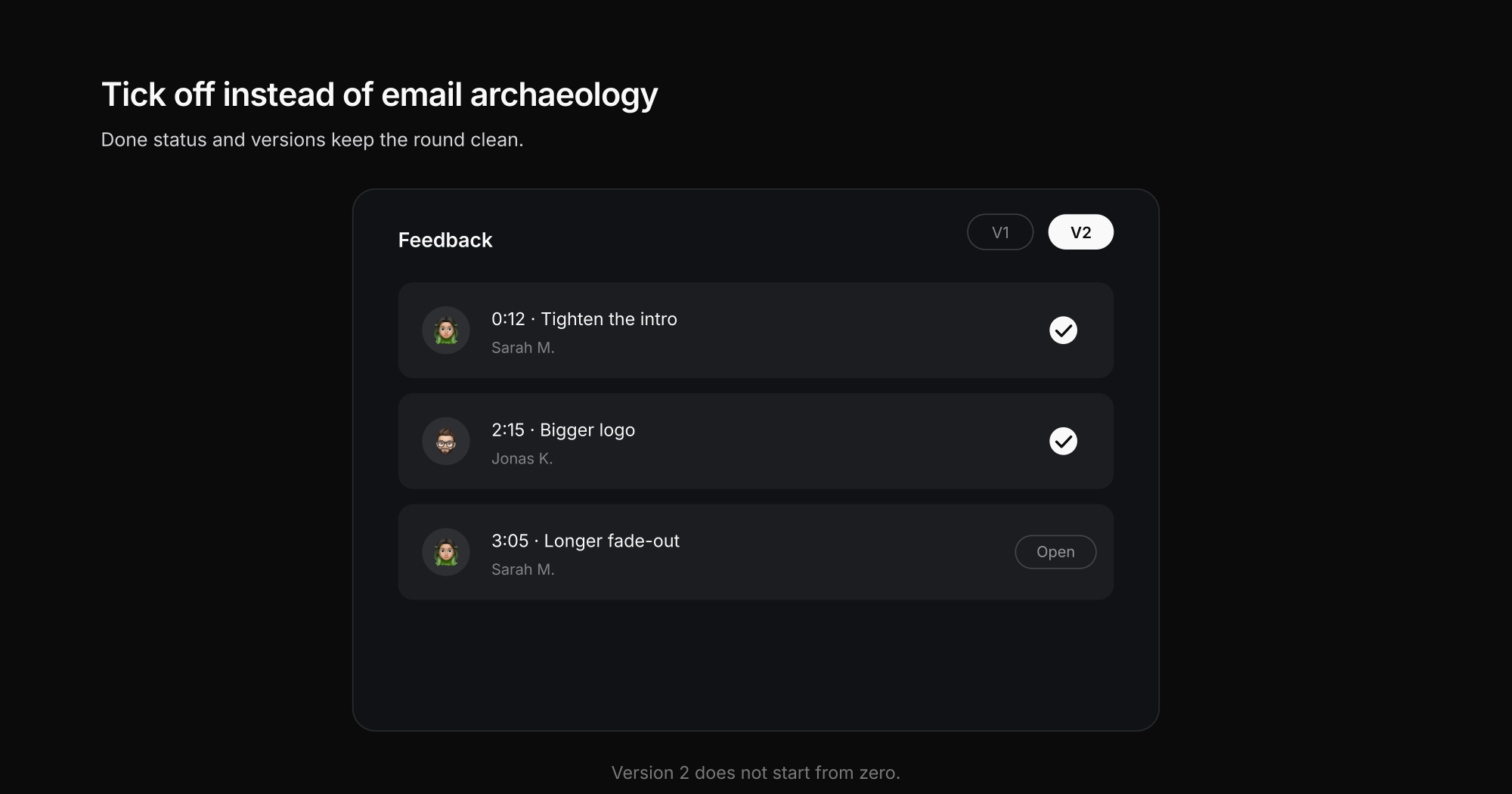
"Three email rounds and a phone call" becomes one traceable feedback round. And when approval comes, it's documented on the project — not somewhere in an inbox.
How to spot a review tool that actually works
If you're comparing tools — our video review tools comparison has the full rundown — these are the points that separate the useful from the decorative:
- Frame-accurate, not just second-accurate. At 25 frames per second, "second 12" and the frame the client means can be 24 pictures apart.
- No login for the client. Every forced registration costs feedback willingness.
- Versions are part of the concept. Feedback has to stay attached to the cut it belongs to.
- A done status instead of email archaeology. Both sides can always see what's open.
- Original quality in the player. The client is judging your color grade — not the compression of an intermediate upload.
If you work straight out of your editing software: Exportlab hooks into Premiere Pro and DaVinci Resolve, so the export lands in review without a detour.
Three habits that shorten every feedback round
The tool is half the battle — the other half are agreements you make once and then stick to:
- One collection deadline instead of trickle feedback. "Please have all notes in the review by Thursday" beats five emails spread across a week. You revise once — not five times.
- One feedback owner on the client side. When three people at the company weigh in, one of them collects and approves. Otherwise you end up resolving contradictions like "bigger logo" versus "more subtle logo" inside your timeline.
- Batch changes per version. Version 2 only happens once the list is worked through — not a new export after every single comment. The version history stays readable, and the client sees progress in one piece instead of in crumbs.
You can copy these three rules verbatim into your proposal or project kickoff email — they are the difference between two feedback rounds and six.
Conclusion: feedback belongs on the video, not in the mail
Collecting video feedback doesn't mean training clients to write better emails — it means giving them a place where showing is easier than describing. Frame-accurate comments, threads, and versions turn the most tedious phase of video production into a clean process.
That's what the video review in Exportlab is built for — as part of the complete workflow for videographers, from the first cut to delivering to the client.