Exportlab
PricingAI
Plan workflowTry for free
Features
Photo GalleriesFrame accurate feedbackEasy TransferSend files in seconds.DeliveriesOne link for the whole project.Guest UploadProject ManagementProduction planning
Platform
Client PortalPublic ProfileStatus PagesTeam ChatsAsset CollectionCentral brand library.ProposalsContractsModel ReleaseInvoicesPackage SalesSell packages directly in the booking flow.
Software
Exportlab ConnectMac to iPhone, no upload.iOS appMCP for ChatGPT & ClaudeLet your AI chat query your workspace.
MoreDocsAPIIntegrationsSecurityAnalyticsCustom SolutionsWatch live demo
For
PhotographersVideographersWeb DesignersAgenciesEvent organizers
New integrations
Premiere ProNewSlackNew
All integrations
Log in as
CreativeClient
Features
Photo GalleriesFrame accurate feedbackEasy TransferSend files in seconds.DeliveriesOne link for the whole project.Guest UploadProject ManagementProduction planning
Platform
Client PortalPublic ProfileStatus PagesTeam ChatsAsset CollectionCentral brand library.ProposalsContractsModel ReleaseInvoicesPackage SalesSell packages directly in the booking flow.
Software
Exportlab ConnectMac to iPhone, no upload.iOS appMCP for ChatGPT & ClaudeLet your AI chat query your workspace.
More
DocsAPIIntegrationsSecurityAnalyticsCustom SolutionsLive Demo
For
PhotographersVideographersWeb DesignersAgenciesEvent organizers
New integrations
Premiere ProNewSlackNew
PricingAIPlan workflow
Log in as
CreativeClient
Try for free

Videographers

Stories, how-tos, and product news for photo and video teams.

Page 3 of 3
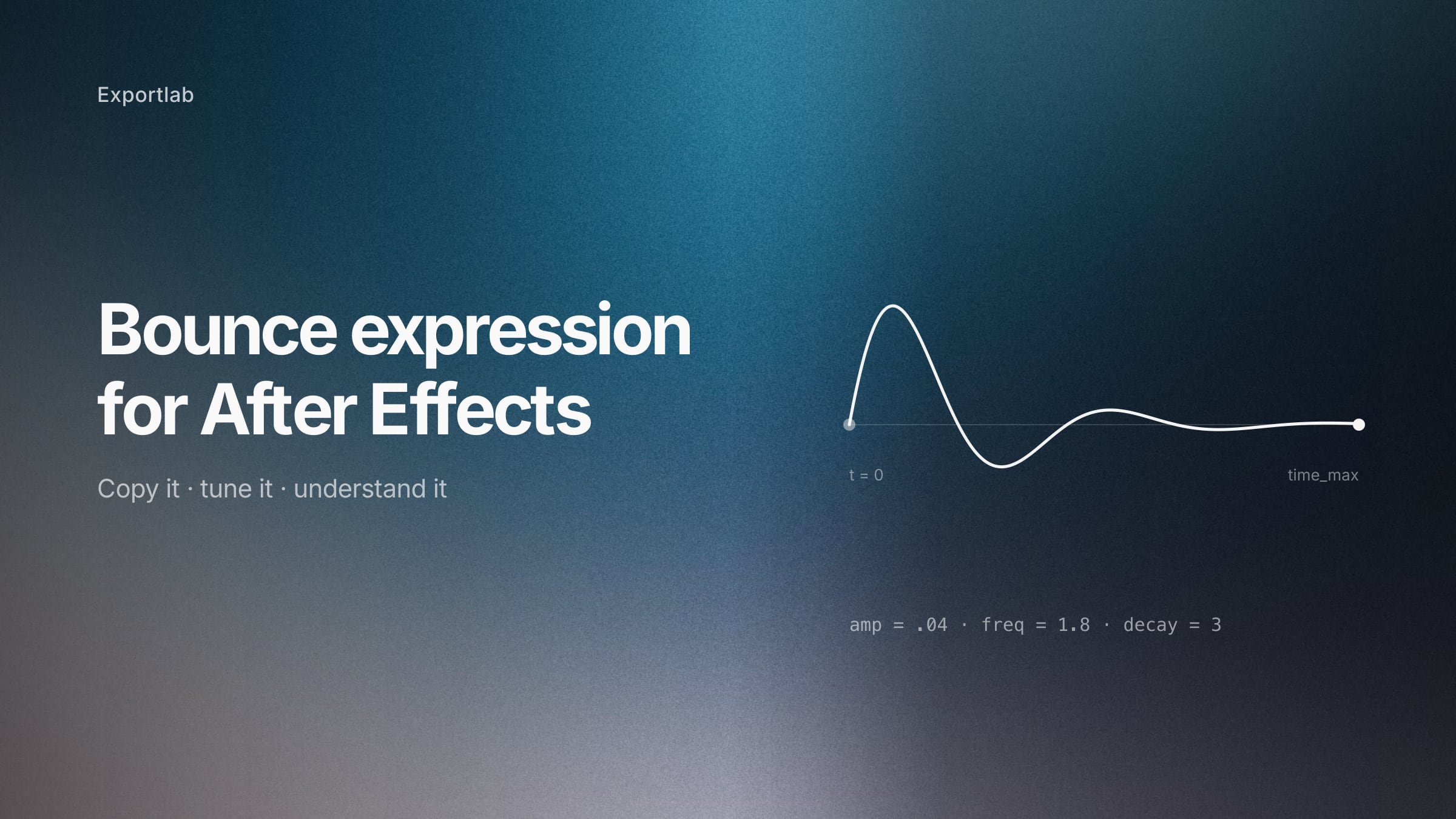
After Effects timeline with a bounce expression applied to a position property
Videographers·Aug 14, 2026·8 min read

The After Effects bounce expression: copy it, then understand it

A bounce expression for After Effects that settles cleanly and stops on its own — with an explanation of every parameter, so you can tune it instead of guessing.
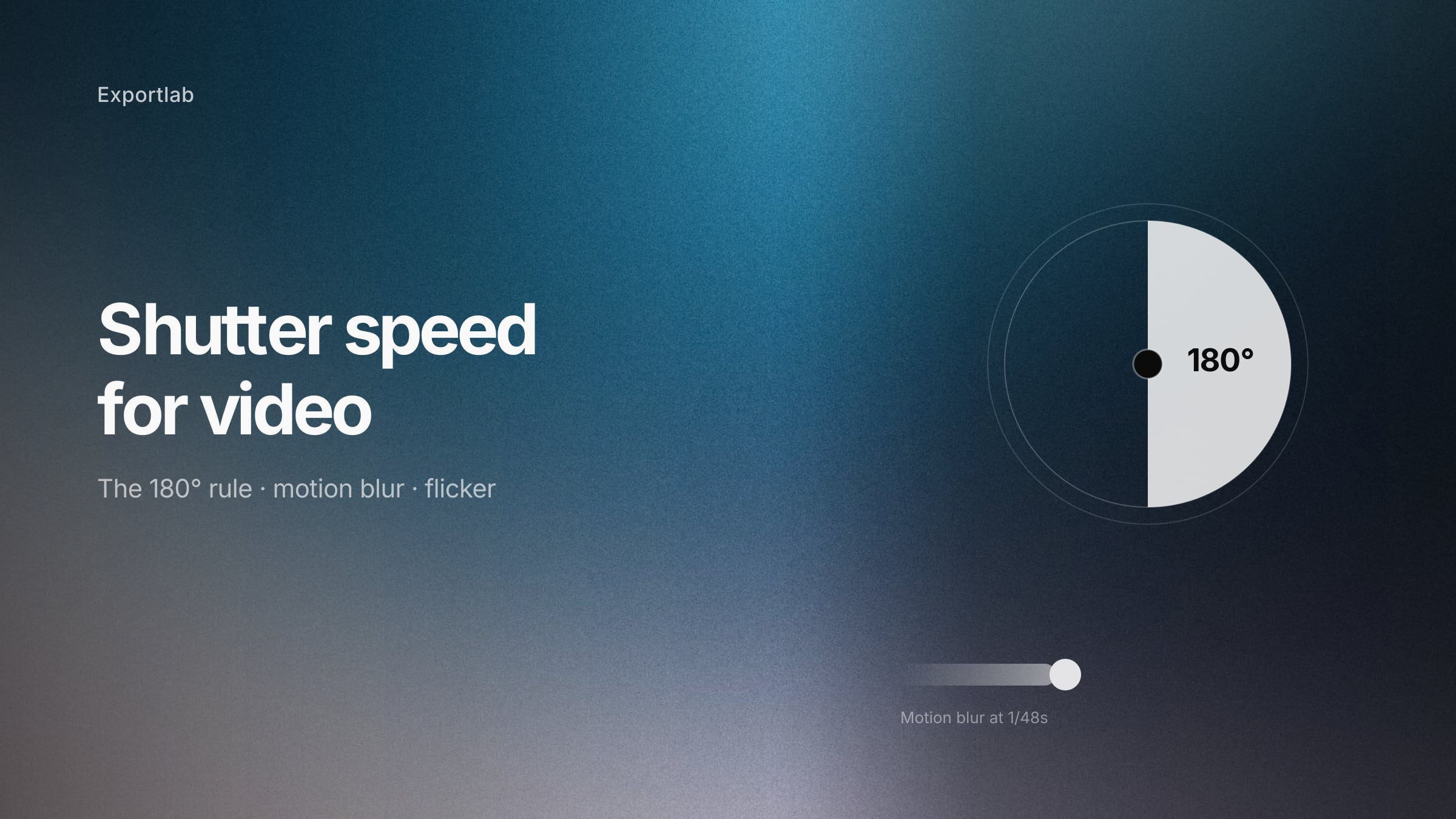
Camera shutter angle diagram showing the relationship between frame rate and shutter speed
Videographers·Aug 11, 2026·10 min read

Shutter speed for video: the 180-degree rule and when to break it

Shutter speed for video explained — the 180-degree rule, why double your frame rate looks natural, how to avoid flicker under artificial light, and when the rule stops applying.
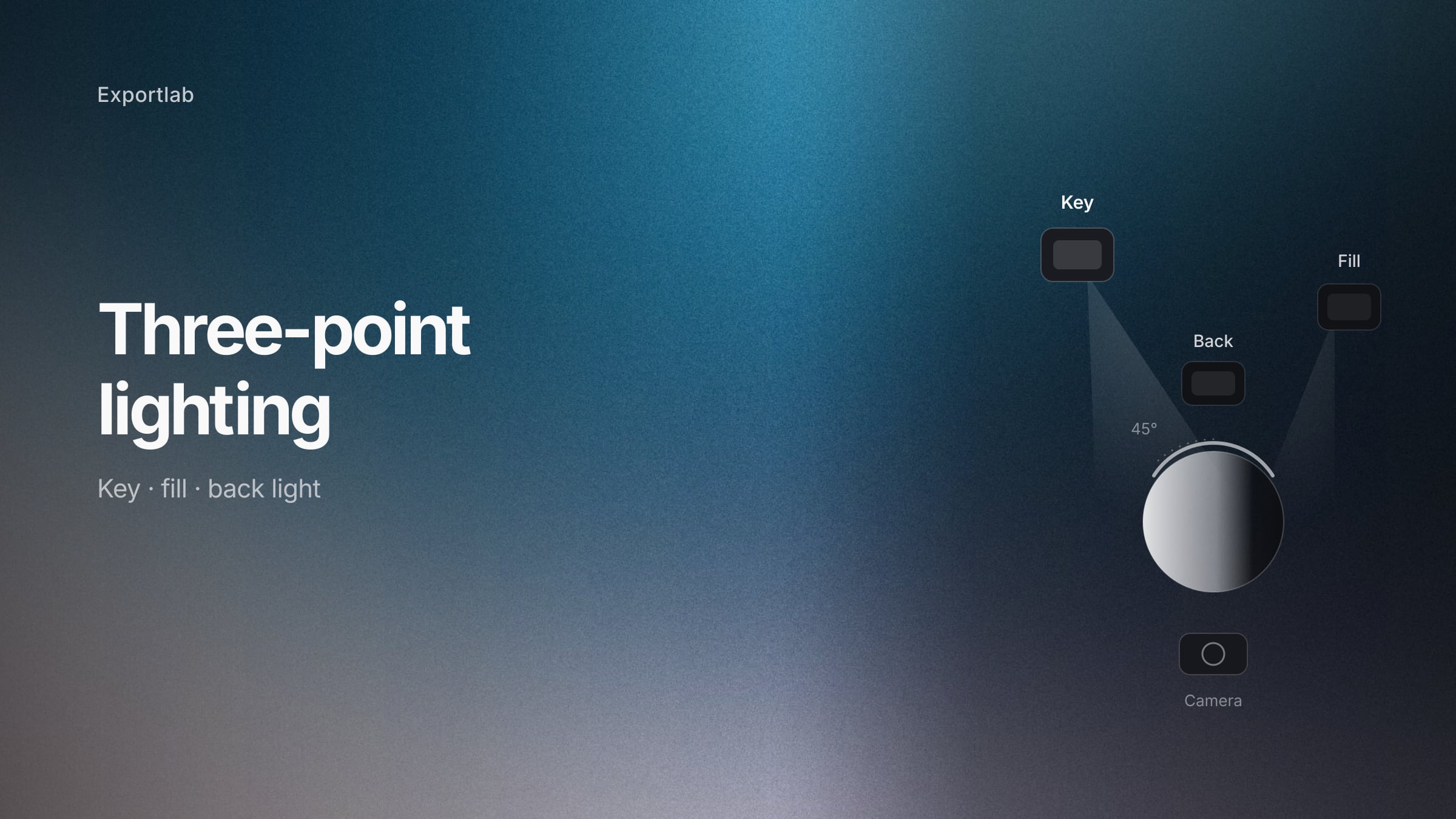
Three-point lighting setup with key light, fill light and back light around a subject
Videographers·Aug 8, 2026·11 min read

Three-point lighting: how key, fill and back light actually work

Three-point lighting explained for video and photography — what each light does, how the key angle changes the face, and how to build the setup with the gear you already own.

← Previous123

Be the first to hear about Exportlab news.

Exportlab®

Exportlab is the all-in-one workspace for photographers and videographers — combining upload, review, delivery, and automation in one intuitive cloud platform.

Product

  • Guest Upload
  • Client Portal
  • Frame-Accurate Feedback
  • Production Planning
  • Project Management
  • Proposals
  • Invoices
  • Deliveries
  • Model Release
  • Status Pages
  • Asset Collection
  • Package Sales
  • Analytics

Solutions

  • For Photographers
  • For Videographers
  • For Web Designers
  • For Agencies
  • For Event Organizers

Resources

  • Help Center
  • Status
  • Pricing
  • Integrations
  • Free Tools
  • Brand Kit
  • Support
  • Contact
  • Blog
  • Careers
  • Changelog

Legal

  • Imprint
  • Privacy
  • Terms
  • Data Processing Agreement
  • Copyright
  • LLMs.txt

Exportlab for iOS

Galleries, uploads and approvals on the go — straight from the shoot.

Download on iOS

© 2026 Exportlab. All rights reserved.

Made with precision. Driven by creativity.
Munich, Germany.

Exportlab uses AI-powered tools to create certain content and visual elements. All published content is editorially reviewed and is the responsibility of Exportlab.