


Videographers
Stories, how-tos, and product news for photo and video teams.
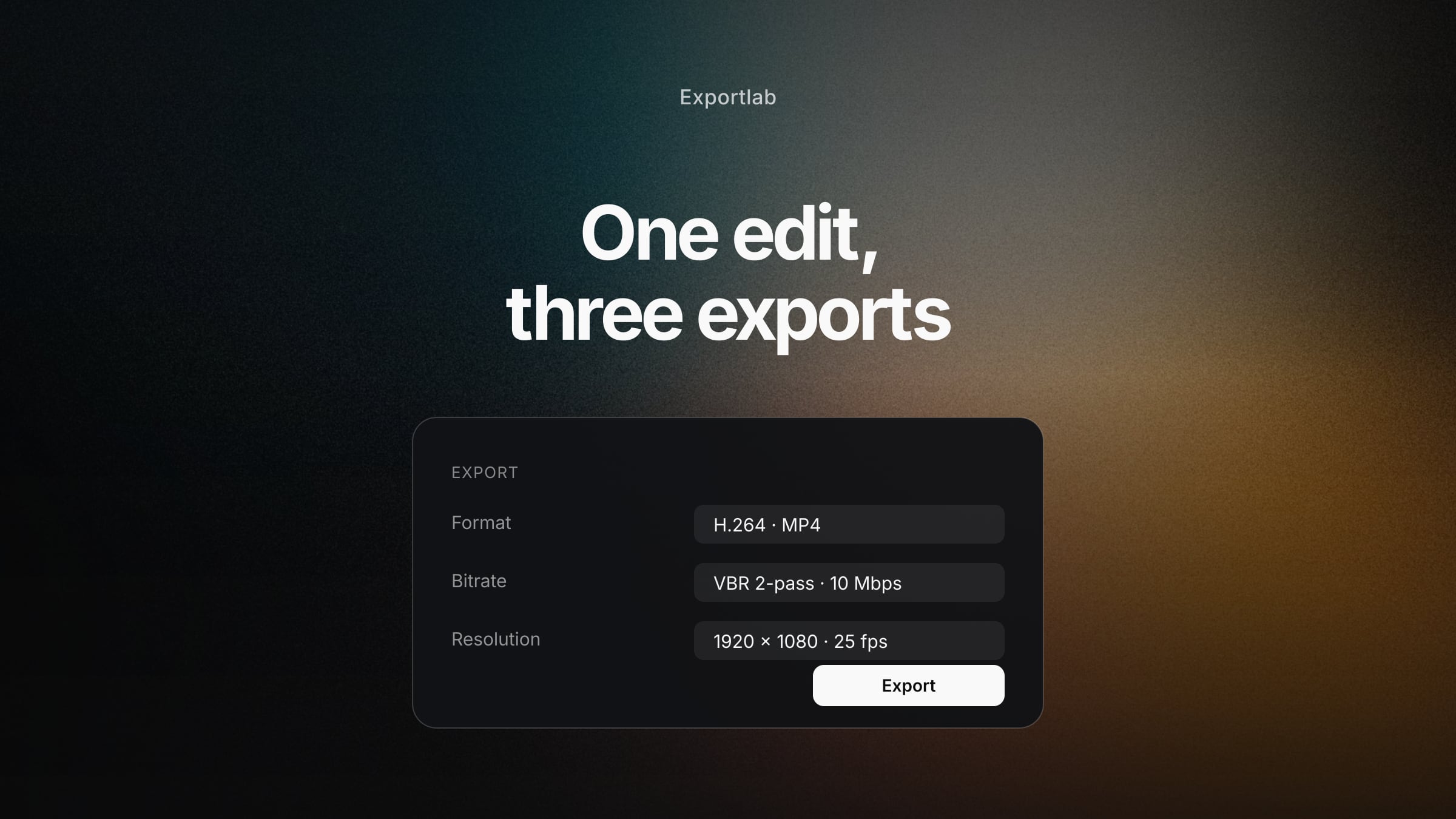
Video Export Settings: For Clients, YouTube and Your Archive
Bitrate, resolution, codec and container explained clearly — with concrete values for client review, YouTube and archive, and why one export is rarely enough.
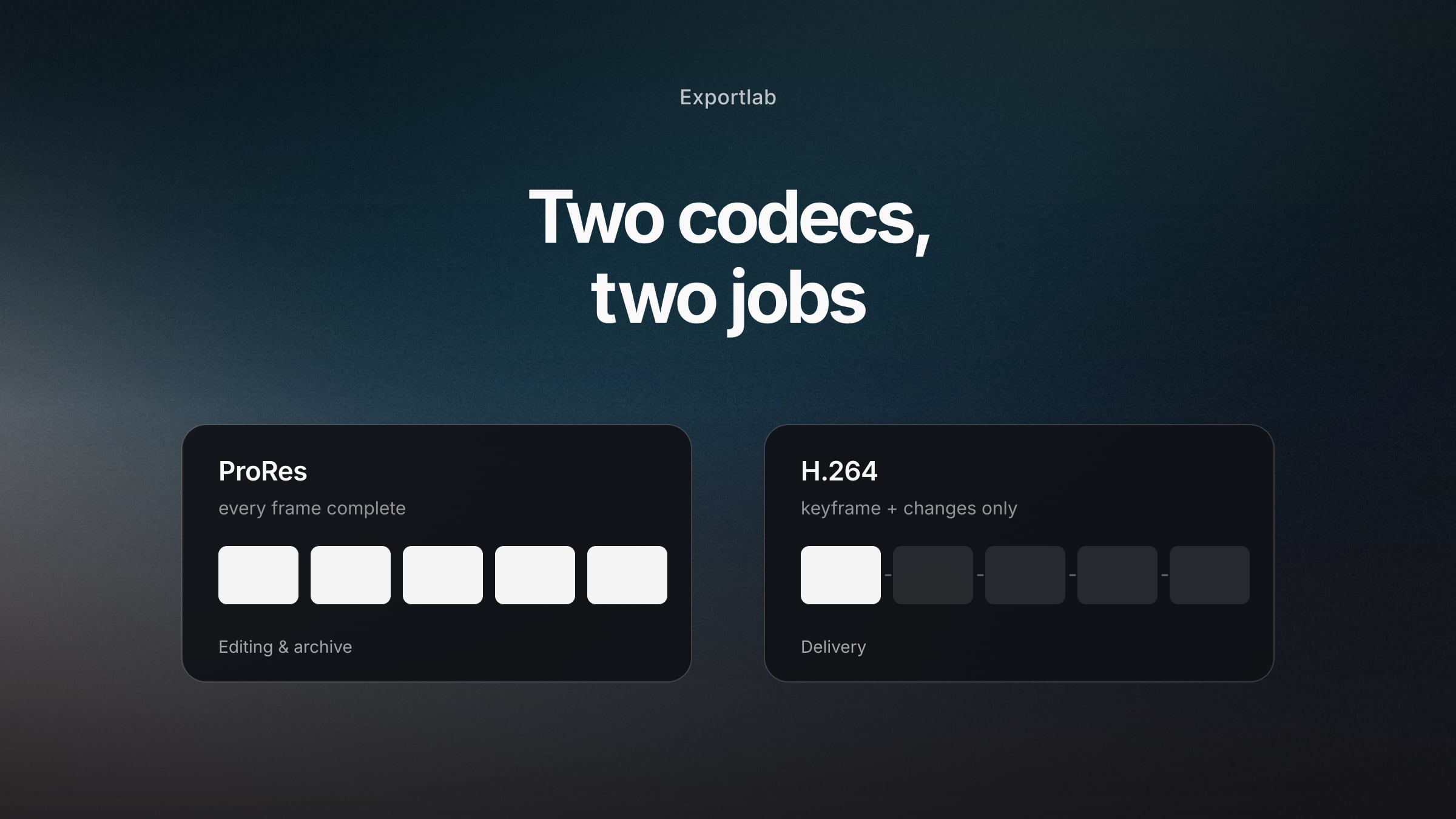
ProRes vs H.264: Which Codec for What (and Why You Need Both)
Editing, delivery, archive — the three roles in a video workflow and which codec fits each. With the ProRes variants explained plainly and the usual mistakes.
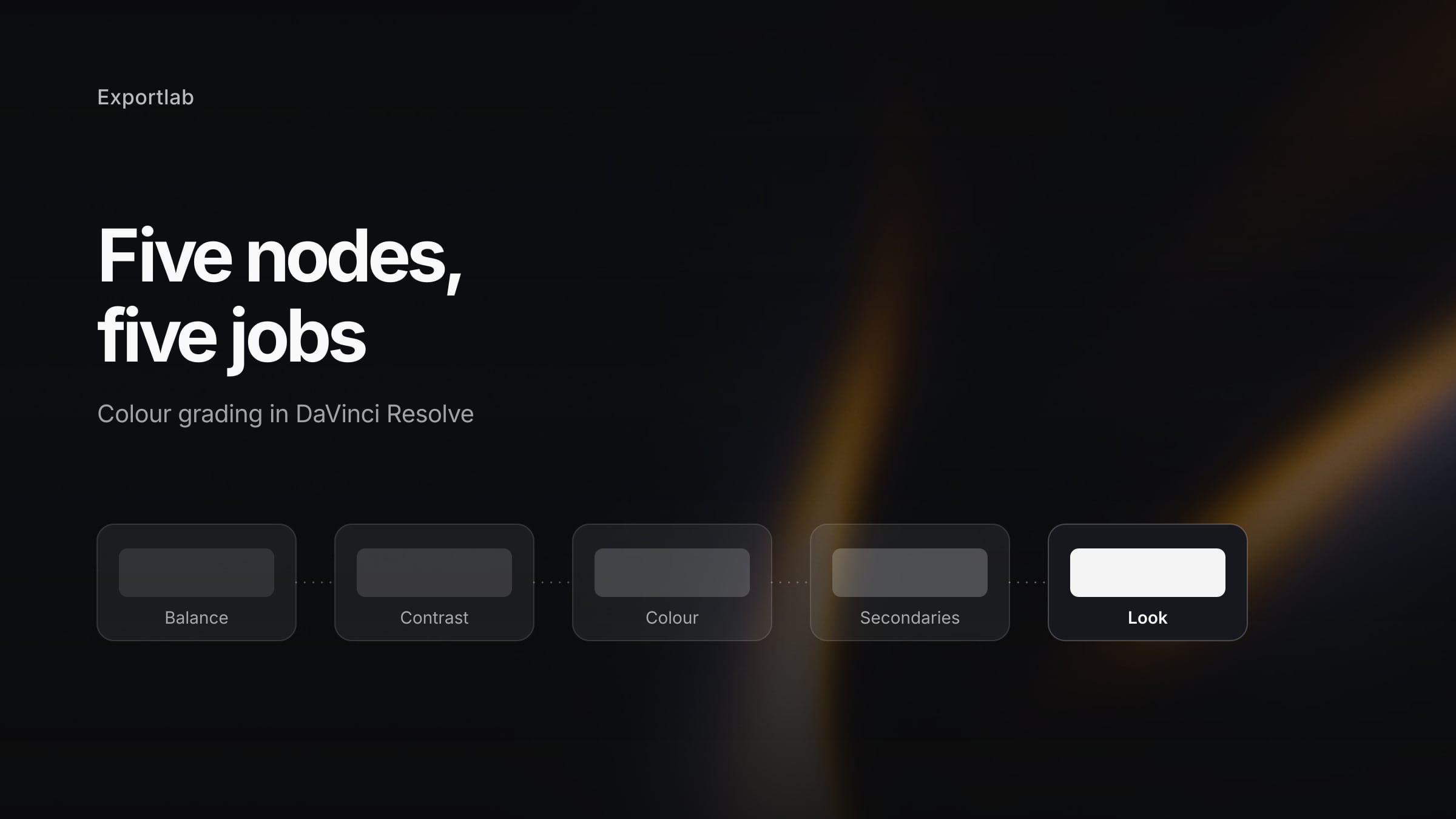
DaVinci Resolve Color Grading: The Foundation That Actually Holds
Nodes, colour wheels, curves and scopes explained clearly — a node tree that works on every project, plus the mistakes that cost beginners the most time.
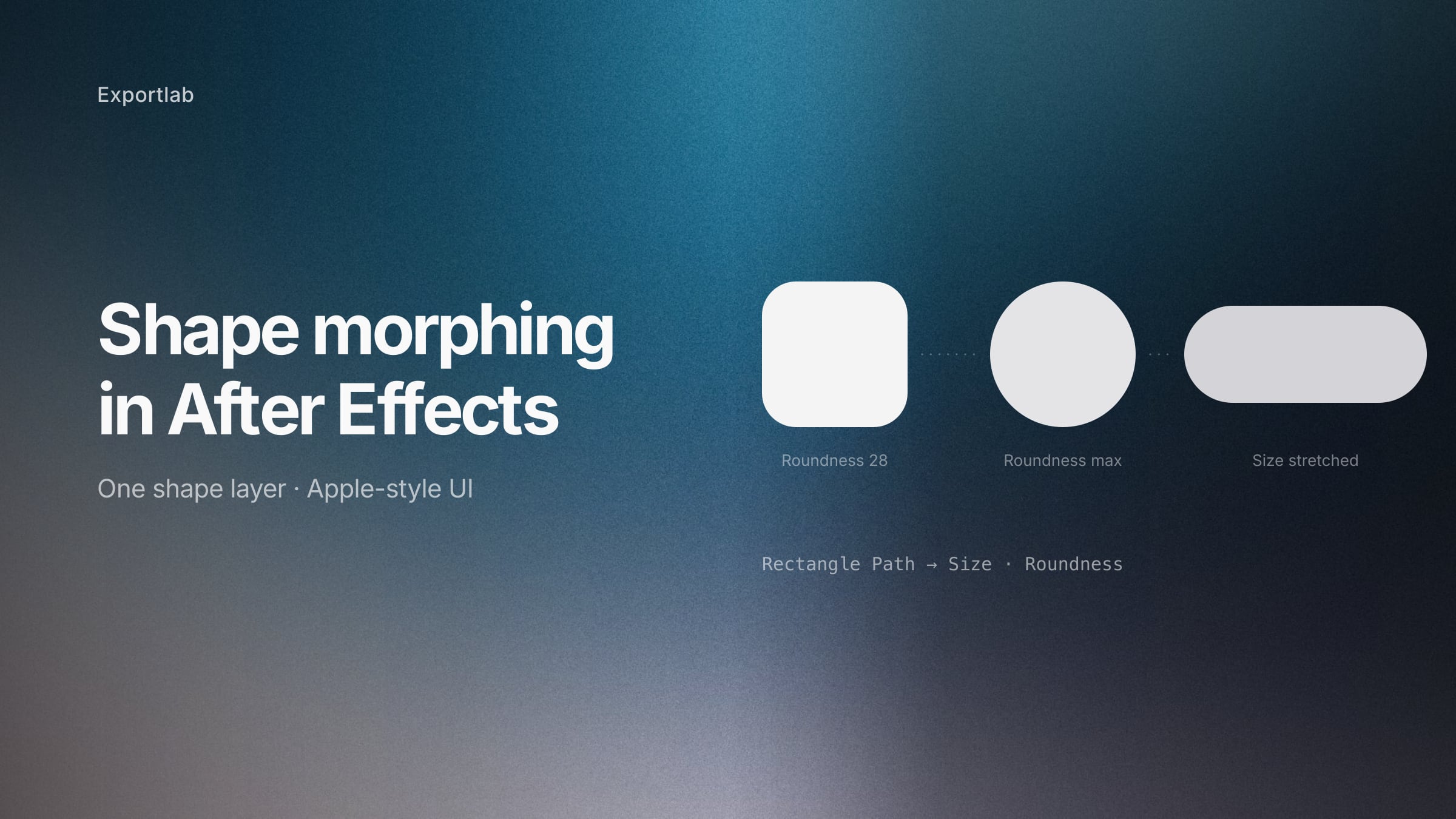
Shape morphing in After Effects: the Apple-style UI animation, explained
How to morph shapes in After Effects without breaking the corners — the Rectangle Path method behind Apple-style UI animations, plus the Bezier route for complex shapes.
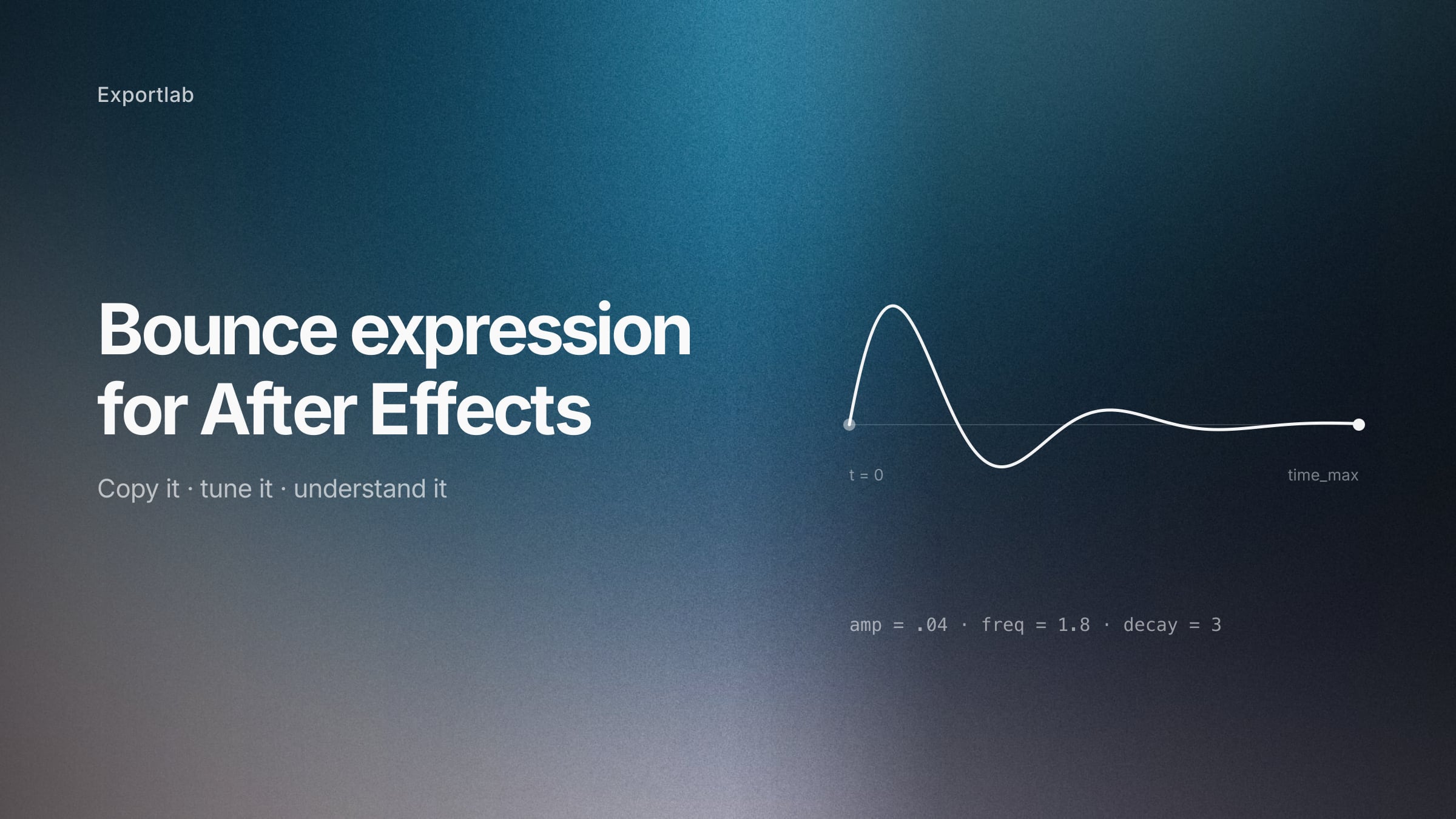
The After Effects bounce expression: copy it, then understand it
A bounce expression for After Effects that settles cleanly and stops on its own — with an explanation of every parameter, so you can tune it instead of guessing.
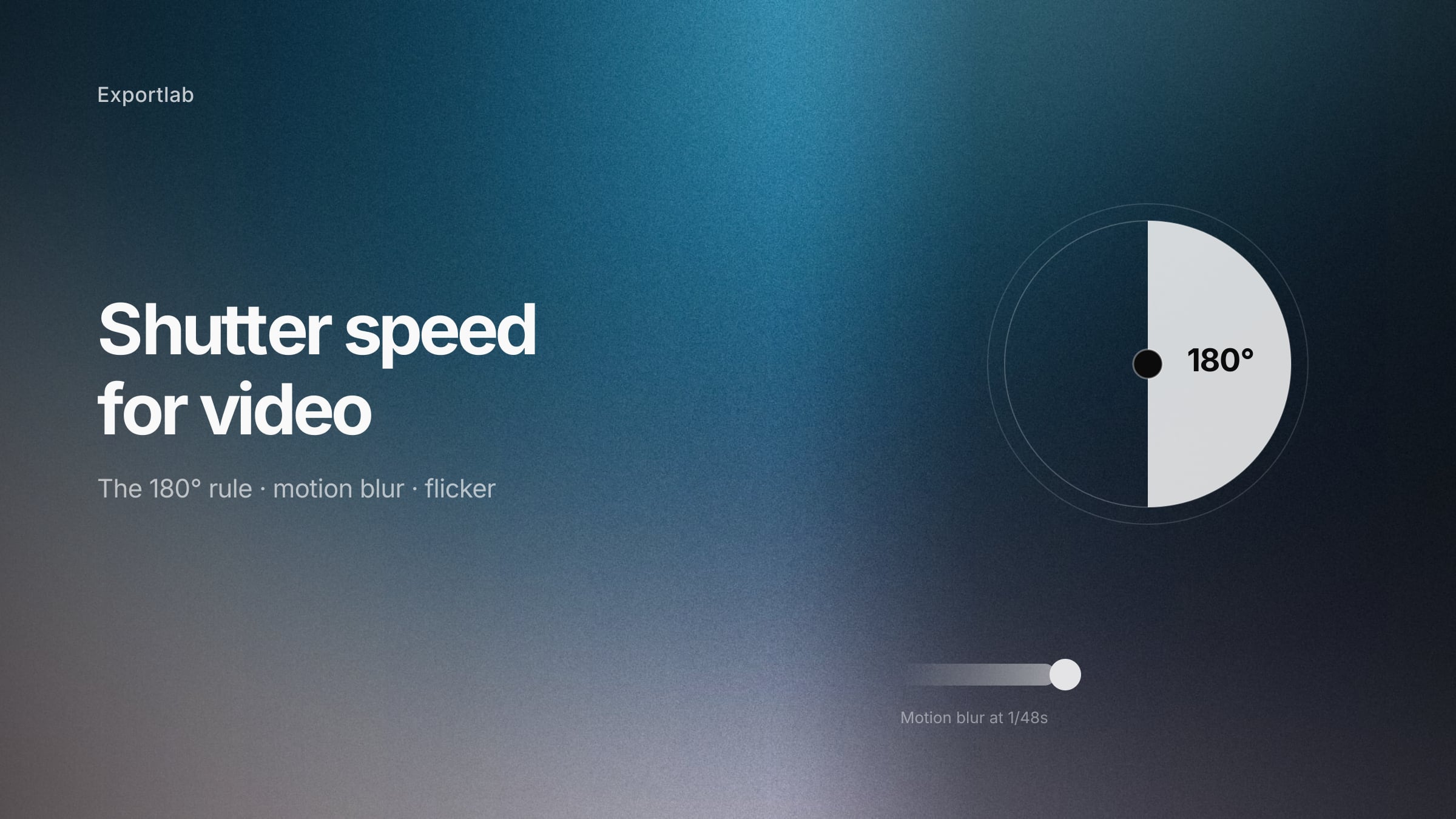
Shutter speed for video: the 180-degree rule and when to break it
Shutter speed for video explained — the 180-degree rule, why double your frame rate looks natural, how to avoid flicker under artificial light, and when the rule stops applying.