Photographers
Stories, how-tos, and product news for photo and video teams.
How to Export Photos for Print Without Losing Quality (Lightroom Print Export Settings)
Exporting photos for print is less about a magic preset and more about the right five questions to your lab. Resolution, colour space, JPEG or TIFF, output sharpening and soft proofing — and why prints often come back too dark.
Best Image Size for Your Website: How Photographers Export Photos Without Slowing the Site Down
There is no single best image size for a website — but there is a way to work it out. Pixel sizes for retina screens, AVIF and WebP, what WordPress and Squarespace do with your uploads, and how big images affect Core Web Vitals.
How to Format an SD Card for Your Camera — and When It's Safe to Do It
Should you format your SD card in the camera or on a computer? exFAT vs FAT32, quick vs full format, what to do when a card fails or was formatted by accident — and when it is safe after a shoot.
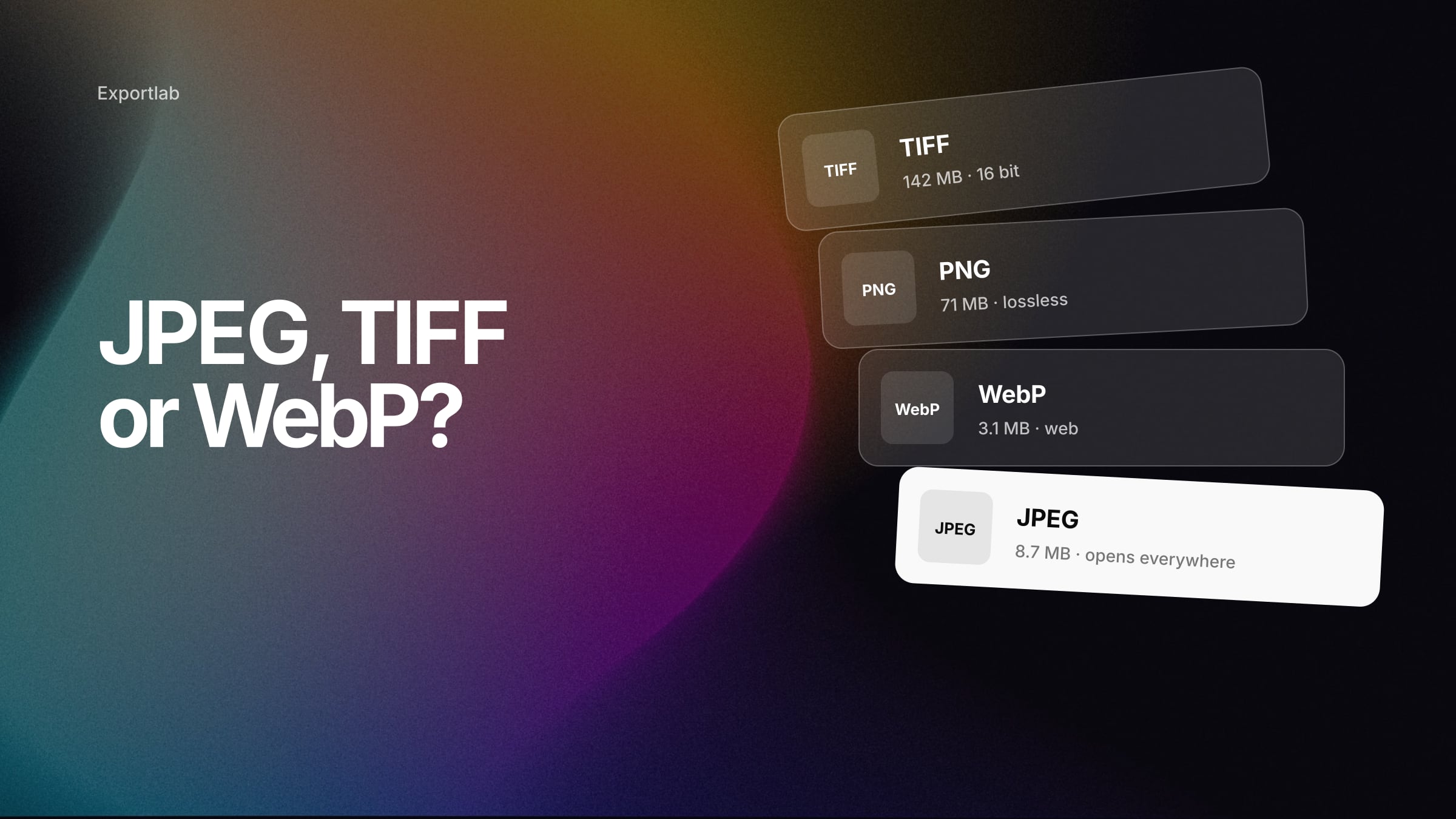
JPEG vs TIFF vs PNG vs WebP (and AVIF): Which Format Should Photographers Export?
JPEG, TIFF, PNG, WebP, AVIF, JPEG XL or HEIC? What each format can do, where it is supported in 2026, and which one to export for clients, your website, social media, print and the archive.
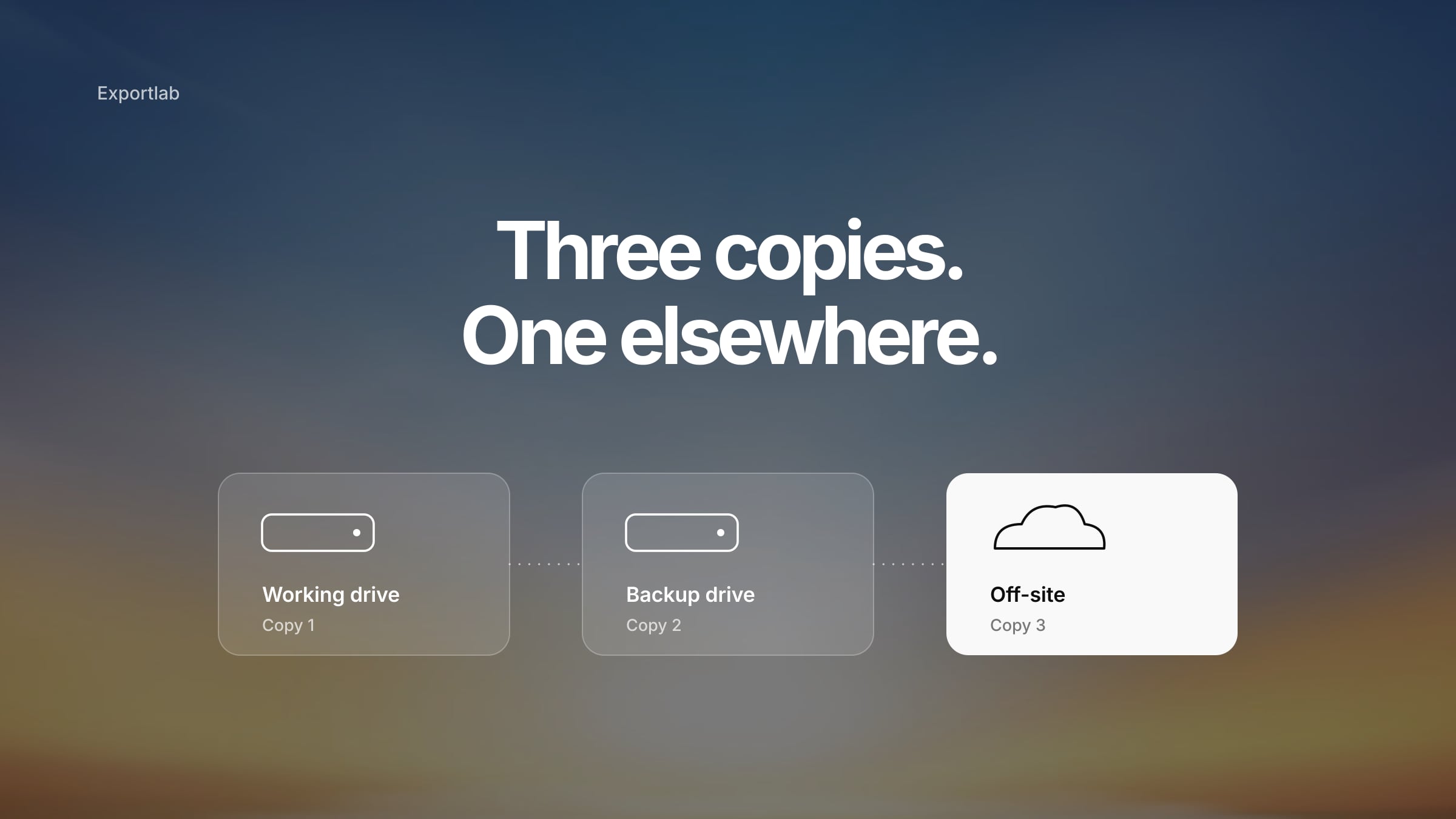
The 3-2-1 Backup Rule for Photographers: A Photo Backup Workflow From Card to Restore
The 3-2-1 backup rule explained for photographers — and why 3-2-1-1-0 is the better standard today. A step-by-step workflow from memory card to tested restore, including when it is safe to format the card.
Why Does Instagram Make My Photos Blurry? 8 Causes and How to Fix Them
Why does Instagram make your photos blurry? Usually it is not one thing but a chain: oversized uploads, missing output sharpening, wrong aspect ratio, double compression. Here is how to find and fix yours.