
JPEG vs TIFF vs PNG vs WebP (and AVIF): Which Format Should Photographers Export?
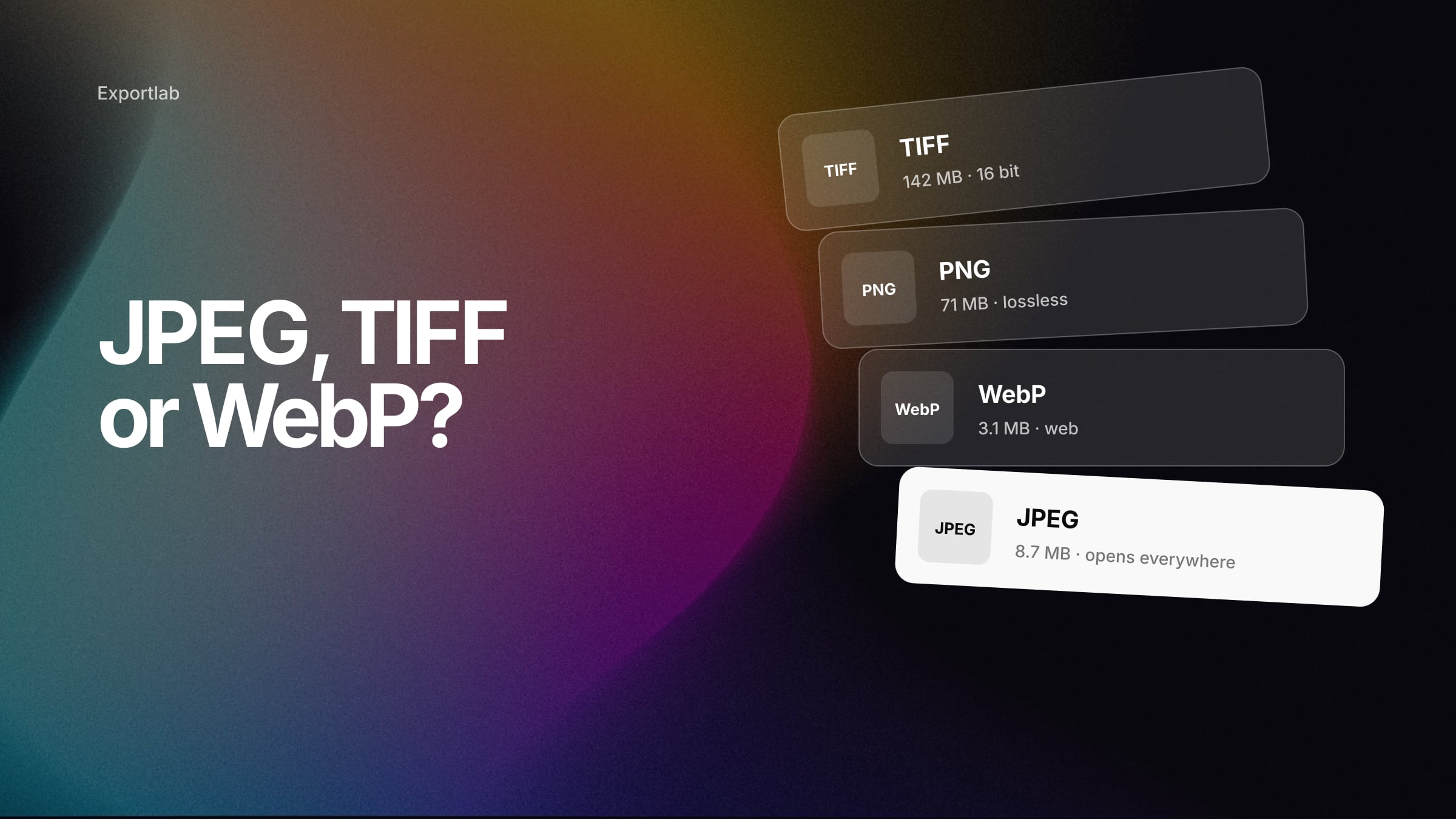
Ask which format is "best" and you will hear that TIFF is for professionals, PNG is better quality than JPEG and AVIF is half the size of everything else. Each of those statements is true in some context and misleading in most. JPEG vs TIFF vs PNG vs WebP is not a ranking — it is a question of where the file goes next and who has to open it.
This guide compares the formats photographers actually meet in 2026, including AVIF, JPEG XL and HEIC, and ends with a clear recommendation for each destination: client delivery, website, social media, print lab and archive.
The formats at a glance
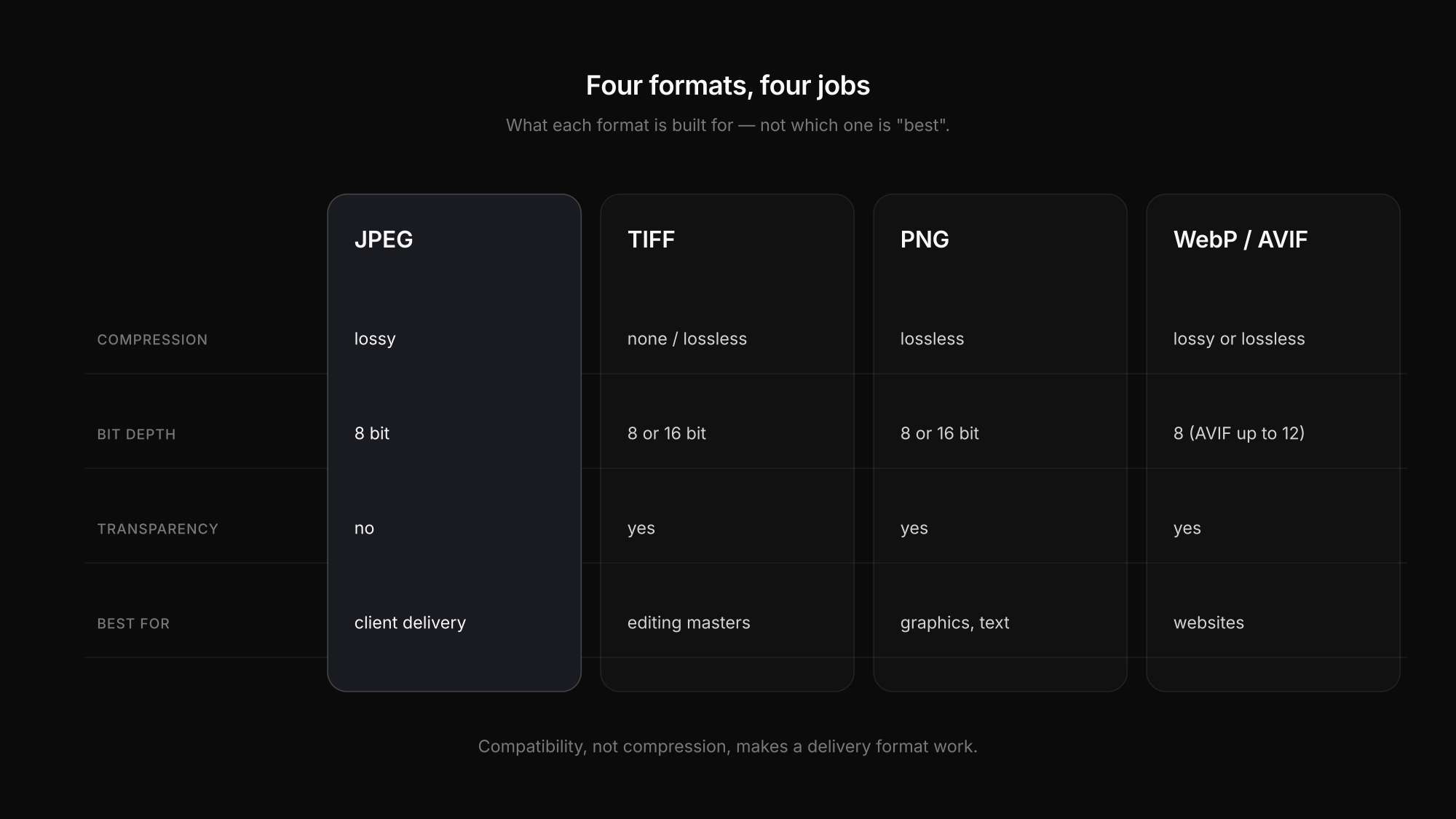
| Format | Compression | Typical bit depth | Transparency | Best at |
|---|---|---|---|---|
| JPEG | lossy | 8 bit | no | universal delivery of finished photos |
| TIFF | none or lossless (ZIP/LZW) | 8 or 16 bit | yes | editing masters, exchange with Photoshop, some print workflows |
| PNG | lossless | 8 or 16 bit | yes | graphics, screenshots, text — rarely full photos |
| WebP | lossy or lossless | 8 bit | yes | websites |
| AVIF | lossy or lossless | 8, 10 or 12 bit, HDR | yes | websites, HDR on the web |
| JPEG XL | lossy or lossless | up to 16 bit and more | yes | technically excellent, but limited support |
| HEIC/HEIF | depends on codec (usually HEVC) | often 8 or 10 bit | possible | in-camera and phone capture in Apple's ecosystem |
Two distinctions prevent most confusion:
- What a format can do is not what every program does with it. PNG supports 16 bit and ICC profiles according to the W3C PNG specification, but a website builder may still strip the profile on upload. "Supports EXIF" never guarantees that an exporter or platform keeps the data.
- HEIF is a container, not a codec. A
.heicfile is usually HEIF with HEVC compression; AVIF uses the same container structure with AV1 inside. "HEIC is 10 bit" is therefore not a definition — Capture One, for example, only reads 8-bit HEIF/HEIC.
Support in 2026: browsers versus your software
Browser support and desktop software support are two different maps.
| Format | Browsers (caniuse, global) | Lightroom Classic | Capture One import | Universal client file? |
|---|---|---|---|---|
| JPEG | practically universal | yes | yes | yes |
| TIFF | not a web format | yes (import 8/16/32, export 8/16 bit) | yes | specialist workflows only |
| PNG | universal | yes | yes | works, but inefficient for photos |
| WebP | ~97 % | yes | no | good for web, not as a download |
| AVIF | ~95 % | yes, including HDR | no | web yes, client download not yet as safe as JPEG |
| JPEG XL | ~15 % | yes | no | not yet |
| HEIC/HEIF | ~15 % (mostly Safari) | yes | 8 bit only | inside Apple's ecosystem only |
Browser figures come from caniuse as of October 2026; Adobe lists AVIF, HEIF/HEIC, JPEG XL, TIFF, JPEG, PNG and WebP as supported in Lightroom Classic, while Capture One's April 2026 import list does not include WebP, AVIF or JPEG XL. The takeaway: modern formats are ready for websites, but the moment a file leaves your control — a client's laptop, an office PC, a print shop's upload form — JPEG is still the only format that simply opens everywhere.
What about file size?
Be careful with headline numbers. The AV1 standards body AOMedia reports savings of more than 50 % for AVIF compared with JPEG in its own comparisons — a useful indication, not a guarantee for your photos. File size depends on the image content, noise, sharpness, resolution, encoder and quality setting far more than on the format name. Even two JPEG encoders produce different sizes at the "same" quality: MozJPEG's extra techniques shrink files by around 8 % on average in libjpeg-turbo's own tests.
If you want to compare formats for your own work, export the same image at the same pixel size, document the quality setting and encoder, and look at the result at its real viewing size. Our free image compressor shows what different compression levels do to a real file.
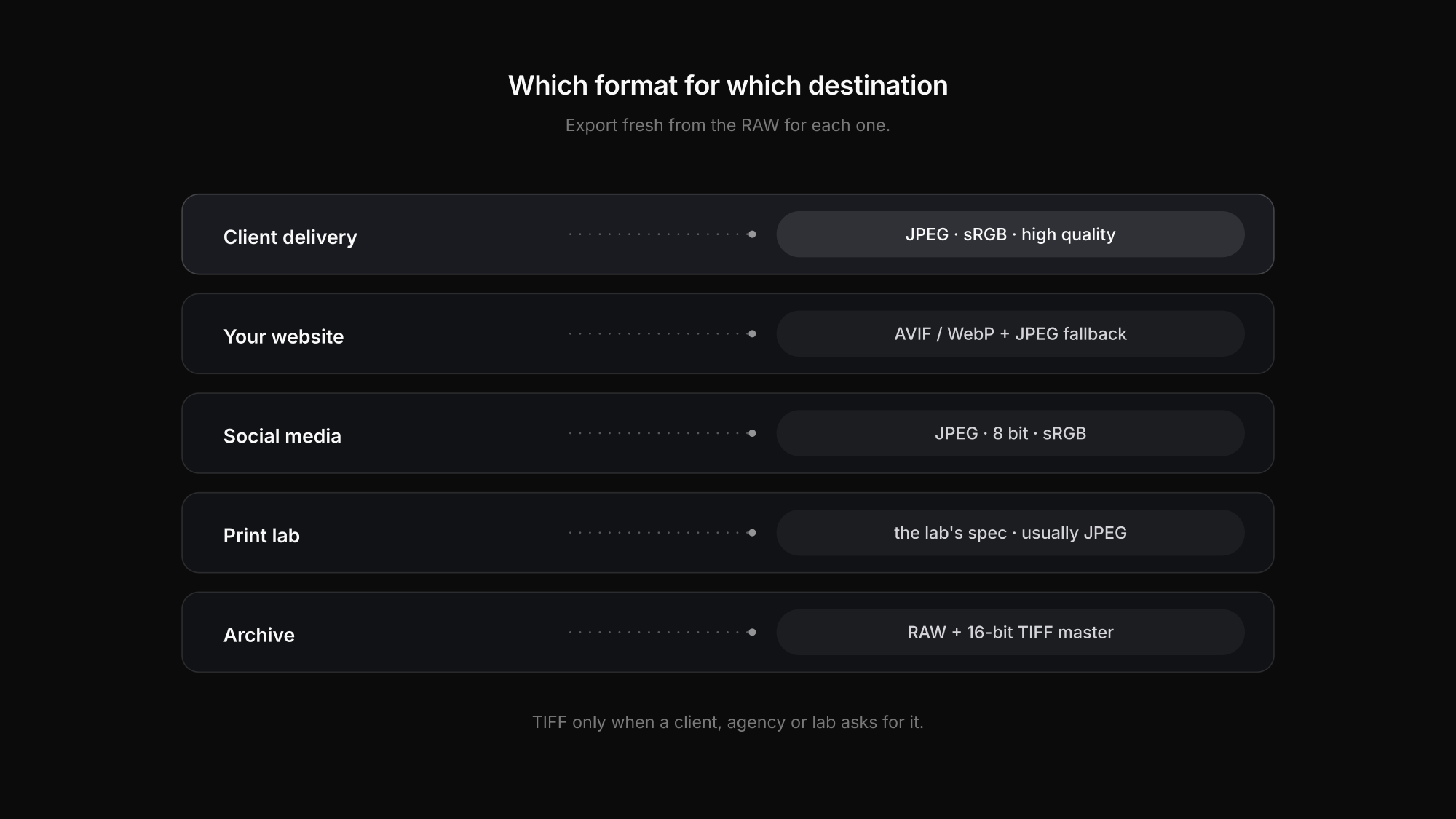
Which format for which job
| Destination | Export | Alternative | Why |
|---|---|---|---|
| Client delivery | JPEG, sRGB, high quality | TIFF only on explicit request | opens on every phone, laptop, browser and in every print shop |
| Your website | AVIF or WebP with a JPEG fallback — or let your CMS create them | JPEG alone | modern formats save bandwidth; the fallback protects compatibility |
| Instagram and social media | JPEG, 8 bit, sRGB | PNG for graphics with text | platforms re-encode uploads anyway; exotic formats buy nothing |
| Print lab | exactly what the lab specifies — usually JPEG, sRGB | 8- or 16-bit TIFF if requested | "TIFF is always better for print" is wrong; the lab's input decides |
| Archive | the RAW (or DNG) plus catalog and XMP; for a finished master a 16-bit TIFF or PSD | JPEG XL lossless as an extra copy | long-term readability and editing headroom beat download size |
Colour space follows the same logic: sRGB for anything that leaves your control, a wider space only when the recipient asks for it. Our guide to sRGB vs Adobe RGB covers the details, and the best Lightroom export settings turns all of this into presets.
Why TIFF is usually the wrong client download
TIFF is not "too good" for clients — it is built for a different job. A 16-bit TIFF keeps tonal and colour information that matters when someone continues editing heavily, which is why Adobe recommends TIFF for the round trip between Lightroom and Photoshop. For a client who views images, shares them and orders normal prints, that headroom costs several times the file size and much weaker support in browsers and phone apps.
Also, "TIFF" does not automatically mean 16 bit or uncompressed: TIFFs can be 8 bit and compressed with ZIP or LZW. TIFF is the right delivery format when an agency, retoucher, pre-press department or specific lab explicitly asks for it as a working file.
For those cases, send TIFFs as a transfer rather than through a gallery. Client galleries in Exportlab are built for viewing and downloading finished images: they accept JPEG, PNG, WebP and HEIC, and you decide per gallery which resolution clients may download. Our guide to delivering photos to clients covers the rest.
Common half-truths
- "PNG is better quality than JPEG." PNG is lossless; that does not make it the sensible format for a finished photograph, which is typically several times larger as PNG with no visible gain.
- "AVIF is always half the size." Size savings depend on the image and encoder.
- "All browsers support JPEG XL now." Not as of October 2026.
- "Print always needs TIFF and Adobe RGB." Many consumer labs are set up for JPEG in sRGB. Ask the lab. Resolution is a separate question, covered in DPI vs PPI.
- "Instagram only accepts JPEG." Meta publishes no detailed codec list. Exporting JPEG is a compatibility decision, not a platform rule — see our guide to Lightroom export settings for Instagram.
FAQ: JPEG vs TIFF vs PNG vs WebP
Should I deliver photos to clients as JPEG or TIFF?
JPEG in sRGB at high quality, in almost every case. It opens everywhere and prints well. Deliver TIFF only when a client, agency or lab explicitly asks for it for further editing or pre-press.
Is PNG better than JPEG for photos?
PNG is lossless, but for finished photographs it produces much larger files without a visible advantage at normal viewing sizes. PNG is the better choice for graphics, screenshots and images with text or transparency.
Should I use WebP or AVIF for my website?
Yes, if your site or CMS can serve them with a JPEG fallback. Both are supported by around 95–97 % of browsers in 2026 and usually save bandwidth. Many platforms create these versions automatically from a high-quality JPEG upload.
What is the best format for archiving photos?
The original RAW or DNG files, plus your catalog and edit data. For a finished, edited master, a 16-bit TIFF or PSD is a common choice. A JPEG is a delivery copy, not an archive. See our photo backup workflow for how to protect it.
Conclusion
JPEG vs TIFF vs PNG vs WebP has a clear answer once you ask where the file goes. JPEG for clients, social media and most print labs; AVIF or WebP for your own website; TIFF for editing masters and specific print requests; the RAW for the archive. The newer formats are impressive — but compatibility, not compression, is what makes a delivery format work.
Want finished JPEGs to reach your clients in original quality? Start with Exportlab.