Blog
Stories, how-tos, and product news for photo and video teams.
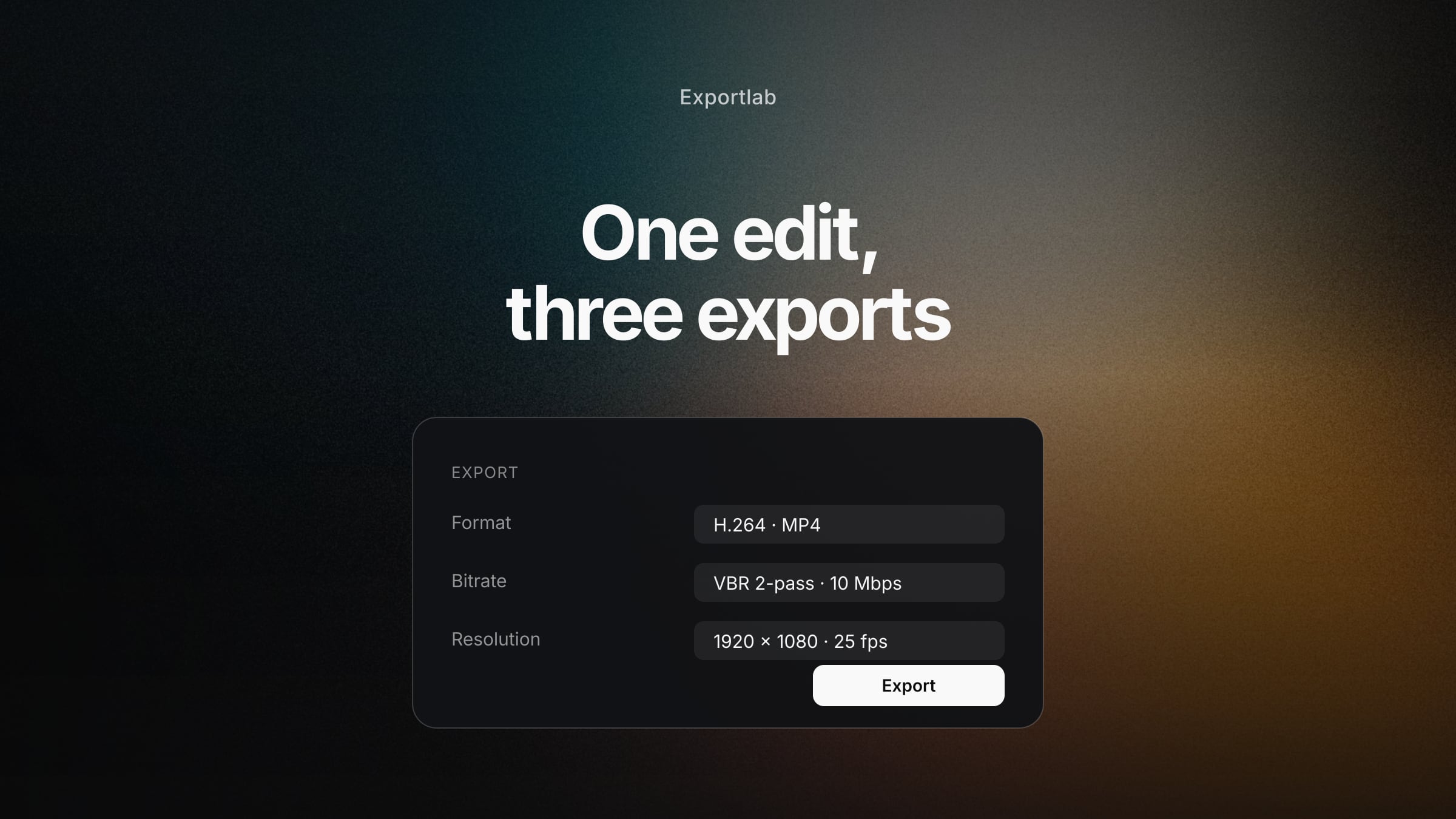
Video Export Settings: For Clients, YouTube and Your Archive
Bitrate, resolution, codec and container explained clearly — with concrete values for client review, YouTube and archive, and why one export is rarely enough.
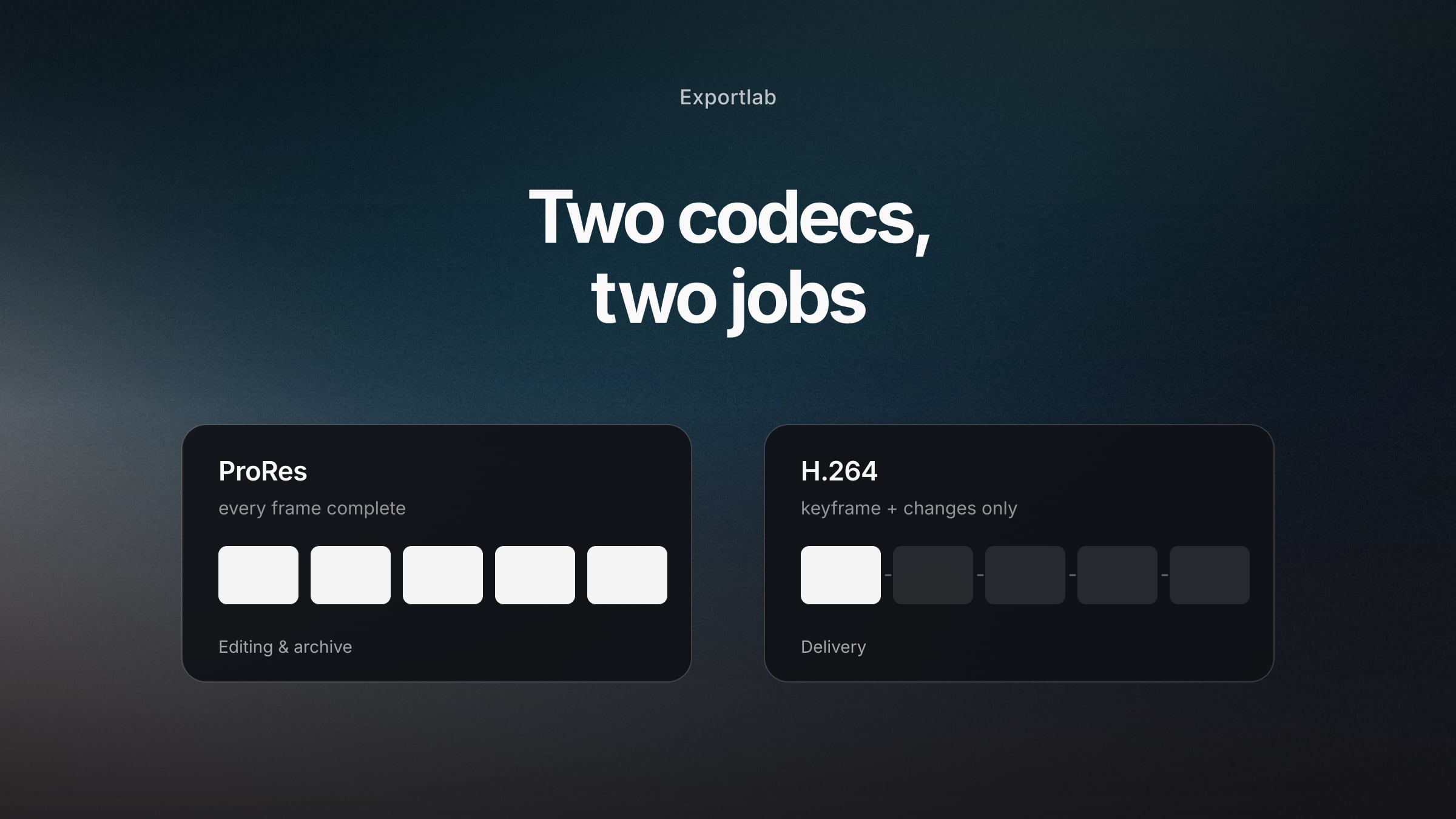
ProRes vs H.264: Which Codec for What (and Why You Need Both)
Editing, delivery, archive — the three roles in a video workflow and which codec fits each. With the ProRes variants explained plainly and the usual mistakes.
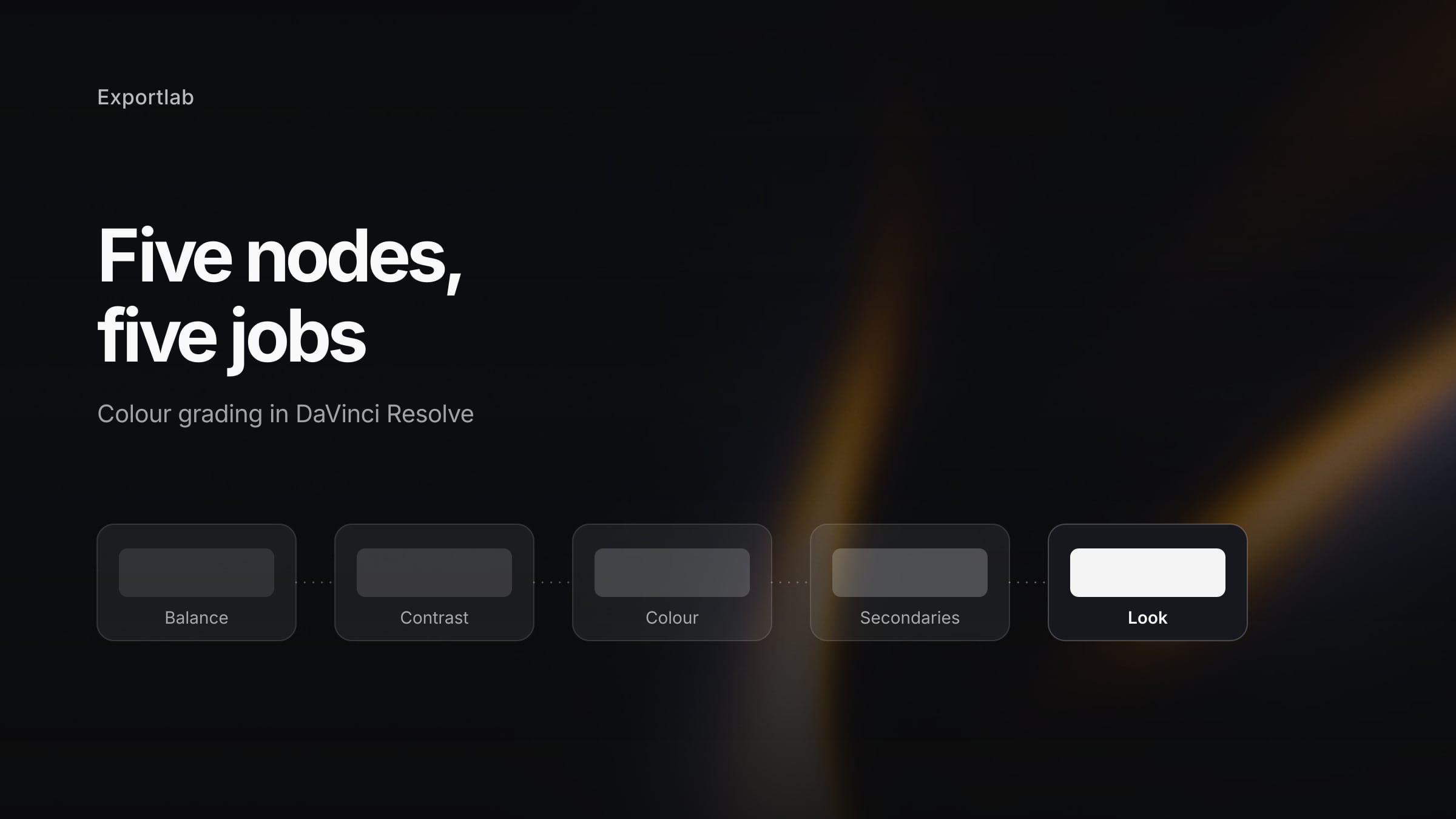
DaVinci Resolve Color Grading: The Foundation That Actually Holds
Nodes, colour wheels, curves and scopes explained clearly — a node tree that works on every project, plus the mistakes that cost beginners the most time.
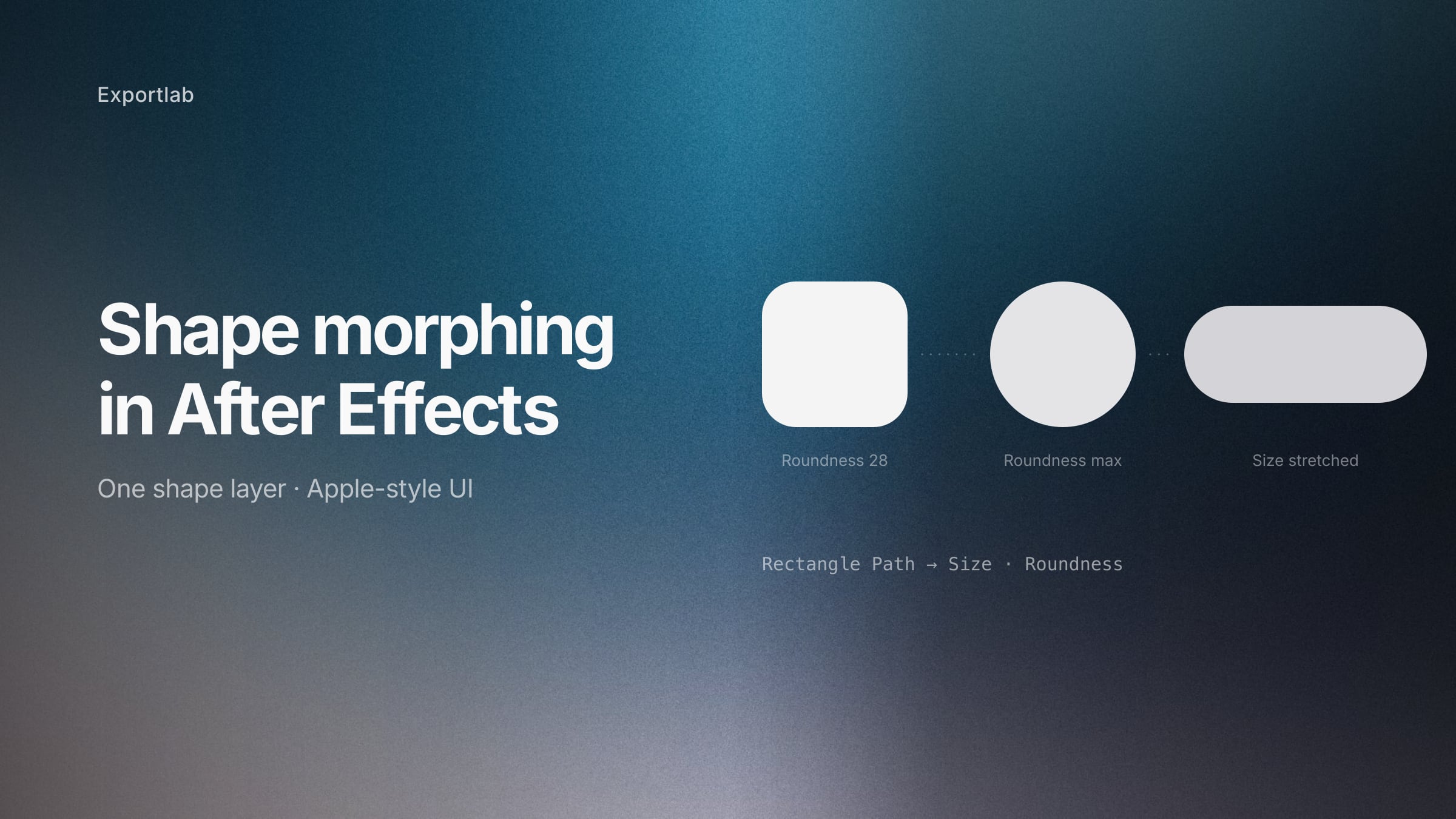
Shape morphing in After Effects: the Apple-style UI animation, explained
How to morph shapes in After Effects without breaking the corners — the Rectangle Path method behind Apple-style UI animations, plus the Bezier route for complex shapes.
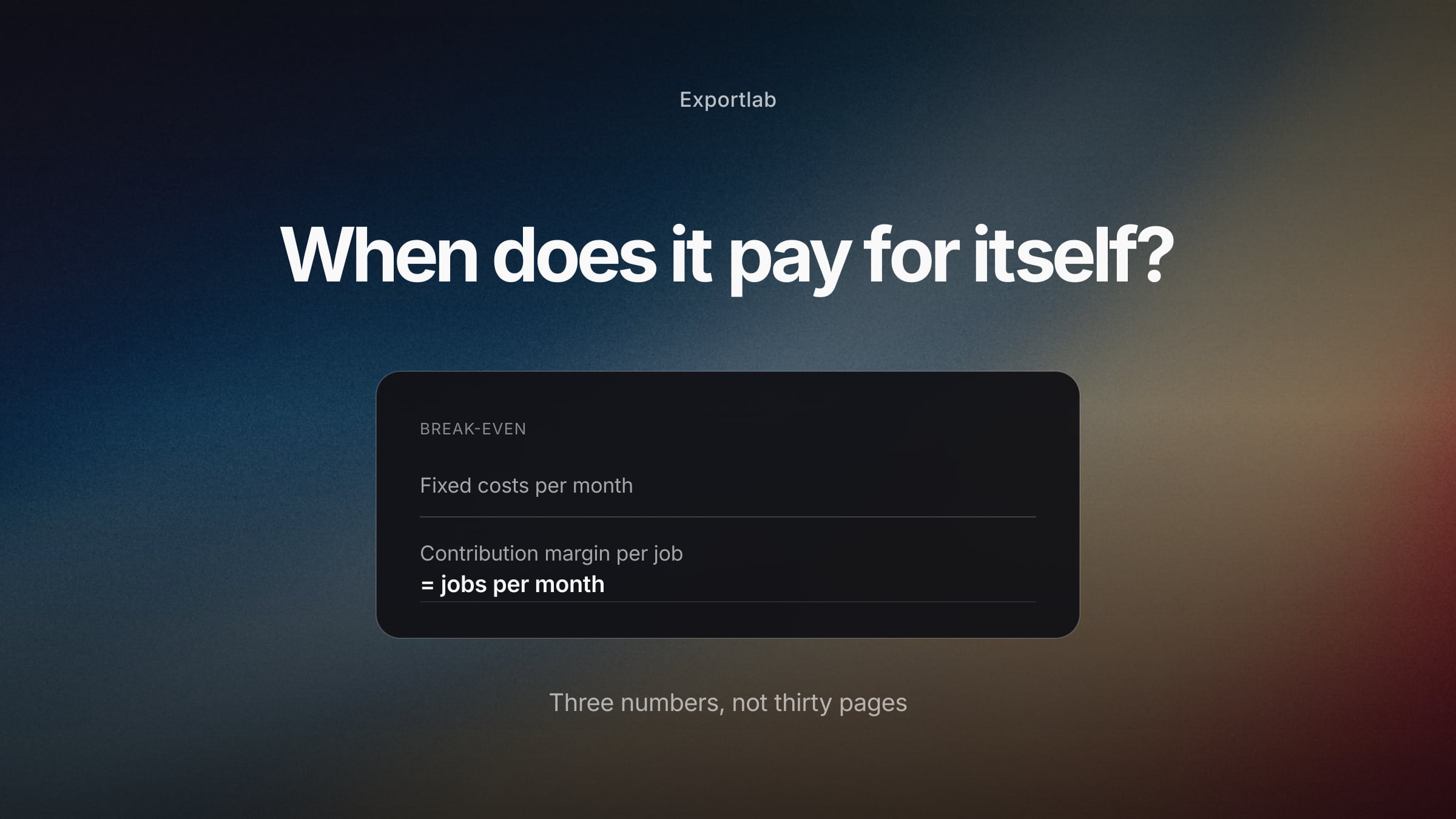
Photography Business Plan: The Numbers That Actually Matter
When photographers need a business plan, what belongs in it and what does not — with break-even calculation, realistic capacity and a one-page version.
Photography Pricing: Rates, Packages and Usage Rights
How photographers set prices that hold — cost-based calculation instead of copying competitors, package structure, usage rights and handling price objections.
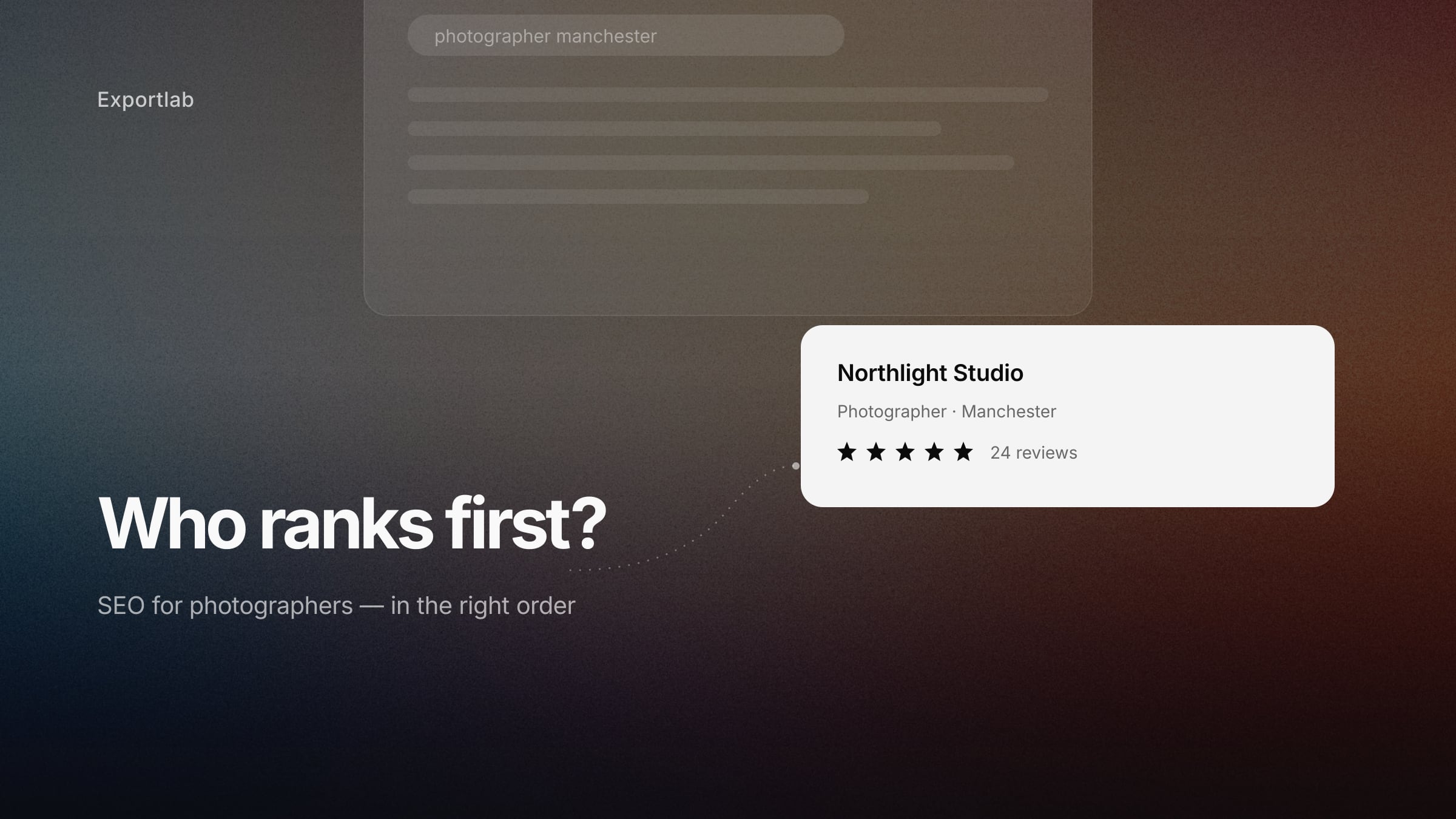
SEO for Photographers: Getting Found Without Paying an Agency
Google Business Profile, image SEO, local search and content that actually produces enquiries — a realistic SEO guide for photographers, timeline included.
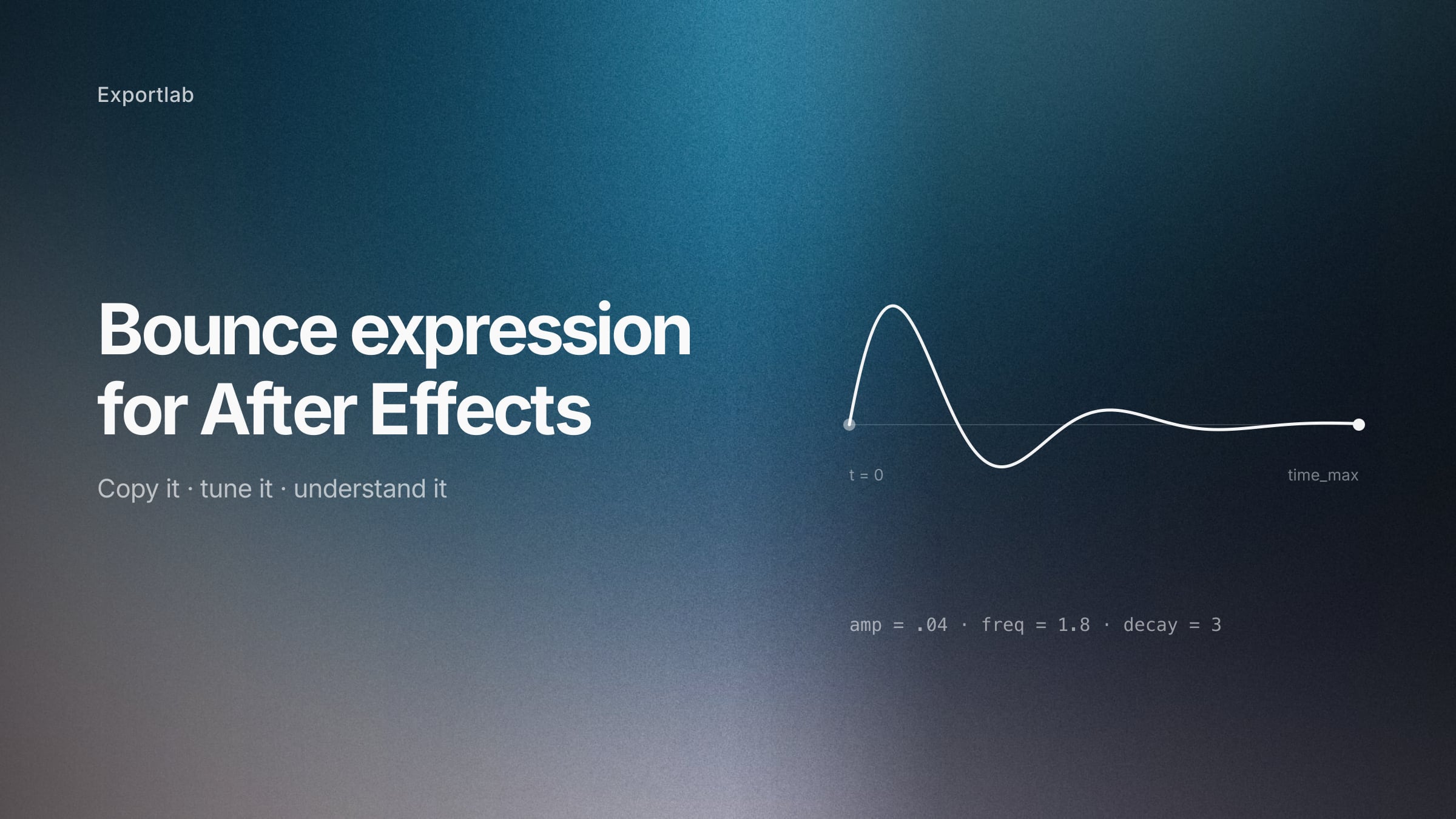
The After Effects bounce expression: copy it, then understand it
A bounce expression for After Effects that settles cleanly and stops on its own — with an explanation of every parameter, so you can tune it instead of guessing.
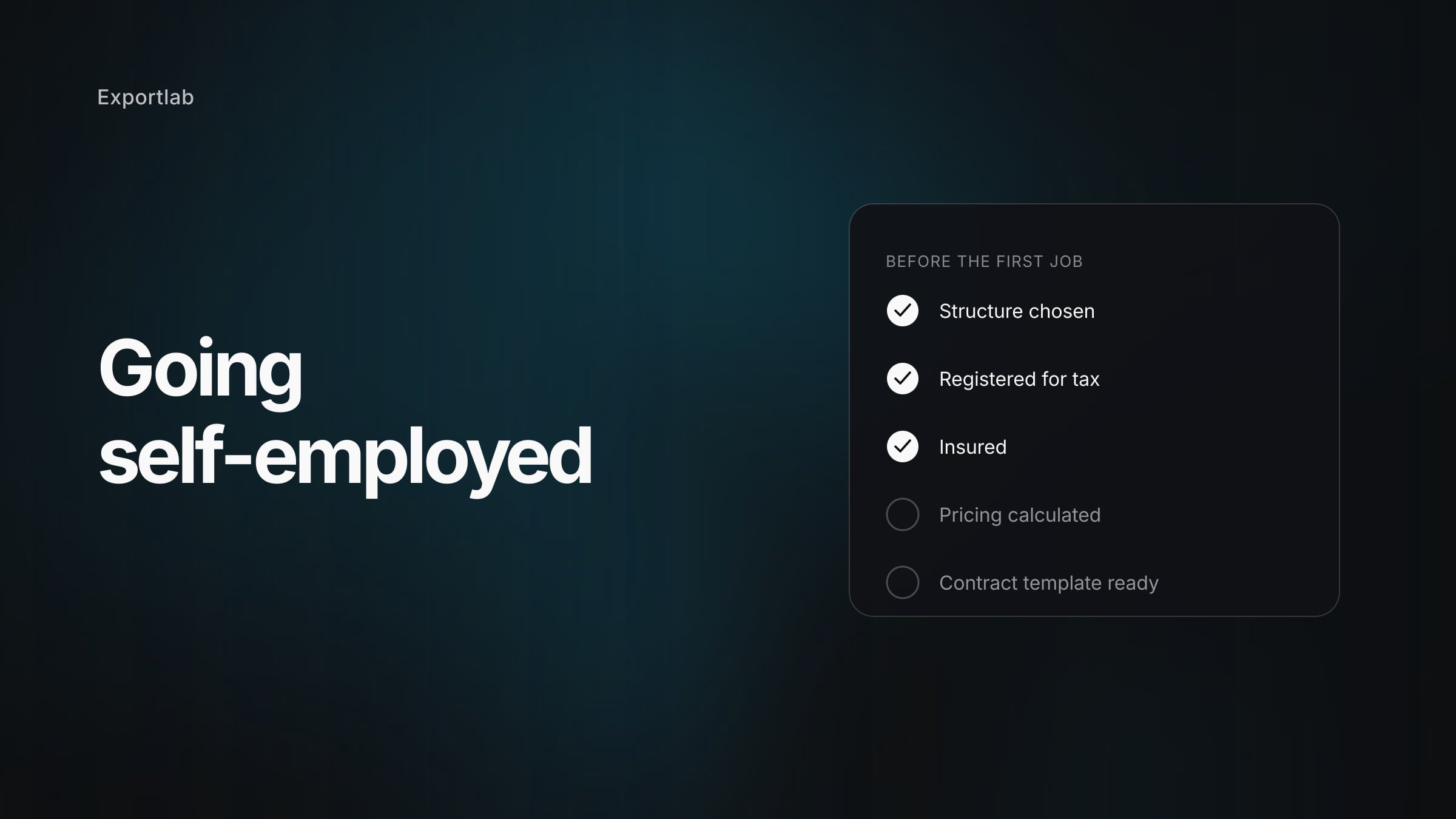
How to Start a Photography Business: Setup, Pricing and the First Clients
Registration, pricing that actually holds, contracts and insurance — a realistic roadmap into self-employment as a photographer, including the work nobody pays you for.
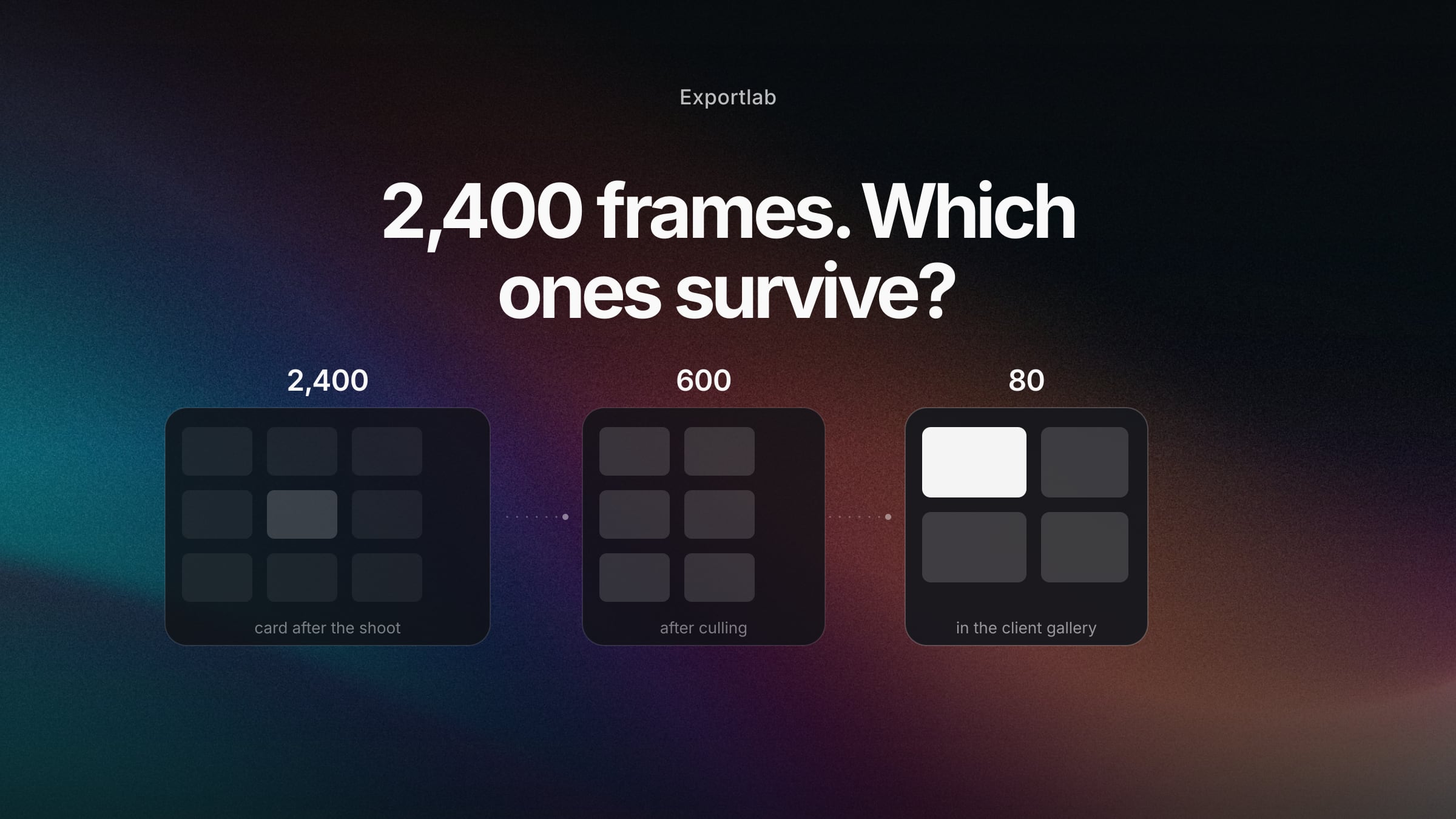
Photo Culling Software Compared: Which Tool Actually Sorts Your Images Faster?
Aftershoot, Narrative, Photo Mechanic, FilterPixel, Excire or Lightroom? An honest comparison of the culling tools in 2026 — and what happens to the images afterwards.
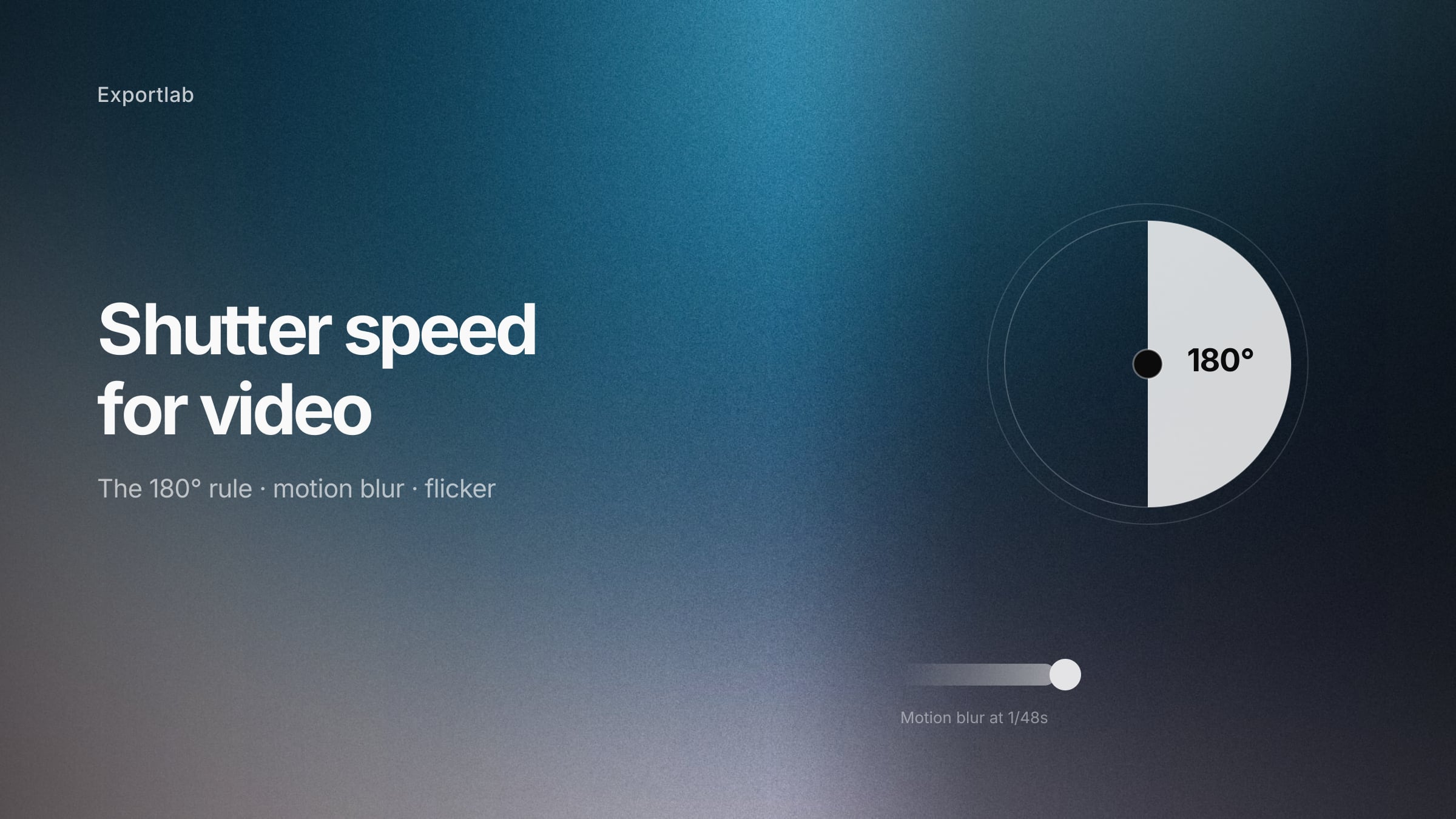
Shutter speed for video: the 180-degree rule and when to break it
Shutter speed for video explained — the 180-degree rule, why double your frame rate looks natural, how to avoid flicker under artificial light, and when the rule stops applying.
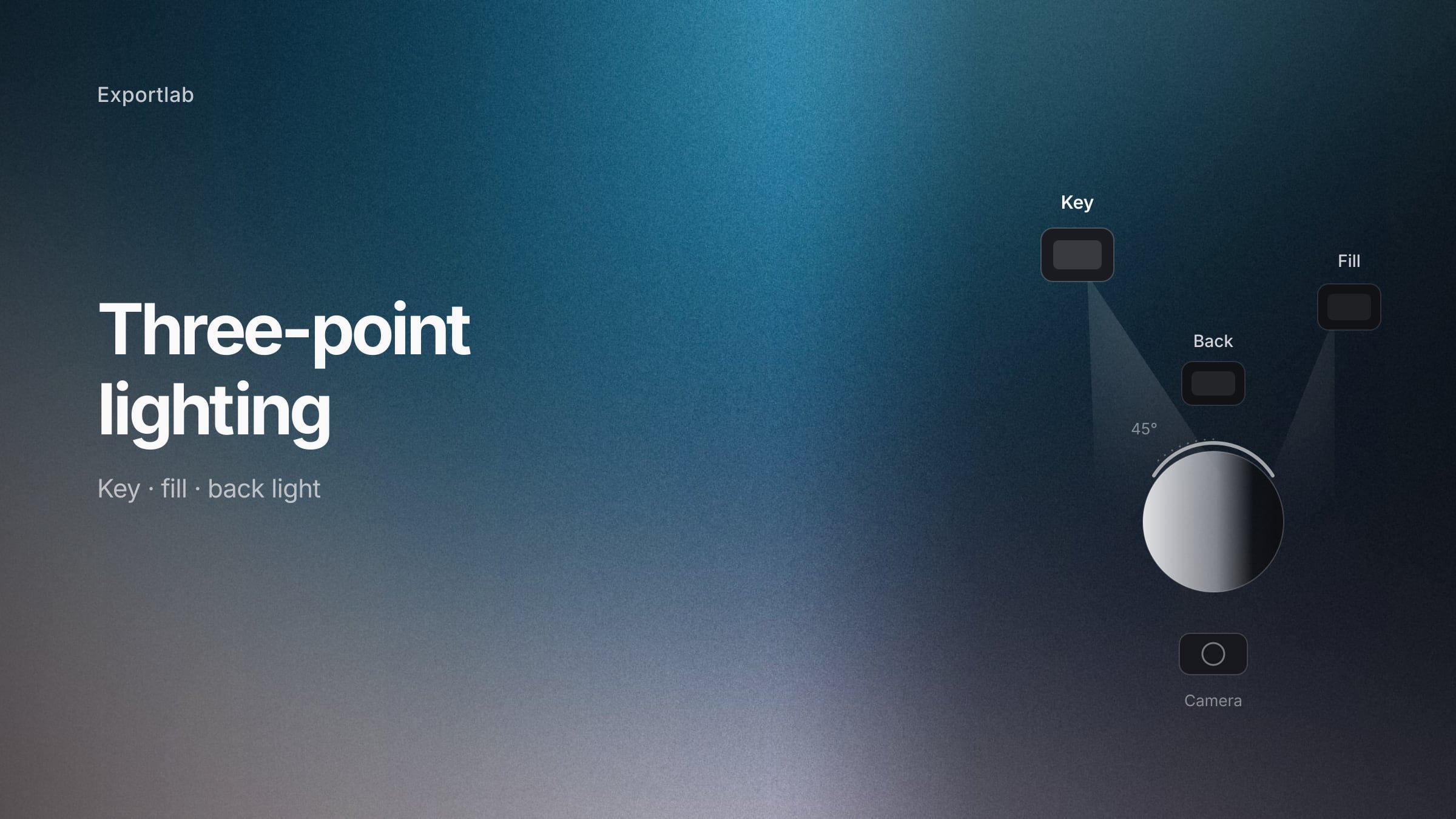
Three-point lighting: how key, fill and back light actually work
Three-point lighting explained for video and photography — what each light does, how the key angle changes the face, and how to build the setup with the gear you already own.
Labelling AI Images: What Became Mandatory in August 2026
Since 2 August 2026 the EU AI Act requires AI content to be disclosed. When you must label AI images, when you don't – and what a correct label looks like.
Dropbox vs PicDrop: When cloud storage stops working for photo delivery
Dropbox and PicDrop compared for delivering photos: what cloud storage does well, where a gallery wins, and when switching is actually worth it.
PicDrop vs Pixieset: Two tools built for completely different jobs
PicDrop and Pixieset compared: proofing speed versus a print store, pricing, RAW support, GDPR and video. Plus the one question to answer before you choose.
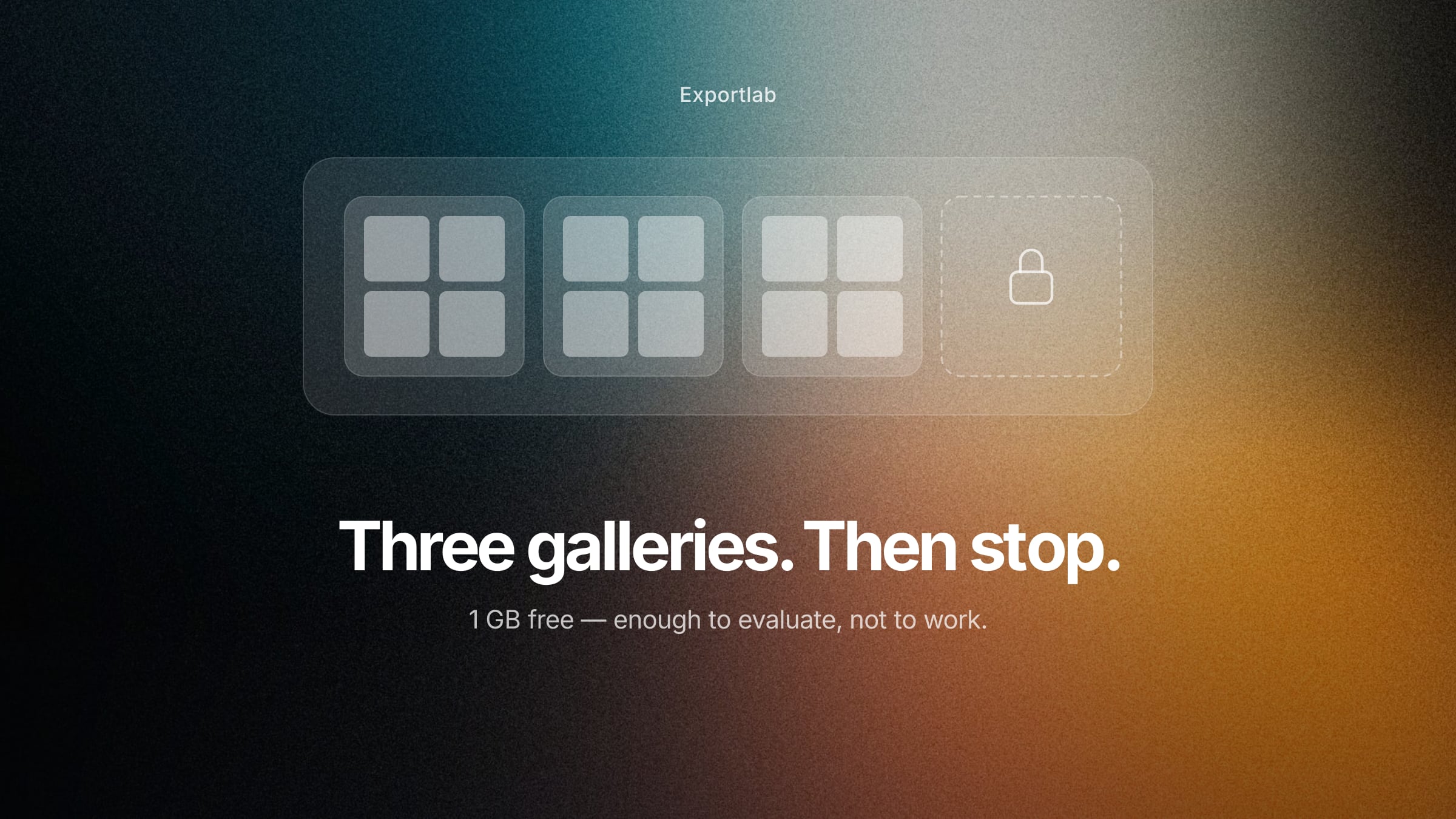
PicDrop Free: What the free plan covers and where it ends
The free PicDrop plan in detail: 1 GB, 3 galleries, no video streaming. What it realistically covers, when it stops being enough, and which free alternatives exist.
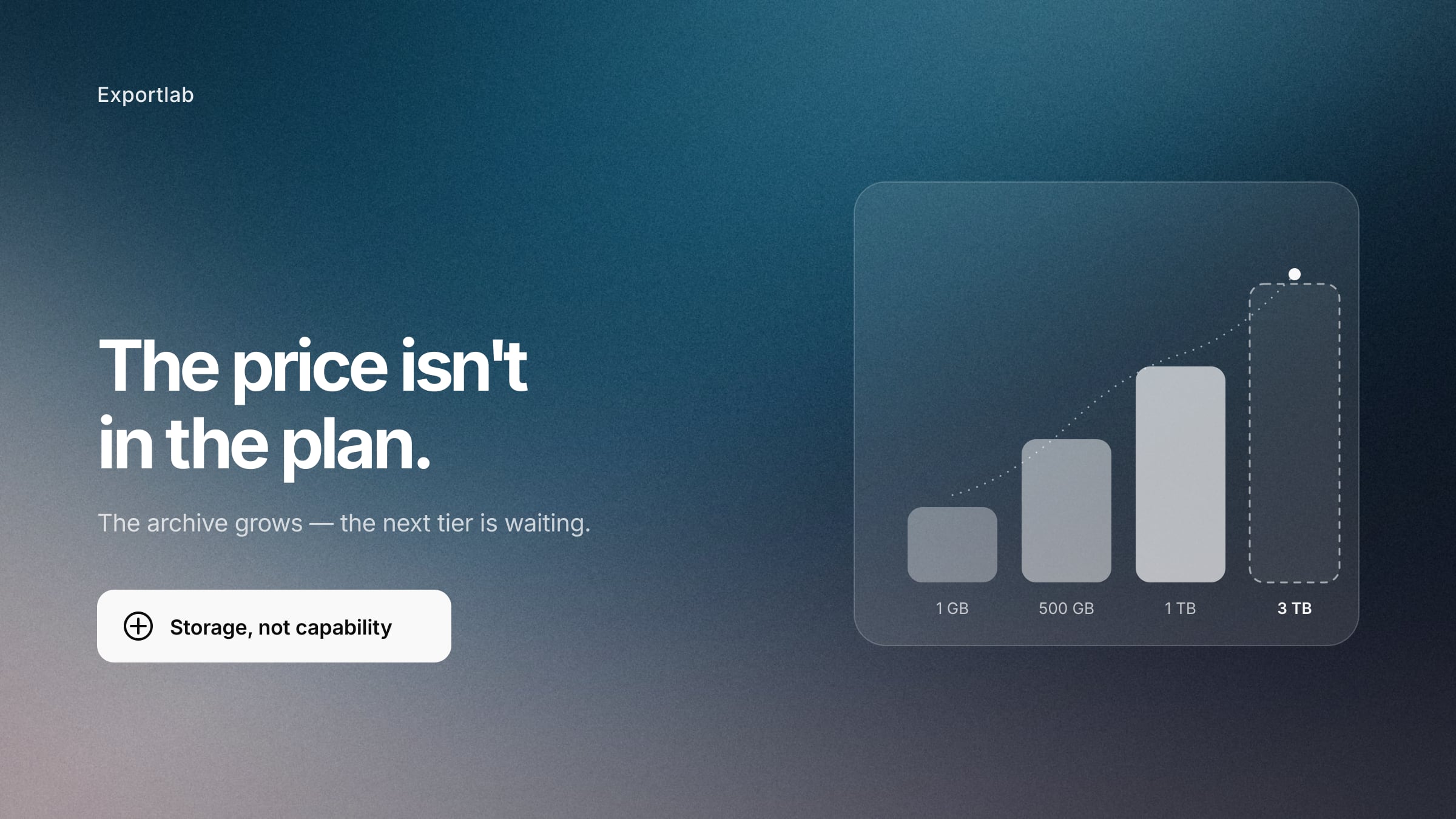
PicDrop Pricing 2026: What the plans actually cost
Every PicDrop plan in detail: Free, Pro, Advanced, Business and Enterprise with storage, video minutes and team seats. Plus the net-pricing catch and what happens to your galleries when you cancel.
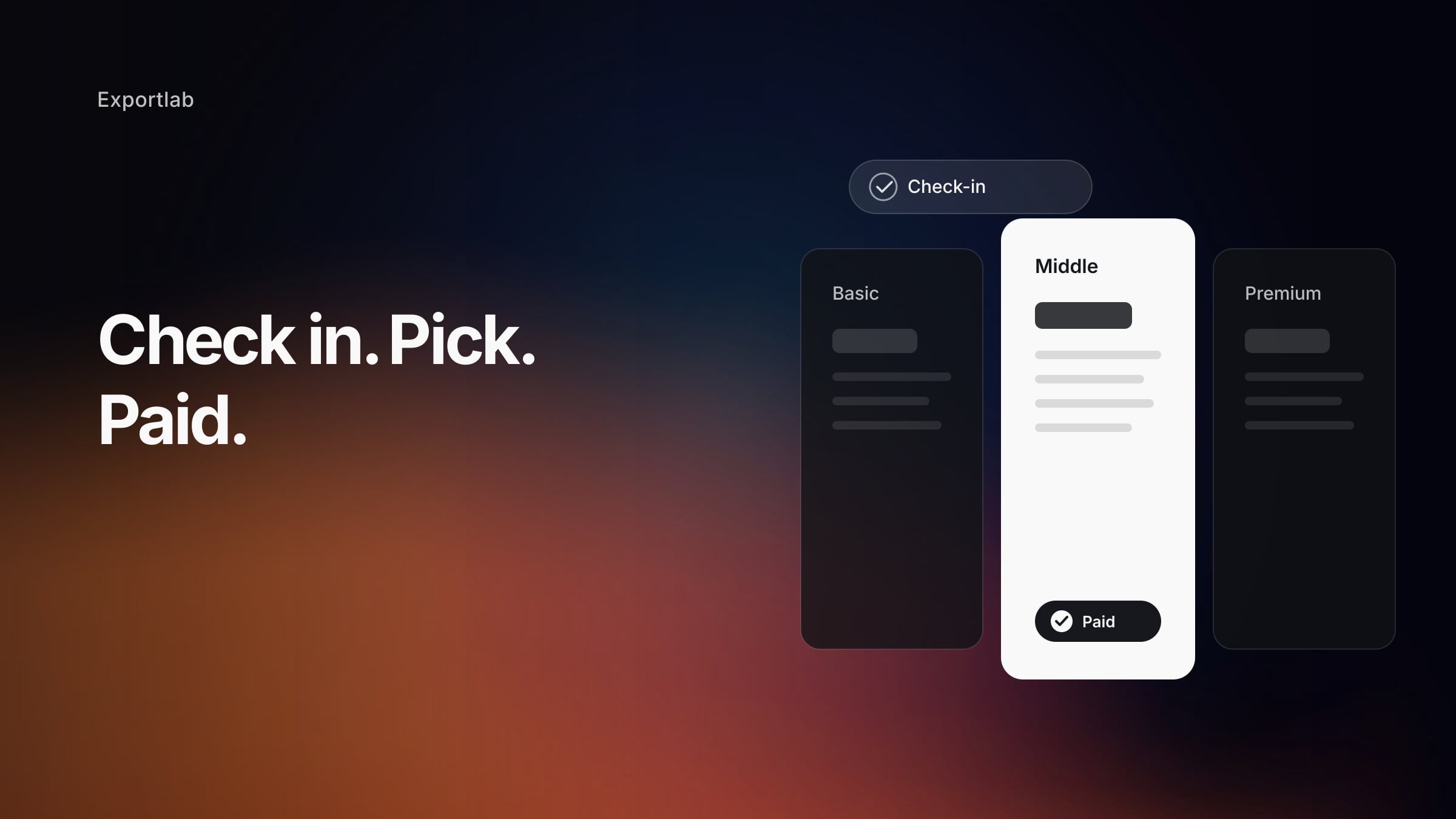
Selling Photography Packages at Group Shoots: Check-in, Package Choice, and Payment in One Day
When you photograph many people in one day: how to sell photography packages right at check-in – participants pick, pay online, and get only their own images.
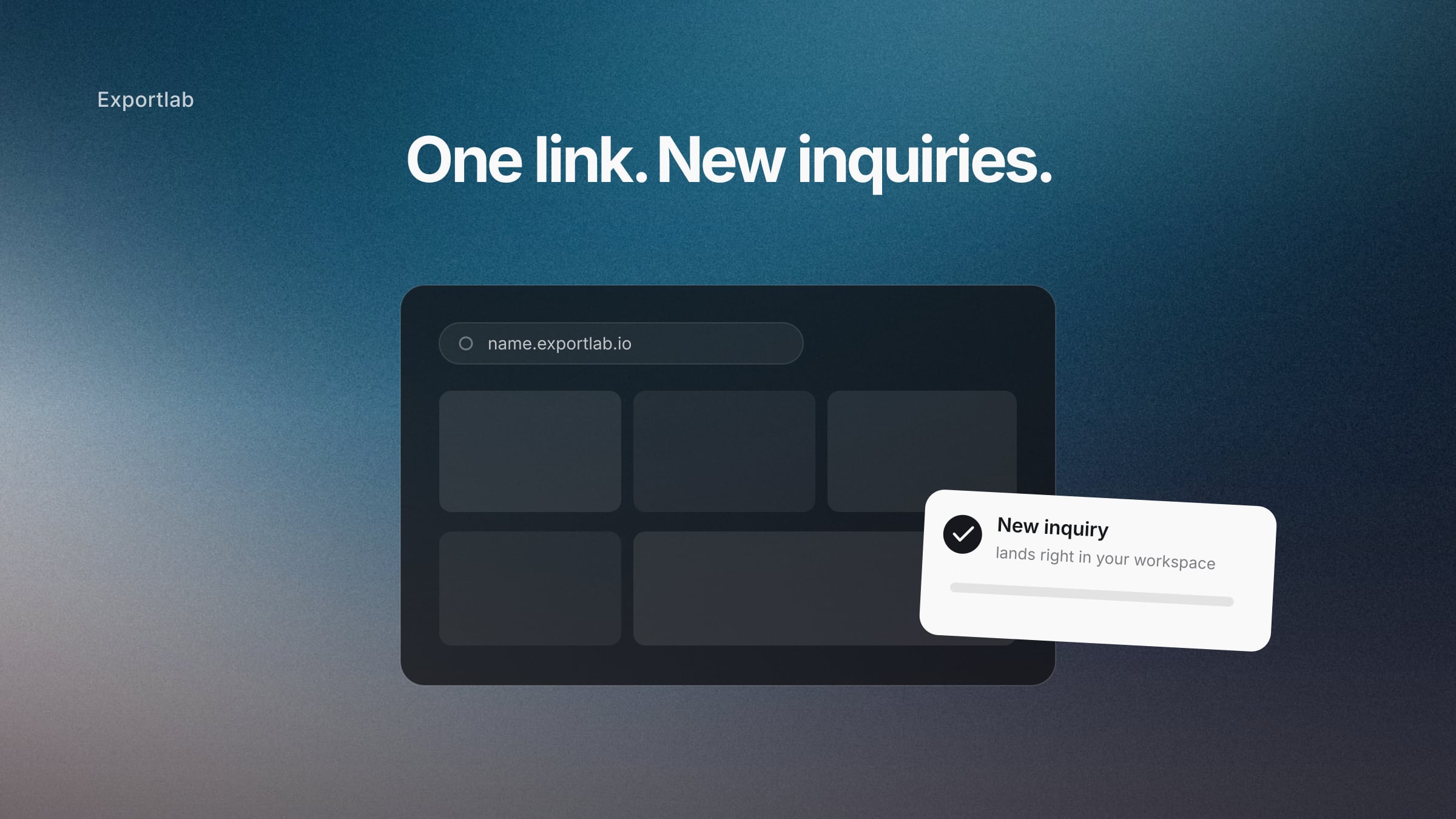
Photographer Portfolio: Why a Link Often Beats a Whole Website
Instagram, Vimeo, a PDF, an old website – your work is scattered. Here's how to bundle it all under one portfolio link that captures inquiries directly, without an expensive website.

An AI Assistant for Photographers: Connecting Exportlab to Claude via MCP
The Exportlab MCP server connects your studio to Claude: 29 actions across projects, clients, galleries, videos and contracts, with a three-step setup.

Photography Contract: What to Include and How to Get It Signed Digitally
What goes into a photography contract? A checklist of the key clauses, common mistakes – and how to get the contract signed digitally at the project instead of PDF ping-pong.
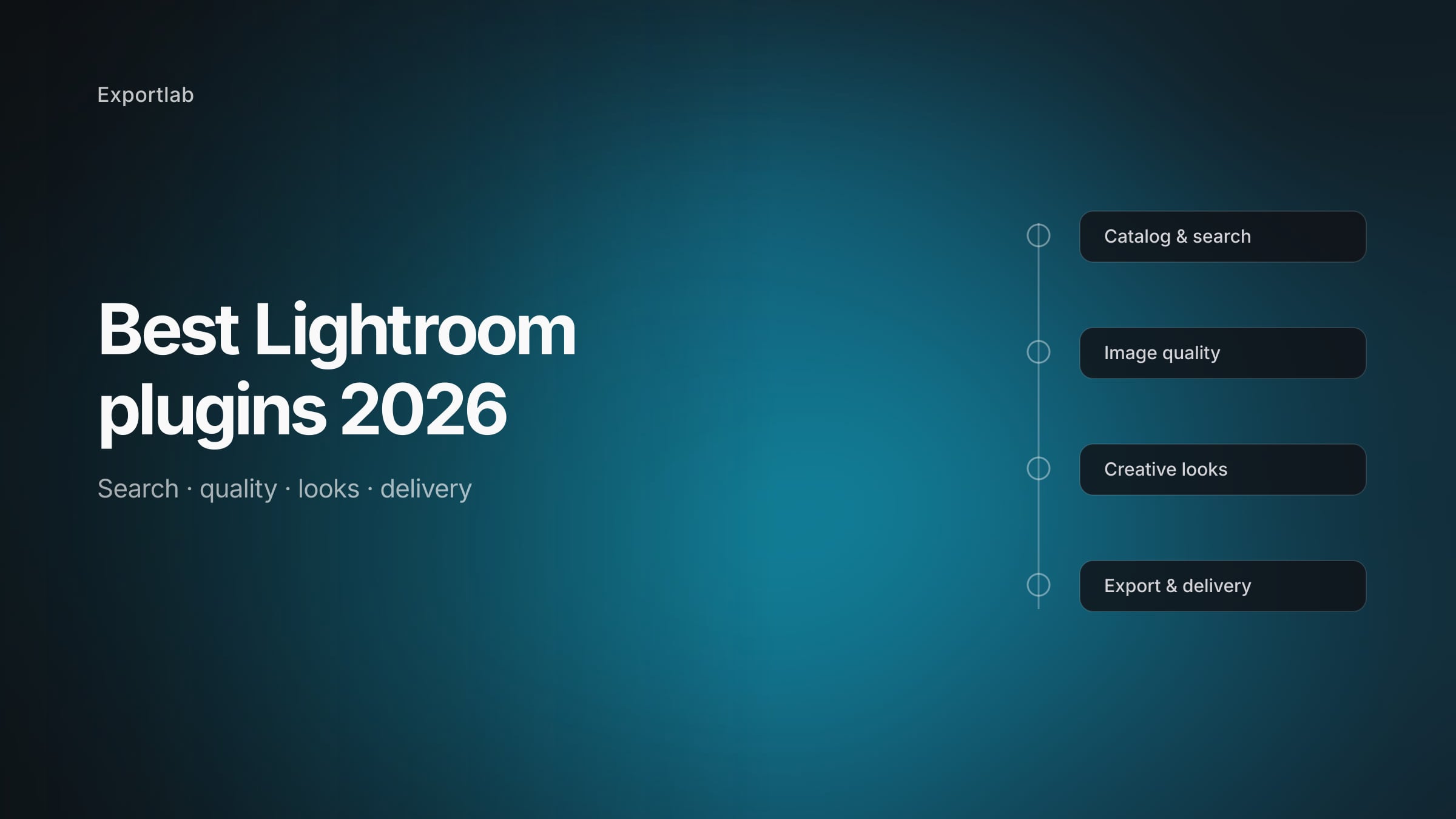
The Best Lightroom Plugins 2026: A Practical Guide for Every Workflow Stage
AI editing, catalog search, RAW quality, retouching and delivery: the best Lightroom plugins for 2026 explained – what each one does, who it's for, and its real strengths and weaknesses.

Instagram alternatives for photographers: where to share photos in 2026
Instagram is no longer the only place for photography. This guide compares the best channels for reach, feedback, portfolios and client presentation.
No Clients as a Photographer or Videographer? Why Inquiries Slow Down and What Helps
Your inbox is quiet, repeat clients stop calling, and social media brings no work? Learn how to diagnose a creative-business slowdown and respond systematically.
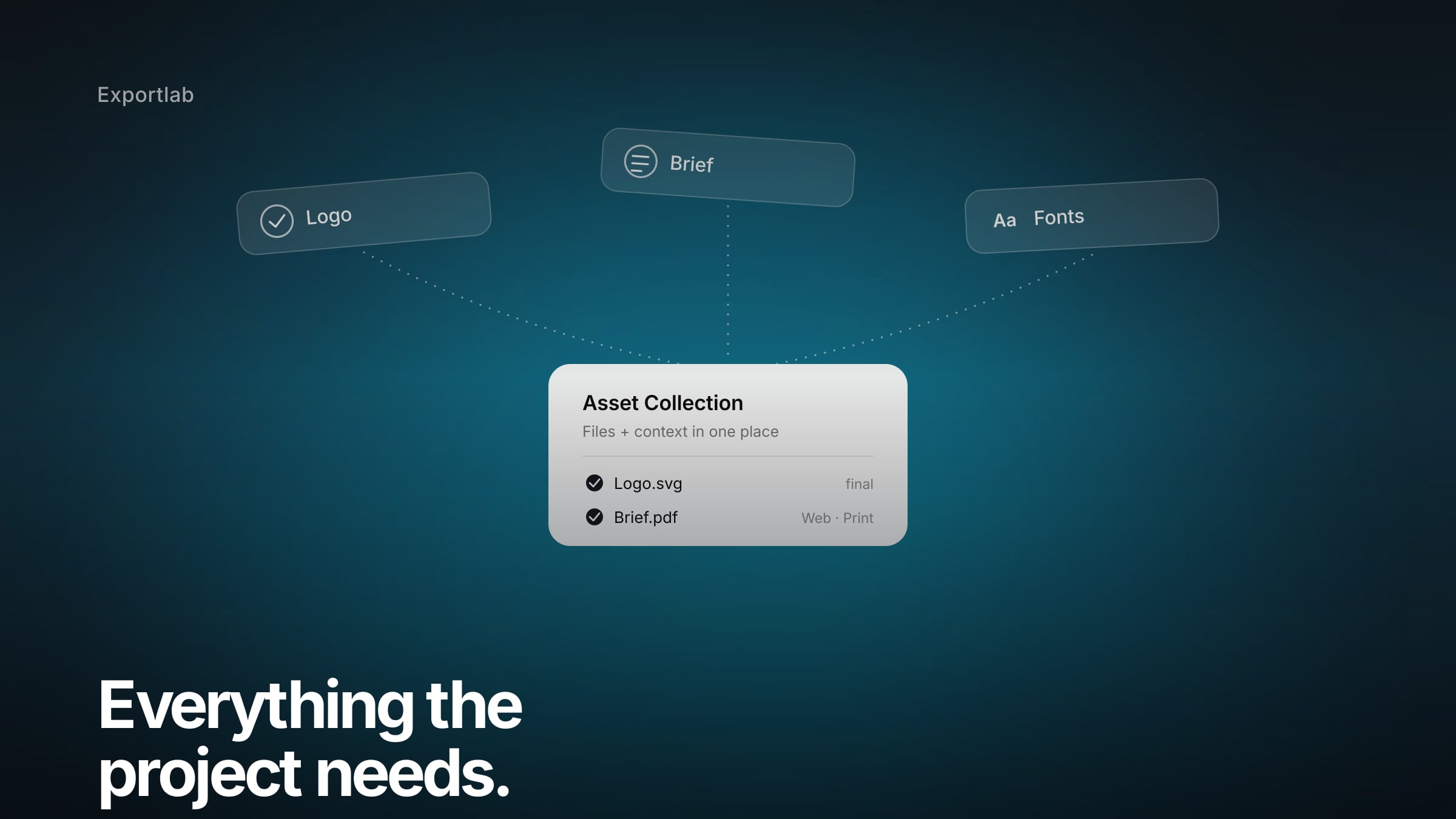
Asset Collections: Collect Brand Assets, Briefs and Approvals From Clients
Asset Collections tie the upload to its context in one place: collect logos, briefs and usage approvals from clients in a structured way – without the email chaos.

Photo collaboration platforms for photographers: gallery, proofing or all-in-one?
Pixieset, Pic-Time, PicDrop, Picflow or Exportlab? This comparison shows which photo platform fits your studio – from client gallery to complete workflow.
Client Portal for Photographers: The Professional Home for Everything Around a Job
A client portal bundles gallery, selection, files, and status in one place – instead of email chains and scattered links. What belongs in it and why it makes you look more professional.
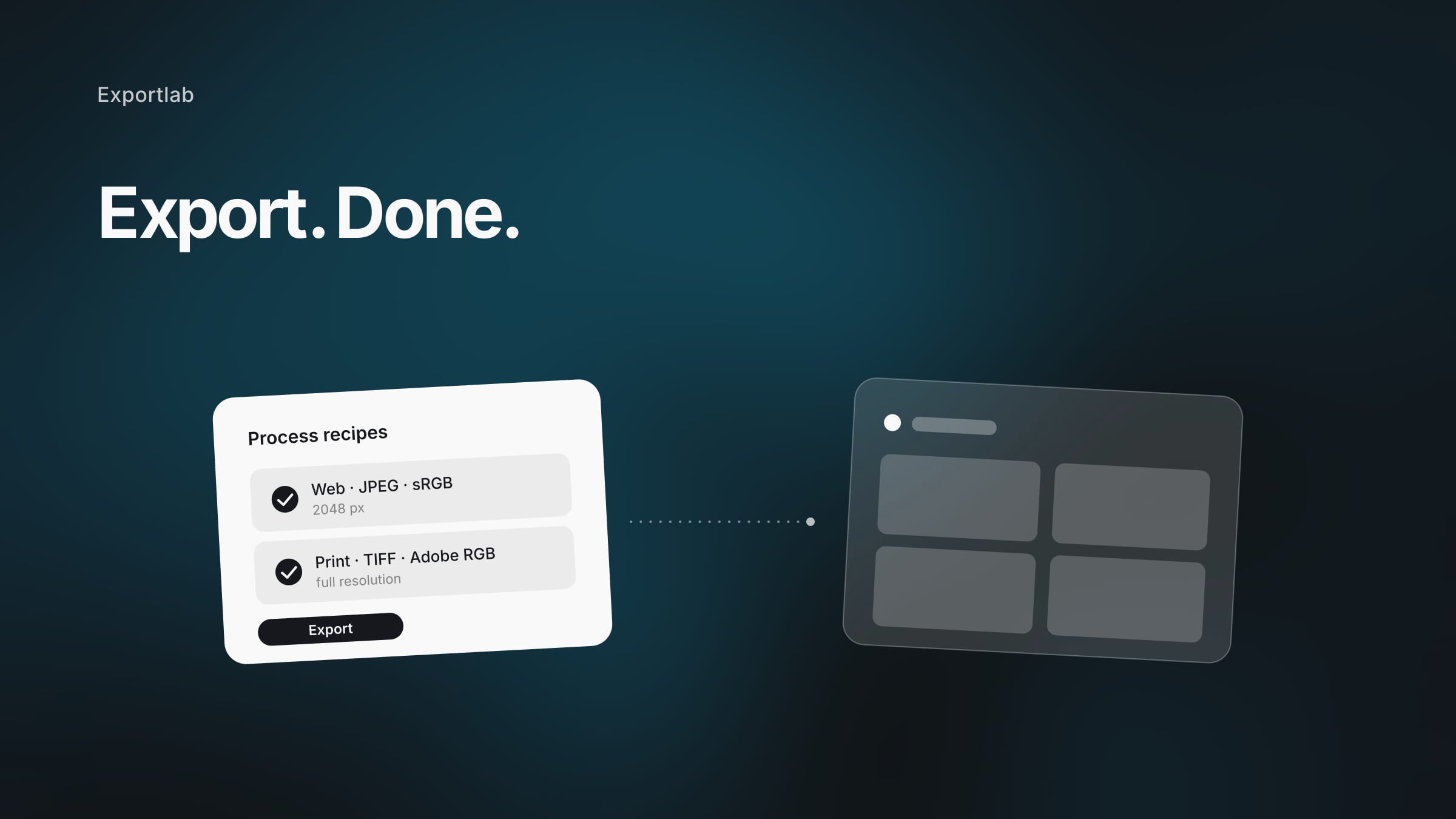
Deliver Photos Straight from Capture One to Clients: The Fastest Path to a Gallery
Export from Capture One and deliver to clients without a detour: set up process recipes right, keep original quality, and send the images straight into a gallery.

Live Photo Slideshow on the Projector: Guest Photos on the Screen in Real Time
Guests upload via QR code, their photos appear on the screen instantly: how a live slideshow becomes the entertainment at your event – moderated and app-free.
Collect Event Photos with a QR Code: Every Picture from the Company Party in One Place
Summer party, holiday party, corporate event: how to collect all guest photos via QR code – with moderation, branding, and GDPR in mind.

Client Photo Selection: Online Proofing Instead of WhatsApp Chaos
How to let clients select their photos online: mark favorites, comment on images, clear approval – without “IMG_2847.jpg please”.
Video Feedback from Clients: The End of 'At Minute 2:15, Please…
Why video feedback over email always breaks – and how frame-accurate comments on the video itself cut your revision rounds in half.
Model Release Contract: Template, GDPR, and Digital Consent Explained
What belongs in a model release? Image rights and GDPR explained clearly, common mistakes – and how to capture consent digitally and verifiably.
Free Video Editing Software 2026: The Best Tools Compared
Which free video editor is actually worth it in 2026? DaVinci Resolve, CapCut, Shotcut & more compared — plus AI editing, shorts, and how the final cut reaches your client.
A WeTransfer Alternative for Photographers: GDPR-Compliant with EU Servers
Expiring links, no feedback, data protection questions: why WeTransfer hits its limits for photo delivery – and which alternative is permanent and GDPR-compliant.
Video review tools compared: which platform fits your workflow?
Frame.io, Wipster, Filestage or Exportlab? This comparison shows which video review tool fits your budget, team size and workflow – from solo to agency.
Delivering Photos to Clients: The Best Ways Compared (Without Quality Loss)
Email, WeTransfer, cloud, or gallery? Here's how to deliver photos to clients – fast, in original quality, and without links that expire after 7 days.
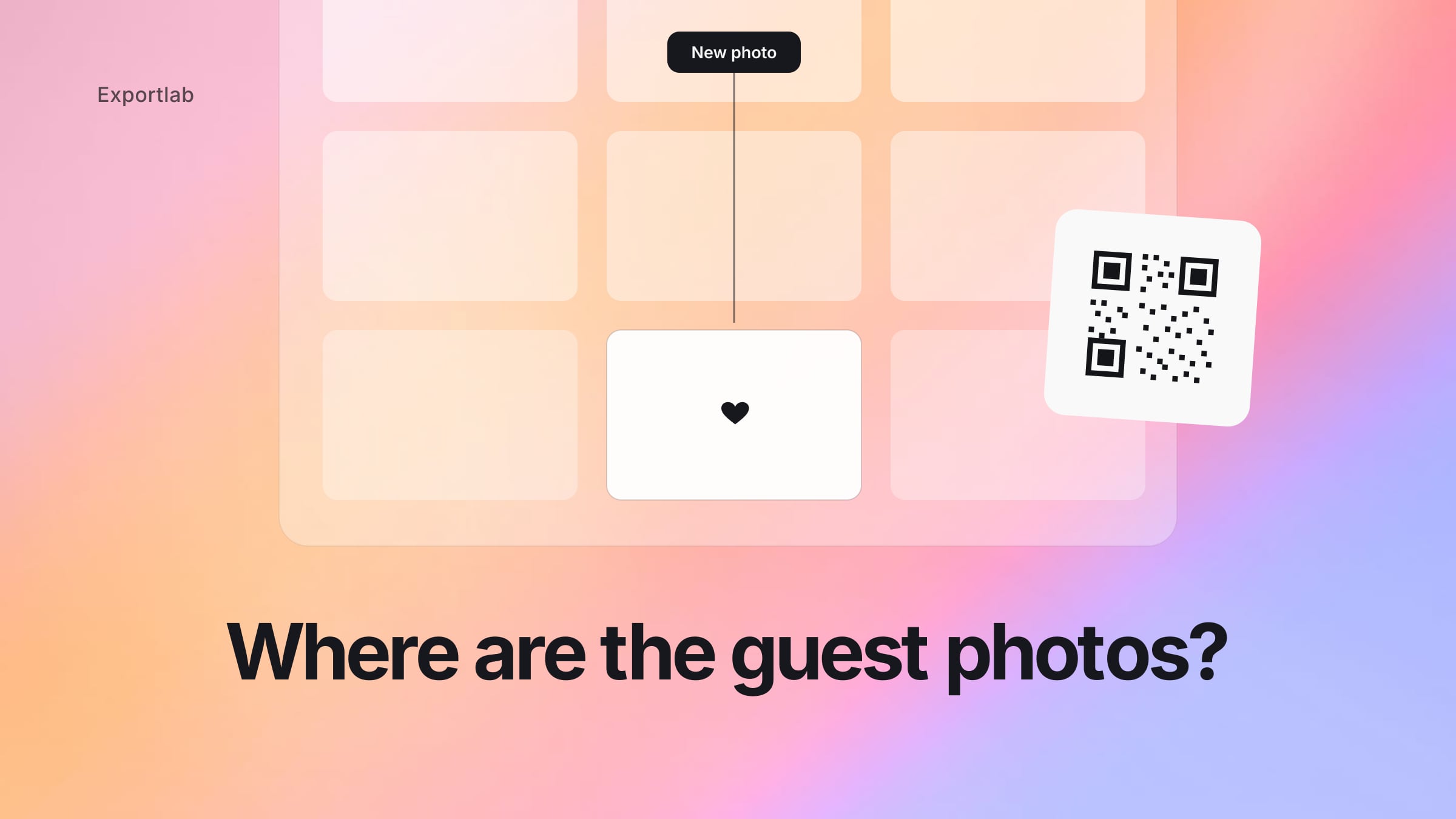
Collect Wedding Photos with a QR Code: Gather Guest Photos Without an App
Collect all your wedding guests' photos in one place with a QR code – no app, no login, no WhatsApp chaos.

PicDrop Alternative: Why photographers often need more than an online gallery
Looking for a PicDrop alternative? Learn why photographers often need more than another gallery tool, and how to connect selection, feedback and delivery.

Manage client video feedback directly in DaVinci Resolve
The Exportlab DaVinci Resolve plugin brings client feedback, timeline markers, and video uploads into your Resolve workspace — without switching to a browser.

Track gallery engagement with Google Analytics and Exportlab
Connect your GA4 property to Exportlab and see how clients interact with your shared galleries — page views, visits, and engagement data directly in Google Analytics.
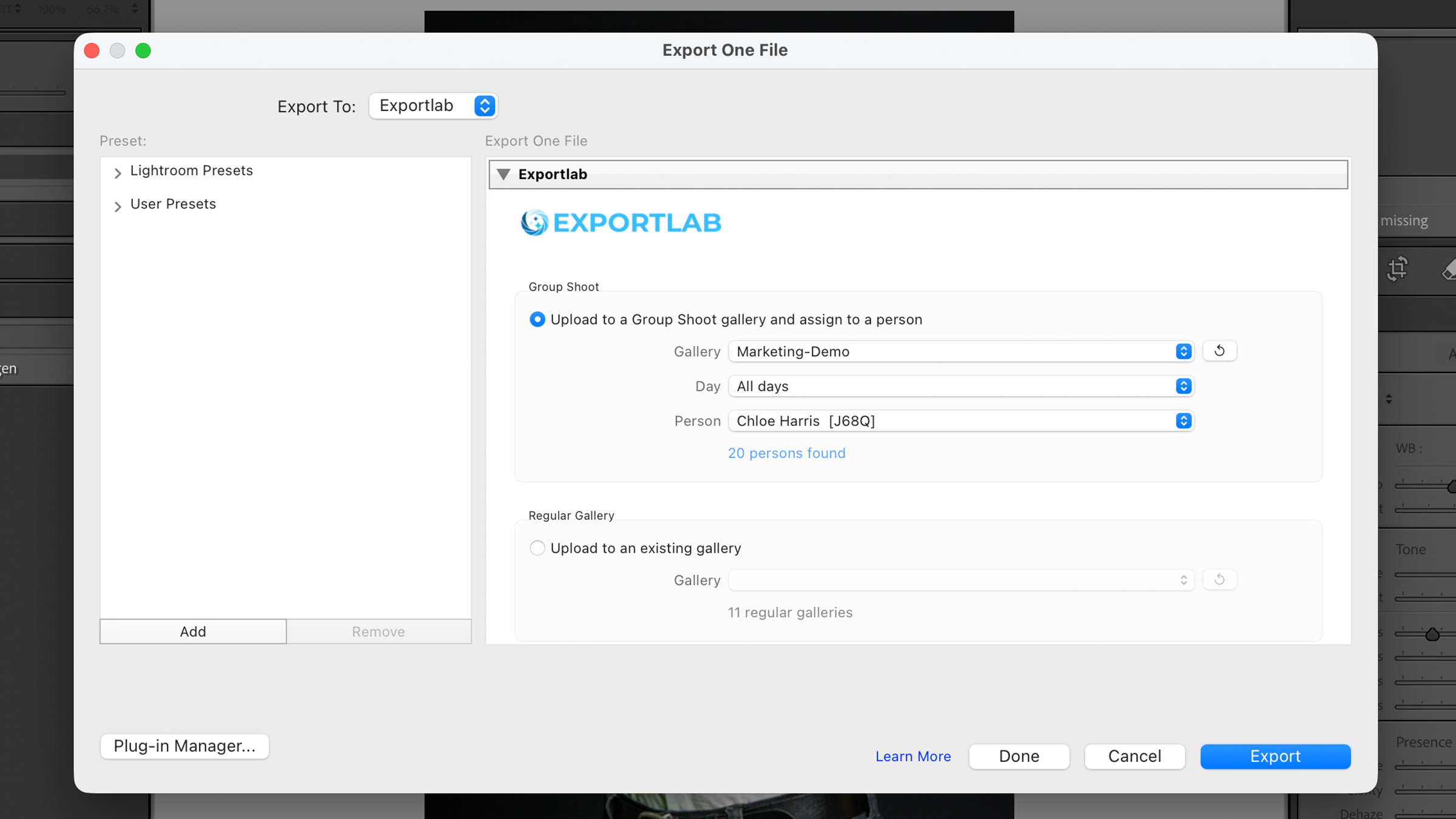
Upload photos to Exportlab directly from Lightroom Classic
The Exportlab Lightroom Classic plugin lets you export photos straight to your Exportlab galleries without leaving Lightroom — no intermediate folders, no manual uploads.
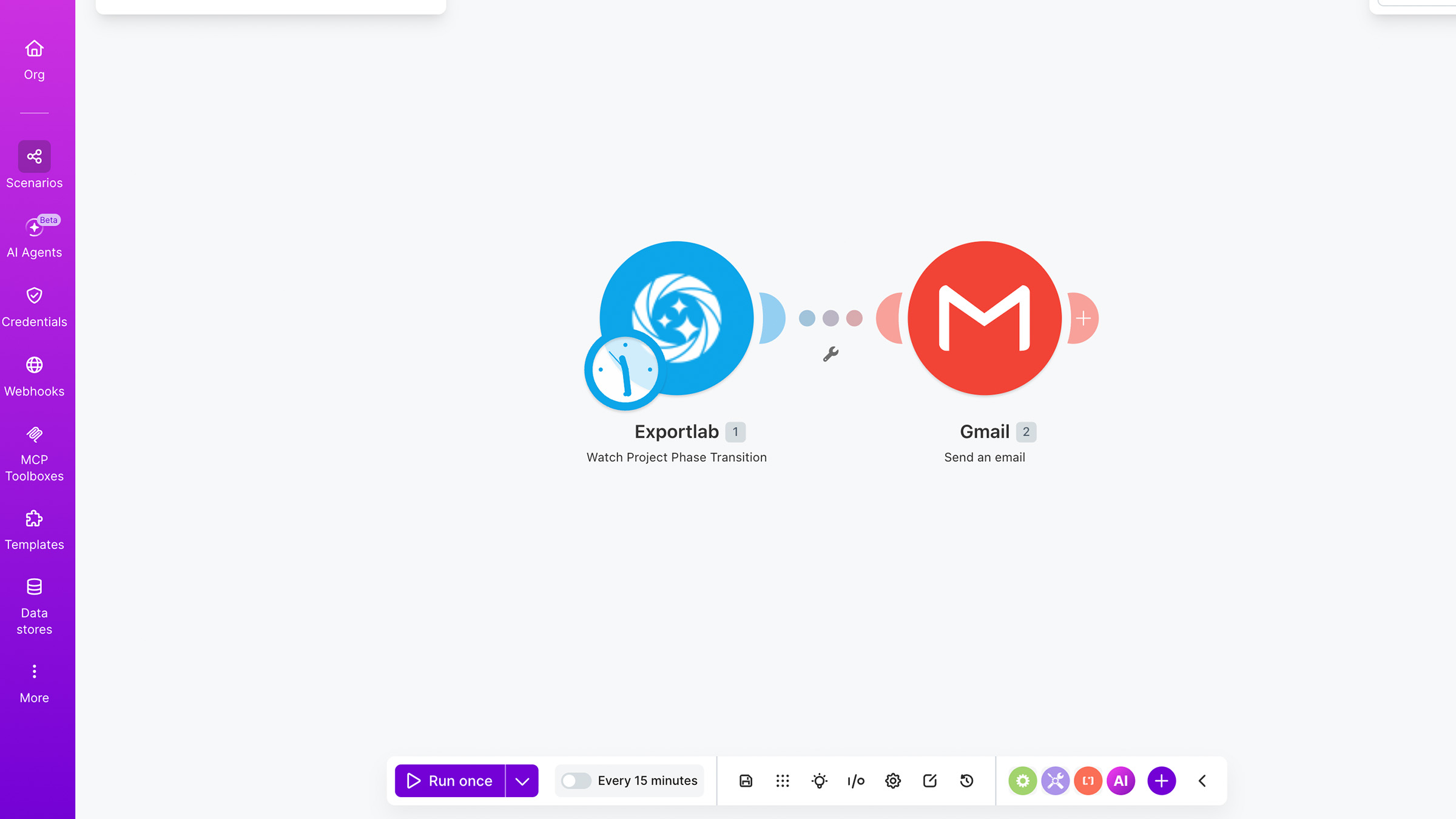
Automate your photo and video workflows with Exportlab and Make
Connect Exportlab with Make to automate client feedback, gallery delivery, contract workflows, video processing updates, and more.
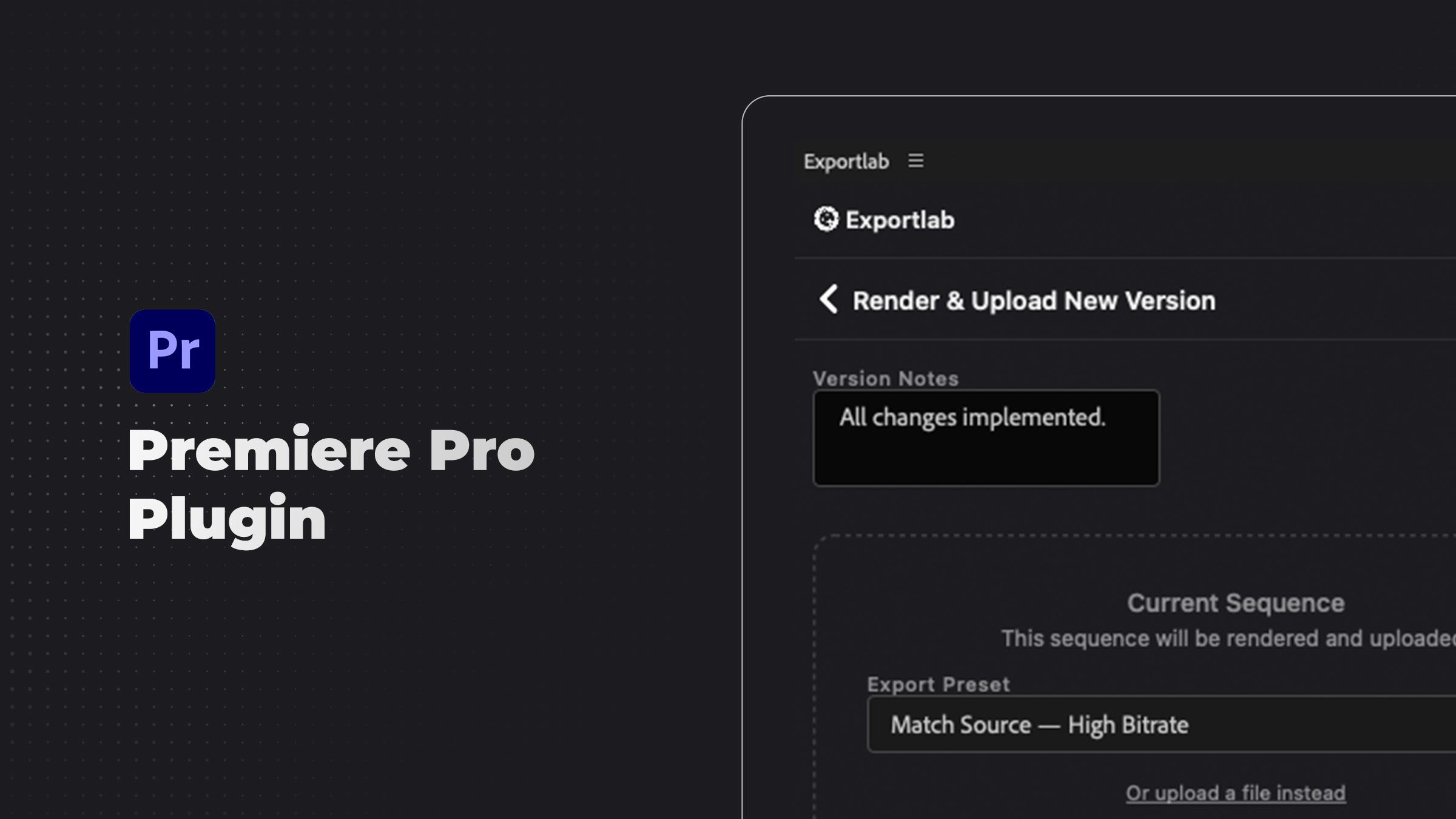
Manage video feedback and uploads without leaving Premiere Pro
The Exportlab Premiere Pro plugin brings client feedback, sequence markers, and video uploads into your Premiere Pro workspace — coming soon to Adobe Exchange.

Stay informed with Exportlab Slack notifications
Connect Exportlab to Slack and get notified when contracts are signed, galleries go live, videos are ready for review, and more — without checking the app.
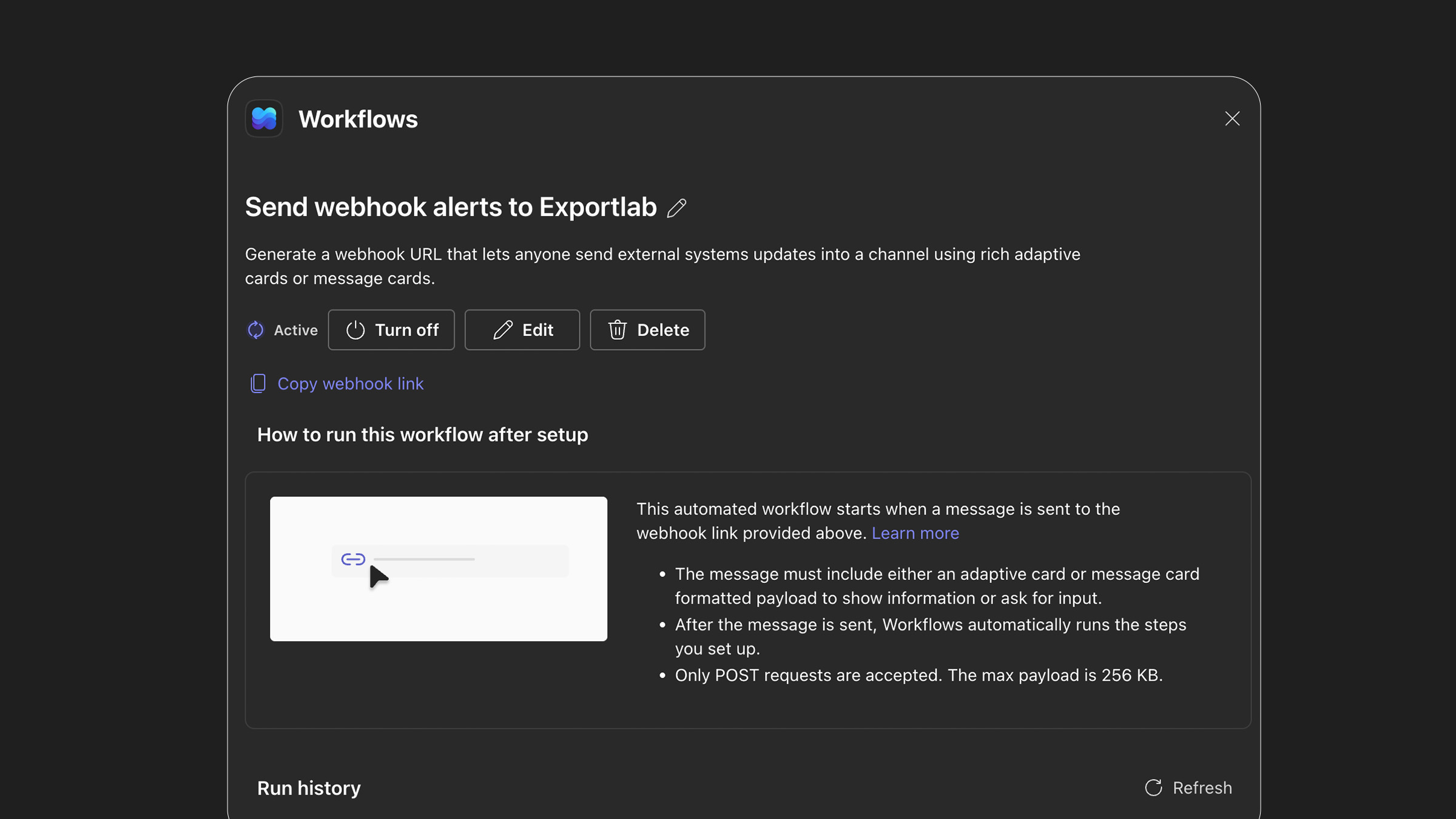
Get Exportlab notifications in Microsoft Teams
Connect Exportlab to Microsoft Teams and receive notifications when contracts are signed, videos are ready, galleries go live, and more — directly in your Teams channels.
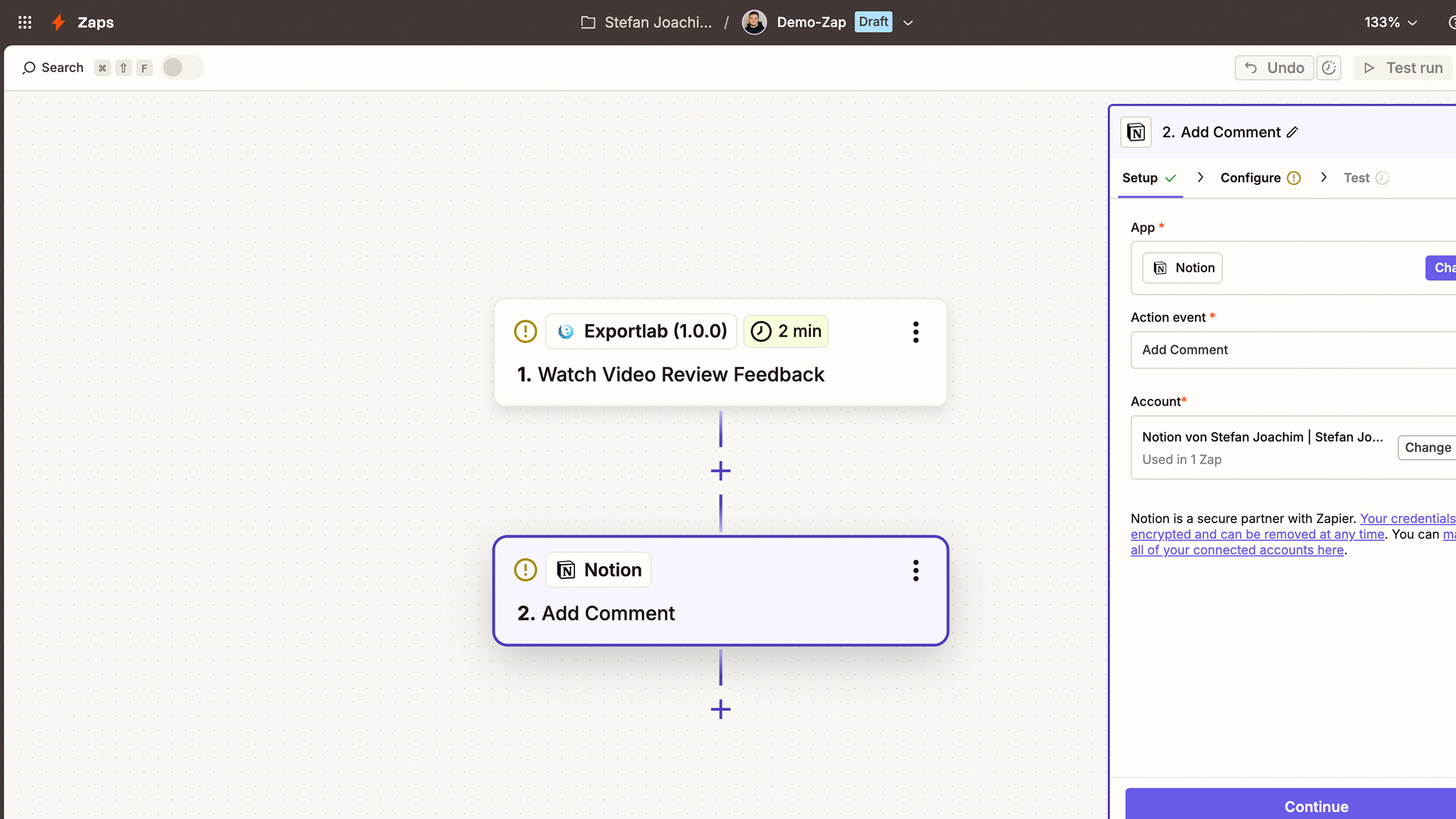
Automate Exportlab workflows with Zapier
Use Zapier to connect Exportlab with your favorite tools and automate galleries, contracts, client updates, video feedback, and project workflows.